Hacker keyboard PC
Digital Awesome Themes
Download Hacker keyboard on PC With GameLoop Emulator
Hacker keyboard on PC
Hacker keyboard, coming from the developer Digital Awesome Themes, is running on Android systerm in the past.
Now, You can play Hacker keyboard on PC with GameLoop smoothly.
Download it in the GameLoop library or search results. No more eyeing the battery or frustrating calls at the wrong time any more.
Just enjoy Hacker keyboard PC on the large screen for free!
Hacker keyboard Introduction
Hacker Keyboard – The Ultimate AI-Powered Keyboard for Programmers and Tech Enthusiasts
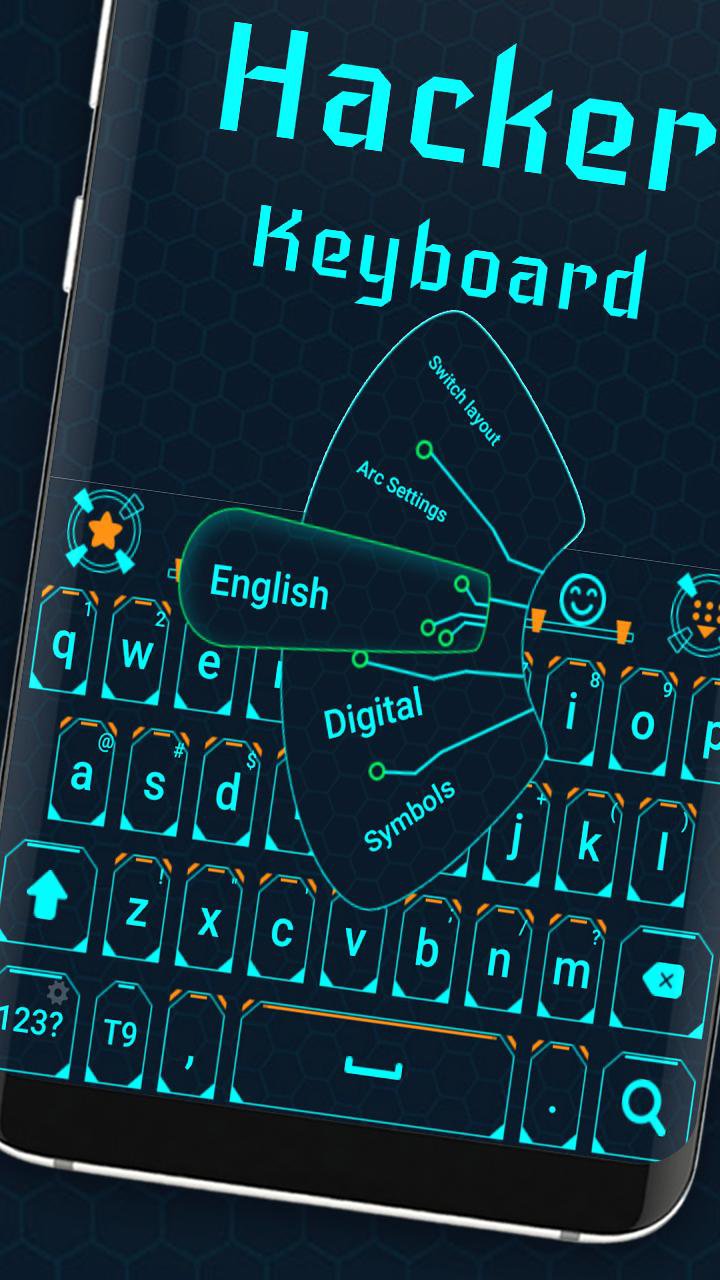
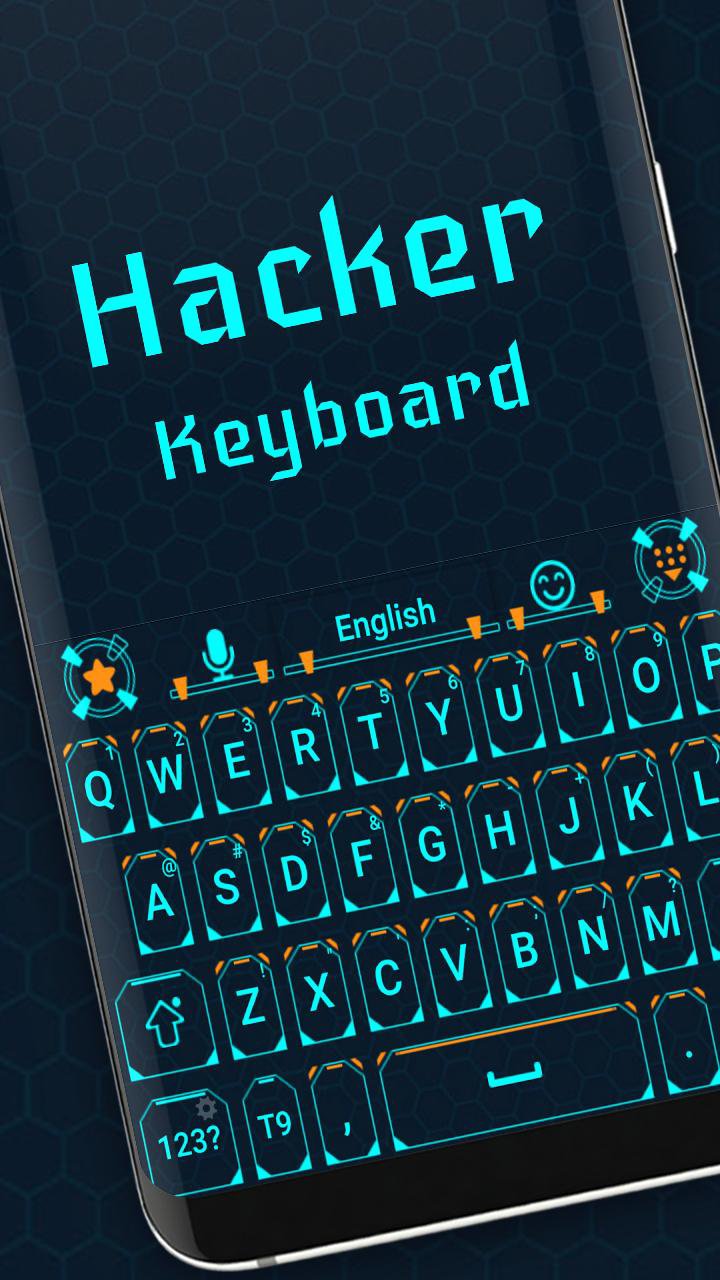
Unlock a powerful typing experience tailored for programmers, hackers, and digital creators with Hacker Keyboard. Designed with cutting-edge technology and AI-enhanced features, this keyboard combines precision, speed, and customization to help you code, chat, and create effortlessly.
Built for tech professionals and enthusiasts, Hacker Keyboard offers a full PC-style layout—including arrow keys, number row, and special symbols—perfect for programming, command-line work, and advanced typing tasks. The sleek digital design reflects your passion for technology and innovation.
Key Features:
⌨️ Complete PC-style keyboard layout optimized for coding and technical input
🤖 AI-powered suggestions and auto-correction tailored for programming languages
⚙️ Extensive customization: key mappings, themes, and layouts to suit your workflow
🚀 Fast, accurate typing designed for developers, hackers, and tech pros
🌐 Supports multiple languages, emojis, and coding symbols
🔒 Privacy-first approach with no intrusive permissions or data sharing
Whether you're writing complex code, scripting commands, or diving into digital design, Hacker Keyboard delivers a smart, tech-savvy typing experience that keeps you in control. Join the future of AI-assisted, programmer-friendly keyboards today!
Preview
Tags
PersonalizationInformation
Developer
Digital Awesome Themes
Latest Version
3.0.7
Last Updated
2026-04-30
Category
Personalization
Available on
Google Play
Show More
How to play Hacker keyboard with GameLoop on PC
1. Download GameLoop from the official website, then run the exe file to install GameLoop
2. Open GameLoop and search for “Hacker keyboard” , find Hacker keyboard in the search results and click “Install”
3. Enjoy playing Hacker keyboard on GameLoop
Minimum requirements
OS
Windows 8.1 64-bit or Windows 10 64-bit
GPU
GTX 1050
CPU
i3-8300
Memory
8GB RAM
Storage
1GB available space
Recommended requirements
OS
Windows 8.1 64-bit or Windows 10 64-bit
GPU
GTX 1050
CPU
i3-9320
Memory
16GB RAM
Storage
1GB available space