
Gypsy Horse Keyboard PC
samiApps
Download Gypsy Horse Keyboard on PC With GameLoop Emulator
Gypsy Horse Keyboard on PC
Gypsy Horse Keyboard, coming from the developer samiApps, is running on Android systerm in the past.
Now, You can play Gypsy Horse Keyboard on PC with GameLoop smoothly.
Download it in the GameLoop library or search results. No more eyeing the battery or frustrating calls at the wrong time any more.
Just enjoy Gypsy Horse Keyboard PC on the large screen for free!
Gypsy Horse Keyboard Introduction
✨ Gypsy Horse Keyboard – Custom Glow Keyboard with Emojis & GIFs! ✨
Transform your typing experience with Gypsy Horse Keyboard, the ultimate free keyboard app that brings vibrant LED lighting effects, neon themes, and full customization to your device. Say goodbye to boring keyboards and hello to a colorful, stylish, and fun typing experience!
🔥 FEATURES THAT MAKE YOUR KEYBOARD SHINE! 🔥
🌈 LED & Neon Effects – Enjoy a glowing backlit keyboard with customizable neon lights, RGB colors, and cool animations.
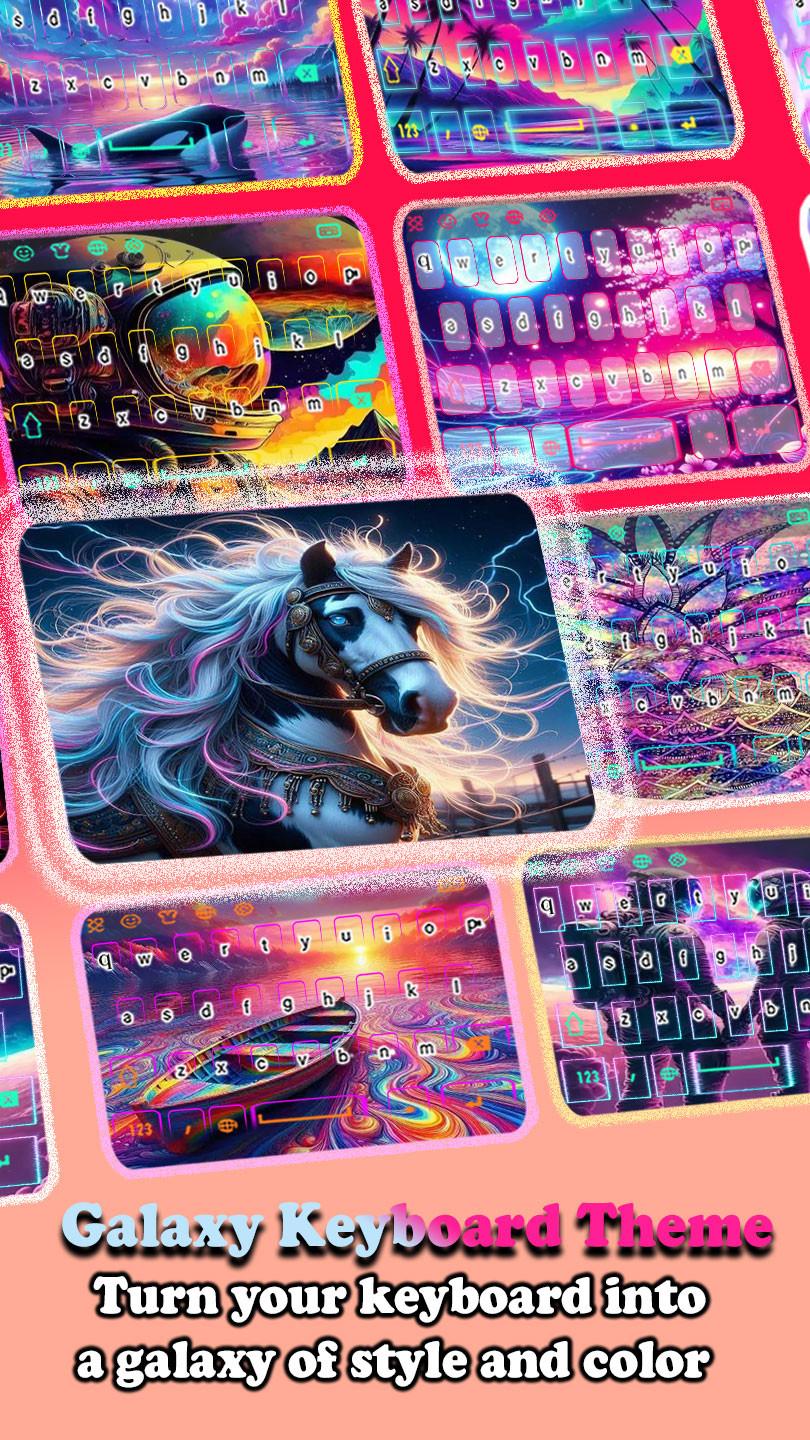
🎨 Custom Keyboard Themes – Personalize your keyboard with dynamic backgrounds, galaxy themes, love wallpapers, and 4K backgrounds.
🎶 Typing Sound Effects – Add fun sound effects when pressing keys.
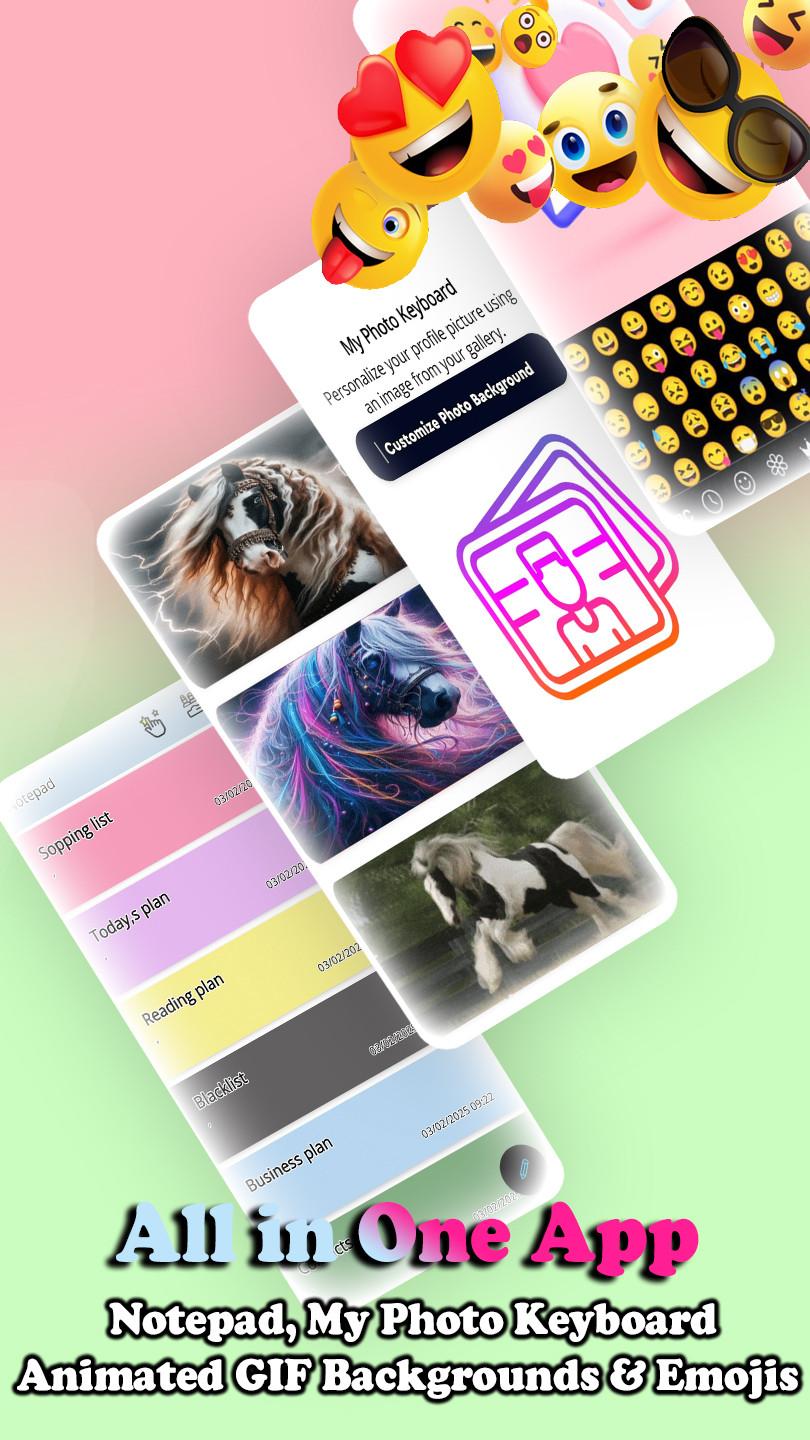
📷 Photo Keyboard – Set your favorite images as keyboard wallpaper for a unique look!
🔤 Cool Fonts & Stylish Texts – Use fancy fonts to create eye-catching Instagram bios, TikTok posts, and WhatsApp messages.
🤣 GIFs & Emojis – Express yourself with thousands of emojis, kaomoji, emoticons, and trending GIFs!
✍️ Notepad Keyboard – Take quick notes or create checklists without leaving your keyboard.
🚀 Fast Typing with Smart AI – Enjoy auto-correct, swipe-to-type, and word predictions for a smooth experience.
🌍 Supports 50+ Languages – Type effortlessly in English, Spanish, Hindi, Arabic, Chinese, Japanese, Korean, Russian, Portuguese, and more!
🔒 Privacy & Security – Your data is safe! Gypsy Horse Keyboard does not collect personal information.
💡 Why Choose Gypsy Horse Keyboard?
✔ Best LED Keyboard App with 4K themes, colorful effects, and glowing animations!
✔ Perfect for TikTok, Instagram, Snapchat, and WhatsApp users who love stylish fonts and emojis.
✔ Smooth, fast, and lightweight – No lag, just pure fun!
🚀 Download Gypsy Horse Keyboard Now & Light Up Your Typing! 🚀
Preview
Tags
PersonalizationBoardInformation
Developer
samiApps
Latest Version
4.6
Last Updated
2025-08-28
Category
Personalization
Available on
Google Play
Show More
How to play Gypsy Horse Keyboard with GameLoop on PC
1. Download GameLoop from the official website, then run the exe file to install GameLoop
2. Open GameLoop and search for “Gypsy Horse Keyboard” , find Gypsy Horse Keyboard in the search results and click “Install”
3. Enjoy playing Gypsy Horse Keyboard on GameLoop
Minimum requirements
OS
Windows 8.1 64-bit or Windows 10 64-bit
GPU
GTX 1050
CPU
i3-8300
Memory
8GB RAM
Storage
1GB available space
Recommended requirements
OS
Windows 8.1 64-bit or Windows 10 64-bit
GPU
GTX 1050
CPU
i3-9320
Memory
16GB RAM
Storage
1GB available space