Glass Keybord for Hardwell PC
Sexy Theme for Smart Phone
Download Glass Keybord for Hardwell on PC With GameLoop Emulator
Glass Keybord for Hardwell on PC
Glass Keybord for Hardwell, coming from the developer Sexy Theme for Smart Phone, is running on Android systerm in the past.
Now, You can play Glass Keybord for Hardwell on PC with GameLoop smoothly.
Download it in the GameLoop library or search results. No more eyeing the battery or frustrating calls at the wrong time any more.
Just enjoy Glass Keybord for Hardwell PC on the large screen for free!
Glass Keybord for Hardwell Introduction
Tap DOWNLOAD button and try this Glass Keybord for Hardwell RIGHT NOW!
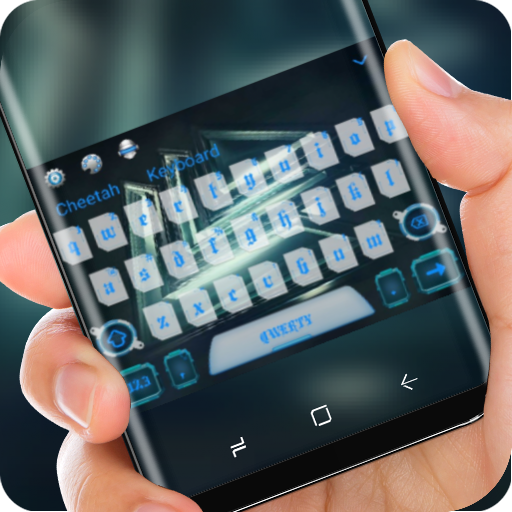
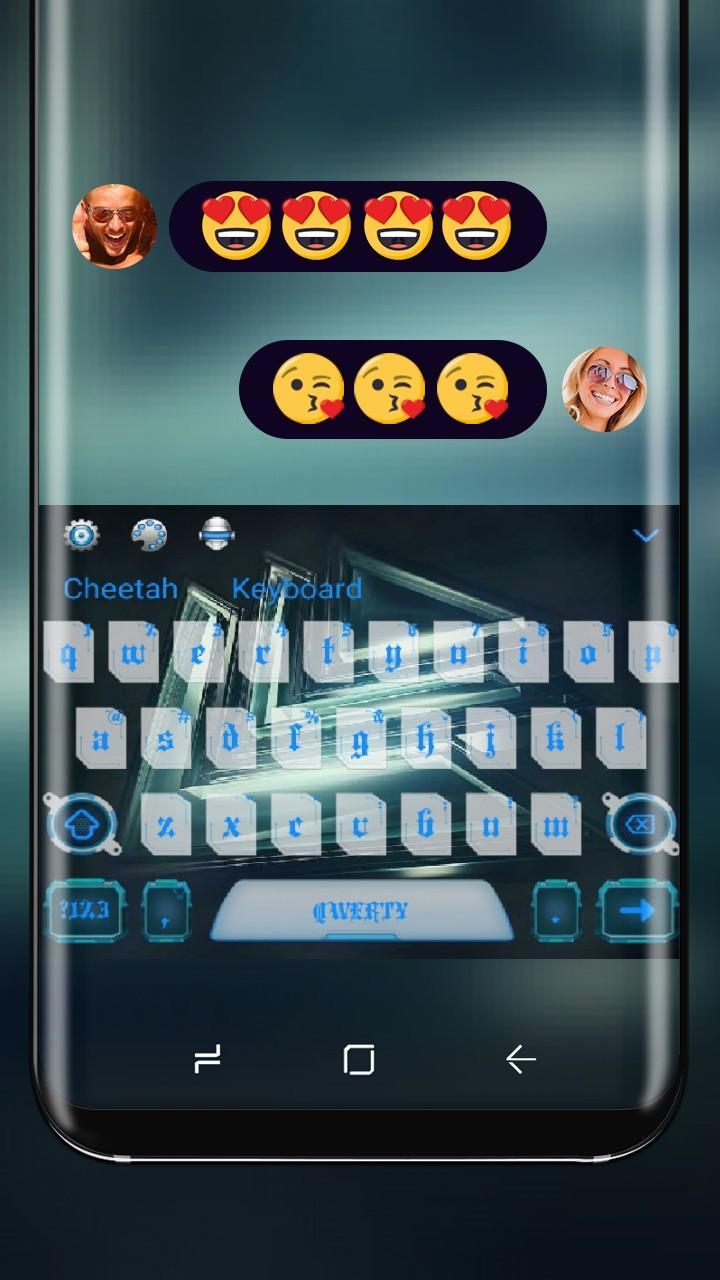
Nonparallel Glass Keybord for Hardwell design, including Glass Keybord for Hardwell font, wallpaper, popup effect. Auto-correction, gesture type, multilanguage, word-prediction are all available in our Glass Keybord for Hardwell.
Our Glass Keybord for Hardwell highlights:
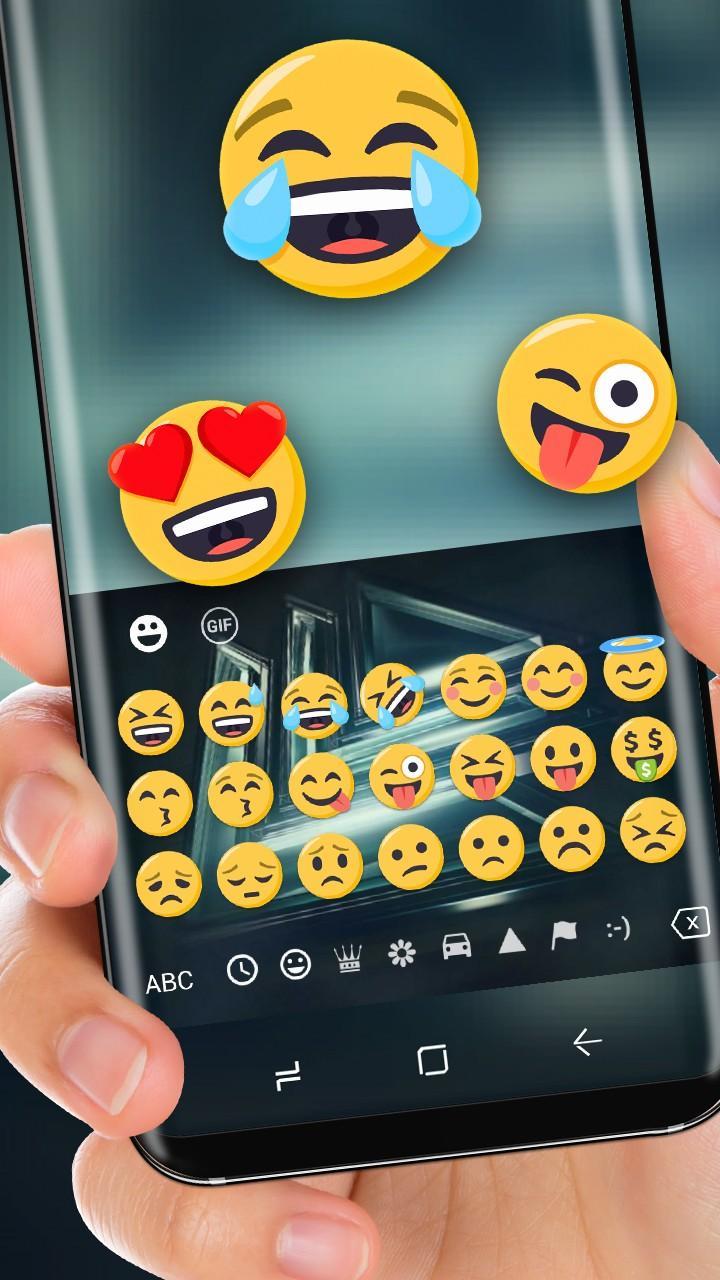
1. 1000+ funny emoji, emoticons and gifs for totally FREE.
2. Accessible for most SNS apps, ins, fb, bbm, whatsapp, etc.
3. Suports 100+ languages in Glass Keybord for Hardwell.
4. Swype typing makes your input faster.
5. You can also DIY your own keyboard here
Don’t forget to install our app AT FIRST, otherwise, you may not be allowed to use this great Glass Keybord for Hardwell.
Click theme store to explore more stylish themes. Flaming skulls, rasta weeds, cute puppy, pink bow, neon light, everyone can find his favourite in there. You are also welcomed to leave message to share us your requests.
Preview
Information
Developer
Sexy Theme for Smart Phone
Latest Version
10001001
Last Updated
2017-12-26
Category
Personalization
Available on
Google Play
Show More
How to play Glass Keybord for Hardwell with GameLoop on PC
1. Download GameLoop from the official website, then run the exe file to install GameLoop
2. Open GameLoop and search for “Glass Keybord for Hardwell” , find Glass Keybord for Hardwell in the search results and click “Install”
3. Enjoy playing Glass Keybord for Hardwell on GameLoop
Minimum requirements
OS
Windows 8.1 64-bit or Windows 10 64-bit
GPU
GTX 1050
CPU
i3-8300
Memory
8GB RAM
Storage
1GB available space
Recommended requirements
OS
Windows 8.1 64-bit or Windows 10 64-bit
GPU
GTX 1050
CPU
i3-9320
Memory
16GB RAM
Storage
1GB available space