Font Keyboard: Fonts & Emoji PC
Luminar
Download Font Keyboard: Fonts & Emoji on PC With GameLoop Emulator
Font Keyboard: Fonts & Emoji on PC
Font Keyboard: Fonts & Emoji, coming from the developer Luminar, is running on Android systerm in the past.
Now, You can play Font Keyboard: Fonts & Emoji on PC with GameLoop smoothly.
Download it in the GameLoop library or search results. No more eyeing the battery or frustrating calls at the wrong time any more.
Just enjoy Font Keyboard: Fonts & Emoji PC on the large screen for free!
Font Keyboard: Fonts & Emoji Introduction
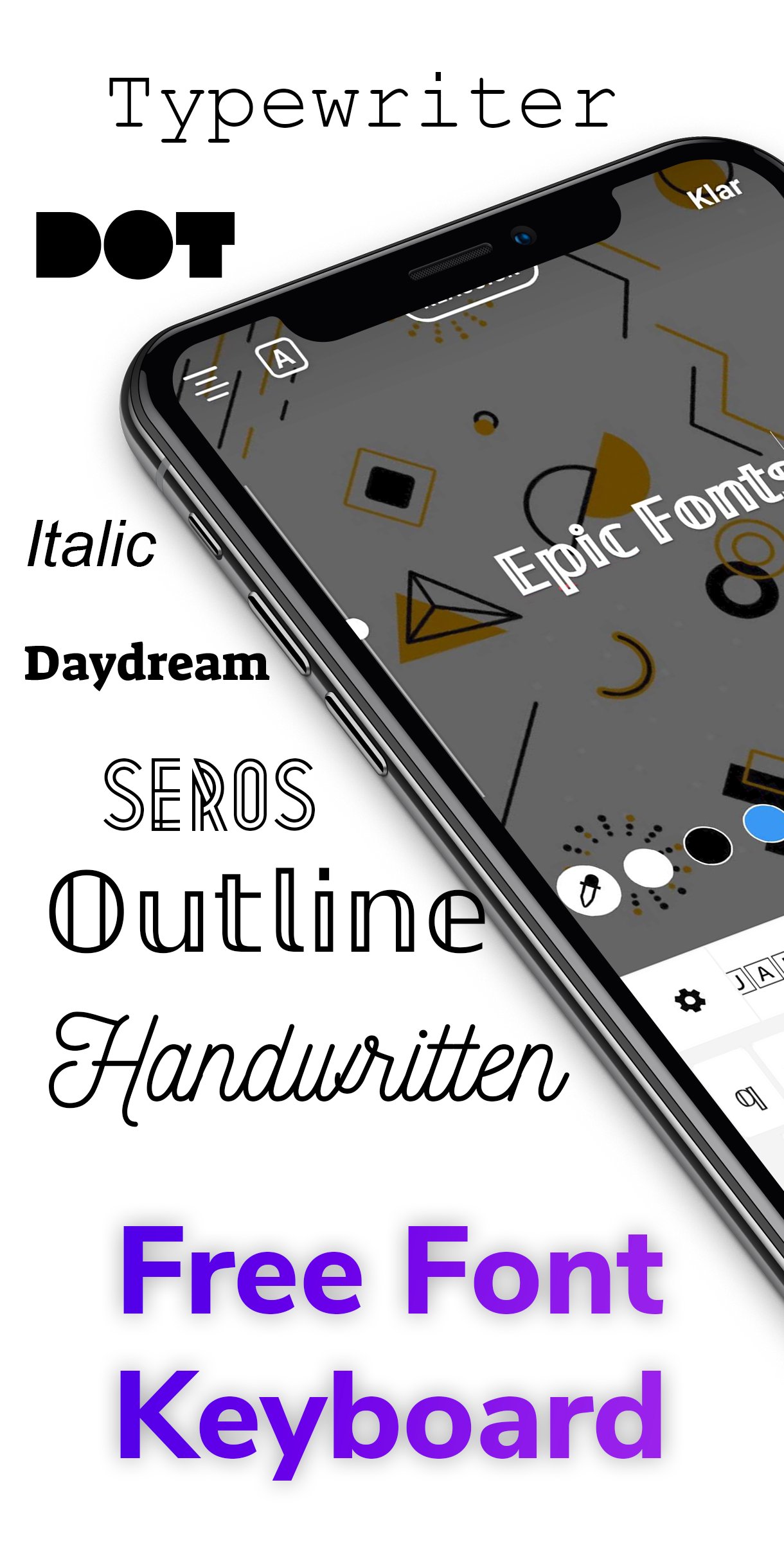
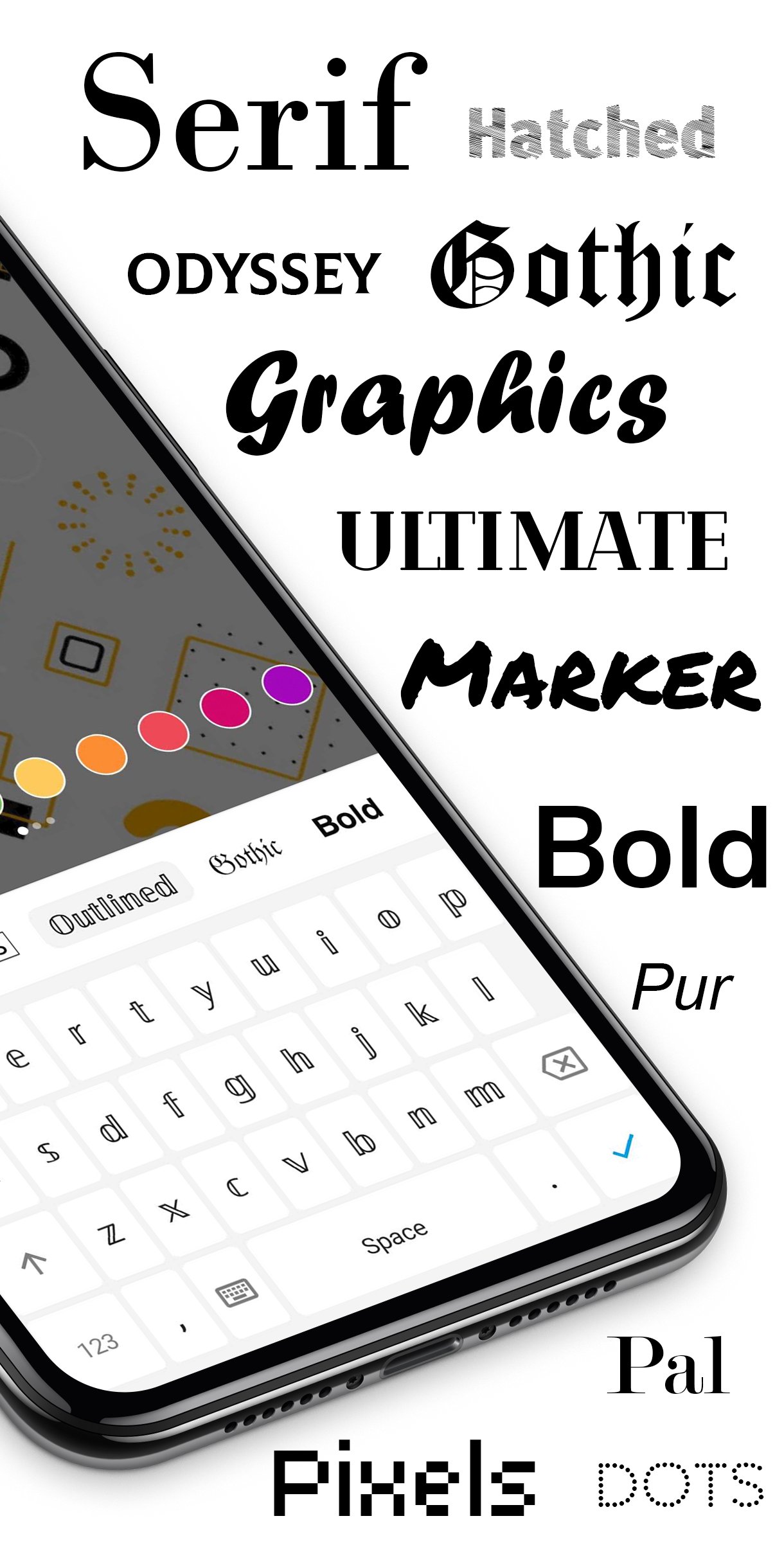
FontBoard is a Free, Fully Customizable, All-in-1 Keyboard with 100+ Fonts and 5000+ emojis and powerful features! Fonts, Emojis, Stickers, GIF, Cool Fonts and Themes offer an amazing range of features. This app works with chats and posts on WhatsApp, Tiktok, Instagram, Messenger, Facebook, Snapchat, Telegram, SMS, etc. Snapping and chatting has never been more fun with this keyboard.
Make your social media profiles stand out with Fonts, or send cool texts to your friends. Turn heads, stand out, get creative! You can use Fonts keyboard for your:
• Text messages
• Social media bios
• Post descriptions
• Stories
Similar to Gboard and Swiftkey, auto correction is built in. And the best it all works with NO ROOT. Fonts works on WhatsApp, Instagram, Snapchat, Messenger, TikTok, Facebook, Telegram, Roblox, Twitch, Discord, and many more!
Make your social media stand out and impress friends with Fonts, or send cool texts to your friends. Express yourself like never before! We're offering Fonts for FREE so why not give us a try?
This application supports you to make your font bold, font enlarge, font fix, font bigger, or to create your own font. All brands are supported, including: Huawei, Honor, Samsung, Xiaomi, Zte and a lot more.
Screenshot design by freemockupzone.com
Preview
Tags
PersonalizationInformation
Developer
Luminar
Latest Version
2.1.8
Last Updated
2026-01-02
Category
Personalization
Available on
Google Play
Show More
How to play Font Keyboard: Fonts & Emoji with GameLoop on PC
1. Download GameLoop from the official website, then run the exe file to install GameLoop
2. Open GameLoop and search for “Font Keyboard: Fonts & Emoji” , find Font Keyboard: Fonts & Emoji in the search results and click “Install”
3. Enjoy playing Font Keyboard: Fonts & Emoji on GameLoop
Minimum requirements
OS
Windows 8.1 64-bit or Windows 10 64-bit
GPU
GTX 1050
CPU
i3-8300
Memory
8GB RAM
Storage
1GB available space
Recommended requirements
OS
Windows 8.1 64-bit or Windows 10 64-bit
GPU
GTX 1050
CPU
i3-9320
Memory
16GB RAM
Storage
1GB available space