
Emoji smiley zip locker PC
Premium zipper lock screen
Download Emoji smiley zip locker on PC With GameLoop Emulator
Emoji smiley zip locker on PC
Emoji smiley zip locker, coming from the developer Premium zipper lock screen, is running on Android systerm in the past.
Now, You can play Emoji smiley zip locker on PC with GameLoop smoothly.
Download it in the GameLoop library or search results. No more eyeing the battery or frustrating calls at the wrong time any more.
Just enjoy Emoji smiley zip locker PC on the large screen for free!
Emoji smiley zip locker Introduction
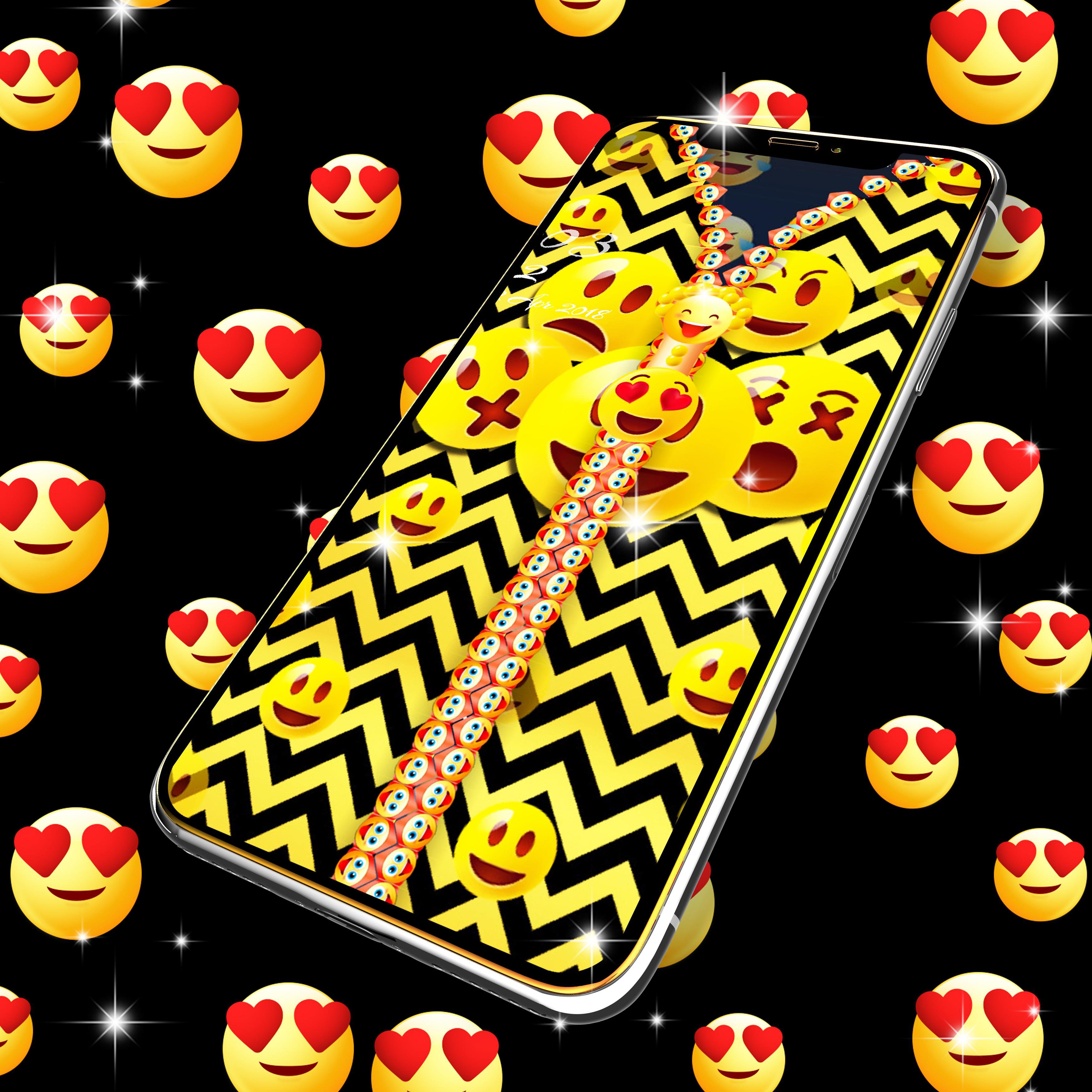
Emoji smiley zip locker is a very beautiful lock screen that will transform the way you unlock your device with cute emoji and smileys.
Would you like to unlock your phone in a really unique and customizable way? With our new Emoji smiley zip locker, you have the option to choose your own wallpaper for the locker screen and for your device background. Also change the zipper style, color, and design with just a simple click until you find the best combination that works for you.
Emoji smiley zip locker provides various useful widgets and interesting themes for decorating your lock screen while protecting privacy and ensuring security. The app also has a password option that you can use before unzipping the lock screen.
Emoji smiley zip locker is very easy to apply. Just click the Activate Lock Screen button from the main menu and the locker will be displayed every time you lock and unlock your device.
Emoji smiley zip locker offers you an in-depth personalization option. Just click on the personalization tab in the menu and you can change all of the following:
• Background: pick a wallpaper for both the locker and your device background
• Zipper style: customize the zipper tab to match your background or make it stand out
• Row style: choose the style of your zipper with different color and shape
• Font style: all the information displayed on your zipper lock screen can be changed with the font design that you like
Each time you modify something you can also click "Preview" to see how it will look when Emoji smiley zip locker is activated.
Also Emoji smiley zip locker has a preview option so you can see all the changes you made and fine tune the design of the locker. This option makes it very easy to use the app, because you don’t have to make a change then exit, see if you like it and the come back to settings. You can do everything right here inside the app.
With Emoji smiley zip locker you can further customize the locker. Click on the settings tab to choose the animation speed for the zipper to unfold instantly or just a bit slower. You can choose whether you want to hear the zipper sound and the vibration. Emoji smiley zip locker can display the Date, Time, and your battery level so you will never run out. If you prefer a clean look, you can turn all the widget options off.
All you have to do now is start pulling the zipper and unlock your device in style.
Preview

Tags
PersonalizationInformation
Developer
Premium zipper lock screen
Latest Version
11.0
Last Updated
2025-08-19
Category
Personalization
Available on
Google Play
Show More
How to play Emoji smiley zip locker with GameLoop on PC
1. Download GameLoop from the official website, then run the exe file to install GameLoop
2. Open GameLoop and search for “Emoji smiley zip locker” , find Emoji smiley zip locker in the search results and click “Install”
3. Enjoy playing Emoji smiley zip locker on GameLoop
Minimum requirements
OS
Windows 8.1 64-bit or Windows 10 64-bit
GPU
GTX 1050
CPU
i3-8300
Memory
8GB RAM
Storage
1GB available space
Recommended requirements
OS
Windows 8.1 64-bit or Windows 10 64-bit
GPU
GTX 1050
CPU
i3-9320
Memory
16GB RAM
Storage
1GB available space