
Emoji Keyboard 6 PC
Barley WorkShop
Download Emoji Keyboard 6 on PC With GameLoop Emulator
Emoji Keyboard 6 on PC
Emoji Keyboard 6, coming from the developer Barley WorkShop, is running on Android systerm in the past.
Now, You can play Emoji Keyboard 6 on PC with GameLoop smoothly.
Download it in the GameLoop library or search results. No more eyeing the battery or frustrating calls at the wrong time any more.
Just enjoy Emoji Keyboard 6 PC on the large screen for free!
Emoji Keyboard 6 Introduction
Note: If you do not need install apk, you can try an online emoji keyboard: http://goo.gl/ML1j5J
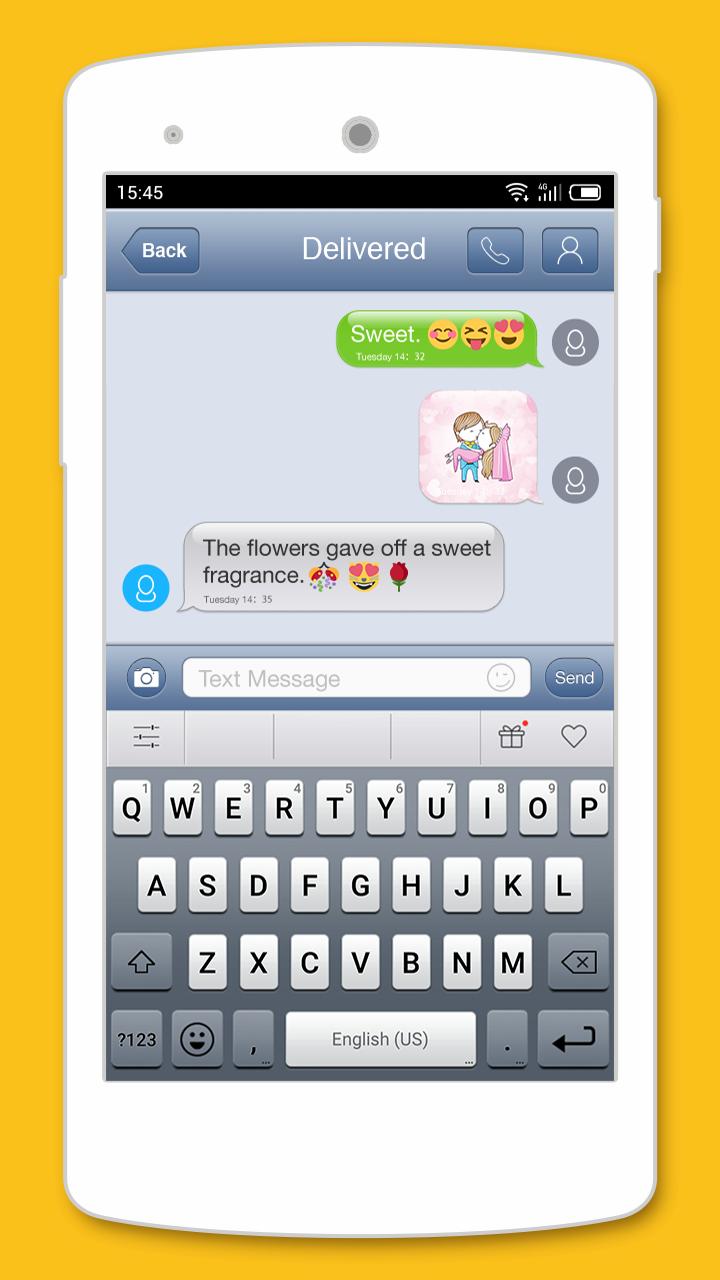
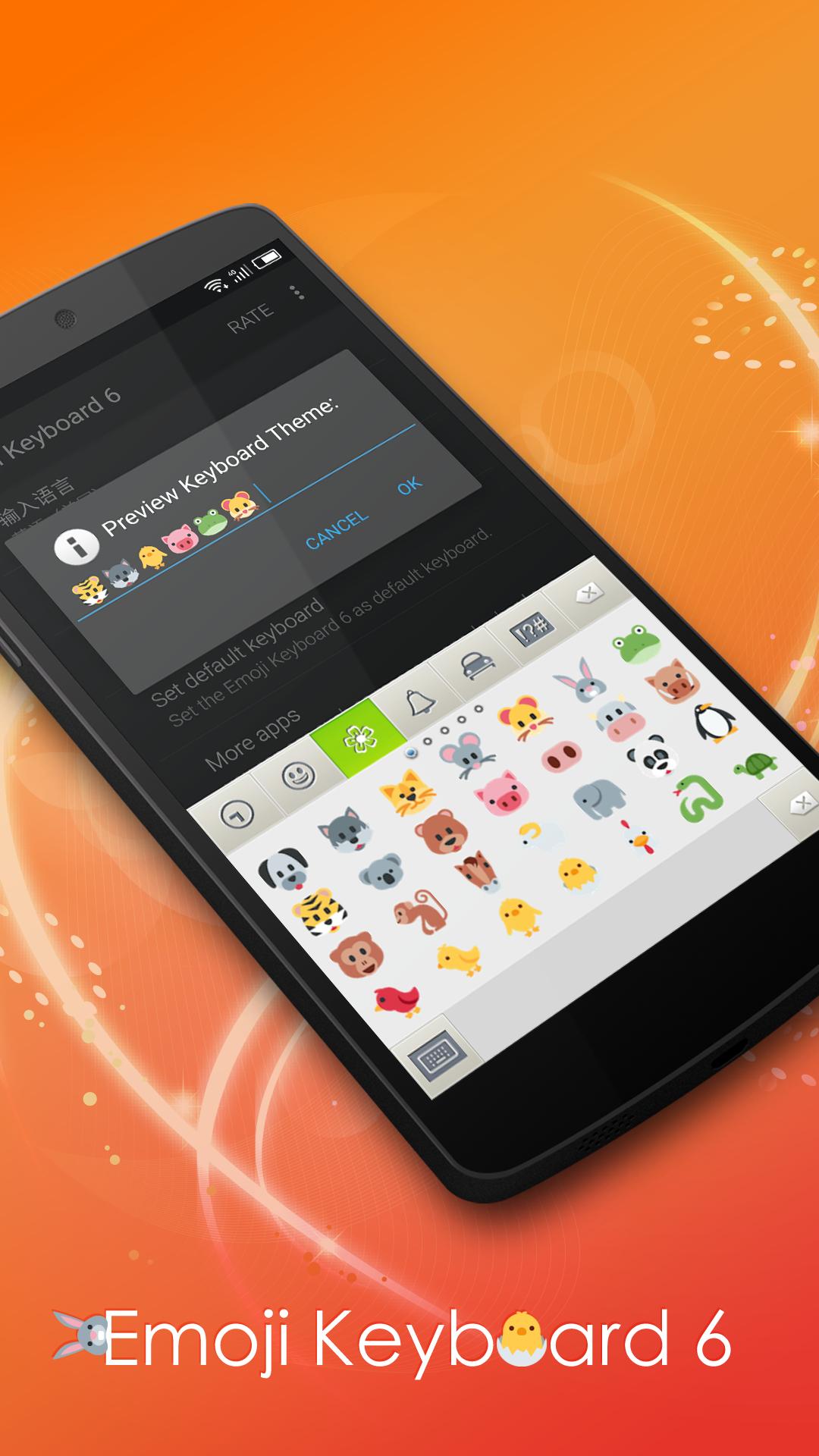
It is an classic style theme keyboard that support to input emoji in everywhere(like in Facebook), you can see the beautiful keyboard UI and input emoji very convenient.
Features:
- Classic style keyboard UI.
- Gesture slide input.
- Input Emoji in any apps, Just 1st page for each type in free version.
- Support the suggestion of English/French/Italian/Spanish language input.
- ...
Importan Notes:
If you are S3/S2 or other samsung device and can't see black and white emoji. you can try to install an font. it is free:
- http://goo.gl/aiSx9r
- Then select font: System Setting > Display > Font Style, then select Emoji.
How to enable it?
- Open this app.
- Click the "Enable emoji keyboard", then enable the it in the system input settings.
How to set it as default keyboard:
- Open the app.
- Click the "Set default keyboard", you can change an input as default keyboard.
Why I can't see emoji?
- if your android is under 4.1, maybe you can't see any, please contact with me.
- only most part can support by android, but all apple devices can see all.
Preview
Tags
PersonalizationInformation
Developer
Barley WorkShop
Latest Version
5.72
Last Updated
2024-02-23
Category
Personalization
Available on
Google Play
Show More
How to play Emoji Keyboard 6 with GameLoop on PC
1. Download GameLoop from the official website, then run the exe file to install GameLoop
2. Open GameLoop and search for “Emoji Keyboard 6” , find Emoji Keyboard 6 in the search results and click “Install”
3. Enjoy playing Emoji Keyboard 6 on GameLoop
Minimum requirements
OS
Windows 8.1 64-bit or Windows 10 64-bit
GPU
GTX 1050
CPU
i3-8300
Memory
8GB RAM
Storage
1GB available space
Recommended requirements
OS
Windows 8.1 64-bit or Windows 10 64-bit
GPU
GTX 1050
CPU
i3-9320
Memory
16GB RAM
Storage
1GB available space