Cosmos for Kustom KLWP PC
BaconBits
Download Cosmos for Kustom KLWP on PC With GameLoop Emulator
Cosmos for Kustom KLWP on PC
Cosmos for Kustom KLWP, coming from the developer BaconBits, is running on Android systerm in the past.
Now, You can play Cosmos for Kustom KLWP on PC with GameLoop smoothly.
Download it in the GameLoop library or search results. No more eyeing the battery or frustrating calls at the wrong time any more.
Just enjoy Cosmos for Kustom KLWP PC on the large screen for free!
Cosmos for Kustom KLWP Introduction
YOU NEED TO HAVE THE PRO VERSION OF KUSTOM KLWP INSTALLED ON YOUR PHONE TO USE THESE WALLPAPER PRESETS - https://goo.gl/UkHJ99
Three one page live wallpaper setups made using Kustom Live wallpaper
INSTALLATION
- Download KLWP Live Wallpaper Maker app and upgrade to Pro
- Download Cosmos for Kustom KLWP
- Open Cosmos app and select a preset to automatically load it into KLWP
OR
- Open KLWP and tap the menu icon (Top left)
- Select 'Load Preset'
- Tap on the 'Installed' Tab and then select Cosmos
- Tap on the one of the preset previews to load it into the editor
- Tap on the Save icon and then make KWLP your live wallpaper
- Exit to your homescreen
- Make sure your homescreen is set to three pages
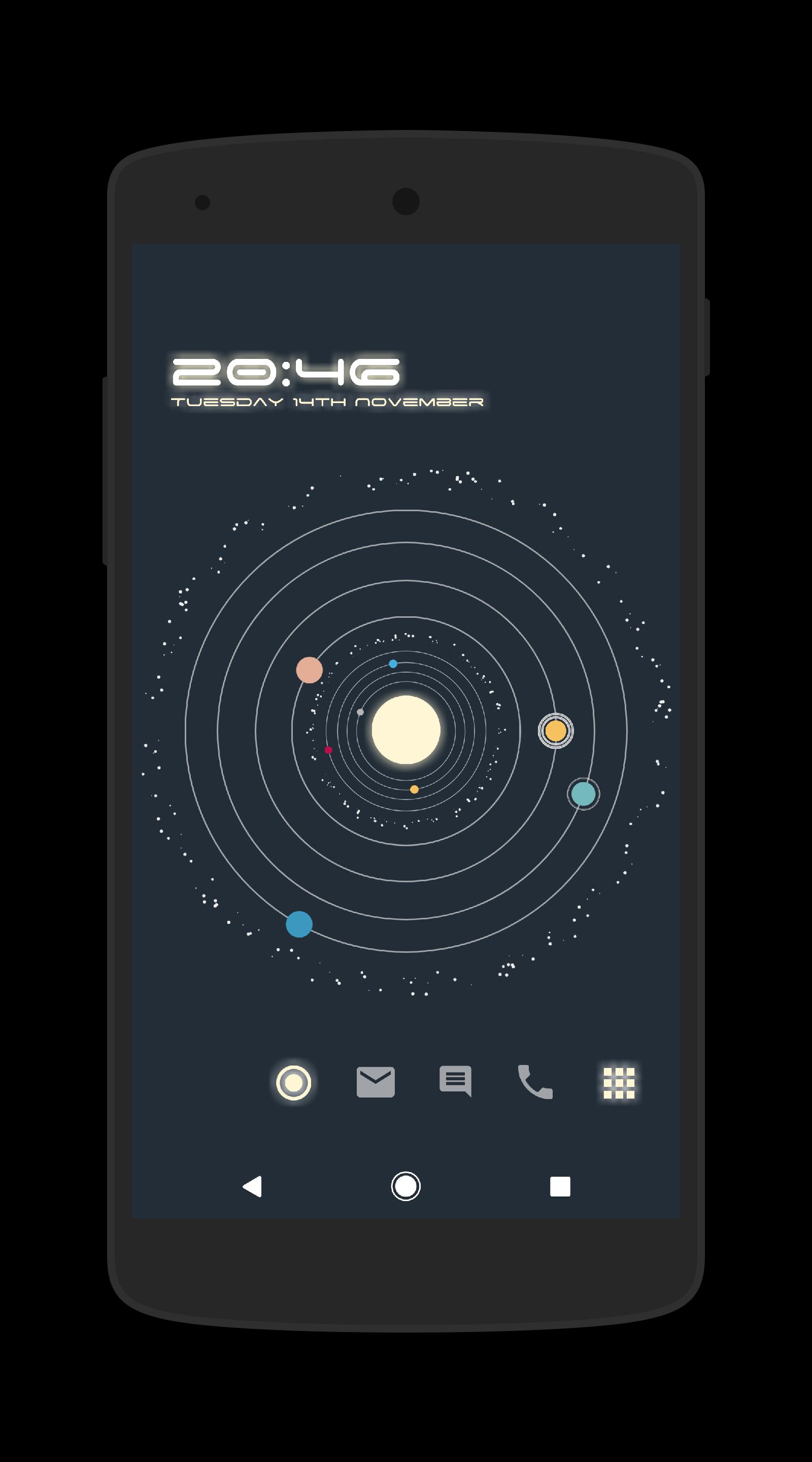
ORBITS PRESET
- A simple single page preset
- Rotating Planets form a Clock. Out Planet for Hours, Middle Planet for Minutres, Inner planet for Seconds
- Arcs Display current Moon & Sun Rise/Set along with times
- Tap the Sun to bring up a Dock with shortcuts to Apps and App Drawer
- Date, Location, Current Weather & Battery Level also displayed as text
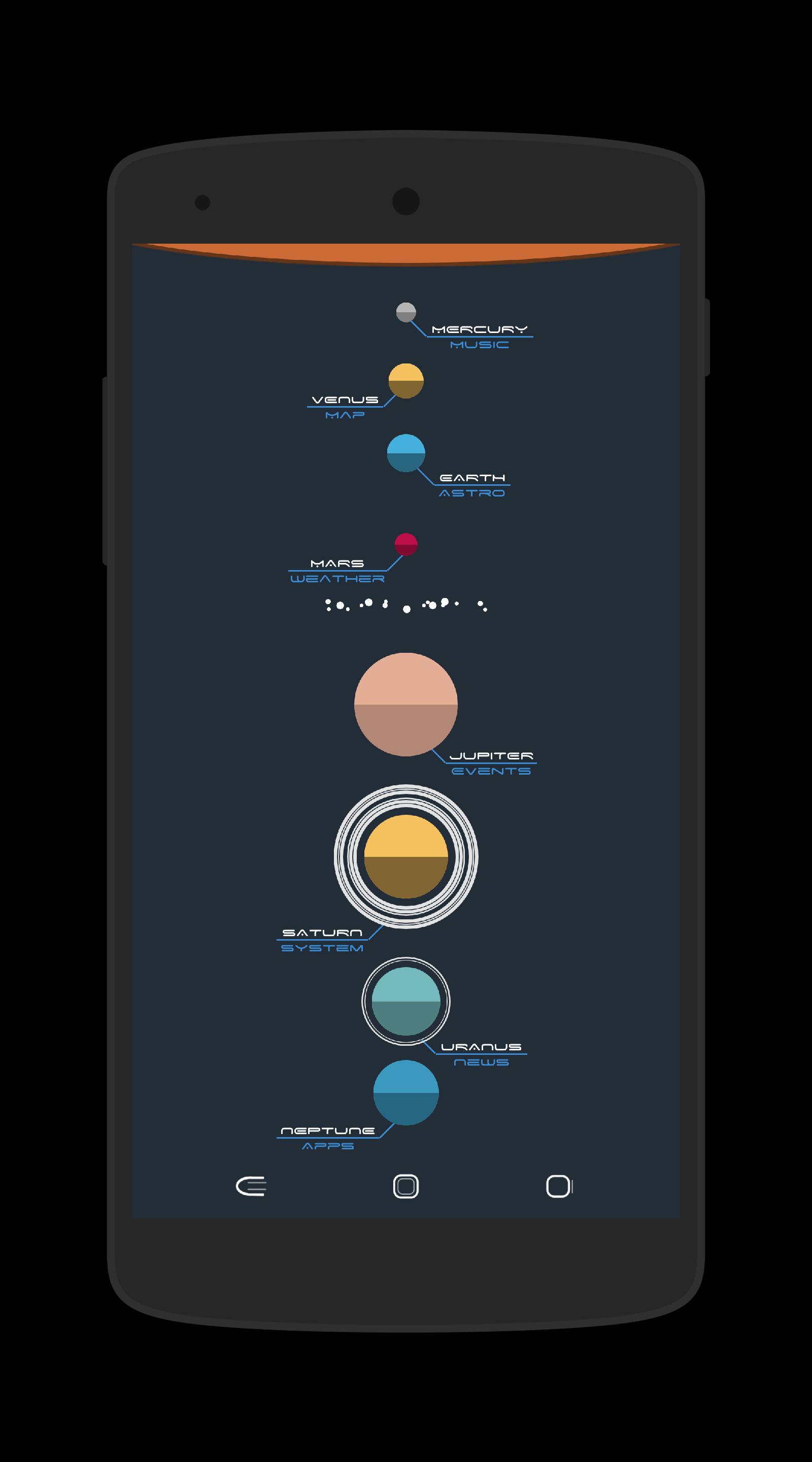
SOL PRESET
- Tap on a Planet to Bring up the Menu
- Each Planet has a System Based Menu and a Menu with info about the Planet
- Tap on the i icon at the top left of the Menu to switch between system info or Planet info
- Tap on the x icon at the top right of the menu to close the menu
- Tap on the arrows at the top to switch between different Planets/Menus
- When viewing Planet Info, tap on the Text at the bottom to Open a link with more info
- When viewing Planet info, tap on the Planet to make the image bigger. Tapping on the bottom text from here will open a link to more images
- Check out the Video - https://www.youtube.com/watch?v=u4SN2ChA33E&t=8s
PLANETS PRESET
- A simple live wallpaper with orbiting planets around a sun. No shortcuts, no info.....just animations
UNIVERSE PRESET
- 'Home' page with Time, Date, Calls/SMS/Gmail Unread counts, App Shortcuts and Notification Menu
- 'Music' page with Volume Controls, Shortcut to Media App & Now Playing List (For supported Players)
- 'Weater' page with Current Condition, Hourly Forecast, 7 Day Forecast & Moon Phase menus
- 'Calendar Page' with 10 events, shortcut to calendar app, shortcut to event location, calendar menu & large event description window
GO TO THE GLOBALS TAB IN THE KLWP EDITOR TO CHANGE DIFFERENT SETTINGS WITHIN THE PRESETS
HUGE THANKS to Brandon Craft for his help with the Moon/Sun Rise/Set Arcs used in Orbits Preset. Check out his website
http://idomath.weebly.com/klwp.html
Thanks to Arun Kumar for his Weather Graph Komponent
https://play.google.com/store/apps/details?id=com.arun.wgraph.komponent
Thanks to Kev Mitchell for his Calendar & Events Komponents
https://play.google.com/store/apps/details?id=eventkalendar.kustom.pack
https://play.google.com/store/apps/details?id=eventsforkustom.kustom.pack
If you have any problems, please email instead of leaving 1* reviews
Enjoy & Thankyou
Find me on Reddit - https://www.reddit.com/user/BaconBitsNI/
or Twitter - https://twitter.com/baconbitskustom
for more Bacon
Preview
Tags
PersonalizationInformation
Developer
BaconBits
Latest Version
2.8
Last Updated
2020-09-01
Category
Personalization
Available on
Google Play
Show More
How to play Cosmos for Kustom KLWP with GameLoop on PC
1. Download GameLoop from the official website, then run the exe file to install GameLoop
2. Open GameLoop and search for “Cosmos for Kustom KLWP” , find Cosmos for Kustom KLWP in the search results and click “Install”
3. Enjoy playing Cosmos for Kustom KLWP on GameLoop
Minimum requirements
OS
Windows 8.1 64-bit or Windows 10 64-bit
GPU
GTX 1050
CPU
i3-8300
Memory
8GB RAM
Storage
1GB available space
Recommended requirements
OS
Windows 8.1 64-bit or Windows 10 64-bit
GPU
GTX 1050
CPU
i3-9320
Memory
16GB RAM
Storage
1GB available space