
Easy Control App PC
Launcher iOS Team
Download Easy Control App on PC With GameLoop Emulator
Easy Control App on PC
Easy Control App, coming from the developer Launcher iOS Team, is running on Android systerm in the past.
Now, You can play Easy Control App on PC with GameLoop smoothly.
Download it in the GameLoop library or search results. No more eyeing the battery or frustrating calls at the wrong time any more.
Just enjoy Easy Control App PC on the large screen for free!
Easy Control App Introduction
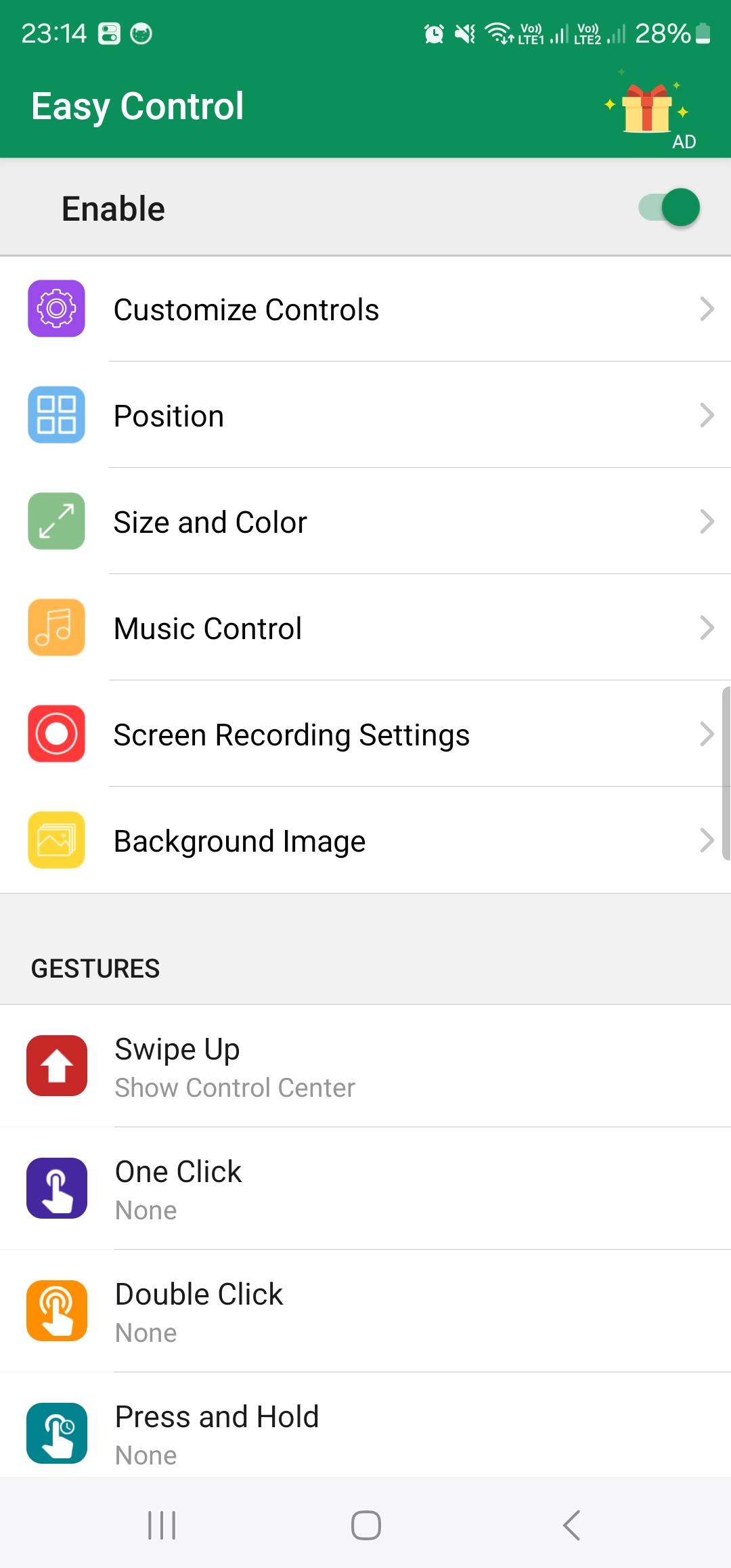
Easy Control is a unique phone customizer and quickly helps you to change settings, night mode, volume controller, turn on Wi-Fi and more. Personalize your phone to design easily with a powerful control center! You can have an experience of using a newest and modern OS phone with your current android phone.
Fantastic Easy Control App - Customize Your Device!
Quick access to the camera, flashlight, and other settings in the Control. Powerful options to customize your mobile with quick access to settings and actions like Phone Pro.
Easy Control App for Your Android Device!
You can change your phone to Phone 16 design very easily and in a few steps, then configure everything to your preferences.
How to open and close Easy Control App?
- To open Easy Control App, swipe down from the right to left corner of your screen.
- To close Control panel, swipe from left to right of the screen or tap the screen.
Edit Easy Control App on your Android phone.
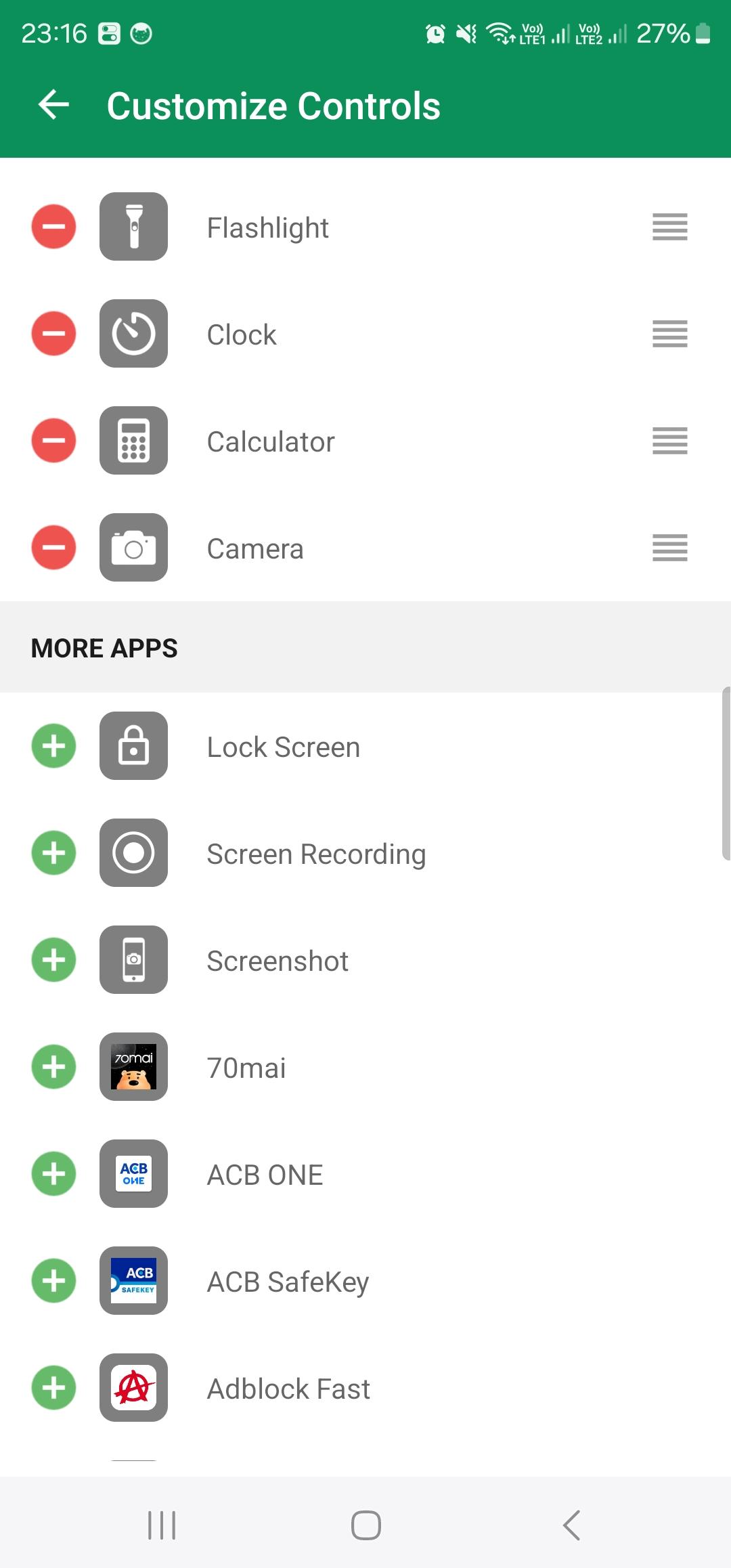
You can customize Easy Control App by adding controls for apps, settings, and features like Camera, Music Recognition, Dark Mode, and more.
How to customize what you see in Easy Control App?
You need to add a control for some apps, settings, and features in order to use them from Easy Control App.
How to add a control
Go to Easy Control App -> Custom Controls
Tap the Add button. The maximum is 12 controls.
How to remove a control
Go to Easy Control App -> Custom Controls
Tap the Remove button, then tap Remove.
Use of Accessibility Service:
Easy Control App uses the Accessibility Service API for:
- Detect volume button click
- Detect volume button release
- Show custom volume panel on top of other apps
We do not collect or share any sensitive or personal information:
- We do not collect any personal information through accessibility services.
- We will not read your screen's sensitive data or any content.
- For this app to function properly, we need the Accessibility Permission.
🔻Feedback
We hope you will like this Easy Control App and support it.
We will be happy if you give your feedback to improve this application.
Thank you and best regards!
Preview
Tags
PersonalizationInformation
Developer
Launcher iOS Team
Latest Version
1.20
Last Updated
2024-10-23
Category
Personalization
Available on
Google Play
Show More
How to play Easy Control App with GameLoop on PC
1. Download GameLoop from the official website, then run the exe file to install GameLoop
2. Open GameLoop and search for “Easy Control App” , find Easy Control App in the search results and click “Install”
3. Enjoy playing Easy Control App on GameLoop
Minimum requirements
OS
Windows 8.1 64-bit or Windows 10 64-bit
GPU
GTX 1050
CPU
i3-8300
Memory
8GB RAM
Storage
1GB available space
Recommended requirements
OS
Windows 8.1 64-bit or Windows 10 64-bit
GPU
GTX 1050
CPU
i3-9320
Memory
16GB RAM
Storage
1GB available space