Iphone Control Center PC
Paragon Studio
Download Iphone Control Center on PC With GameLoop Emulator
Iphone Control Center on PC
Iphone Control Center, coming from the developer Paragon Studio, is running on Android systerm in the past.
Now, You can play Iphone Control Center on PC with GameLoop smoothly.
Download it in the GameLoop library or search results. No more eyeing the battery or frustrating calls at the wrong time any more.
Just enjoy Iphone Control Center PC on the large screen for free!
Iphone Control Center Introduction
- NEW UPDATE FEATURE.
+ Add video recorder screen feature.
+ Add capture screenshot feature.
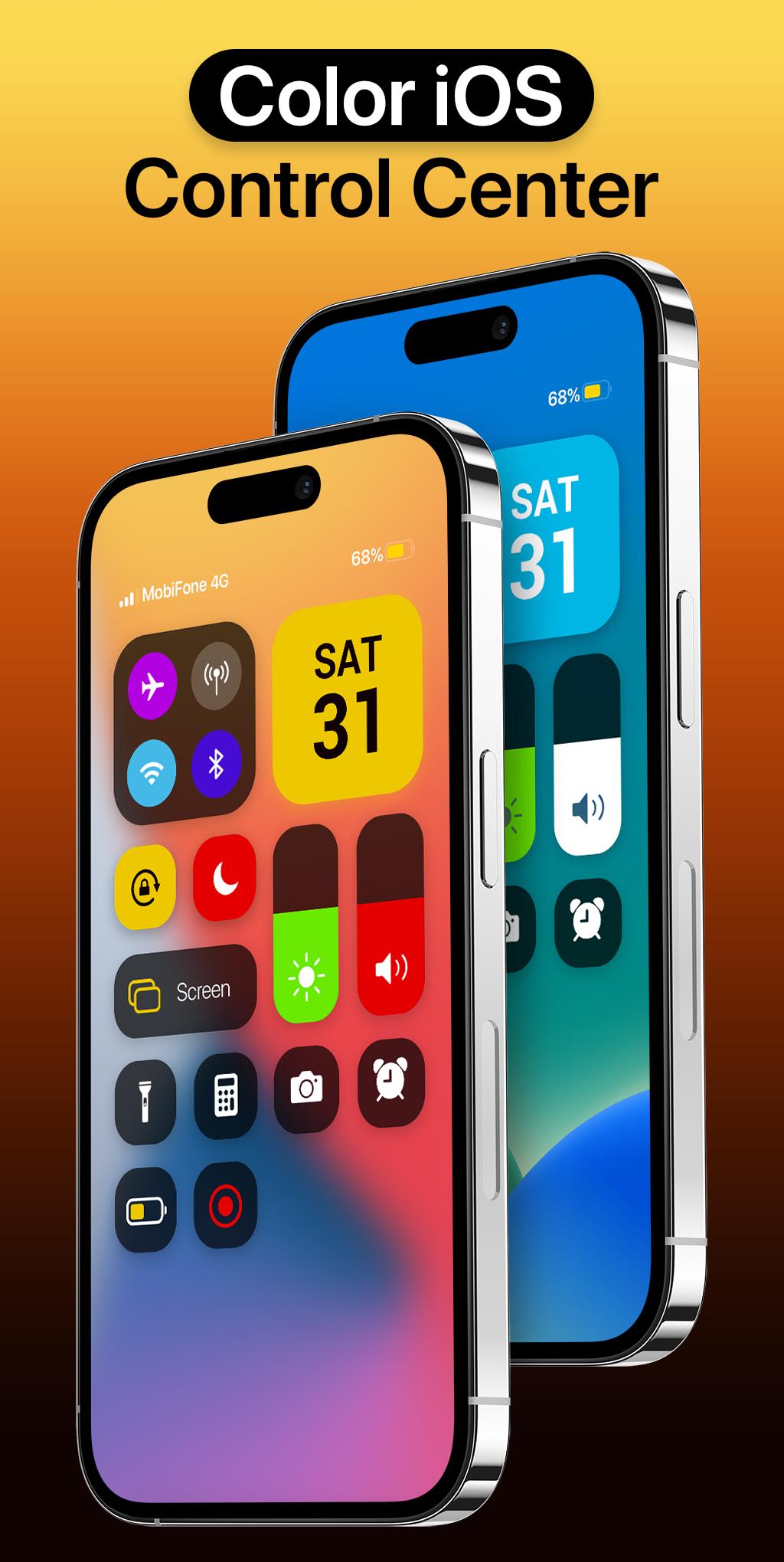
Bring control center with iOS 16 Style to your Android phone with Iphone Control Center. Support portrait and landscape mode feature. If you want to customize Control Center Color on your device, open Iphone 14 Control Center application and you can change everything.
The best Control Center Changer Color panel just a swipe and quick access to your device settings or control your device settings directly. Quick access to the camera, flashlight, and other settings in the control center iOS 16. Powerful options to customize your mobile with quick access to settings and actions like iPhone.
Iphone 14 Control Center help you save your time in changing Wi-Fi settings, Brightness, Volume, Bluetooth and more all from one slide control panel. Personalize your phone to iOS design style easily with a powerful control center! You can have an experience of using a newest and modern iOS phone with your current android phone.
Iphone Control Center features:
- Change Color
- Support portrait and landscape mode feature
- Blur control center background like iOS style, make your phone more beautiful and attractive
- Full customize iOS 15 control center: add app from your phone, help you quick access to your app
- Support lock screen: show control center on lock screen
- Very easy to open iControl Center: Swipe the edge screen to open. To close iCenter iOS 16, you just need to touch or swipe on the screen
- By using a control center with full function like iOS 16, your phone will be like a brand new phone 14 with a nice and streamlined design.
With Color Iphone Control Center, you can quickly access multiple settings:
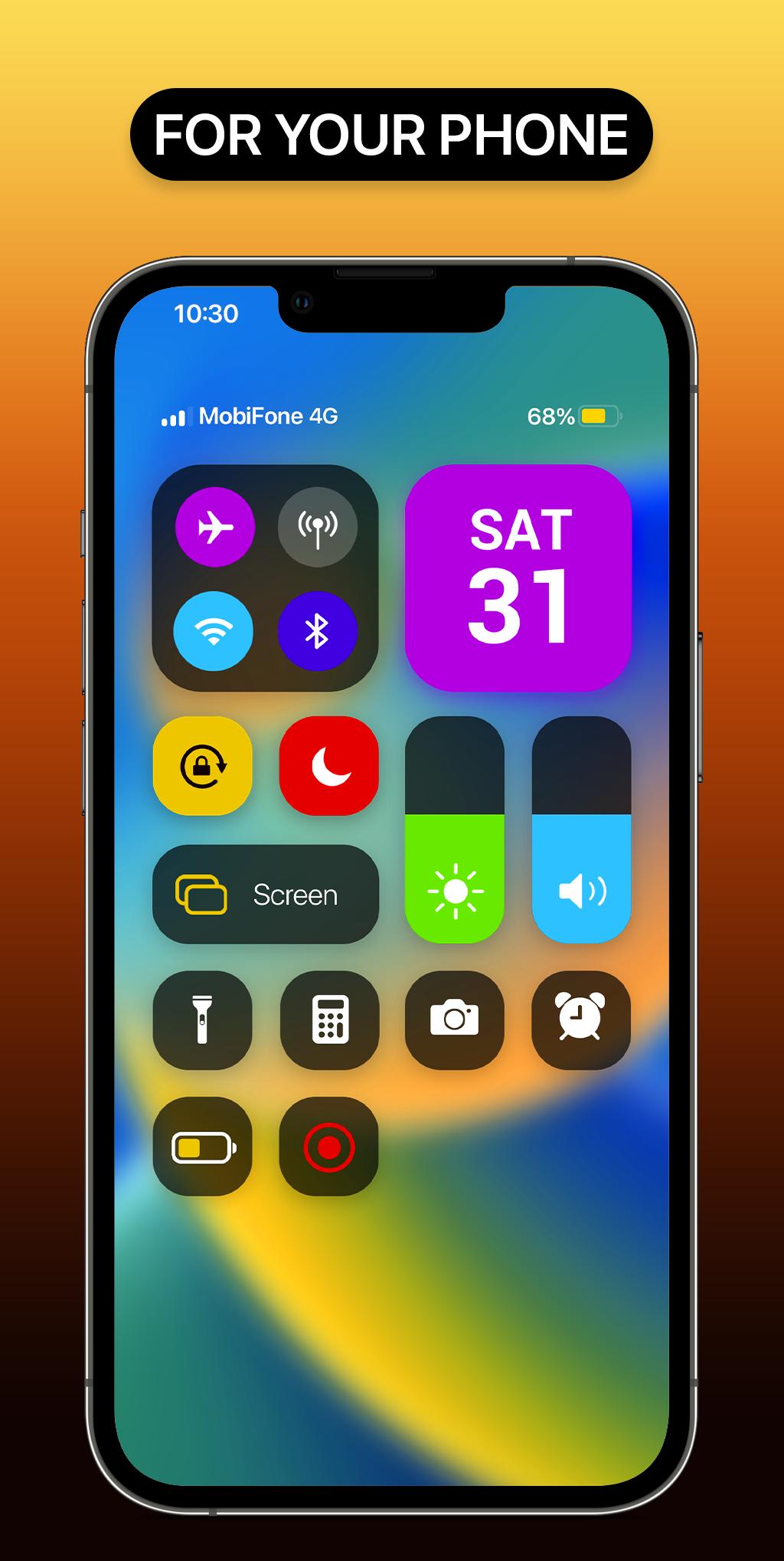
- Quick on/off: Wi-Fi, Bluetooth, Airplane Mode, Mobile Connection
- Volume adjust: quick and super-easy adjust volume by swiping up and down.
- Brightness adjust: swipe up for brighter screen and swipe down for darker screen.
- Camera: One click to open your camera, instant access to capture all your precious moments.
- Flashlight: One click to open your Flashlight
- Calculator: Easy using and quick access to your calculator
*NOTE
ACCESSIBILITY SERVICE
This app uses ACCESSIBILITY SERVICE
This application requires activation in the accessibility service to display the control center view on the mobile screen.
Additionally, this app utilizes accessibility service functionalities such as control music, control volume, and dismissing system dialogs, among other features.
This application does not accumulate or disclose any user information about this accessibility right.
No user data is stored by this application about this accessibility right.
Preview
Tags
PersonalizationInformation
Developer
Paragon Studio
Latest Version
1.6
Last Updated
2023-11-30
Category
Personalization
Available on
Google Play
Show More
How to play Iphone Control Center with GameLoop on PC
1. Download GameLoop from the official website, then run the exe file to install GameLoop
2. Open GameLoop and search for “Iphone Control Center” , find Iphone Control Center in the search results and click “Install”
3. Enjoy playing Iphone Control Center on GameLoop
Minimum requirements
OS
Windows 8.1 64-bit or Windows 10 64-bit
GPU
GTX 1050
CPU
i3-8300
Memory
8GB RAM
Storage
1GB available space
Recommended requirements
OS
Windows 8.1 64-bit or Windows 10 64-bit
GPU
GTX 1050
CPU
i3-9320
Memory
16GB RAM
Storage
1GB available space