
Cartogram - Live Map Wallpaper PC
Round Tower
Download Cartogram - Live Map Wallpaper on PC With GameLoop Emulator
Cartogram - Live Map Wallpaper on PC
Cartogram - Live Map Wallpaper, coming from the developer Round Tower, is running on Android systerm in the past.
Now, You can play Cartogram - Live Map Wallpaper on PC with GameLoop smoothly.
Download it in the GameLoop library or search results. No more eyeing the battery or frustrating calls at the wrong time any more.
Just enjoy Cartogram - Live Map Wallpaper PC on the large screen for free!
Cartogram - Live Map Wallpaper Introduction
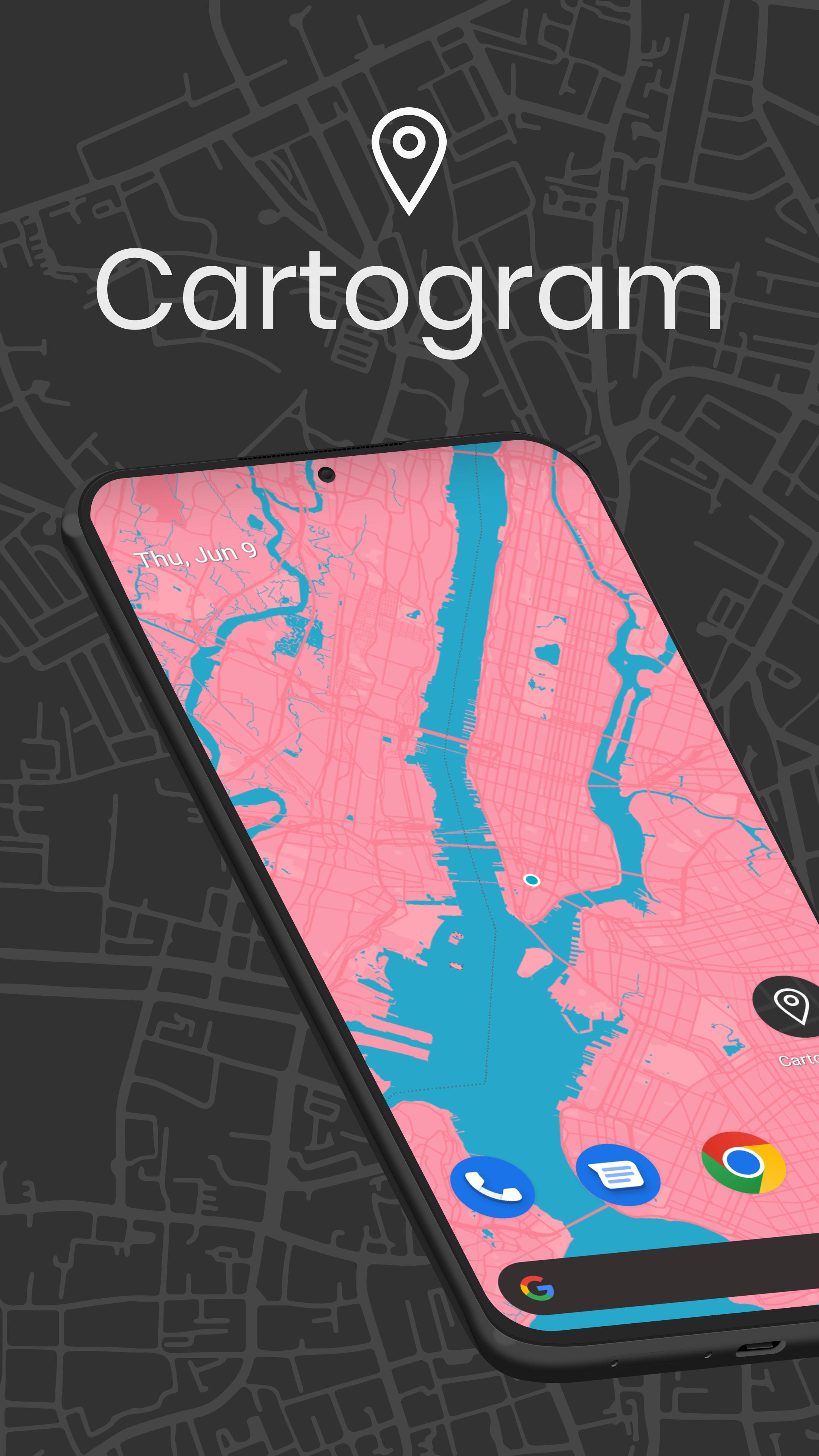
Transform your phone with Cartogram - the #1 Map Wallpaper & Backdrop Generator with Material You support, proudly featured as an Editor's Choice app!
Create stunning live map wallpapers and offline backgrounds that adapt to your style:
- Premium map wallpapers with Material You integration
- Live location tracking backgrounds
- Offline map backdrops - no internet required
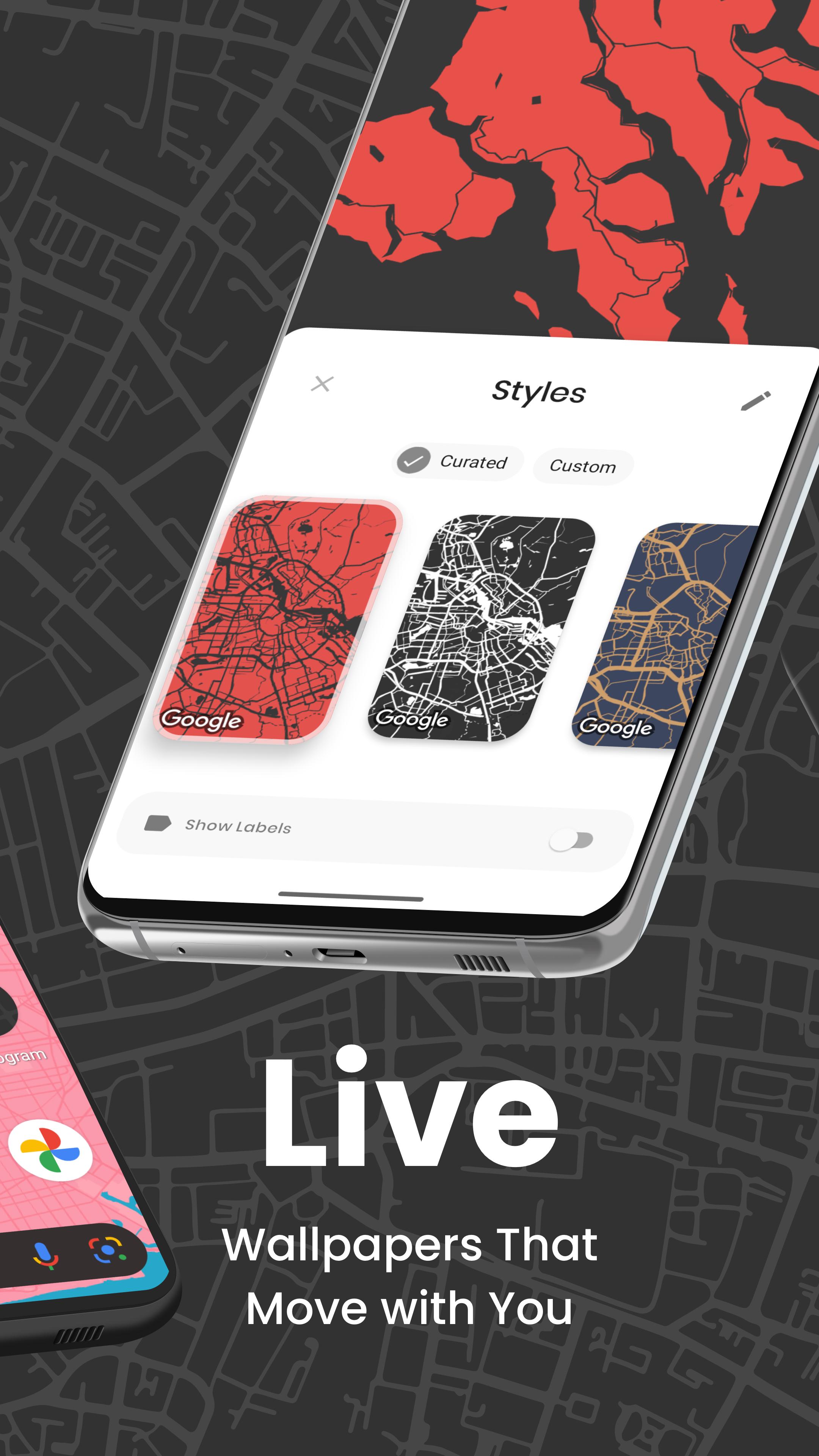
- 30+ custom map styles updated monthly
- Perfect for custom launcher setups
Premium Features:
- Unlimited map wallpapers and backdrops
- AMOLED dark themes & gaming backgrounds
- Custom color schemes with Material You
- Instant preview & one-tap apply
- Ad-free experience
- Dynamic day/night themes
Personalization Options:
- Worldwide location selection
- Real-time location tracking
- Material You color matching
- Advanced style editor
- Location discovery
- Community designs
- Home & lock screen customization
- Easy sharing
Ideal For:
- Material You themes & setups
- Custom launcher enthusiasts
- AMOLED / OLED displays
- Minimalist designs
- Phone & tablet customization
- Offline backdrop generation
Join thousands of satisfied users creating unique map wallpapers with Cartogram.
Your Location, Your Style, Your Wallpaper.
#CreatedWithCartogram
About Round Tower
We're an Irish Digital Product Studio creating premium Android experiences. Connect with us:
Instagram: @round.tower
Twitter: @round_tower
Facebook: RoundTowerSoftware
LinkedIn: Round Tower
Preview
Tags
PersonalizationInformation
Developer
Round Tower
Latest Version
7.2.0
Last Updated
2025-02-06
Category
Personalization
Available on
Google Play
Show More
How to play Cartogram - Live Map Wallpaper with GameLoop on PC
1. Download GameLoop from the official website, then run the exe file to install GameLoop
2. Open GameLoop and search for “Cartogram - Live Map Wallpaper” , find Cartogram - Live Map Wallpaper in the search results and click “Install”
3. Enjoy playing Cartogram - Live Map Wallpaper on GameLoop
Minimum requirements
OS
Windows 8.1 64-bit or Windows 10 64-bit
GPU
GTX 1050
CPU
i3-8300
Memory
8GB RAM
Storage
1GB available space
Recommended requirements
OS
Windows 8.1 64-bit or Windows 10 64-bit
GPU
GTX 1050
CPU
i3-9320
Memory
16GB RAM
Storage
1GB available space