Black Wallpapers 4K PC
7Fon Wallpapers
Download Black Wallpapers 4K on PC With GameLoop Emulator
Black Wallpapers 4K on PC
Black Wallpapers 4K, coming from the developer 7Fon Wallpapers, is running on Android systerm in the past.
Now, You can play Black Wallpapers 4K on PC with GameLoop smoothly.
Download it in the GameLoop library or search results. No more eyeing the battery or frustrating calls at the wrong time any more.
Just enjoy Black Wallpapers 4K PC on the large screen for free!
Black Wallpapers 4K Introduction
Black wallpapers and dark backgrounds in HD/4K for Android.
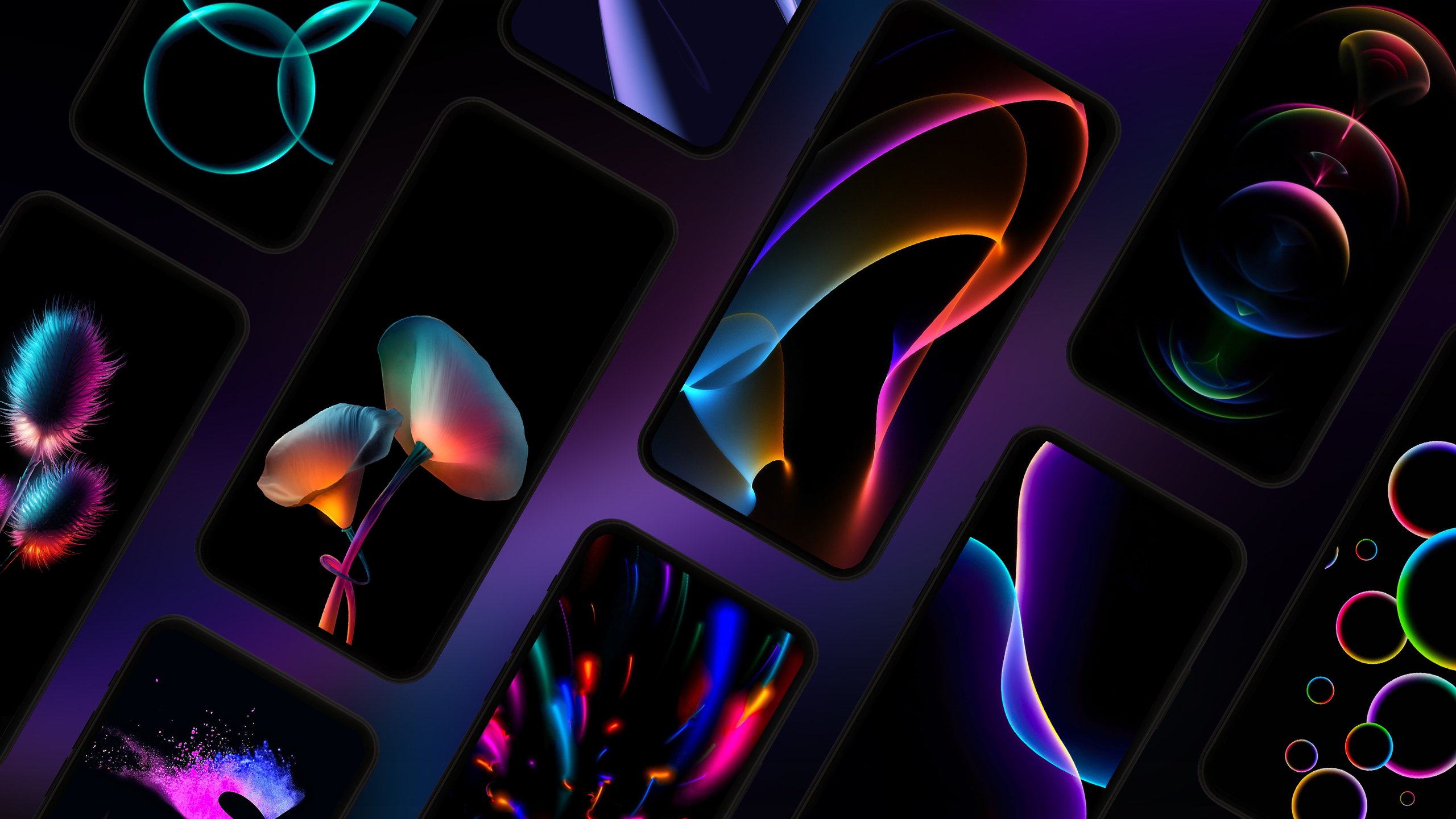
Minimalism, abstractions, textures, and gradients that match dark themes and look great on AMOLED/OLED screens.
Use tags, sorting, and a scheduled wallpaper changer to update your background automatically.
Built for a clean dark look
If you prefer a black wallpaper, a deep dark background, or an AMOLED-style setup, this catalog is made for you. The focus is on static (still) wallpapers with a dark palette that look good after cropping and on different screen sizes.
Styles you’ll find
• Minimal black wallpapers (clean, simple backgrounds)
• Abstract dark wallpapers (shapes and modern compositions)
• Textured black backgrounds (grain, stone, fabric-like textures)
• Gradients and smooth dark tones
Browse and discover
• Hundreds of curated black wallpapers and dark wallpapers
• Tag search + keyword search to find the right style fast
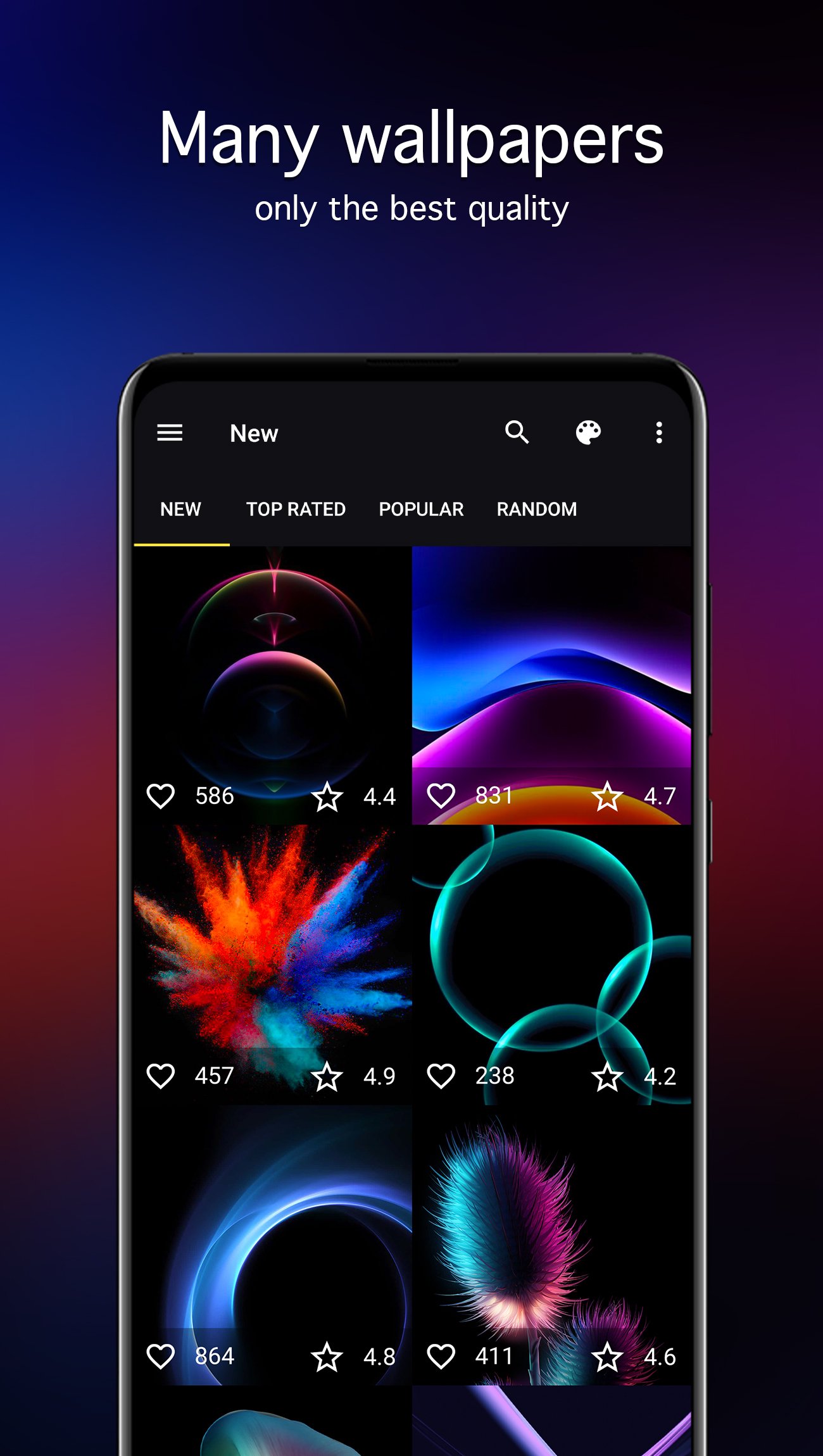
• Handy sections: “New”, “Popular”, and “Top rated”
• Sort the catalog by date, rating, or popularity
• Manual moderation and regular catalog updates to keep quality consistent
Made for phones and tablets
Wallpapers are matched to your device so you can pick a suitable resolution for your smartphone or tablet. This helps backgrounds stay sharp across different screen resolutions.
Save, download, and set
• Favorites: save the wallpapers you like and come back to them anytime
• Download for offline use (install later when you don’t have internet)
• Save images to your Gallery or to an SD card
• Preview before setting
• Crop to fit your screen
• Set wallpapers on your Home screen, Lock screen, or both
Auto-change wallpapers by time interval
Want your screen to stay fresh without constant searching? Add images to Favorites, choose the source and interval, and the app will rotate the selected still wallpapers on your Home screen and/or Lock screen like a timed slideshow. (These are static images that switch on schedule.)
Image quality
The catalog includes HD/Full HD and higher, including QHD/UHD/4K images (where available). Choose the level you prefer and enjoy crisp black backgrounds on high-resolution displays.
Data-friendly preview settings
Adjust wallpaper quality and preview quality to reduce data usage while browsing and downloading.
Helpful extras
• “Picture of the week” notification, so you can check a weekly highlight
• Russian language interface is available
How to pick the perfect dark background
1) Start with “New”, “Popular”, or “Top rated”
2) Use tags to narrow down the look (minimal, abstract, textured, gradients)
3) Preview, crop if needed, and set
About the collection
The collection is curated and filtered by the 7Fon team, with attention to quality and composition so wallpapers look good even after cropping.
Download the wallpapers you like in advance, keep them on your device, and switch your background whenever you want.
Whether you search for “black wallpapers 4K”, “dark wallpapers HD”, “black lock screen background”, “dark theme wallpaper”, “AMOLED wallpapers”, or “OLED backgrounds”, you’ll find a focused catalog here — plus a simple auto-change feature to match your rhythm.
Preview
Tags
PersonalizationInformation
Developer
7Fon Wallpapers
Latest Version
6.3.0
Last Updated
2026-02-23
Category
Personalization
Available on
Google Play
Show More
How to play Black Wallpapers 4K with GameLoop on PC
1. Download GameLoop from the official website, then run the exe file to install GameLoop
2. Open GameLoop and search for “Black Wallpapers 4K” , find Black Wallpapers 4K in the search results and click “Install”
3. Enjoy playing Black Wallpapers 4K on GameLoop
Minimum requirements
OS
Windows 8.1 64-bit or Windows 10 64-bit
GPU
GTX 1050
CPU
i3-8300
Memory
8GB RAM
Storage
1GB available space
Recommended requirements
OS
Windows 8.1 64-bit or Windows 10 64-bit
GPU
GTX 1050
CPU
i3-9320
Memory
16GB RAM
Storage
1GB available space