
Bixby Home Commands - 3.0: Device commands PC
Bixby-Commands
Download Bixby Home Commands - 3.0: Device commands on PC With GameLoop Emulator
Bixby Home Commands - 3.0: Device commands on PC
Bixby Home Commands - 3.0: Device commands, coming from the developer Bixby-Commands, is running on Android systerm in the past.
Now, You can play Bixby Home Commands - 3.0: Device commands on PC with GameLoop smoothly.
Download it in the GameLoop library or search results. No more eyeing the battery or frustrating calls at the wrong time any more.
Just enjoy Bixby Home Commands - 3.0: Device commands PC on the large screen for free!
Bixby Home Commands - 3.0: Device commands Introduction
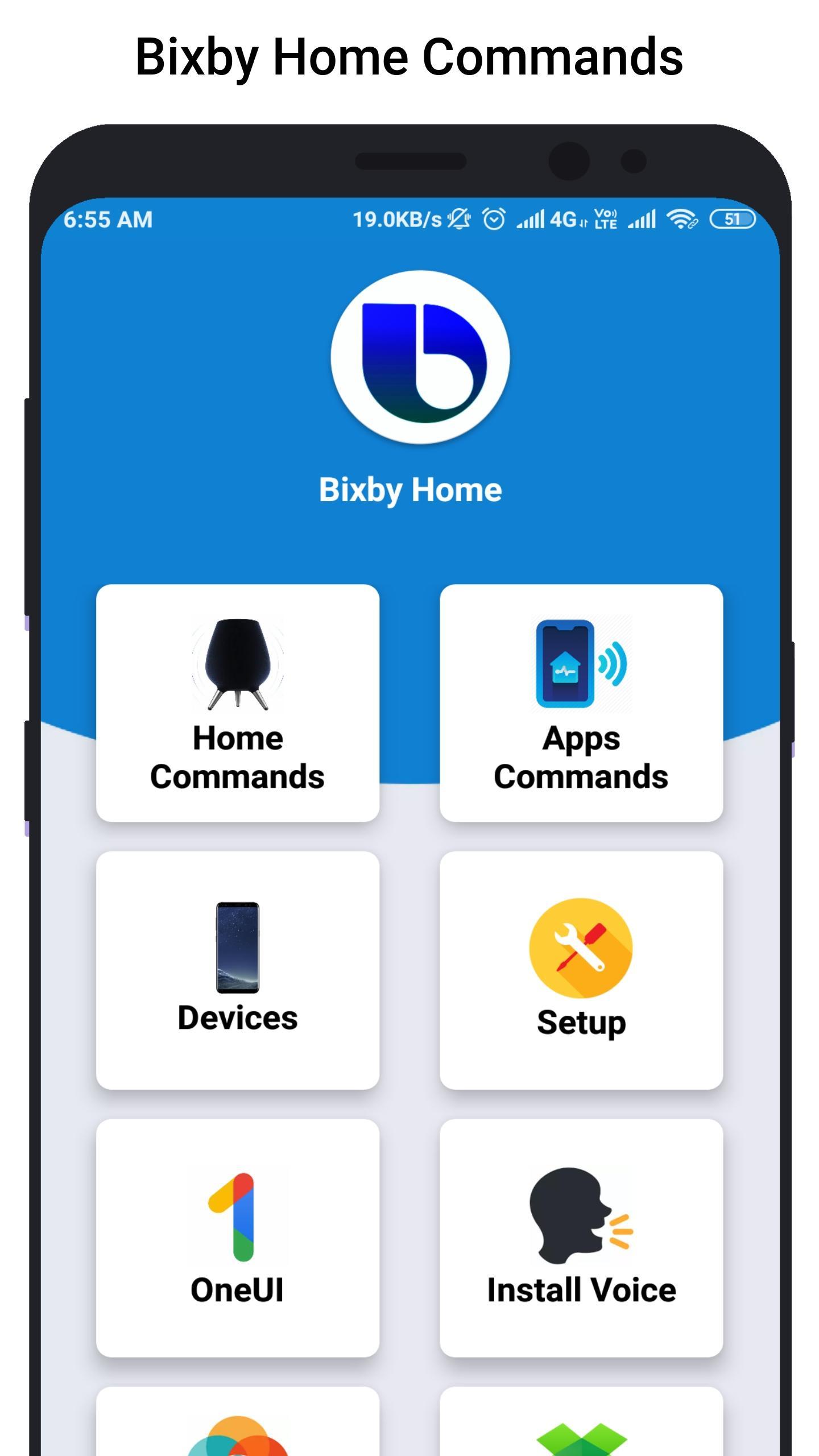
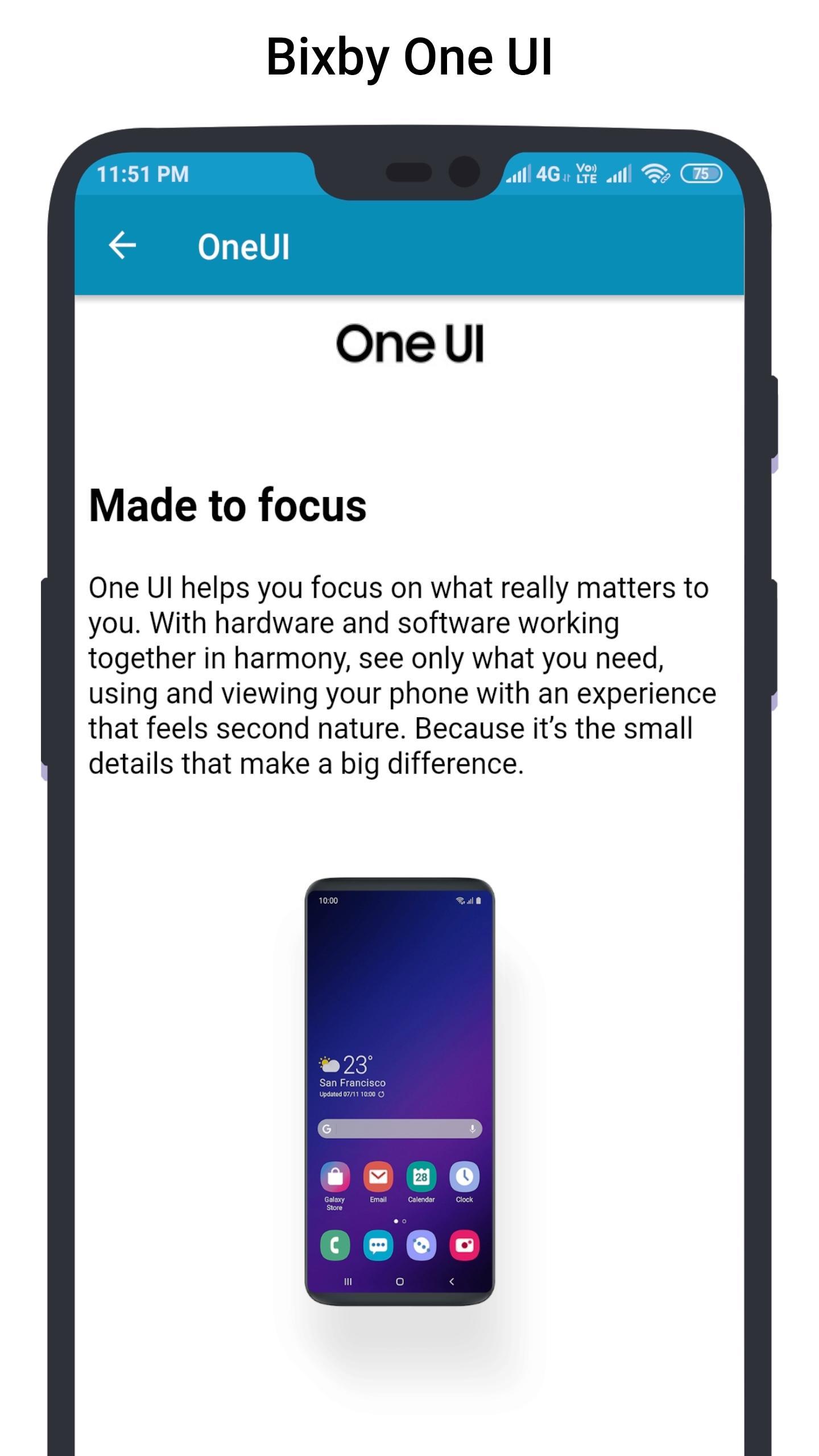
Bixby Home helps you unlock the full potential of your device. By providing useful commands and you can learn what you like and working with your favorite apps, Bixby Home makes it easy for you to get more done.
Bixby Home is always growing by adding new services and expanding supported devices, so you can focus on getting more done.
Bixby Home provides useful commands for every device so, you can learn and implement this real world commands in your smart phone or smart devices.
Hi Bixby Home "show this on my TV" to see your phone screen mirrored to a Samsung TV.
Hi Bixby Home "use this as my wallpaper" to saves the onscreen image as your phone wallpaper.
Hi Bixby Home Say "take a selfie and share it will Facebook" to force your device to do exactly that.
Hello Bixby Home "remind me to take medicine at 3pm" so that Bixby Home will save reminder.
Bixby Home "open Messages" to open the Messages app.
Bixby Home "turn on HDR" to turn on that feature in the Camera app.
Although Bixby Home is in beta stage, we cannot guarantee full functional of the app and we constantly thriving to make app better.
Preview
Information
Developer
Bixby-Commands
Latest Version
1.0
Last Updated
2019-07-07
Category
Personalization
Available on
Google Play
Show More
How to play Bixby Home Commands - 3.0: Device commands with GameLoop on PC
1. Download GameLoop from the official website, then run the exe file to install GameLoop
2. Open GameLoop and search for “Bixby Home Commands - 3.0: Device commands” , find Bixby Home Commands - 3.0: Device commands in the search results and click “Install”
3. Enjoy playing Bixby Home Commands - 3.0: Device commands on GameLoop
Minimum requirements
OS
Windows 8.1 64-bit or Windows 10 64-bit
GPU
GTX 1050
CPU
i3-8300
Memory
8GB RAM
Storage
1GB available space
Recommended requirements
OS
Windows 8.1 64-bit or Windows 10 64-bit
GPU
GTX 1050
CPU
i3-9320
Memory
16GB RAM
Storage
1GB available space