
App Lock : Fingerprint & Pin PC
BG.Studio
Download App Lock : Fingerprint & Pin on PC With GameLoop Emulator
App Lock : Fingerprint & Pin on PC
App Lock : Fingerprint & Pin, coming from the developer BG.Studio, is running on Android systerm in the past.
Now, You can play App Lock : Fingerprint & Pin on PC with GameLoop smoothly.
Download it in the GameLoop library or search results. No more eyeing the battery or frustrating calls at the wrong time any more.
Just enjoy App Lock : Fingerprint & Pin PC on the large screen for free!
App Lock : Fingerprint & Pin Introduction
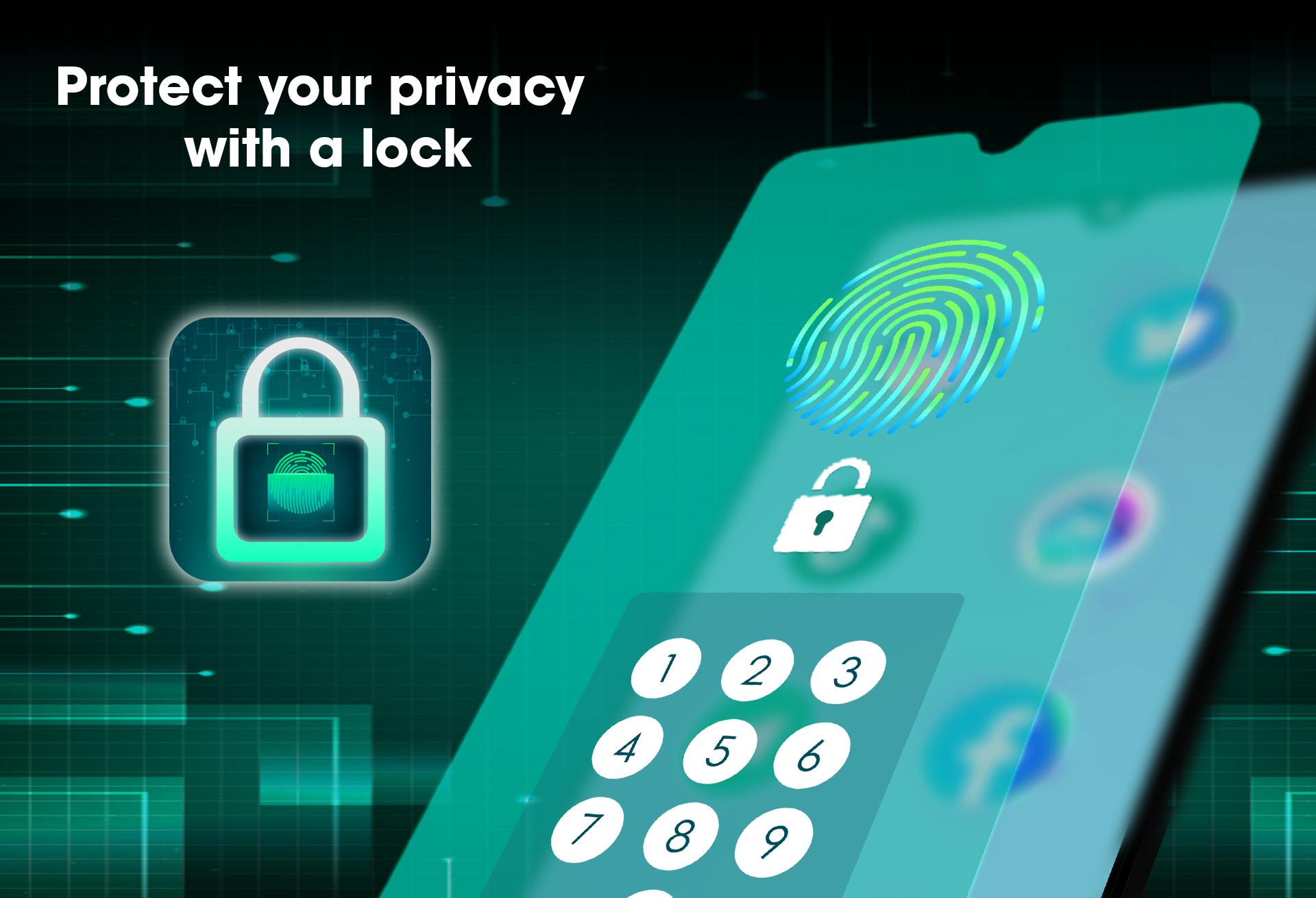
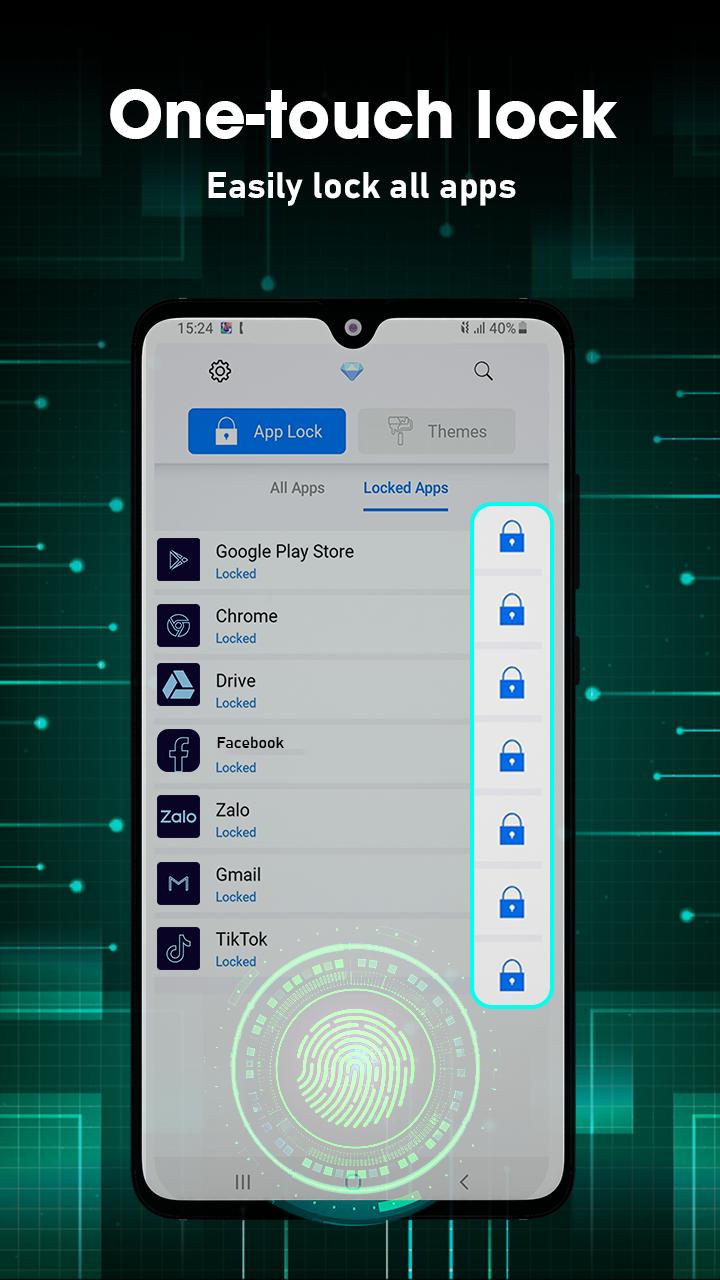
App Lock : Fingerprint & Pin App protect applications every time when you access with a password that only you know. App Lock Tool - Hide Picture is a tool to lock apps you like, protect you from privacy leak! App Lock device allows you to lock apps like gallery, message apps, social apps and email apps with pin & pattern.
It is your great privacy guard and powerful app lock!
📵Lock apps, hide photos, videos and messages with PIN lock , pattern lock or fingerprint lock📵
Highlight features
◆ Smart App Lock
> Lock your social apps privacy: Facebook Messenger, Snapchat, Instagram, WhatsApp, prevents others checking your message/sms, email and contacts, gmail, social media chats! Best of all, you no longer have to worry about your personal information being revealed when using Fingerprint app lock.
◆ Photo Vault
> AppLock can transfer pictures and videos from Gallery to a photo/video vault with read/write external storage permission. You don’t have to worry about others seeing your private photos and videos, data with advanced app lock device.
◆ Safe lock screen
> Fingerprint App Lock secure your phone from intruders with PIN and pattern lock, fingerprint security or peep.
◆ Fingerprint Lock
App Lock Tool use fingerprint to un-lock apps. Keep your kids from making unauthorized payments or deleting important files. No hesitate! No snooping!
◆ Lock Screen Theme
App Lock application customize various types of lock themes including hd wallpapers, 4k wallpapers, anime wallpapers or lock screen wallpaper aesthetic, etc.
"App Lock : Fingerprint & Pin" is a good security app but it will not provide fingerprint function for some Android devices, instead you can use the pin lock/pattern lock function - 2 This function has created a solid layer of protection for your phone. Surely our application will bring you good and different experiences!
Thanks for using our product!
Keep in touch
Email: blurbackgroundstudio@gmail.com
Preview
Tags
PersonalizationInformation
Developer
BG.Studio
Latest Version
39
Last Updated
2024-09-11
Category
Personalization
Available on
Google Play
Show More
How to play App Lock : Fingerprint & Pin with GameLoop on PC
1. Download GameLoop from the official website, then run the exe file to install GameLoop
2. Open GameLoop and search for “App Lock : Fingerprint & Pin” , find App Lock : Fingerprint & Pin in the search results and click “Install”
3. Enjoy playing App Lock : Fingerprint & Pin on GameLoop
Minimum requirements
OS
Windows 8.1 64-bit or Windows 10 64-bit
GPU
GTX 1050
CPU
i3-8300
Memory
8GB RAM
Storage
1GB available space
Recommended requirements
OS
Windows 8.1 64-bit or Windows 10 64-bit
GPU
GTX 1050
CPU
i3-9320
Memory
16GB RAM
Storage
1GB available space