Kids Police: Call PC
Quidbe
Download Kids Police: Call on PC With GameLoop Emulator
Kids Police: Call on PC
Kids Police: Call, coming from the developer Quidbe, is running on Android systerm in the past.
Now, You can play Kids Police: Call on PC with GameLoop smoothly.
Download it in the GameLoop library or search results. No more eyeing the battery or frustrating calls at the wrong time any more.
Just enjoy Kids Police: Call PC on the large screen for free!
Kids Police: Call Introduction
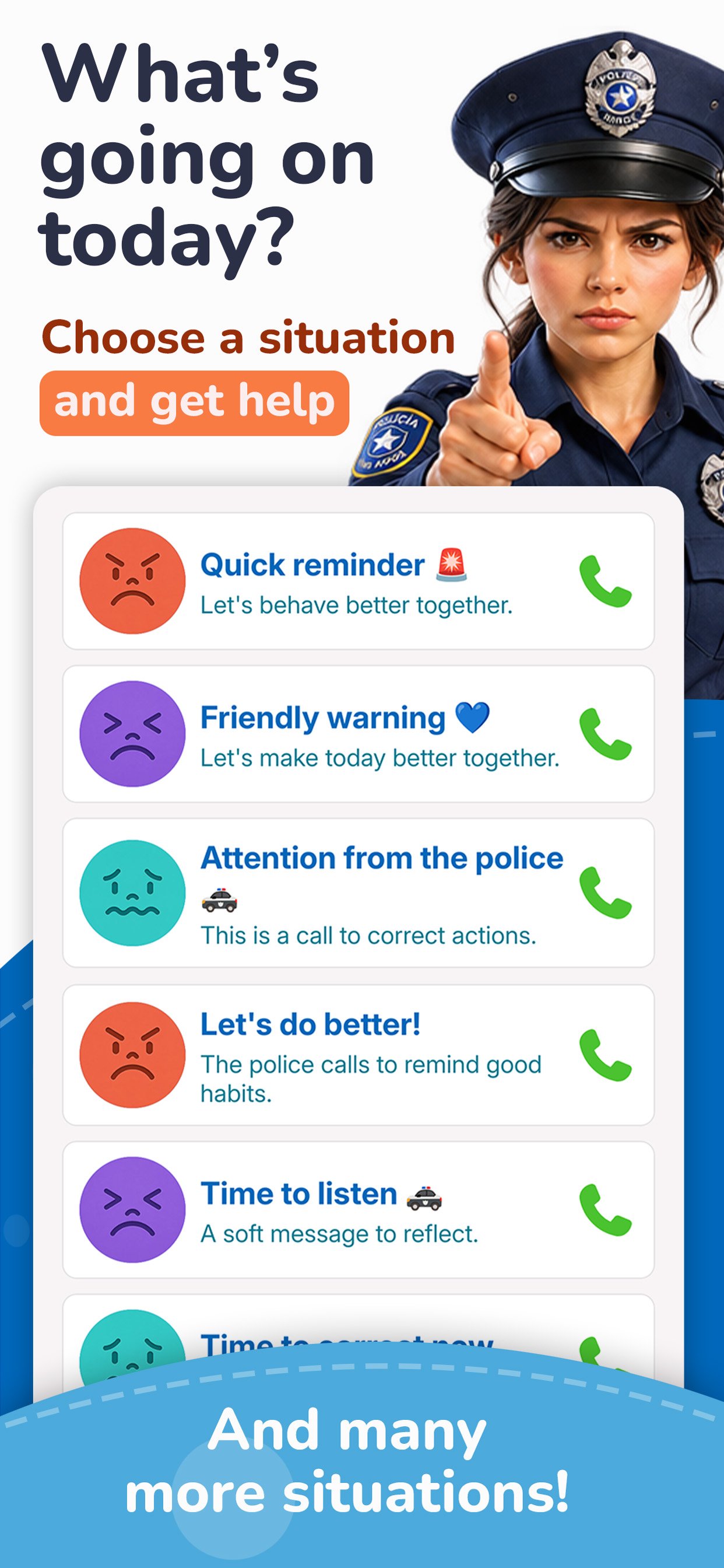
Having a tantrum? Won’t eat, go to bed, or do homework? Or do you want to celebrate something they did really well?
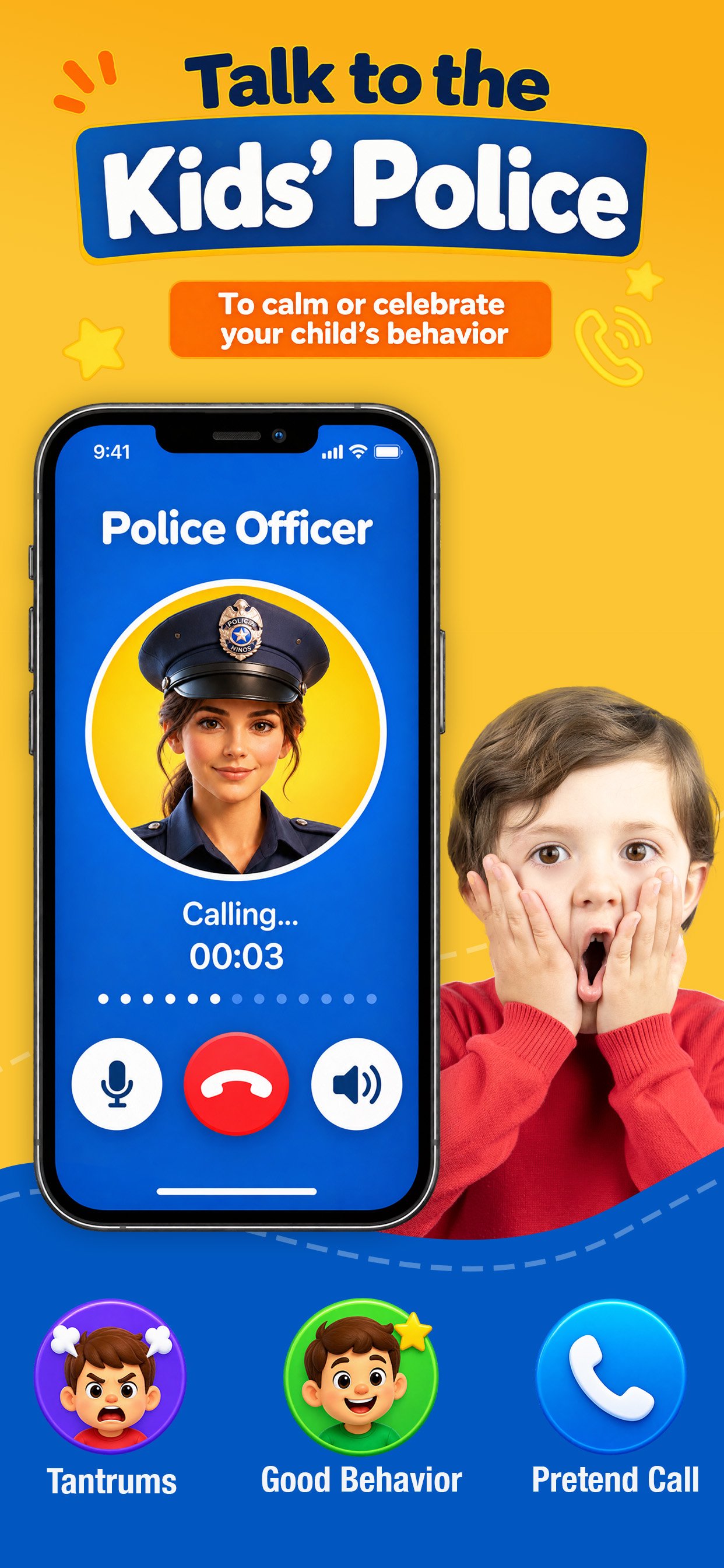
Choose what’s happening and find a message for that moment. With simulated calls from the Kids Police, the Doctor, Santa Claus, The Witch and many more characters, you can help motivate, calm, or reinforce good behavior in a fun and different way.
There are messages for many everyday moments: routines, school, health, fears, good habits, values, achievements, and unexpected situations.
You decide what you want to reinforce. Pick a situation, choose a message, and start the call. Each character has different messages, so you can choose the one that best fits the moment.
And it’s not all about correcting behavior! When there’s something to celebrate, you can also choose messages to praise their effort, recognize their achievements, and reinforce good behavior.
Characters include:
• Kids Police
• Kids Doctor
• The Witch
• Santa Claus
A different situation, a different character, a different message.
IMPORTANT
All audio and messages are prerecorded and are designed as a creative tool for parents and caregivers. The characters do not listen, respond, or know how your children are behaving.
You decide which message to use and when to use it. The app does not replace the judgment or responsibility of parents and caregivers when it comes to raising their children.
Preview
Tags
ParentingInformation
Developer
Quidbe
Latest Version
5.4.0
Last Updated
2026-09-25
Category
Parenting
Available on
Google Play
Show More
How to play Kids Police: Call with GameLoop on PC
1. Download GameLoop from the official website, then run the exe file to install GameLoop
2. Open GameLoop and search for “Kids Police: Call” , find Kids Police: Call in the search results and click “Install”
3. Enjoy playing Kids Police: Call on GameLoop
Minimum requirements
OS
Windows 8.1 64-bit or Windows 10 64-bit
GPU
GTX 1050
CPU
i3-8300
Memory
8GB RAM
Storage
1GB available space
Recommended requirements
OS
Windows 8.1 64-bit or Windows 10 64-bit
GPU
GTX 1050
CPU
i3-9320
Memory
16GB RAM
Storage
1GB available space