
Mom or Dad: Baby Photo Editor PC
LinaSoft
Download Mom or Dad: Baby Photo Editor on PC With GameLoop Emulator
Mom or Dad: Baby Photo Editor on PC
Mom or Dad: Baby Photo Editor, coming from the developer LinaSoft, is running on Android systerm in the past.
Now, You can play Mom or Dad: Baby Photo Editor on PC with GameLoop smoothly.
Download it in the GameLoop library or search results. No more eyeing the battery or frustrating calls at the wrong time any more.
Just enjoy Mom or Dad: Baby Photo Editor PC on the large screen for free!
Mom or Dad: Baby Photo Editor Introduction
An AI baby photo editor, an AI baby generator, and the free mom or dad look-alike test — all in one app! Settle the family argument and create stunning baby photos.
👶 WHO DO I LOOK LIKE? FREE FOREVER
The original mom or dad look alike test. Add mom, dad and baby photos to get a playful Face Report. Ever wonder who does my baby look like? Find out with an overall mom-vs-dad percentage, plus a face similarity breakdown of eyes, nose, mouth, and smile. This family resemblance test is unlimited and free, always. Compare parents and see if your child is a true look alike!
📸 159 PHOTO THEMES, 14 CATEGORIES
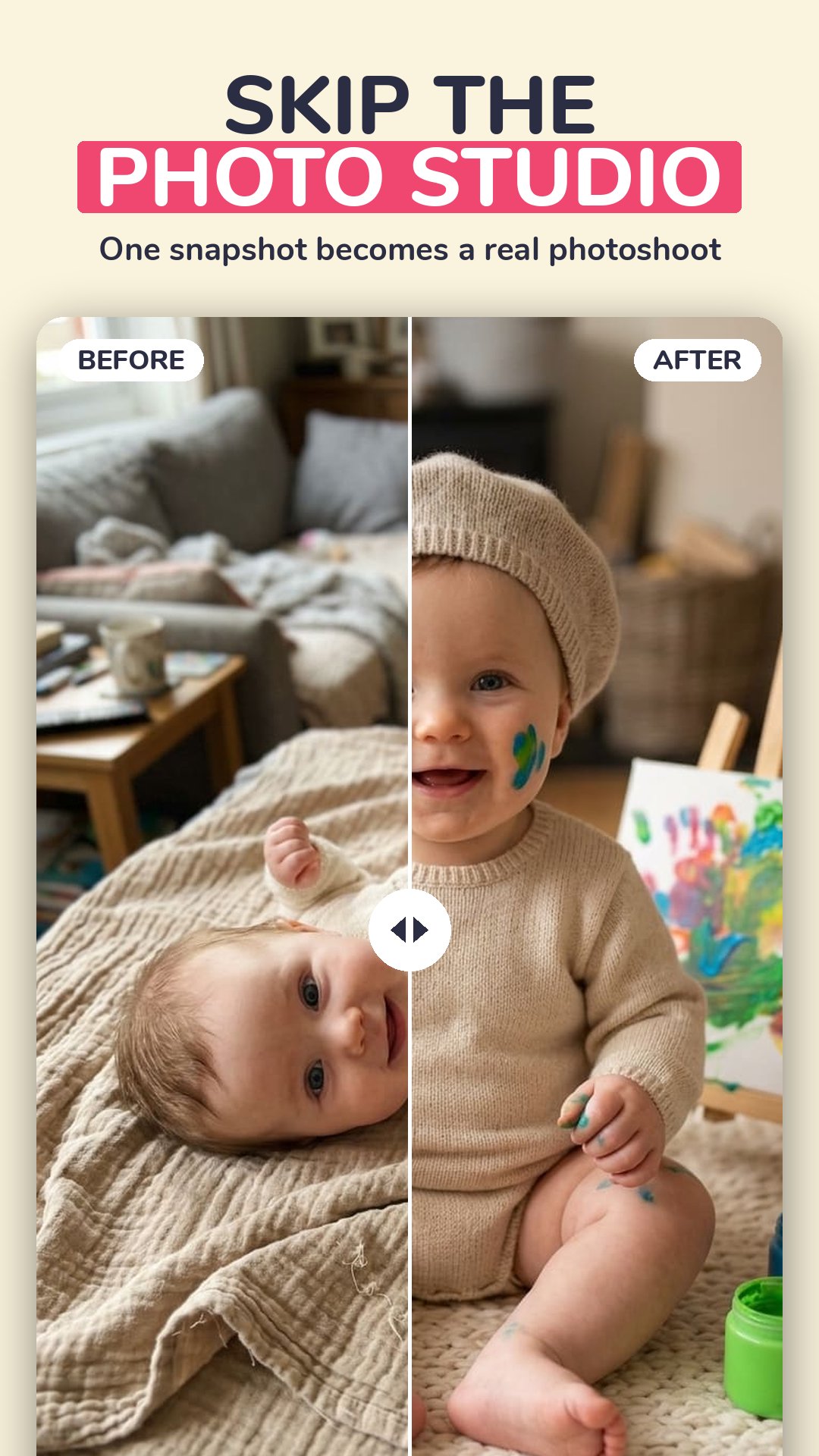
Why book a baby photo studio? Create over 1,000 different photos of your own baby — 159 themes in six styles, from one snapshot on your phone. No booking, no travel, no studio fee. A complete AI baby photo editor in your pocket:
• Monthly Milestones — month-by-month milestone photos
• Newborn Classics — newborn photoshoot ideas
• Holidays and World Festivals
• Seasons, Fantasy, Sports, Animal Friends
• Little Professions, Sweet Treats, Art Styles
• Around the World, Family Portraits, Time Travel
🍼 AI BABY GENERATOR: YOUR FUTURE BABY
What would our baby look like? Add two parent photos and meet your future baby. Pick a boy or a girl and see them at four ages — newborn, six years old, teenager and grown up. This AI baby face generator blends eyes, nose, mouth, hair and skin tone from both parents. The ultimate baby predictor and future face maker!
🚀 KID GROWN UP
Curious about their future face? Use our aging app feature to see one photo of your child aged five steps ahead: 16, 25, 35, 50 and 70. A fun age progression and future kids generator.
🧑⚕️ PROFESSIONS
Doctor, police officer, astronaut, pilot, engineer, teacher, footballer, chef or CEO. Nine careers to try on with this AI kid generator.
⏳ TIME MACHINE
First day of school, the luxury life, or a 1990s high-school yearbook portrait.
🎨 SIX STYLES
Realistic, cute, studio, cartoon, anime or royal, on any theme.
🌍 MADE FOR YOUR COUNTRY
Local photo ideas curated for 22 markets, and the whole app in 29 languages.
Your photos are never stored on our servers. Results are AI-generated, for entertainment only.
🔓 TRY IT FREE
Create your first photos free — they carry a small watermark. Premium by Avo Studio unlocks every theme and tool, removes the watermark, and renews weekly or monthly until you cancel. Fair usage limits apply.
Privacy policy: https://avoparenting.com/legal/privacy
Terms of use: https://avoparenting.com/legal/terms
Preview

Tags
ParentingInformation
Developer
LinaSoft
Latest Version
4.1.9
Last Updated
2026-10-01
Category
Parenting
Available on
Google Play
Show More
How to play Mom or Dad: Baby Photo Editor with GameLoop on PC
1. Download GameLoop from the official website, then run the exe file to install GameLoop
2. Open GameLoop and search for “Mom or Dad: Baby Photo Editor” , find Mom or Dad: Baby Photo Editor in the search results and click “Install”
3. Enjoy playing Mom or Dad: Baby Photo Editor on GameLoop
Minimum requirements
OS
Windows 8.1 64-bit or Windows 10 64-bit
GPU
GTX 1050
CPU
i3-8300
Memory
8GB RAM
Storage
1GB available space
Recommended requirements
OS
Windows 8.1 64-bit or Windows 10 64-bit
GPU
GTX 1050
CPU
i3-9320
Memory
16GB RAM
Storage
1GB available space