Best Baby Room Design PC
KinanApps
Download Best Baby Room Design on PC With GameLoop Emulator
Best Baby Room Design on PC
Best Baby Room Design, coming from the developer KinanApps, is running on Android systerm in the past.
Now, You can play Best Baby Room Design on PC with GameLoop smoothly.
Download it in the GameLoop library or search results. No more eyeing the battery or frustrating calls at the wrong time any more.
Just enjoy Best Baby Room Design PC on the large screen for free!
Best Baby Room Design Introduction
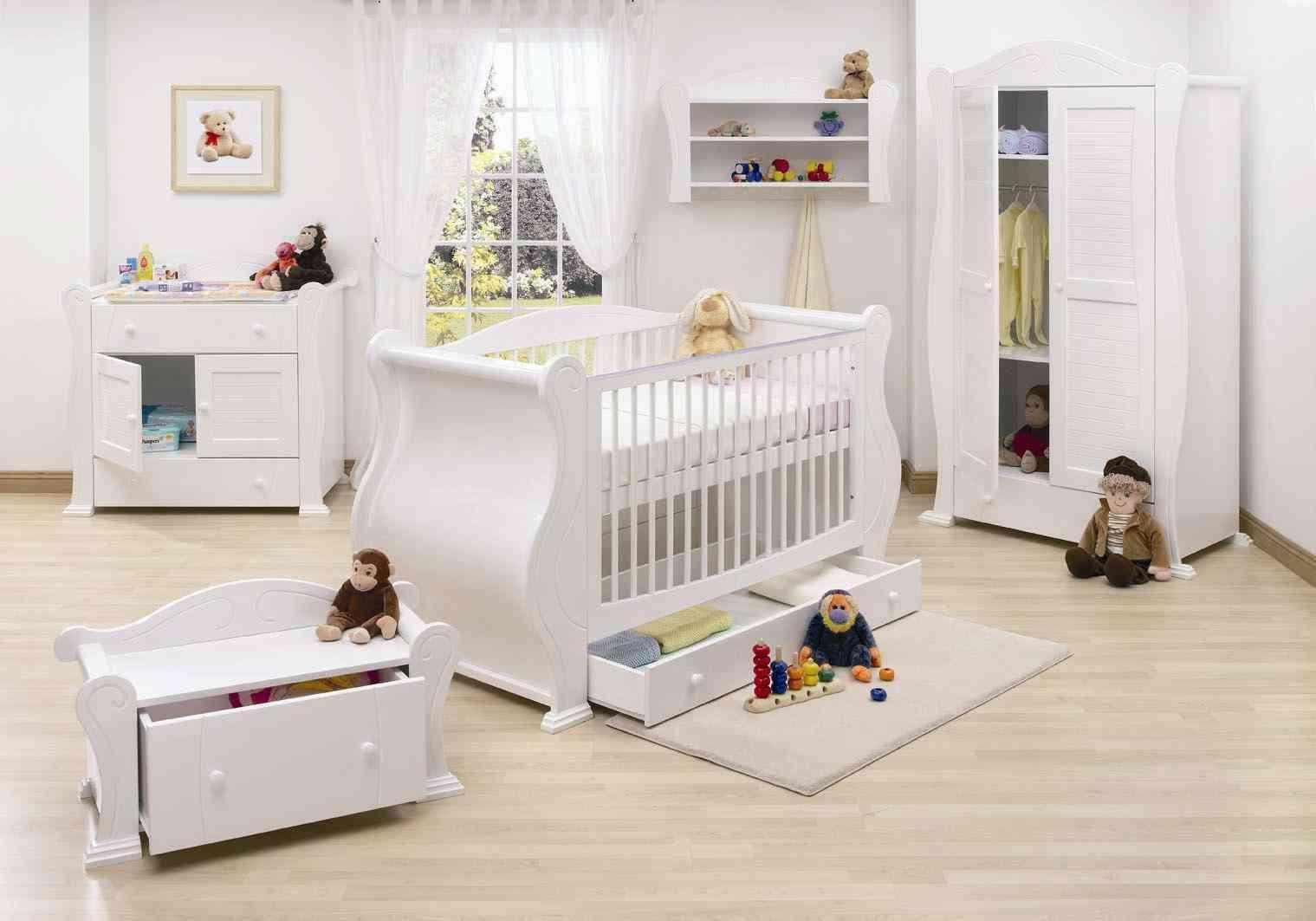
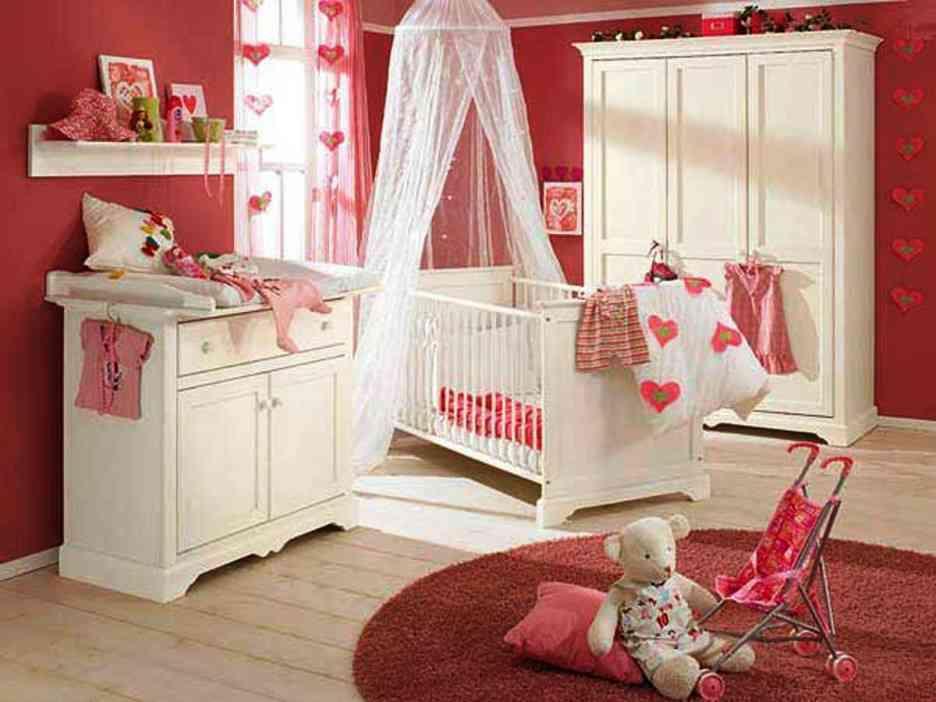
With the arrival of a baby in the house, the most speculated topic other than the gender of the baby, is ideas for decorating the babies room. A lot about the decoration depends on whether it’s a baby boy or baby girl.
The baby’s room should have pleasant and happy environment. It is considered a healthy practice if both the parents show equal participation in designing their baby’s room. This helps to create a special bond between the baby and parents even before the baby is born.
Here are 10 tips about baby’s room that will inspire you:
1. Consider the room's location and other practicalities
Choose a quiet room close to your bedroom so you don’t have to walk far at night. If the windows let a lot of light in, it may help your baby to sleep at night if you put black-out blinds or curtain linings up to keep the room dark.
2. Incorporate the style of your house into the nursery decor
Is your interiors style traditional, contemporary or perhaps an eclectic mix? It’s important that your nursery design reflects your own personal style and how you’ve decorated the rest of your home.
3. Create your own mood board
Search the internet and magazines for pictures you love and piece them together to create a mood board. This will help you to pick your colors, keep your ideas focused and pull your theme together.
4. Keep it simple
With all the gorgeous nursery furniture and accessories available, it’s easy to over-decorate. Keep it simple and decide on a single focus for the room early on, such as a piece of furniture or artwork. Choose a neutral background and mix in age-appropriate accessories and you’ll reduce the need to redecorate every few years.
5. Choose soft, tranquil colors
With the demands of a newborn, most mums need calm more than anything.
6. Choose adaptable decor
Consider how long the nursery decor will last your baby. Wallpaper with characters might have to be changed in a few years if your child finds it babyish or out-of-date. Wall stickers are a cheap, easy alternative for decorating that can be removed when your child gets older.
7. Think about safety
Create a safe zone around the cot by positioning it away from windows, heaters, lamps, wall decorations and cords. Keep furniture that your baby could clamber on to away from the cot too.
8. Select key pieces first
Select your furniture pieces before you start decorating. Parents often choose their colors first, but it's actually easier and cheaper to match paints, fabrics and wallpaper to your key furniture pieces.
9. Strike a balance between form and function
The hard part of designing your nursery is making sure it’s practical and easy to use. Consider what the room needs to be used for, the size of the room and how long it will be a nursery.
10. Think outside the box
The same can be said for wallpaper, fabric, and wall stickers. Choose items and colors that you love.
The paint aisles in your local DIY store will inspire you to mix colors you might not otherwise have thought of.
Preview
Tags
ParentingInformation
Developer
KinanApps
Latest Version
2.0
Last Updated
2020-09-28
Category
Parenting
Available on
Google Play
Show More
How to play Best Baby Room Design with GameLoop on PC
1. Download GameLoop from the official website, then run the exe file to install GameLoop
2. Open GameLoop and search for “Best Baby Room Design” , find Best Baby Room Design in the search results and click “Install”
3. Enjoy playing Best Baby Room Design on GameLoop
Minimum requirements
OS
Windows 8.1 64-bit or Windows 10 64-bit
GPU
GTX 1050
CPU
i3-8300
Memory
8GB RAM
Storage
1GB available space
Recommended requirements
OS
Windows 8.1 64-bit or Windows 10 64-bit
GPU
GTX 1050
CPU
i3-9320
Memory
16GB RAM
Storage
1GB available space