
MMDA MRT3 LiVE CAM PC
Simple Android Tech
Download MMDA MRT3 LiVE CAM on PC With GameLoop Emulator
MMDA MRT3 LiVE CAM on PC
MMDA MRT3 LiVE CAM, coming from the developer Simple Android Tech, is running on Android systerm in the past.
Now, You can play MMDA MRT3 LiVE CAM on PC with GameLoop smoothly.
Download it in the GameLoop library or search results. No more eyeing the battery or frustrating calls at the wrong time any more.
Just enjoy MMDA MRT3 LiVE CAM PC on the large screen for free!
MMDA MRT3 LiVE CAM Introduction
"Sorry if there are no updates yet on this app. Im still busy with my work but still thank you for loving and hating this app.. thank you :)"
***Featured in TV 5 news 09/5/2013 in their Happy News segment.. wow :)
CLARIFICATION this app was Based on MY GALAXY NOTE 2 N7100 so it might not work on small screen device..
***DISCLAIMER: This is not the official app of MMDA and MRT3***
***FYI***
★Make sure to have a strong INTERNET connection.
★Sometimes the main source of the live feeds is offline so wala tlga kayong makikita.
★MMDA stream sometimes or most of the time is slow.
★Please wait for the page to load completely :)
★Not all device is compatible it "MAY" or "MAY NOT"work.
★IF the page does not load please tap REFRESH on the top RIGHT Corner. OR EXIT from the application.
★ Uninstall/ Reinstall sometimes fix the issue.
★ Double Tap to Zoom in and zoom out (camera feed)
☆★☆★☆★☆★☆★☆
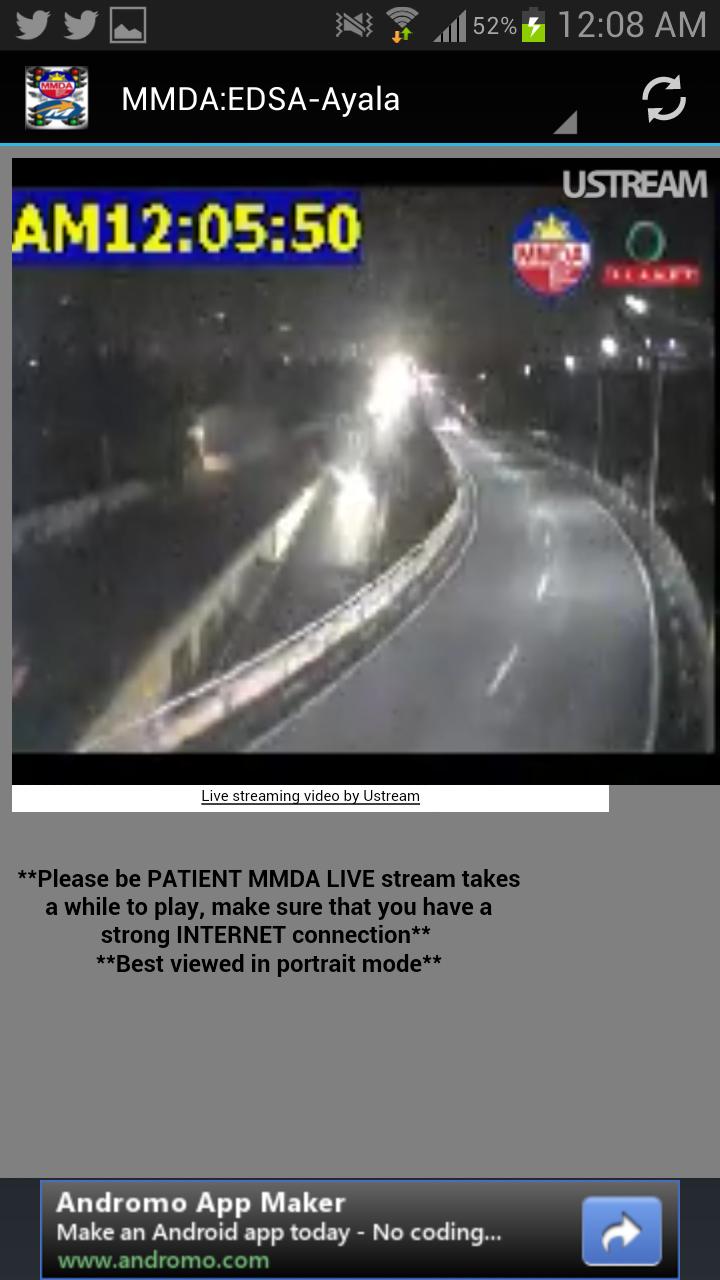
●Watch LIVE video stream from MMDA Traffic cams.
EDSA- Taft, Ayala, Orense, SM Megamall, White Plains, P. TUAZON, Nepa Qmart, C5 Green Meadows, Marcos Highway.
●Watch Live video stream from MRT3 Stations CCTV cams.
North Ave., Quezon Ave.; Kamuning Ave., Cubao Station, Santolan Station, Ortigas Station, Shaw Boulevard, Boni Ave., Guadalupe Station, Buendia Station, Ayala Station, Magallanes Station, Taft Ave.
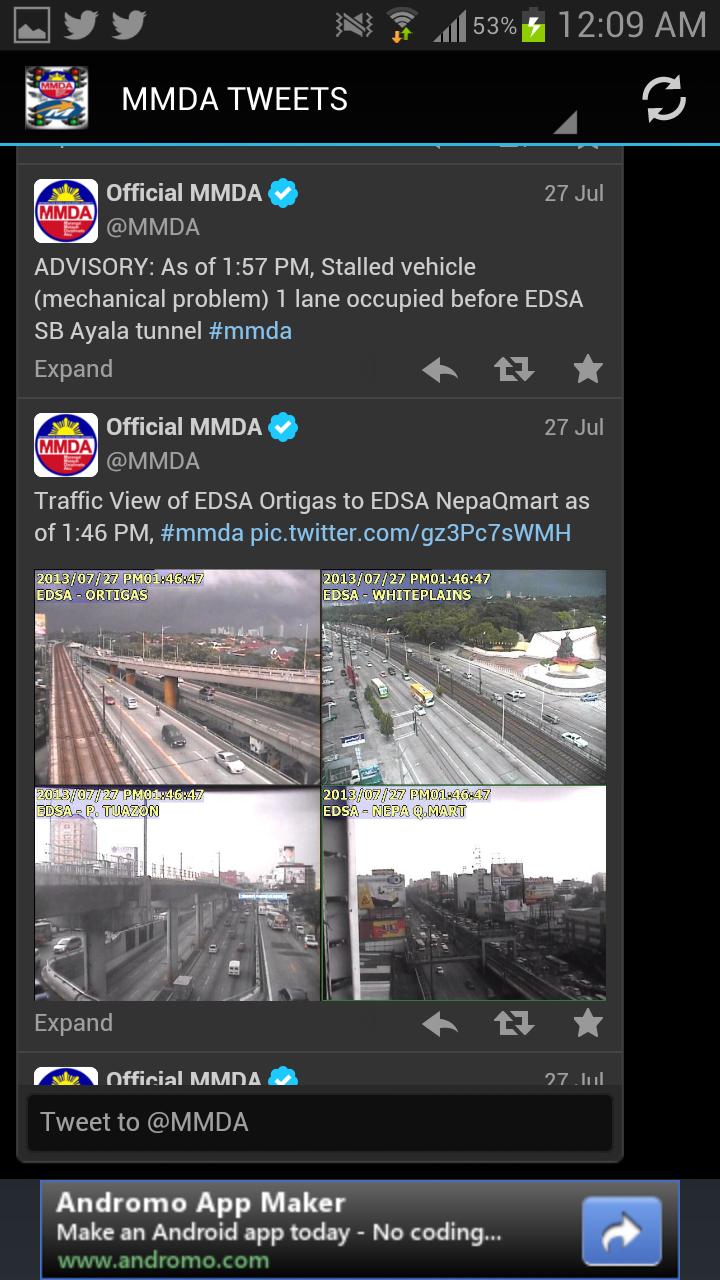
●Get the LATEST Tweets from @MMDA @dost_pagasa @dotcmrt3
●Search traffic updates from netizens via
Trafficdito.com(im not affiliated with trafficdito.com)
●Google Map included( find your exact location)
Refrence:
Preview
Information
Developer
Simple Android Tech
Latest Version
1.1
Last Updated
2013-11-05
Category
News-magazines
Available on
Google Play
Show More
How to play MMDA MRT3 LiVE CAM with GameLoop on PC
1. Download GameLoop from the official website, then run the exe file to install GameLoop
2. Open GameLoop and search for “MMDA MRT3 LiVE CAM” , find MMDA MRT3 LiVE CAM in the search results and click “Install”
3. Enjoy playing MMDA MRT3 LiVE CAM on GameLoop
Minimum requirements
OS
Windows 8.1 64-bit or Windows 10 64-bit
GPU
GTX 1050
CPU
i3-8300
Memory
8GB RAM
Storage
1GB available space
Recommended requirements
OS
Windows 8.1 64-bit or Windows 10 64-bit
GPU
GTX 1050
CPU
i3-9320
Memory
16GB RAM
Storage
1GB available space