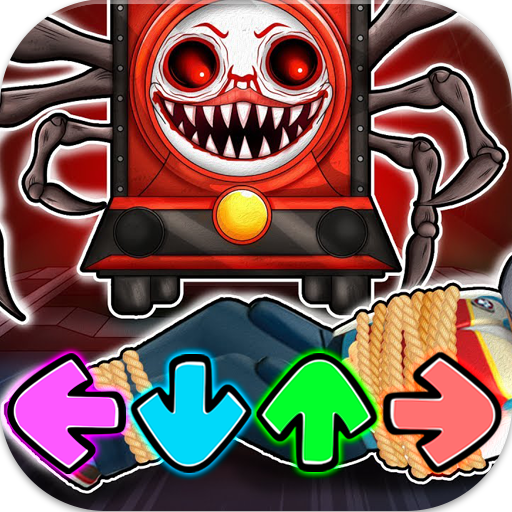
FNF vs Choo Choo Charles Mod PC
Fuller
Download FNF vs Choo Choo Charles Mod on PC With GameLoop Emulator
FNF vs Choo Choo Charles Mod on PC
FNF vs Choo Choo Charles Mod, coming from the developer Fuller, is running on Android systerm in the past.
Now, You can play FNF vs Choo Choo Charles Mod on PC with GameLoop smoothly.
Download it in the GameLoop library or search results. No more eyeing the battery or frustrating calls at the wrong time any more.
Just enjoy FNF vs Choo Choo Charles Mod PC on the large screen for free!
FNF vs Choo Choo Charles Mod Introduction
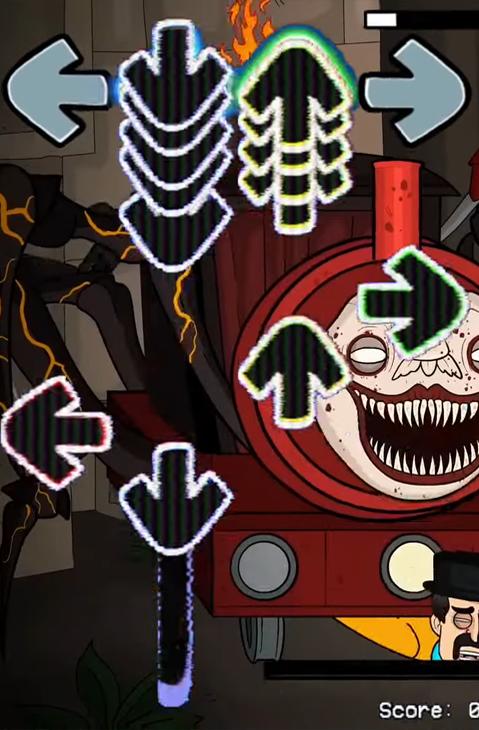
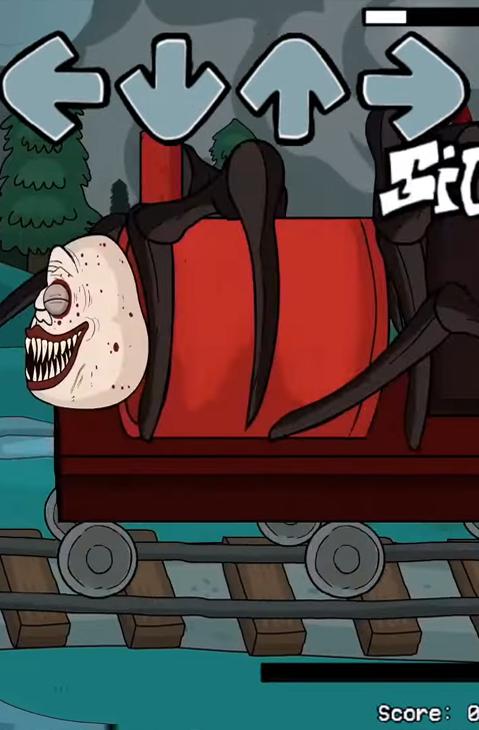
This Friday night is your first time to Choo Choo Charles Mod wonderland. So, let's have fun with this very new funkin mod where Boyfriend rap-battle against some classic characters such as Choo Choo Charles FULL WEEK fnf a mod based on a Choo Choo Charles train horror game.
This time Boyfriend and Girlfriend face the cube from Cho Cho Charles train game. Its kind of neat how this mod came out in the same month as the Choo Choo Charles mod Keyframe System update. The names of the songs reference the levels in Choo Choo Charles full week and it has some cool levels. This is by far the most amazing Cuphea mod I've ever seen in fnf! I'll be playing on very hard mode for all VS cuphea songs.
HOW TO PLAY?
All you got to do is tap the arrows perfectly when they match with the fnf Choo Choo Charles song in order to have the highest score possible and win the music battle in Cho Cho Charles Alphabet Lore Fnf Mod Release.
HOW TO WIN?
- Make arrows perfectly match to Rainbow Friends vs Choo Choo Charles.
- Beat all enemies, climb on top rank.
- Feel funny rhythm! Dance with Choo Choo Charles! Rock the beat!
TIPS TO MASTER!
- Use just 1 finger to control
- Hold and drag to aim and shoot fnf music arrow
It's right time for you to Enjoy your funkin music night!
Preview
Tags
MusicInformation
Developer
Fuller
Latest Version
1.1
Last Updated
2023-01-06
Category
Music
Available on
Google Play
Show More
How to play FNF vs Choo Choo Charles Mod with GameLoop on PC
1. Download GameLoop from the official website, then run the exe file to install GameLoop
2. Open GameLoop and search for “FNF vs Choo Choo Charles Mod” , find FNF vs Choo Choo Charles Mod in the search results and click “Install”
3. Enjoy playing FNF vs Choo Choo Charles Mod on GameLoop
Minimum requirements
OS
Windows 8.1 64-bit or Windows 10 64-bit
GPU
GTX 1050
CPU
i3-8300
Memory
8GB RAM
Storage
1GB available space
Recommended requirements
OS
Windows 8.1 64-bit or Windows 10 64-bit
GPU
GTX 1050
CPU
i3-9320
Memory
16GB RAM
Storage
1GB available space