Volume Booster: Boost Sound PC
Nyalkaran Infotech
Download Volume Booster: Boost Sound on PC With GameLoop Emulator
Volume Booster: Boost Sound on PC
Volume Booster: Boost Sound, coming from the developer Nyalkaran Infotech, is running on Android systerm in the past.
Now, You can play Volume Booster: Boost Sound on PC with GameLoop smoothly.
Download it in the GameLoop library or search results. No more eyeing the battery or frustrating calls at the wrong time any more.
Just enjoy Volume Booster: Boost Sound PC on the large screen for free!
Volume Booster: Boost Sound Introduction
Change the overall experience of listening music by using one of the best Sound Booster App.
Volume Booster is a small and simple app to increase sound of your device, loudspeaker or headphones. It is very useful for listening music at high volume.
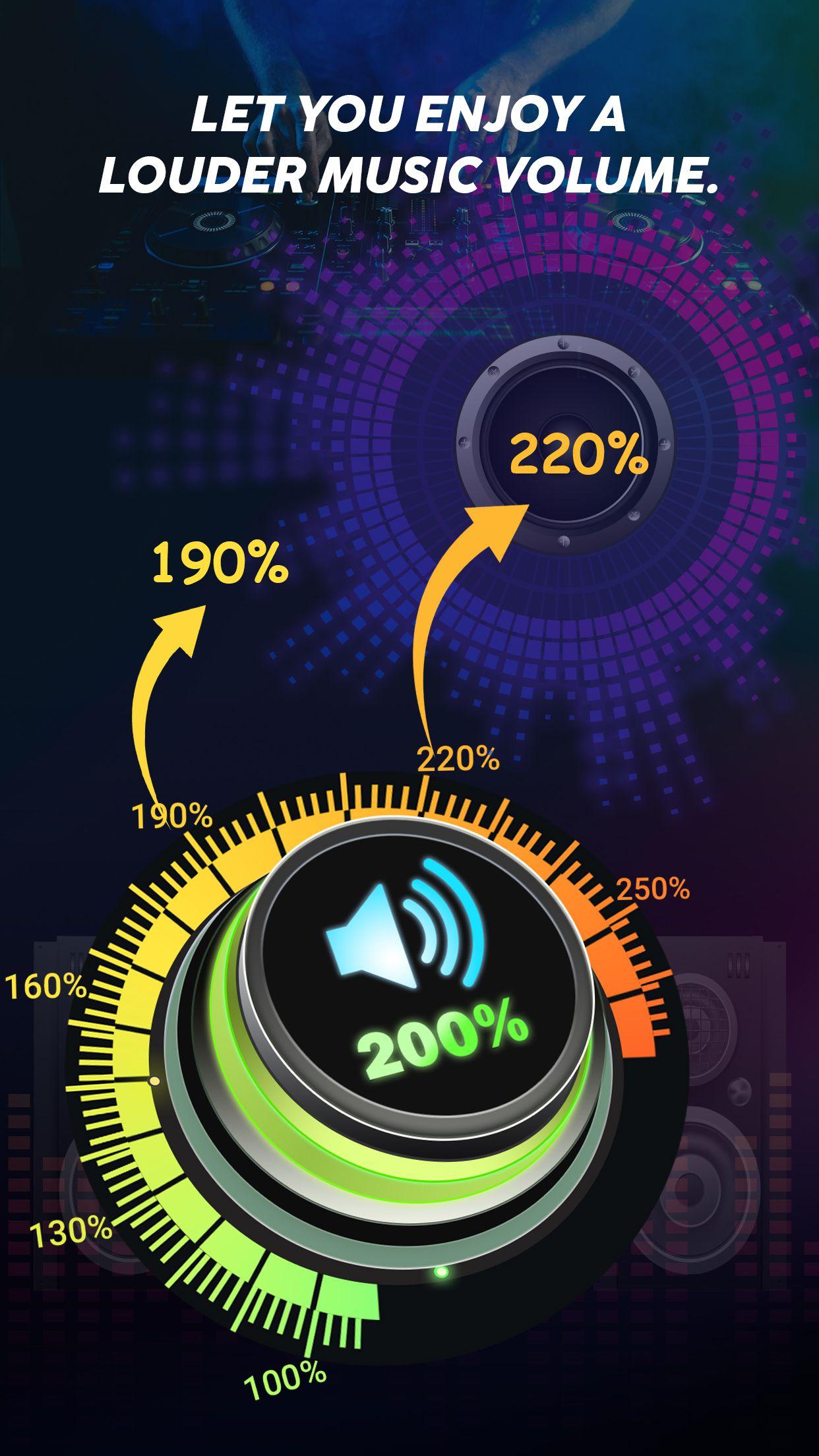
You can increase the volume of your device up to 200% by using the features like Equalizer, Bass, 3D, Frequency, etc. Increase the frequency of your music/sound from 60Hz to 14000Hz.
Volume Booster or Speaker Booster allows you to adjust the volume of music/sound so that you get the best experience of music from your device.
Key Features:-
• Increase volume up to 200%
• Bass Booster Effect
• 3D Effect
• Increase Frequency from 60Hz to 14000Hz
• Equalizer
• Customizable Equalizer
• Collection of 10 Equalizers like (Normal, Classical, Pop, Folk, Rock & more)
• Inbuilt music player
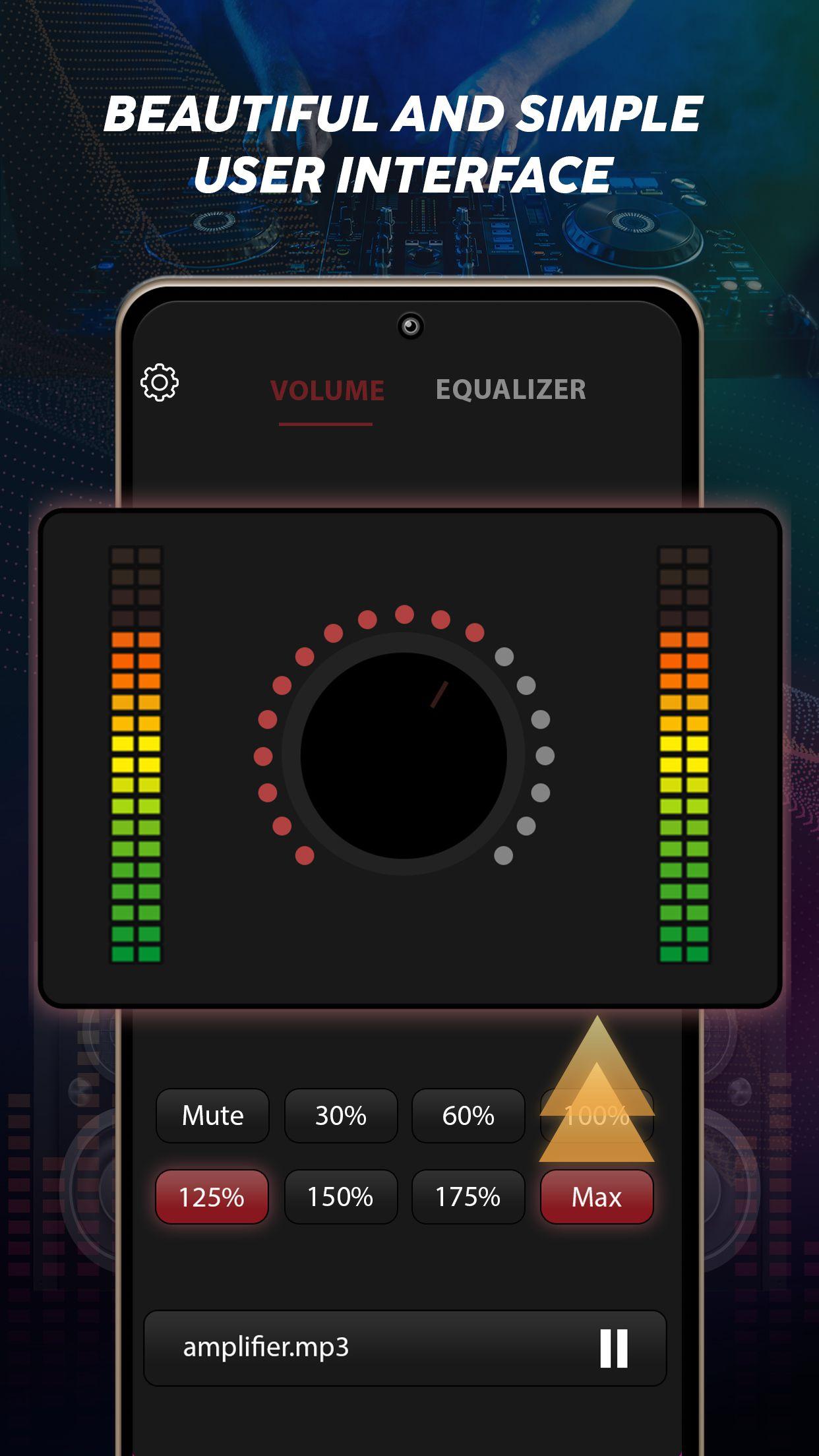
• User friendly interface
Sound Equalizer:-
Equalizer has a best collection of presets such as:-
• Custom
• Normal
• Classical
• Dance
• Flat
• Folk
• Heavy Metal
• Hip Hop
• Jazz
• Pop
• Rock
Inbuilt Music Player:-
The Music Booster app has an inbuilt music player so you do not have to install other music player to play the music. You can play the music from the music library of Music Booster app itself.
Sound Quality:-
Without affecting the sound quality, the Music Booster app works fine for improving and increasing the volume of Music and audio.
Through Music Booster app you can increase the volume of external speakers, Bluetooth, headphone, Android device, etc.
Bass Booster & Equalizer:-
Through Bass Booster feature and Equalizer you can increase or decrease the bass volume through which you can feel the bass. 3D feature helps you to feel the music in 3D effect.
If you don't have a headset or want to use a loudspeaker, you can always enjoy good music with our app. You can enjoy the music even if your screen is off or locked.
User Friendly Interface:-
The Music Booster app has a better user friendly interface so that you do not get confused while using the app. You can on/off the music with one tap.
Download the Music Booster app now and get lost in the world of music.
Preview
Tags
Music-&Information
Developer
Nyalkaran Infotech
Latest Version
1.0.3
Last Updated
2022-11-09
Category
Music-audio
Available on
Google Play
Show More
How to play Volume Booster: Boost Sound with GameLoop on PC
1. Download GameLoop from the official website, then run the exe file to install GameLoop
2. Open GameLoop and search for “Volume Booster: Boost Sound” , find Volume Booster: Boost Sound in the search results and click “Install”
3. Enjoy playing Volume Booster: Boost Sound on GameLoop
Minimum requirements
OS
Windows 8.1 64-bit or Windows 10 64-bit
GPU
GTX 1050
CPU
i3-8300
Memory
8GB RAM
Storage
1GB available space
Recommended requirements
OS
Windows 8.1 64-bit or Windows 10 64-bit
GPU
GTX 1050
CPU
i3-9320
Memory
16GB RAM
Storage
1GB available space