
TuBee: Floating podcast player PC
Team Mercan
Download TuBee: Floating podcast player on PC With GameLoop Emulator
TuBee: Floating podcast player on PC
TuBee: Floating podcast player, coming from the developer Team Mercan, is running on Android systerm in the past.
Now, You can play TuBee: Floating podcast player on PC with GameLoop smoothly.
Download it in the GameLoop library or search results. No more eyeing the battery or frustrating calls at the wrong time any more.
Just enjoy TuBee: Floating podcast player PC on the large screen for free!
TuBee: Floating podcast player Introduction
TuBee is your ultimate content player, offering a seamless way to play without signing in. No need account connection to watch. Easily erase your history. Create and import playlists.
Discover and watch millions of free podcasts in high-quality! Keep podcast playing while using other apps, making TuBee the perfect tool for media enthusiasts.
★ Highlights:
• Fast and Stable: Enjoy smooth performance with a user-friendly and intuitive interface.
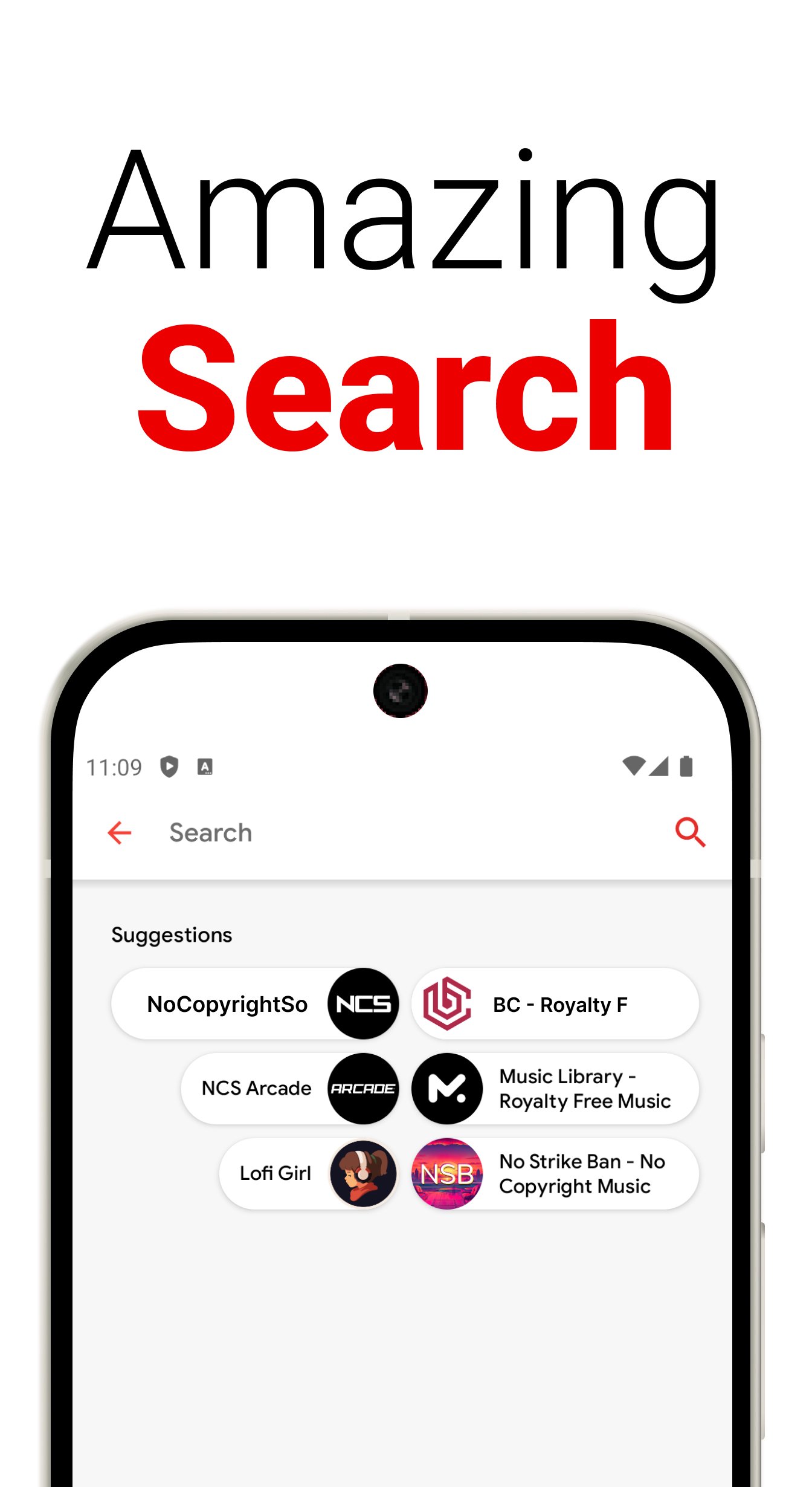
• Content Search: Quickly find and play your favorite videos.
• History Management: Easily browse and delete your viewing history.
• Playlist Features: Effortlessly import and create custom playlists.
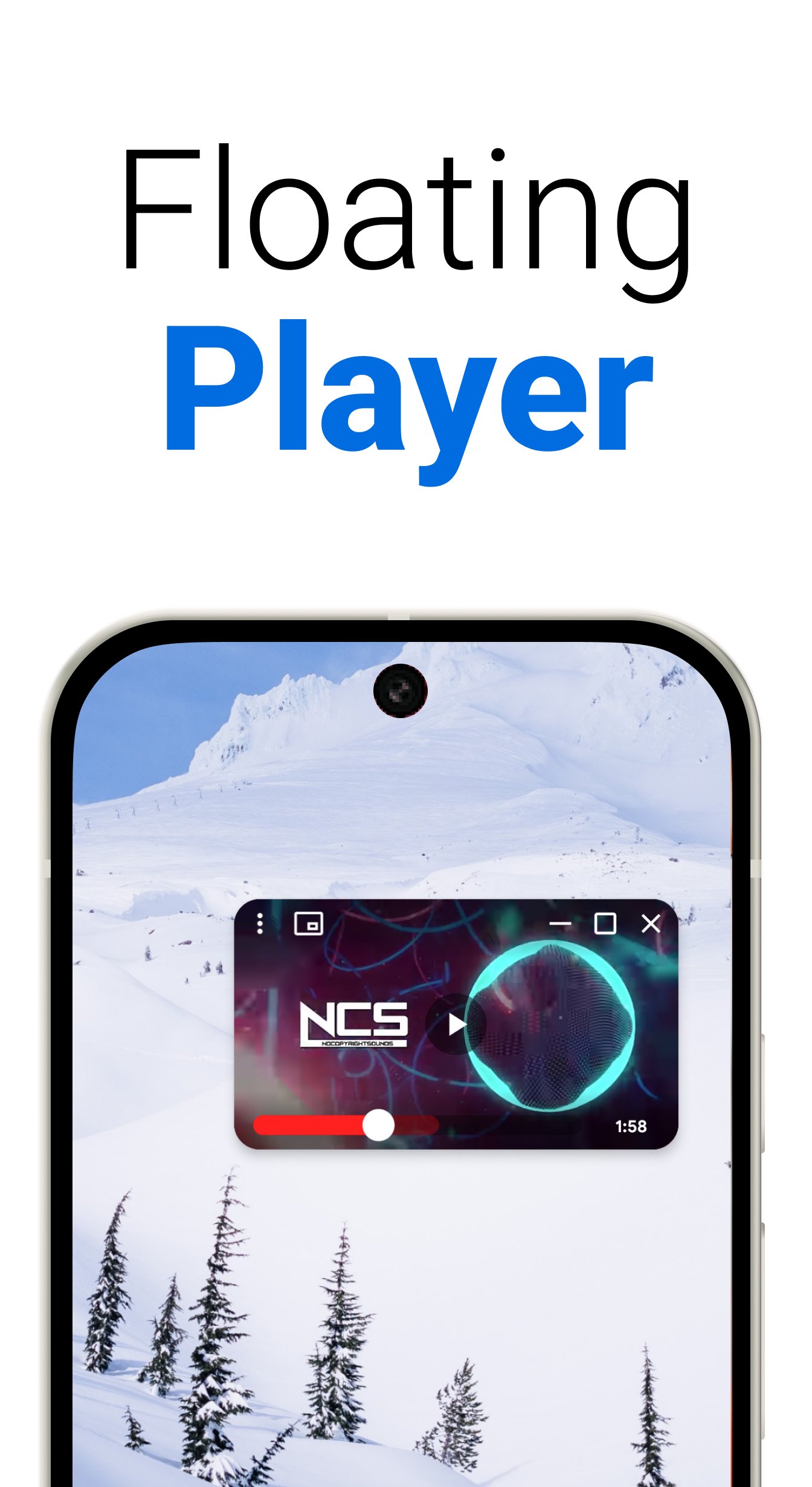
• Picture-in-Picture Mode: Keep videos and podcast playing in a floating window over other apps on Android Nougat (7.0) and above.
• Experimental alarm: Set up an alarm, chose the video and the time
• Multiple Themes: Choose between dark and light themes to suit your preferences.
• Old devices: support very old devices on Android 4.4 (api 19)
★ Playlists Management:
• Import and Create: Manage your playlists with ease.
• Shortcuts: Easily play your favorite songs
• Favorites: Mark and save videos or podcast you love to watch them anytime.
★ Technical Details:
• The floating popup is using the Android OS feature called "picture in picture" available since Android 7.0
• The player is the native player provided by 3rd party player
• To save favorite and historic, simple JSON file texts are used (shared preferences and persistence across installation with a copy on the external storage /Tube)
• Metadata persistence with database arch provided by android.arch.persistence.room
• Respect "material design" guidelines with a light and dark theme
• Developed with Java and Kotlin on the latest API 35
★ Device Compatibility:
• Smartphones: Supports all device types for universal accessibility.
• Tablets and form factor: Features a responsive UI tailored for various screen resolutions.
★ Third-parties Integration:
• Explore and Discover: Find top charts, featured playlists, and hot new music through "No Copyright Sounds". Get personalized recommendations and explore music charts specific to your country.
• Floating Player: Use the popup player to stream contents while browsing other apps or chatting with friends, without overlapping your screen. Expand the floating player to full screen with a single click, allowing you to enjoy videos without needing to save them.
★ Important Notes:
• Ad-Free Experience: Enjoy an uninterrupted, ad-free viewing experience.
• Compliance: This player respects 3rd parties API Terms of Services by using the native player provided in the documentation.
• Content Sources: All content is provided by third-party sources. For any content removal requests, feel free to contact us directly.
Experience a new level of playback with TuBee, where convenience meets functionality. Enjoy your seamless experience with TuBee! =)
Love TuBee?
Follow us on YouTube or other social media. Our YouTube channel is named: "Team Mercan".
Preview
Tags
Music-&Information
Developer
Team Mercan
Latest Version
1.01.45
Last Updated
2026-09-08
Category
Music-audio
Available on
Google Play
Show More
How to play TuBee: Floating podcast player with GameLoop on PC
1. Download GameLoop from the official website, then run the exe file to install GameLoop
2. Open GameLoop and search for “TuBee: Floating podcast player” , find TuBee: Floating podcast player in the search results and click “Install”
3. Enjoy playing TuBee: Floating podcast player on GameLoop
Minimum requirements
OS
Windows 8.1 64-bit or Windows 10 64-bit
GPU
GTX 1050
CPU
i3-8300
Memory
8GB RAM
Storage
1GB available space
Recommended requirements
OS
Windows 8.1 64-bit or Windows 10 64-bit
GPU
GTX 1050
CPU
i3-9320
Memory
16GB RAM
Storage
1GB available space