Tone Room PC
VOX Amplification LTD.
Download Tone Room on PC With GameLoop Emulator
Tone Room on PC
Tone Room, coming from the developer VOX Amplification LTD., is running on Android systerm in the past.
Now, You can play Tone Room on PC with GameLoop smoothly.
Download it in the GameLoop library or search results. No more eyeing the battery or frustrating calls at the wrong time any more.
Just enjoy Tone Room PC on the large screen for free!
Tone Room Introduction
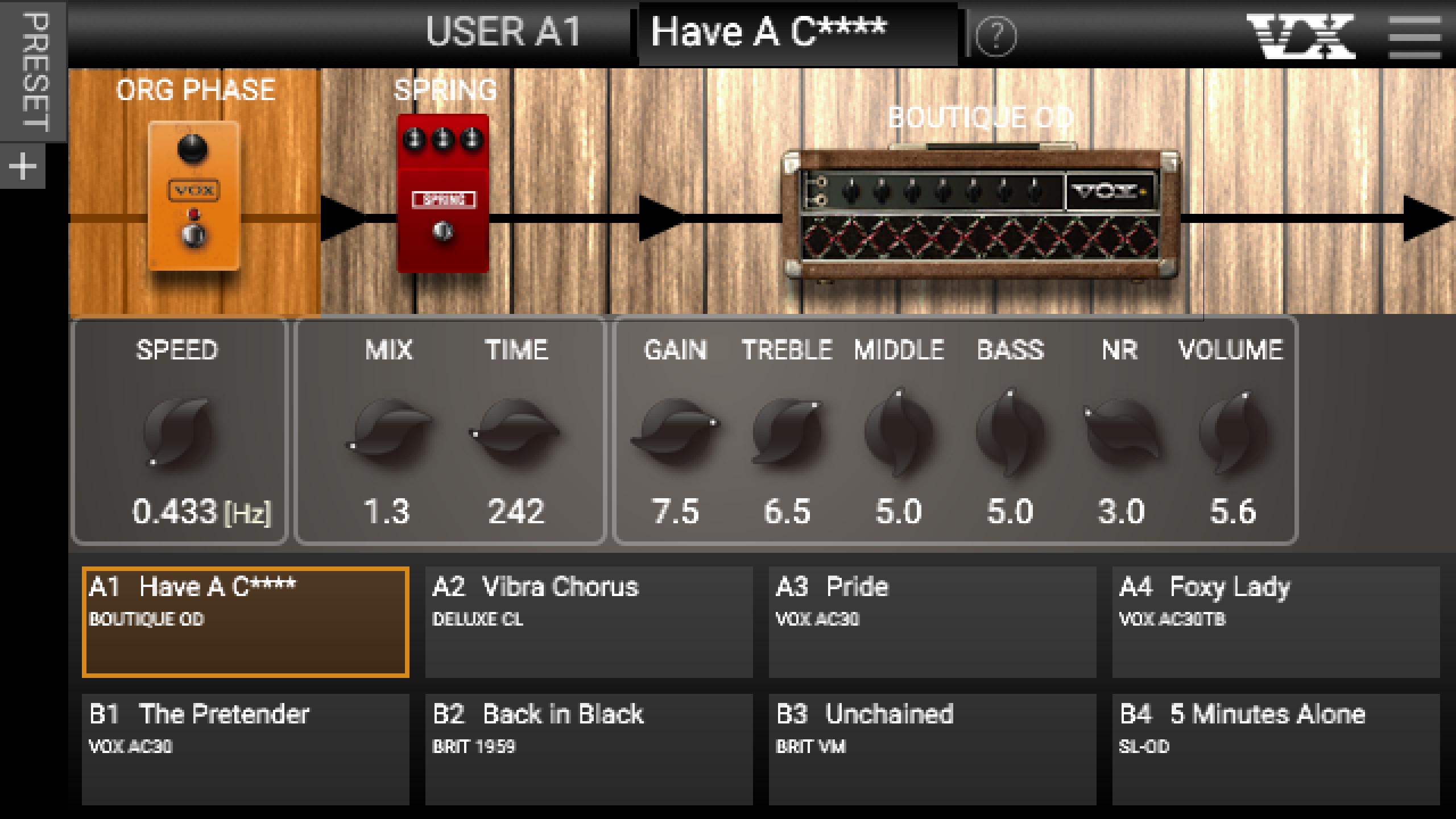
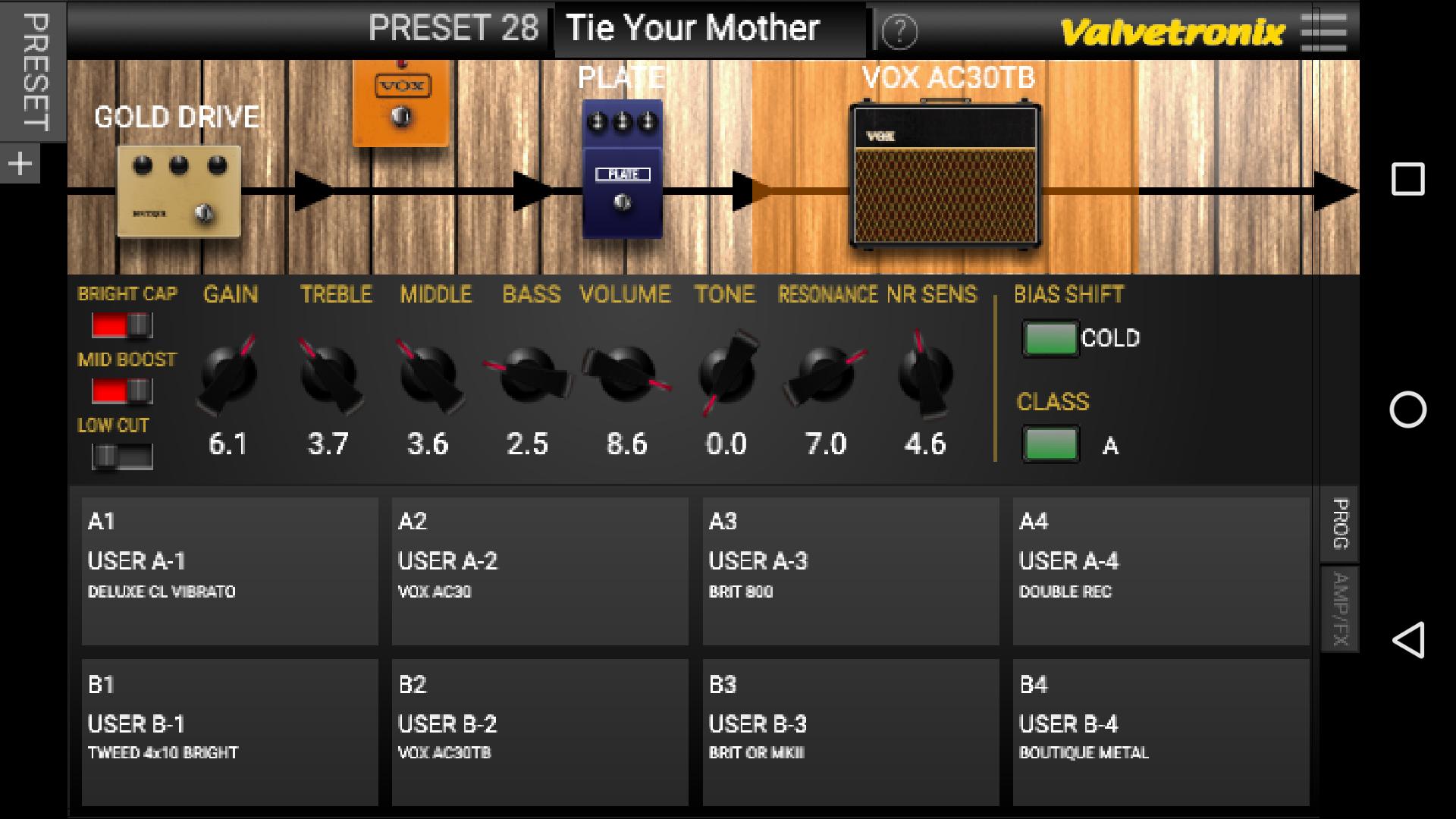
Tone Room is an editor/librarian for VOX products. Connect a compatible product to your Android device with a USB cable to edit sounds, manage user programs, and back up your data.
Wireless connection with the Adio Air GT/BS is possible via Bluetooth MIDI. See the "Adio Air Bluetooth MIDI Connection Guide" at https://voxamps.com/ja/downloads/.
----------------
Note
If you want to continue using data files saved with an older version of Tone Room, update to the new version without uninstalling the older version.
If you want to continue using the data files saved in the "Tone Room App storage" in Tone Room (beta) with Tone Room v1.4.6, follow the "Steps to rescue old files" listed in the "About this app" screen of Tone Room (beta) in the Google Play Store and save the files back to the default folder.
----------------
Tone Room v1.4.6 Compatible Products
VX II
https://voxamps.com/product/vx-ii/
VT20X/40X/100X
https://voxamps.com/series/vtx/
Adio Air GT
https://voxamps.com/product/adio-air-gt/
Adio Air BS
https://voxamps.com/product/adio-air-bs/
VX50 GTV
https://voxamps.com/product/vx50gtv/
VOX Cambridge50
https://voxamps.com/product/cambridge50/
Preview
Tags
Music-&Information
Developer
VOX Amplification LTD.
Latest Version
1.4.6
Last Updated
2025-10-06
Category
Music-audio
Available on
Google Play
Show More
How to play Tone Room with GameLoop on PC
1. Download GameLoop from the official website, then run the exe file to install GameLoop
2. Open GameLoop and search for “Tone Room” , find Tone Room in the search results and click “Install”
3. Enjoy playing Tone Room on GameLoop
Minimum requirements
OS
Windows 8.1 64-bit or Windows 10 64-bit
GPU
GTX 1050
CPU
i3-8300
Memory
8GB RAM
Storage
1GB available space
Recommended requirements
OS
Windows 8.1 64-bit or Windows 10 64-bit
GPU
GTX 1050
CPU
i3-9320
Memory
16GB RAM
Storage
1GB available space