Synth Electro Beat Pad PC
MunggosApps
Download Synth Electro Beat Pad on PC With GameLoop Emulator
Synth Electro Beat Pad on PC
Synth Electro Beat Pad, coming from the developer MunggosApps, is running on Android systerm in the past.
Now, You can play Synth Electro Beat Pad on PC with GameLoop smoothly.
Download it in the GameLoop library or search results. No more eyeing the battery or frustrating calls at the wrong time any more.
Just enjoy Synth Electro Beat Pad PC on the large screen for free!
Synth Electro Beat Pad Introduction
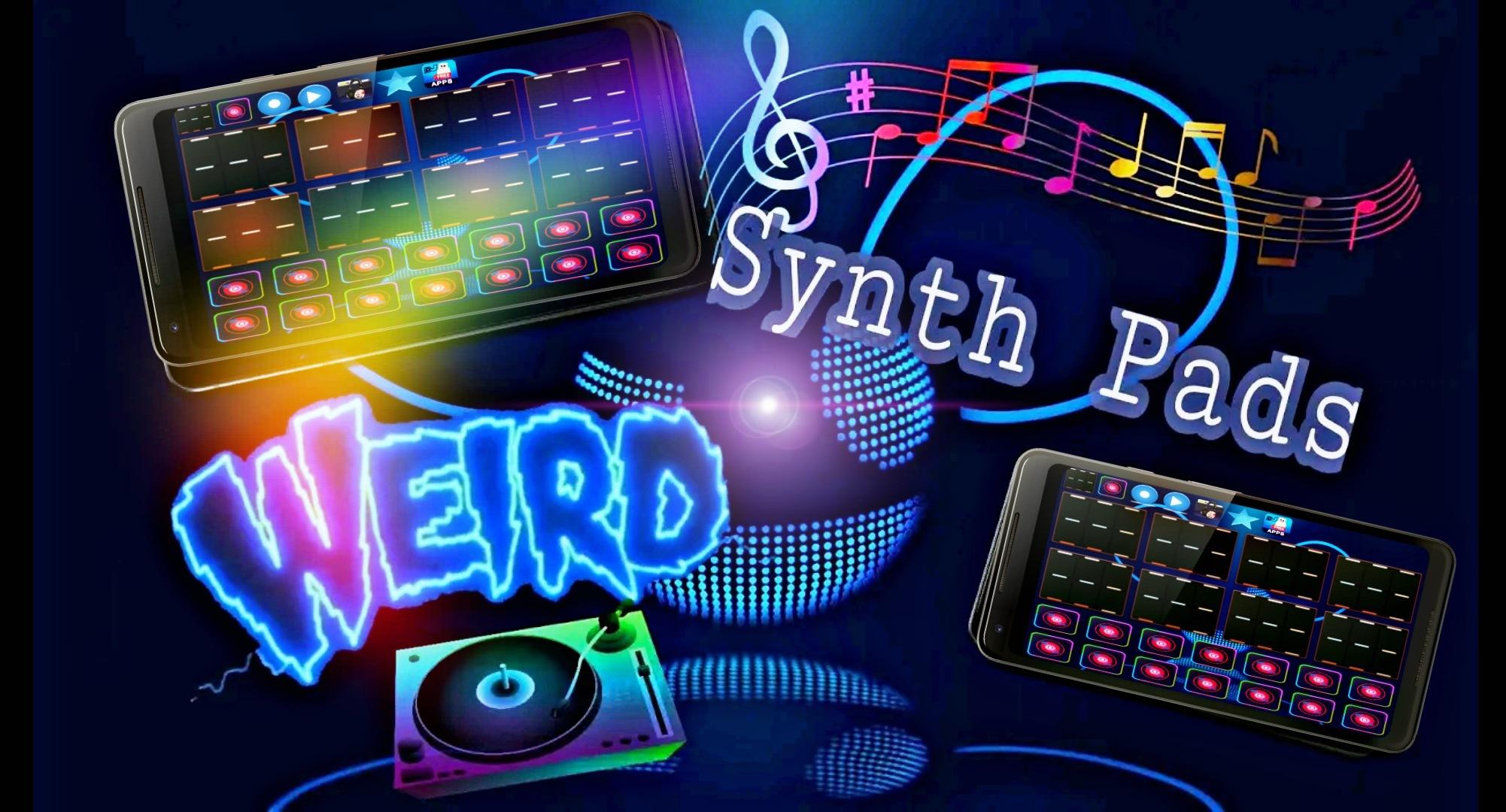
Play real electro modern music pads with drum cover, make your electro music . Easily create drum beats on your mobile or tablet .
Make real sounds electro melody loops and drums samples with this cool pad .
Synth beat samples and crazy Funky music pads, make your electro music and share it with friends. Mix music beats together and create your music Loop. Synth beat maker.
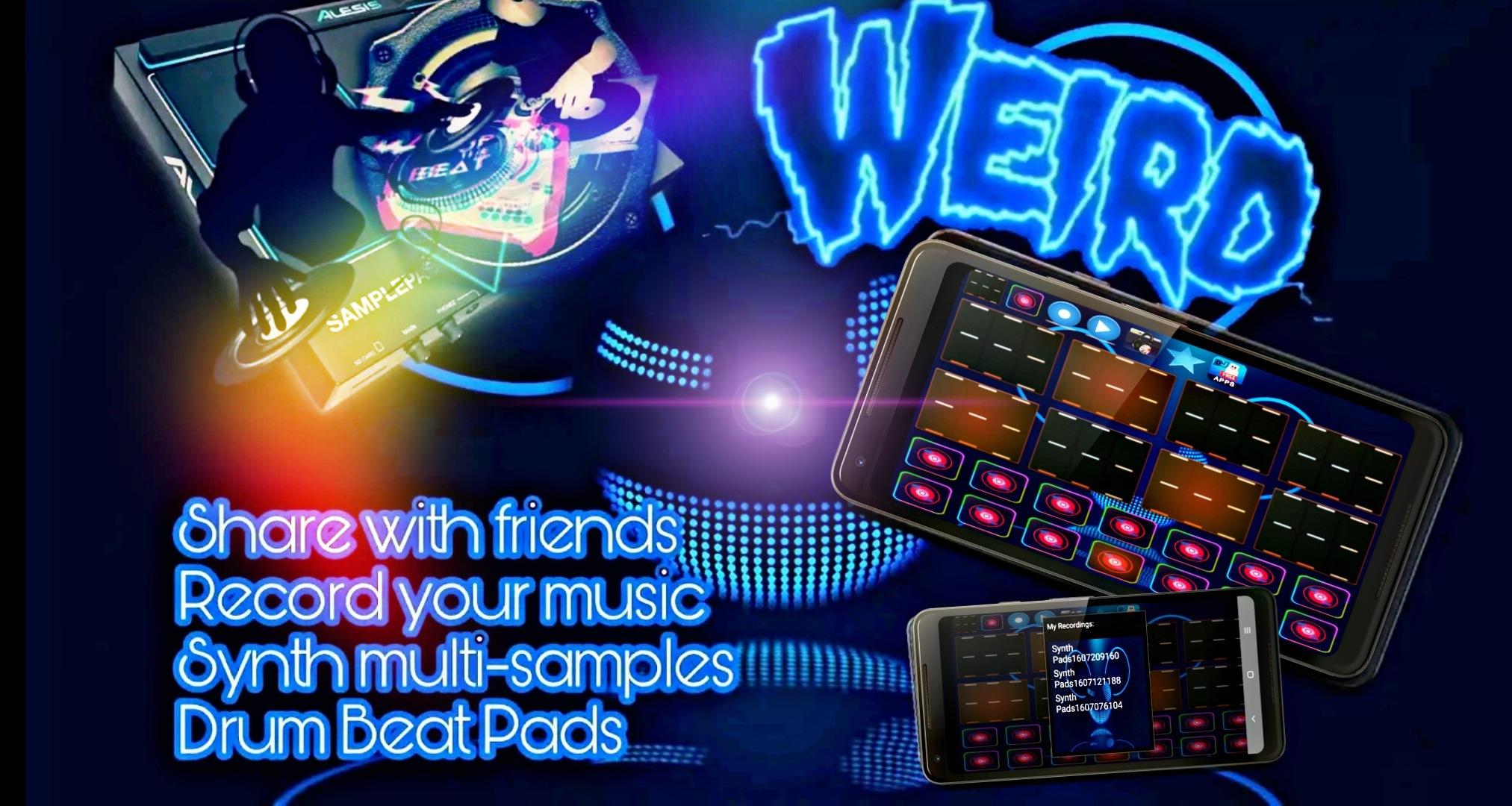
Record your own electro music loop mix and Share your music beats mix with friends.
Powerful Electro Synth beat maker with professional and high quality music drums and beats samples.
Mix your favourite electro beats like a true DJ.
Share music loops with friends, Record music and make your Ringtone.
Synth music beat maker contains over 200 music sounds that include free drums sounds and free drum loops, Synth music beat maker is ideal for making music beats for Hip Hop, Dubstep, Trap, Rap or any kind of electronic music. All sounds are free and easy to use.
Synth Electro Beat Pad is a electro music dj pad for make and share songs fast and easy and surprise your friends with your music beats .
Professional and high quality music samples.
Connect to headphones or external speakers options .
- Record music loops ..
- Share music online with friends ..
- Make songs fast & easy ..
Create the best music mix, and have fun with Synth Electro Beat Pad .
If you have any additional comments or suggestions for changes ?
Send an e-mail to MunggosApps@gmail.com
Preview
Tags
Music-&Information
Developer
MunggosApps
Latest Version
4.9
Last Updated
2023-10-22
Category
Music-audio
Available on
Google Play
Show More
How to play Synth Electro Beat Pad with GameLoop on PC
1. Download GameLoop from the official website, then run the exe file to install GameLoop
2. Open GameLoop and search for “Synth Electro Beat Pad” , find Synth Electro Beat Pad in the search results and click “Install”
3. Enjoy playing Synth Electro Beat Pad on GameLoop
Minimum requirements
OS
Windows 8.1 64-bit or Windows 10 64-bit
GPU
GTX 1050
CPU
i3-8300
Memory
8GB RAM
Storage
1GB available space
Recommended requirements
OS
Windows 8.1 64-bit or Windows 10 64-bit
GPU
GTX 1050
CPU
i3-9320
Memory
16GB RAM
Storage
1GB available space