
Audio Editor-Video to MP3 PC
Power Star APPS
Download Audio Editor-Video to MP3 on PC With GameLoop Emulator
Audio Editor-Video to MP3 on PC
Audio Editor-Video to MP3, coming from the developer Power Star APPS, is running on Android systerm in the past.
Now, You can play Audio Editor-Video to MP3 on PC with GameLoop smoothly.
Download it in the GameLoop library or search results. No more eyeing the battery or frustrating calls at the wrong time any more.
Just enjoy Audio Editor-Video to MP3 PC on the large screen for free!
Audio Editor-Video to MP3 Introduction
Looking for a good Song Editor ?
Sometimes you want to combine multiple music clips into the ringtone you want?
Or create a ringtone with a Audio Editor ?
Song Editor is an easy-to-use music cutter that supports cutting song and ringtone.Song Editor can be used to create exclusive ringtones, and Song Editor can also be used as music cutter. Our Song Editor is practical and easy to use, so download it to cut music and create your exclusive ringtone .
Features:
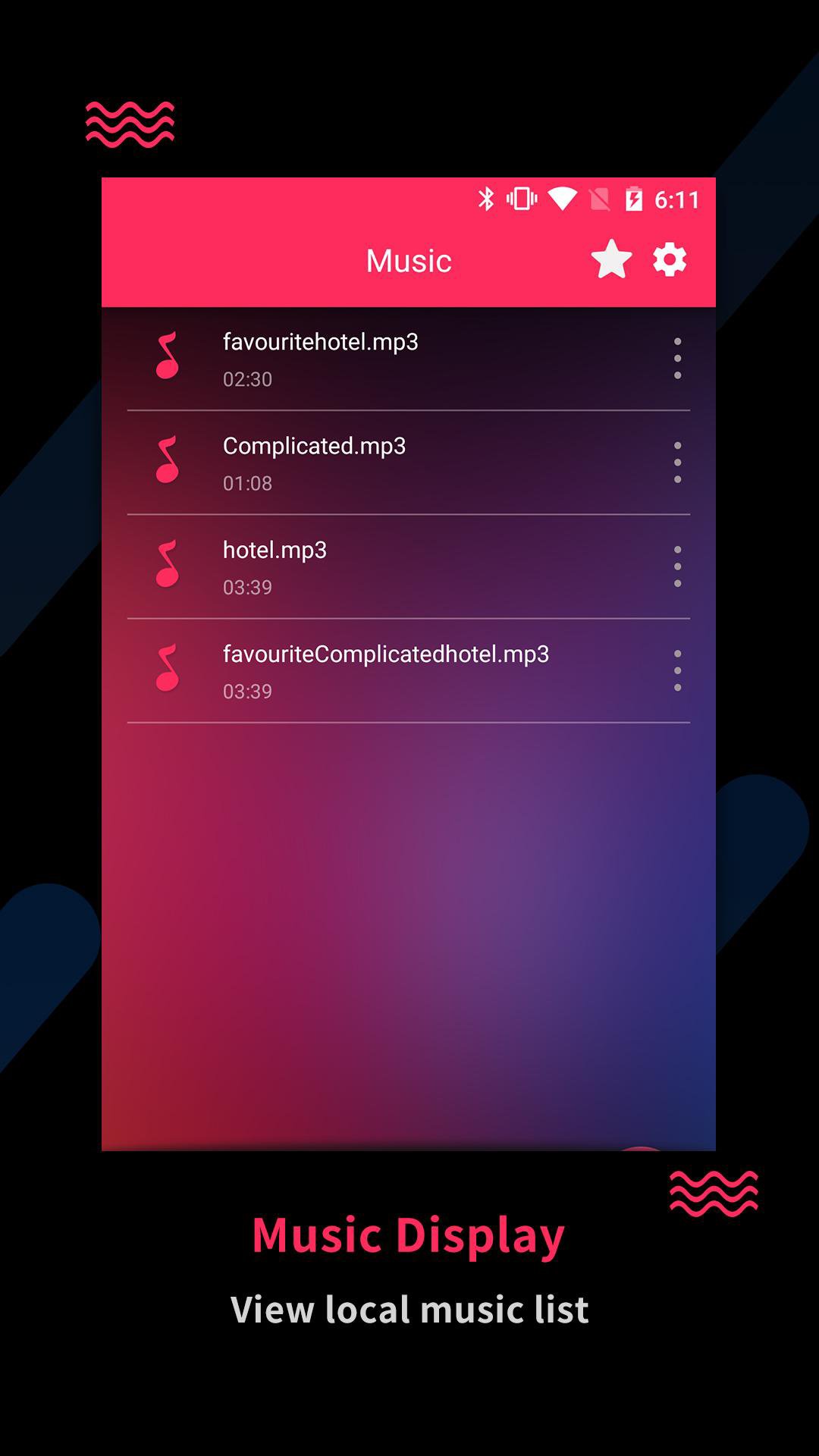
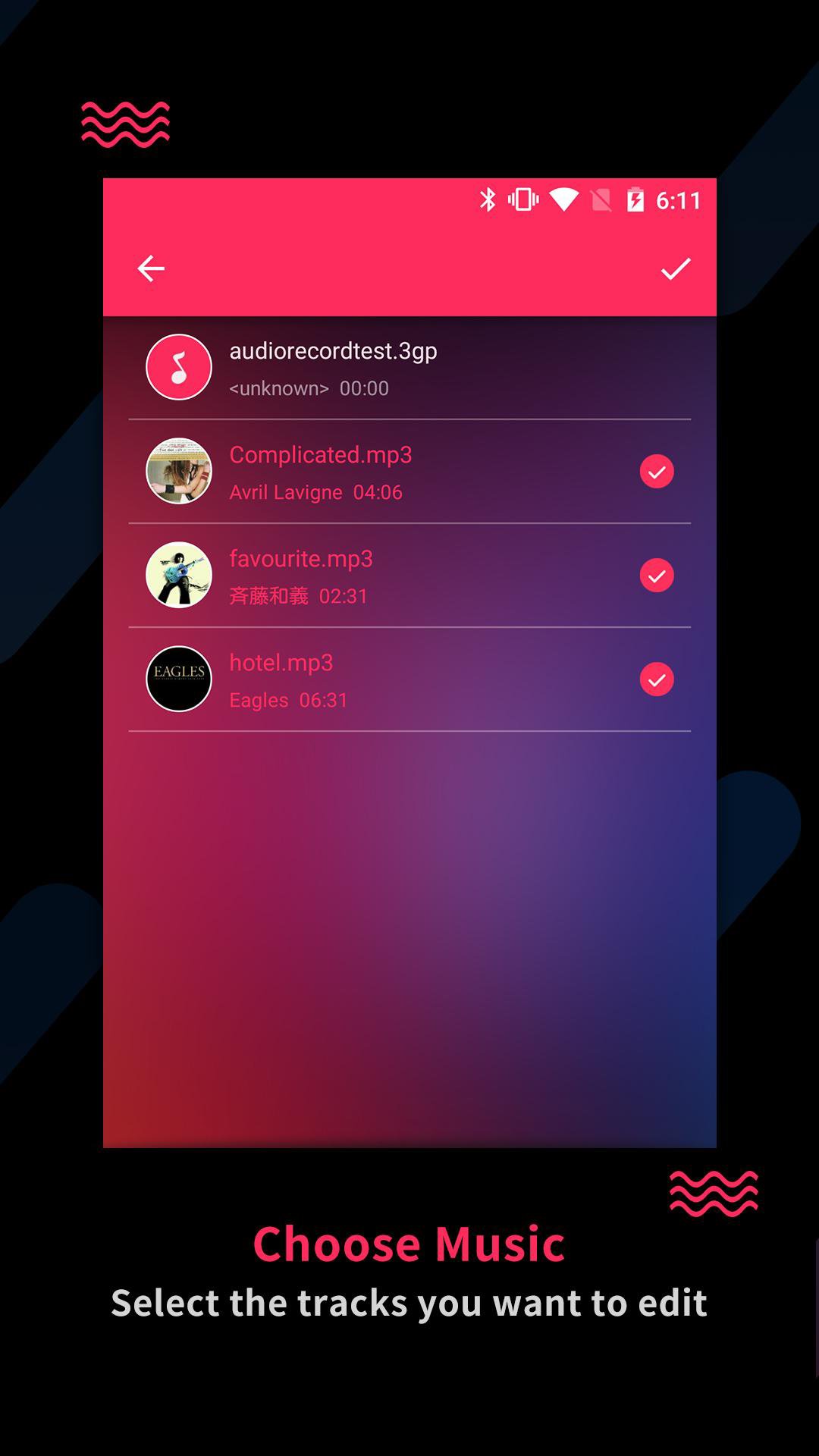
- Import audio from iTunes or local music library or LAN, custom cut range
- Multiple songs are also supported to be cutted.
- Professional fade in and fade out effects
- Create your own unique ringtone: easily combine samples from different music genres
- Connect your computer and easily set your favorite section as a ringtone
- Share your tracks directly to Facebook,Twitter and other social networks.
Never need to pay for ringtone from now on! Come and download our Song Editor!
Preview
Tags
Music-&Information
Developer
Power Star APPS
Latest Version
22.0.6
Last Updated
2026-04-08
Category
Music-audio
Available on
Google Play
Show More
How to play Audio Editor-Video to MP3 with GameLoop on PC
1. Download GameLoop from the official website, then run the exe file to install GameLoop
2. Open GameLoop and search for “Audio Editor-Video to MP3” , find Audio Editor-Video to MP3 in the search results and click “Install”
3. Enjoy playing Audio Editor-Video to MP3 on GameLoop
Minimum requirements
OS
Windows 8.1 64-bit or Windows 10 64-bit
GPU
GTX 1050
CPU
i3-8300
Memory
8GB RAM
Storage
1GB available space
Recommended requirements
OS
Windows 8.1 64-bit or Windows 10 64-bit
GPU
GTX 1050
CPU
i3-9320
Memory
16GB RAM
Storage
1GB available space