
Resco Music - Stream & Radio PC
SpaserTransfer
Download Resco Music - Stream & Radio on PC With GameLoop Emulator
Resco Music - Stream & Radio on PC
Resco Music - Stream & Radio, coming from the developer SpaserTransfer, is running on Android systerm in the past.
Now, You can play Resco Music - Stream & Radio on PC with GameLoop smoothly.
Download it in the GameLoop library or search results. No more eyeing the battery or frustrating calls at the wrong time any more.
Just enjoy Resco Music - Stream & Radio PC on the large screen for free!
Resco Music - Stream & Radio Introduction
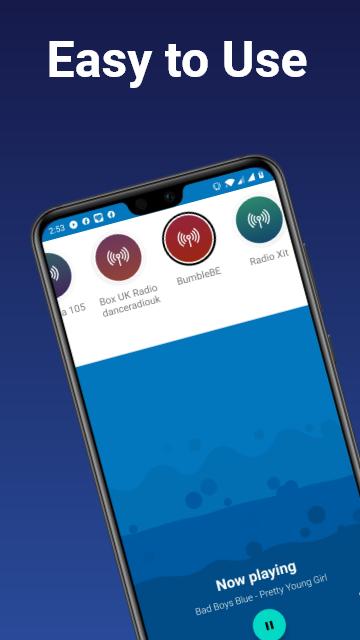
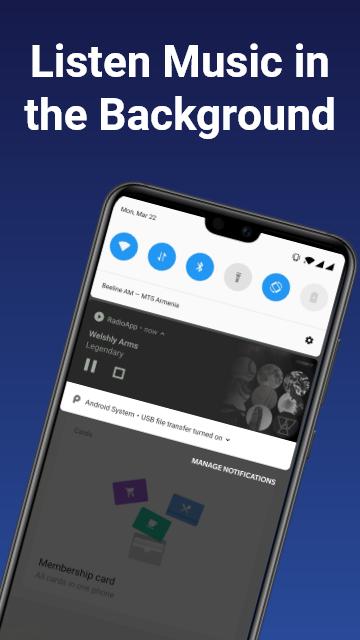
Resso online music app 🎶 all your music needs. Here you can listen to music of different genres and share with others. After downloading resco free music app personalized recommendation for all your different music moods.
Resco music streaming app🎵 has become so popular and widely usable due to its unique features. One of the main advantages of the app is each song is accompanied by a genre-based, vertical video called Vibe playing in the background. Which means users can manually pick from a selected few options or download new ones from Resso’s online catalog.
Major features of the resso music apps are as follows:
Upload videos for your favorite tracks.
Create a resco playlist of your favorite tracks.
Comment on the tracks to share📤 your feelings.
View the song lyrics just as the song is playing.
Join resso radio📻 channels.
Download📥 songs to listen resso offline.
There exist also resso for artists,👨🎤 which lets you follow your favorite artists and listen to their collection of songs. Listen to songs of a high quality anytime, anywhere.
By using resco song app, listen,🎧 comment, share with others and enjoy all of these.
Preview
Information
Developer
SpaserTransfer
Latest Version
1.0.4
Last Updated
2022-02-20
Category
Music-audio
Available on
Google Play
Show More
How to play Resco Music - Stream & Radio with GameLoop on PC
1. Download GameLoop from the official website, then run the exe file to install GameLoop
2. Open GameLoop and search for “Resco Music - Stream & Radio” , find Resco Music - Stream & Radio in the search results and click “Install”
3. Enjoy playing Resco Music - Stream & Radio on GameLoop
Minimum requirements
OS
Windows 8.1 64-bit or Windows 10 64-bit
GPU
GTX 1050
CPU
i3-8300
Memory
8GB RAM
Storage
1GB available space
Recommended requirements
OS
Windows 8.1 64-bit or Windows 10 64-bit
GPU
GTX 1050
CPU
i3-9320
Memory
16GB RAM
Storage
1GB available space