Real Piano : Music Keyboard PC
Creative Photo Tools
Download Real Piano : Music Keyboard on PC With GameLoop Emulator
Real Piano : Music Keyboard on PC
Real Piano : Music Keyboard, coming from the developer Creative Photo Tools, is running on Android systerm in the past.
Now, You can play Real Piano : Music Keyboard on PC with GameLoop smoothly.
Download it in the GameLoop library or search results. No more eyeing the battery or frustrating calls at the wrong time any more.
Just enjoy Real Piano : Music Keyboard PC on the large screen for free!
Real Piano : Music Keyboard Introduction
Real Piano : Music Keyboard
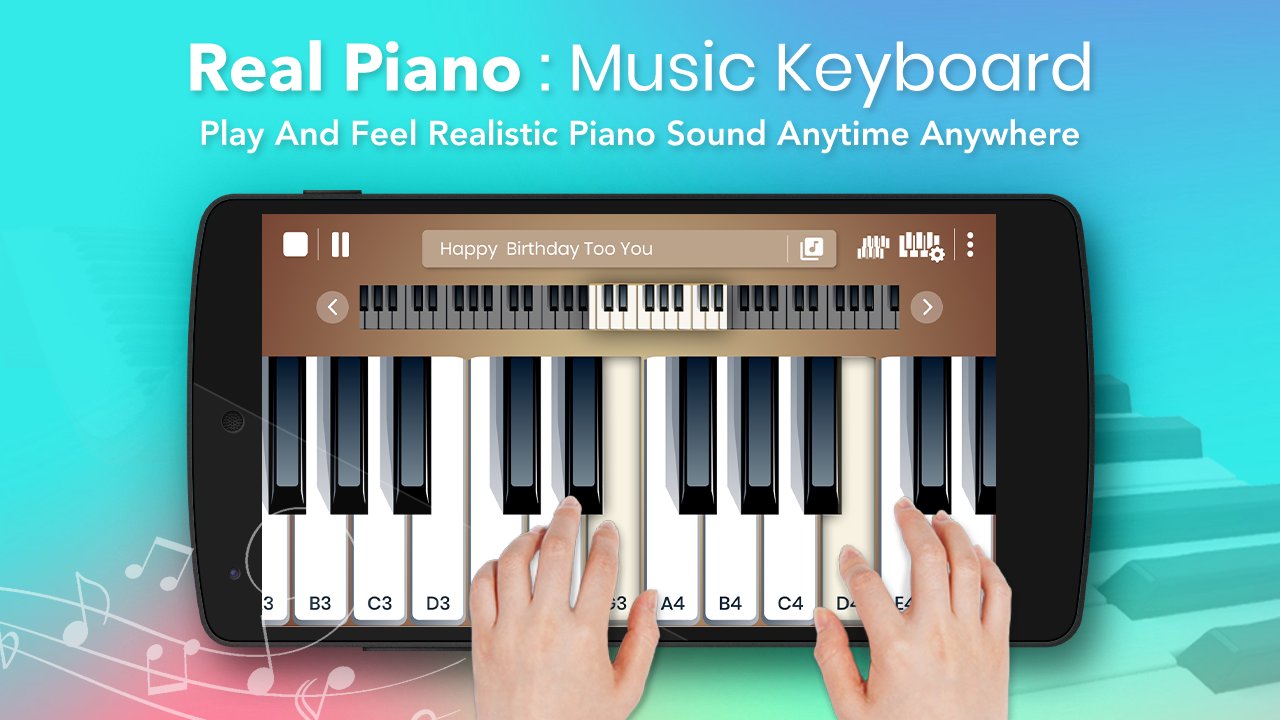
Real Piano app is an electric keyboard simulator app with virtual musical instruments to help you learn chords and music notes for free!
Playing it is very simple, the app simulates a piano and keyboard on the screen of your phone or tablet. To play, just tap your finger on the keyboard and the instrument’s sounds plays simultaneously.
Real Piano is the best multi touch learning, gaming and freestyle piano for android. Packed with 6 Full Octaves, recording capabilities, various music and beats playback features, beautiful lightening animations & more.
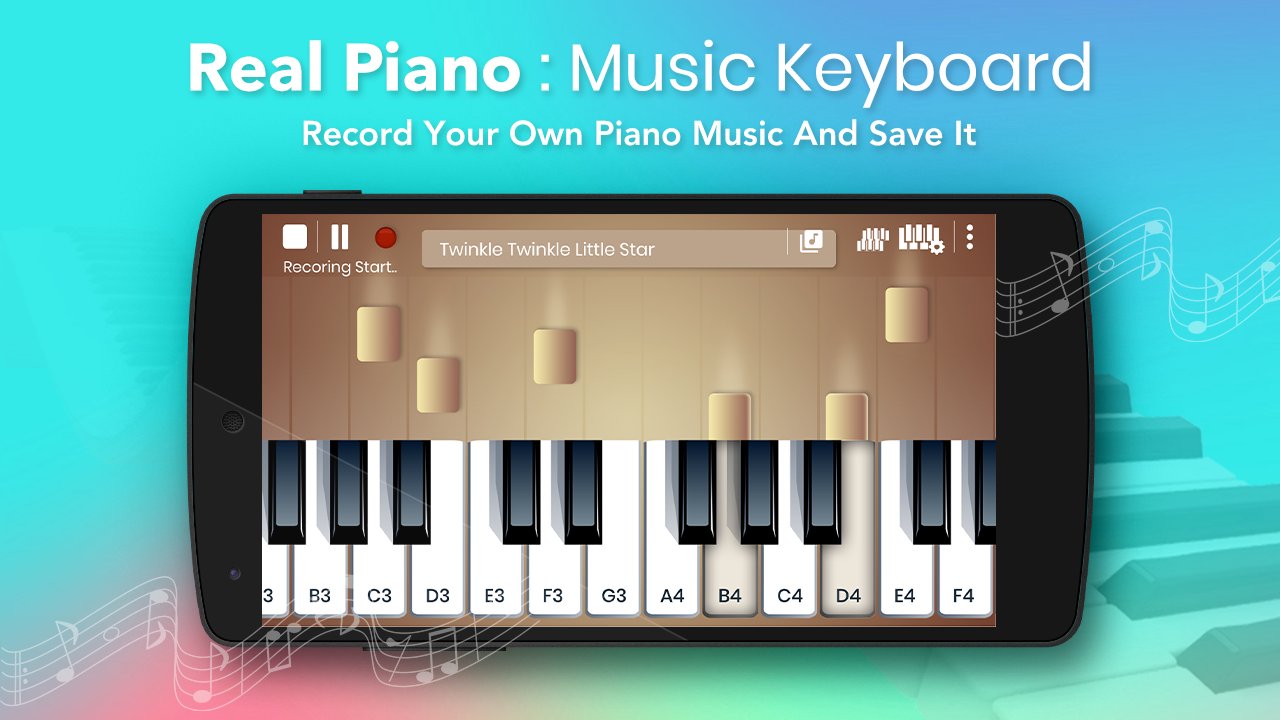
You can record while playing the piano. You can set the size of the piano with the plus and minus keys.
The only realistic piano and musical instruments learning app with free songs made by musicians for musicians and beginners! Download right now and learn to play the piano keyboard on your Phone or Tablet for free!
Features:
- Full 88 key piano keyboard.
- Adjustable piano size.
- Single or Dual scrollable keyboard.
- A complete keyboard.
- Popular and classic piano songs.
- Studio audio quality.
- Touch Pressure detection.
- Special Lightening Effects.
- Instruments like Grand Piano, Synth, Organ, Acoustic Guitar, Flute
- A perfect real piano keyboard set.
- Very easy to use.
- Piano record feature - record and share your plays
- Play in loop.
- Tablet and Phone Support.
Learn to play like a professional, beat friends and family in gaming mode, compose and create amazing freestyle music in the best interactive piano app for android.
Thank You !!!
Preview
Tags
Music-&Information
Developer
Creative Photo Tools
Latest Version
1.0.6
Last Updated
2025-12-09
Category
Music-audio
Available on
Google Play
Show More
How to play Real Piano : Music Keyboard with GameLoop on PC
1. Download GameLoop from the official website, then run the exe file to install GameLoop
2. Open GameLoop and search for “Real Piano : Music Keyboard” , find Real Piano : Music Keyboard in the search results and click “Install”
3. Enjoy playing Real Piano : Music Keyboard on GameLoop
Minimum requirements
OS
Windows 8.1 64-bit or Windows 10 64-bit
GPU
GTX 1050
CPU
i3-8300
Memory
8GB RAM
Storage
1GB available space
Recommended requirements
OS
Windows 8.1 64-bit or Windows 10 64-bit
GPU
GTX 1050
CPU
i3-9320
Memory
16GB RAM
Storage
1GB available space