
Professional Saxophone PC
Alyaka
Download Professional Saxophone on PC With GameLoop Emulator
Professional Saxophone on PC
Professional Saxophone, coming from the developer Alyaka, is running on Android systerm in the past.
Now, You can play Professional Saxophone on PC with GameLoop smoothly.
Download it in the GameLoop library or search results. No more eyeing the battery or frustrating calls at the wrong time any more.
Just enjoy Professional Saxophone PC on the large screen for free!
Professional Saxophone Introduction
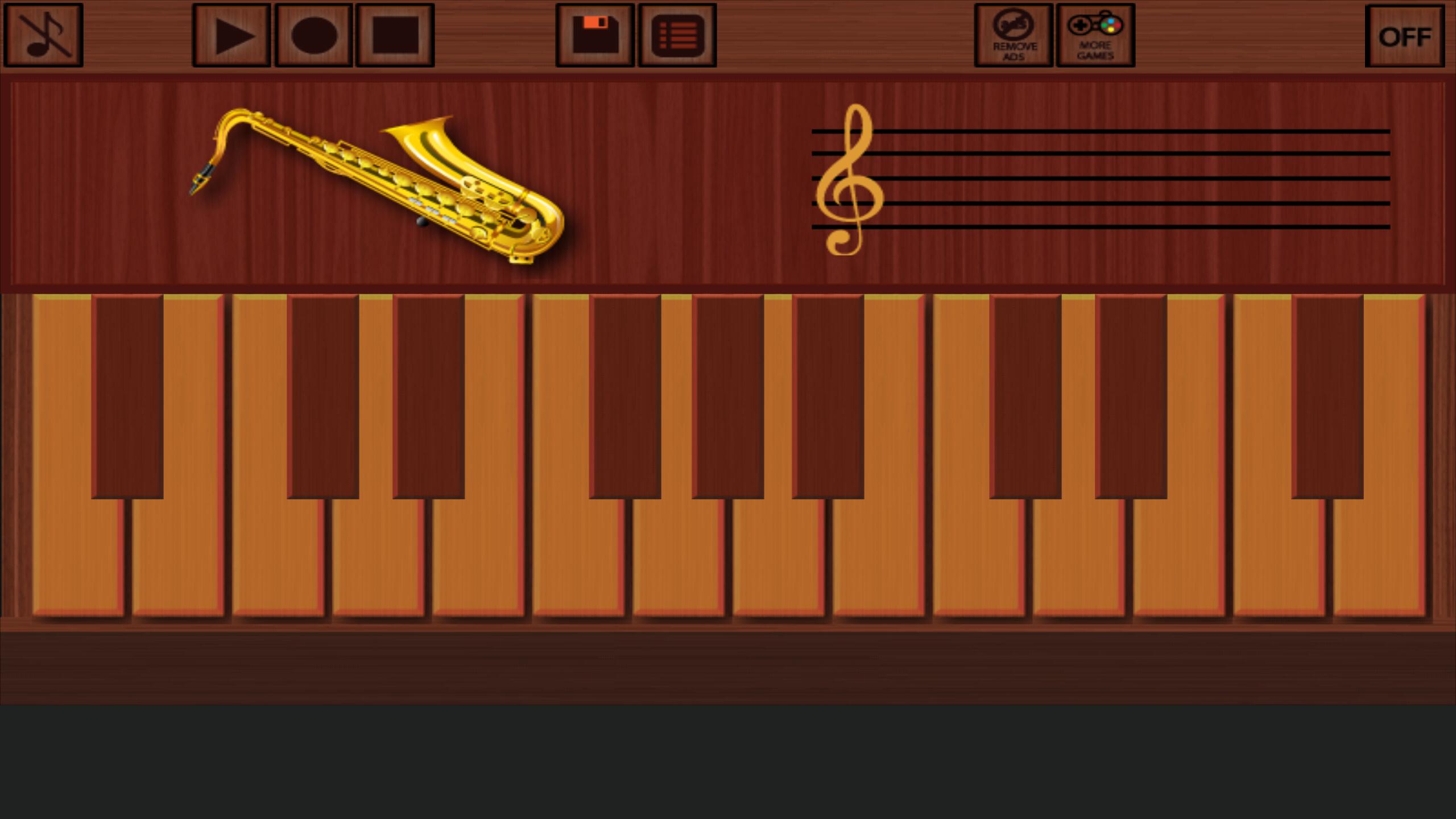
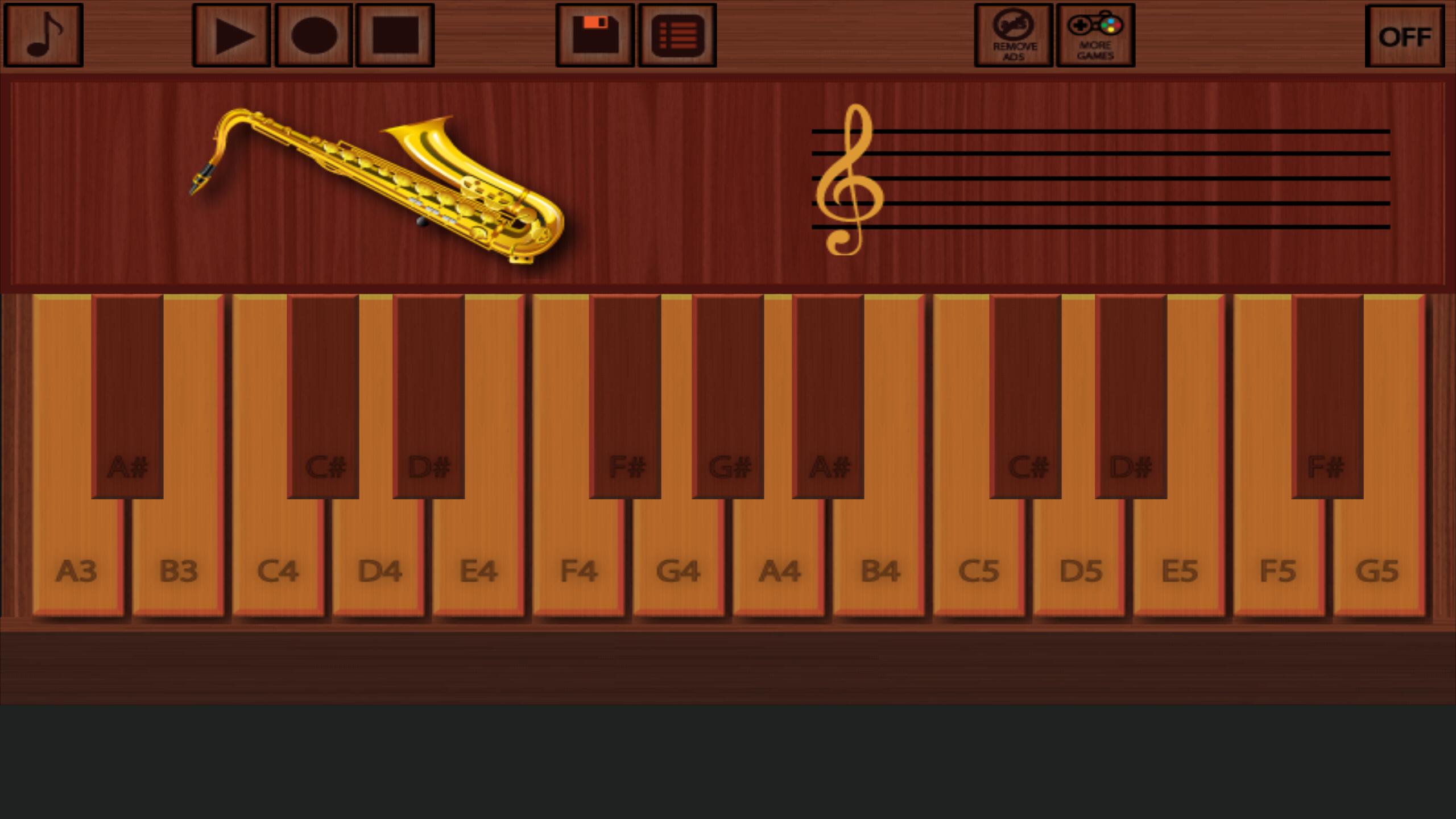
Immerse yourself in the soulful world of saxophone music with "Professional Saxophone" – the ultimate saxophone instrument app that turns your device into a harmonious symphony. Experience the joy of playing the saxophone by simply touching the screen.
Key Features:
🎷 Intuitive Touch Interface:
Embark on a musical journey with our intuitive touch interface, allowing you to play the saxophone with ease. Feel the expressive power of each note as you create beautiful melodies, whether you're a novice or an experienced player.
🎤 Record and Replay:
Capture your musical moments with the recording feature. Save your saxophone performances to the recording list, enabling you to revisit and relish your melodic creations at any time. Create your own musical archive effortlessly.
🚀 Optimized Performance:
Experience exceptional responsiveness with our lightweight and optimized app. "Professional Saxophone" is designed for a lag-free musical experience, ensuring that your creativity flows seamlessly.
🎶 Versatile Melodies:
Choose from a diverse selection of melodies or compose your own. Whether you're exploring the saxophone for the first time or refining your skills, our app offers a broad range of tunes to cater to every musical taste.
🗑️ Effortless Cleanup:
Manage your recorded melodies with ease using our streamlined design. Organize, play, and delete recordings effortlessly, keeping your musical space clutter-free. Focus on your artistry, and let the app handle the rest.
📏 Compact Size:
"Professional Saxophone" stands out with its compact size, delivering a full saxophone experience without compromising on device storage. Immerse yourself in the rich sounds of the saxophone without worrying about space constraints.
Elevate Your Saxophone Experience:
Explore the expressive world of the saxophone with "Professional Saxophone" – the definitive saxophone instrument app. Whether you're a music enthusiast or a seasoned player, our app provides a platform for endless creativity and musical exploration.
Download now and let the saxophone's enchanting sounds inspire your musical journey!
Preview
Tags
Music-&Information
Developer
Alyaka
Latest Version
3.2.0
Last Updated
2025-09-09
Category
Music-audio
Available on
Google Play
Show More
How to play Professional Saxophone with GameLoop on PC
1. Download GameLoop from the official website, then run the exe file to install GameLoop
2. Open GameLoop and search for “Professional Saxophone” , find Professional Saxophone in the search results and click “Install”
3. Enjoy playing Professional Saxophone on GameLoop
Minimum requirements
OS
Windows 8.1 64-bit or Windows 10 64-bit
GPU
GTX 1050
CPU
i3-8300
Memory
8GB RAM
Storage
1GB available space
Recommended requirements
OS
Windows 8.1 64-bit or Windows 10 64-bit
GPU
GTX 1050
CPU
i3-9320
Memory
16GB RAM
Storage
1GB available space