Piano & Drum Pad: Learn & Play PC
PixlerSam
Download Piano & Drum Pad: Learn & Play on PC With GameLoop Emulator
Piano & Drum Pad: Learn & Play on PC
Piano & Drum Pad: Learn & Play, coming from the developer PixlerSam, is running on Android systerm in the past.
Now, You can play Piano & Drum Pad: Learn & Play on PC with GameLoop smoothly.
Download it in the GameLoop library or search results. No more eyeing the battery or frustrating calls at the wrong time any more.
Just enjoy Piano & Drum Pad: Learn & Play PC on the large screen for free!
Piano & Drum Pad: Learn & Play Introduction
Piano & Drum Pad: Learn & Play
The ultimate piano and drum pad app to learn songs, make beats, and create your own music.
Play piano, drum pads & beats anytime with Piano & Drum Pad.
🎹 Practice piano chords & melodies with a full‑screen virtual keyboard.
🥁 Tap drum pads, record beats, customize sounds & loop rhythms.
🎙️ Record & share your music with built‑in recording studio.
Perfect for beginners, kids, producers & creative learners.
Key features:
• Multi‑touch piano & drum pad interface
• Real-time recording & playback
• Customizable pads and sounds
• Zoomable keyboard layout
• Background audio support
• Share via MP3/WAV, social media & messaging
Why choose us?
• Lightweight and easy to learn
• No physical instrument needed—play anywhere
• Great for kids, hobbyists, music students
• NO Login
Download now and unleash your musical creativity — start your music journey today!
Disclaimer:
- This Application is developed for convenience of app user to get piano keyboard at one place
- All the images or sound are copied or downloaded from the internet or free domain , app do not claiming to be an owner of any assets
- For any privacy or copyrights related issue please mail us at :- pixlersam@gmail.com
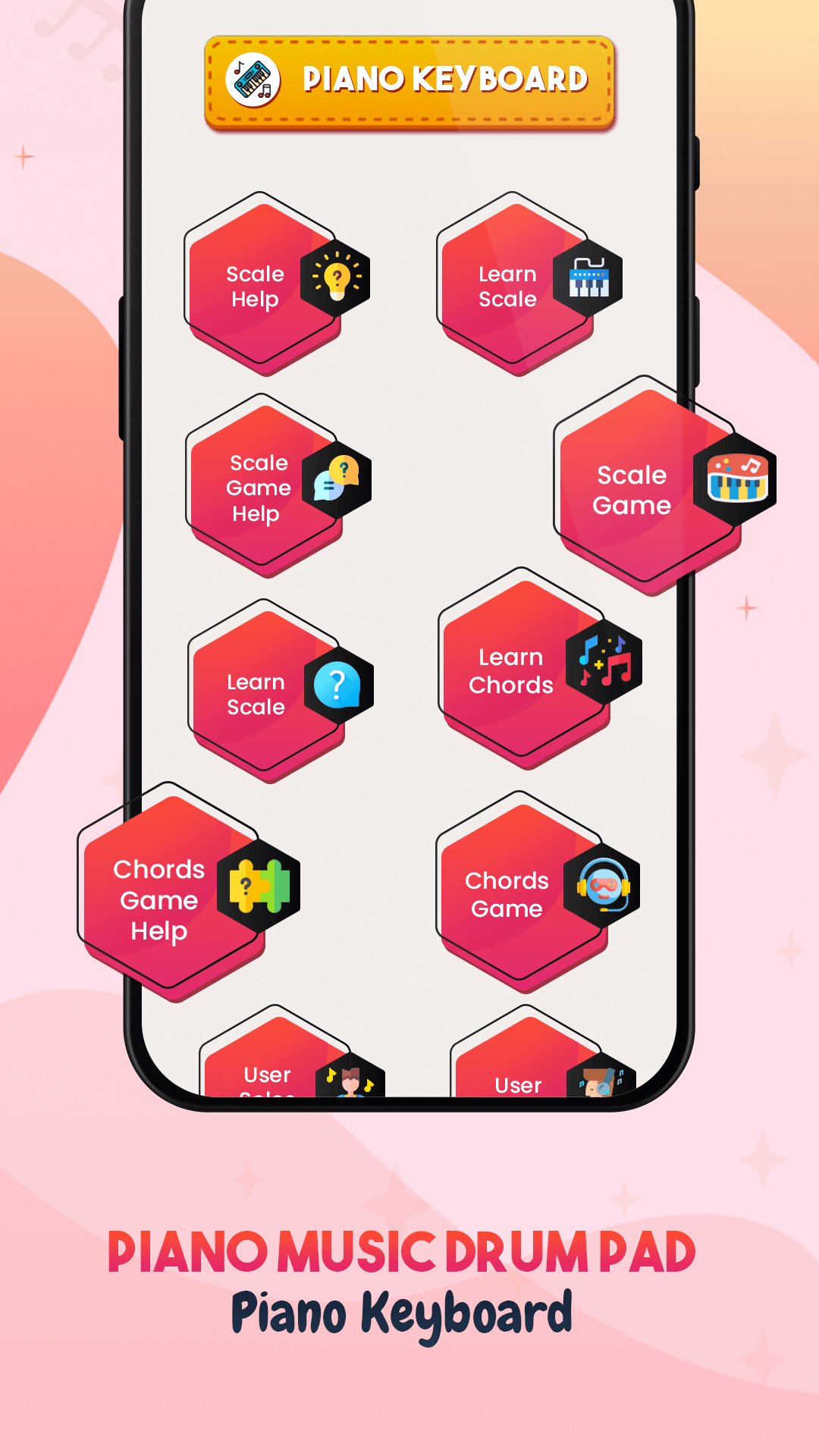
Preview
Tags
Music-&Information
Developer
PixlerSam
Latest Version
2.4
Last Updated
2026-02-20
Category
Music-audio
Available on
Google Play
Show More
How to play Piano & Drum Pad: Learn & Play with GameLoop on PC
1. Download GameLoop from the official website, then run the exe file to install GameLoop
2. Open GameLoop and search for “Piano & Drum Pad: Learn & Play” , find Piano & Drum Pad: Learn & Play in the search results and click “Install”
3. Enjoy playing Piano & Drum Pad: Learn & Play on GameLoop
Minimum requirements
OS
Windows 8.1 64-bit or Windows 10 64-bit
GPU
GTX 1050
CPU
i3-8300
Memory
8GB RAM
Storage
1GB available space
Recommended requirements
OS
Windows 8.1 64-bit or Windows 10 64-bit
GPU
GTX 1050
CPU
i3-9320
Memory
16GB RAM
Storage
1GB available space