Pad Looper - sound loop mixing PC
Artnode.ru
Download Pad Looper - sound loop mixing on PC With GameLoop Emulator
Pad Looper - sound loop mixing on PC
Pad Looper - sound loop mixing, coming from the developer Artnode.ru, is running on Android systerm in the past.
Now, You can play Pad Looper - sound loop mixing on PC with GameLoop smoothly.
Download it in the GameLoop library or search results. No more eyeing the battery or frustrating calls at the wrong time any more.
Just enjoy Pad Looper - sound loop mixing PC on the large screen for free!
Pad Looper - sound loop mixing Introduction
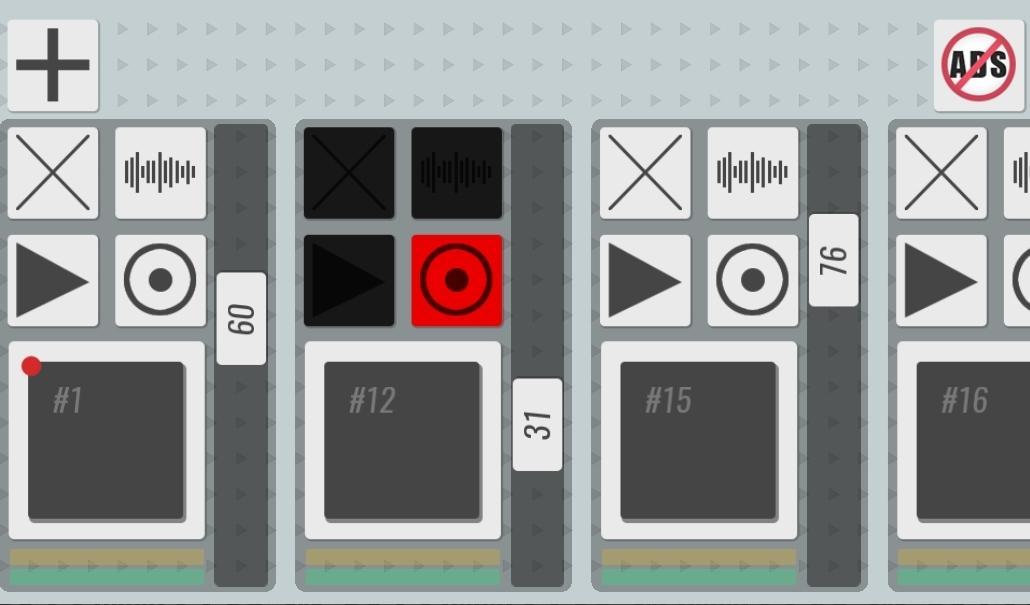
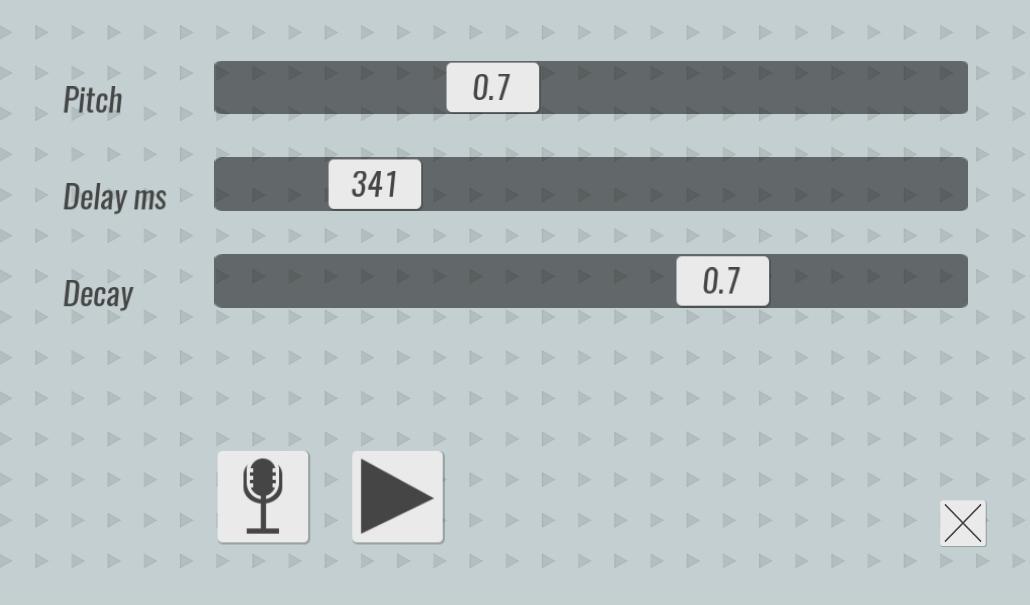
Pad Looper is a loop station that allows you to mix SELF RECORDED surrounding sounds, make patterns of them and play as a musical composition. With the help of the music player Pad Looper, you can feel like a real DJ, in order to start you do not need to pick up sounds from various music libraries, you will use those sounds that you create and record yourself. Just three simple steps to get started: record any sound, add effects, write a loop with your sound. Done! You can continue to add audio tracks, the length of the loop will automatically adjust to the length of the main track, which is marked with a red dot. After 5 minutes you will be able to hear your first hit. This program is not intended to create professional compositions, but it will help you to make a sketch of the track that was born in your head at that moment without much effort.
Preview
Tags
Music-&Information
Developer
Artnode.ru
Latest Version
1.0
Last Updated
2021-01-26
Category
Music-audio
Available on
Google Play
Show More
How to play Pad Looper - sound loop mixing with GameLoop on PC
1. Download GameLoop from the official website, then run the exe file to install GameLoop
2. Open GameLoop and search for “Pad Looper - sound loop mixing” , find Pad Looper - sound loop mixing in the search results and click “Install”
3. Enjoy playing Pad Looper - sound loop mixing on GameLoop
Minimum requirements
OS
Windows 8.1 64-bit or Windows 10 64-bit
GPU
GTX 1050
CPU
i3-8300
Memory
8GB RAM
Storage
1GB available space
Recommended requirements
OS
Windows 8.1 64-bit or Windows 10 64-bit
GPU
GTX 1050
CPU
i3-9320
Memory
16GB RAM
Storage
1GB available space