Online radio Uzbekistan PC
Online radio player apps for android
Download Online radio Uzbekistan on PC With GameLoop Emulator
Online radio Uzbekistan on PC
Online radio Uzbekistan, coming from the developer Online radio player apps for android, is running on Android systerm in the past.
Now, You can play Online radio Uzbekistan on PC with GameLoop smoothly.
Download it in the GameLoop library or search results. No more eyeing the battery or frustrating calls at the wrong time any more.
Just enjoy Online radio Uzbekistan PC on the large screen for free!
Online radio Uzbekistan Introduction
Radio Uzbekistan is a collection of radio stations available in Uzbekistan.
The Radio Uzbekistan application is simple and straightforward.
It doesn’t take up much space on your mobile phone or tablet and runs fast.
The Radio Uzbekistan application is free and is constantly updated.
Features:
- Listen to the radio in the background
- Names of singers and songs
- Quick search
- Share with friends via Facebook, Twitter or email
- Auto shut-off function at the set time
- List of favorite radios
- Select the design color of the application
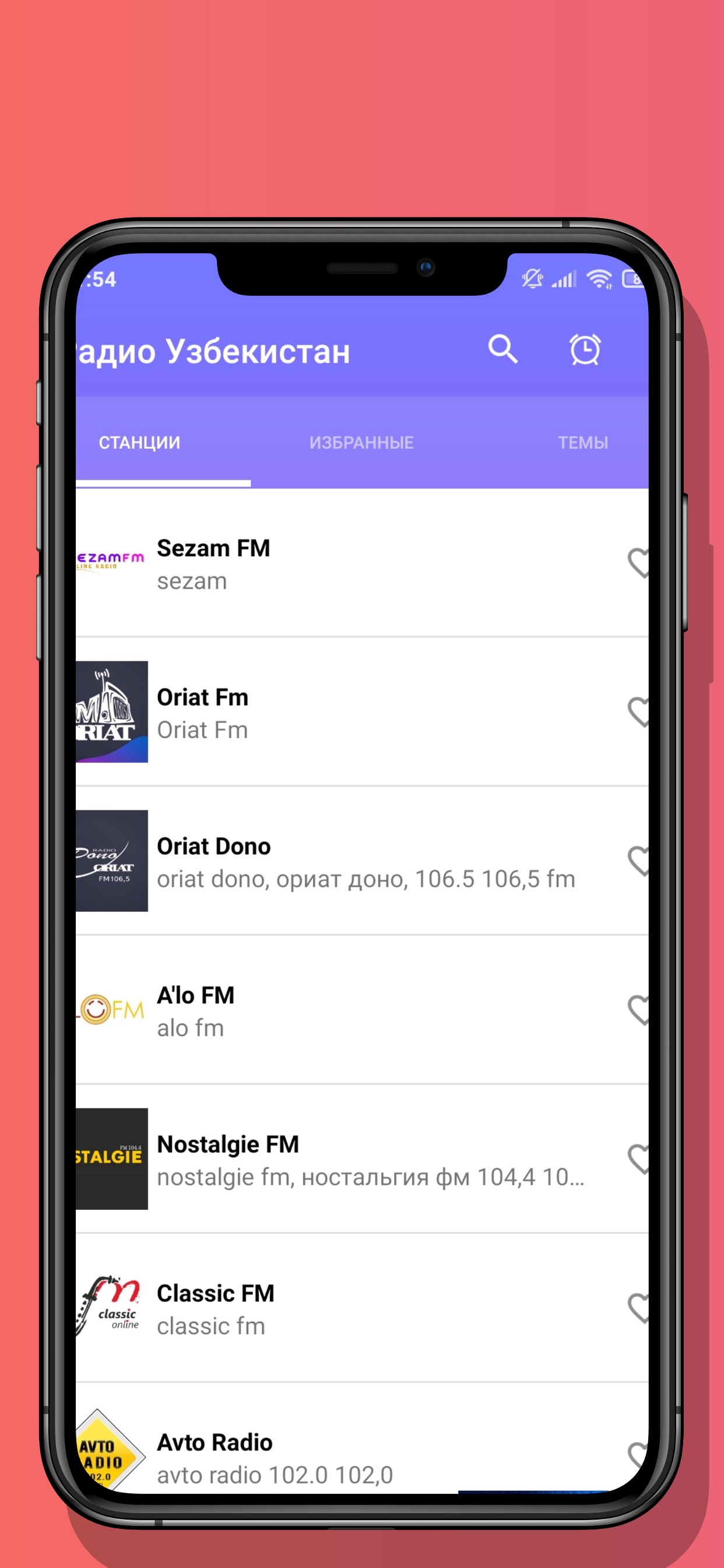
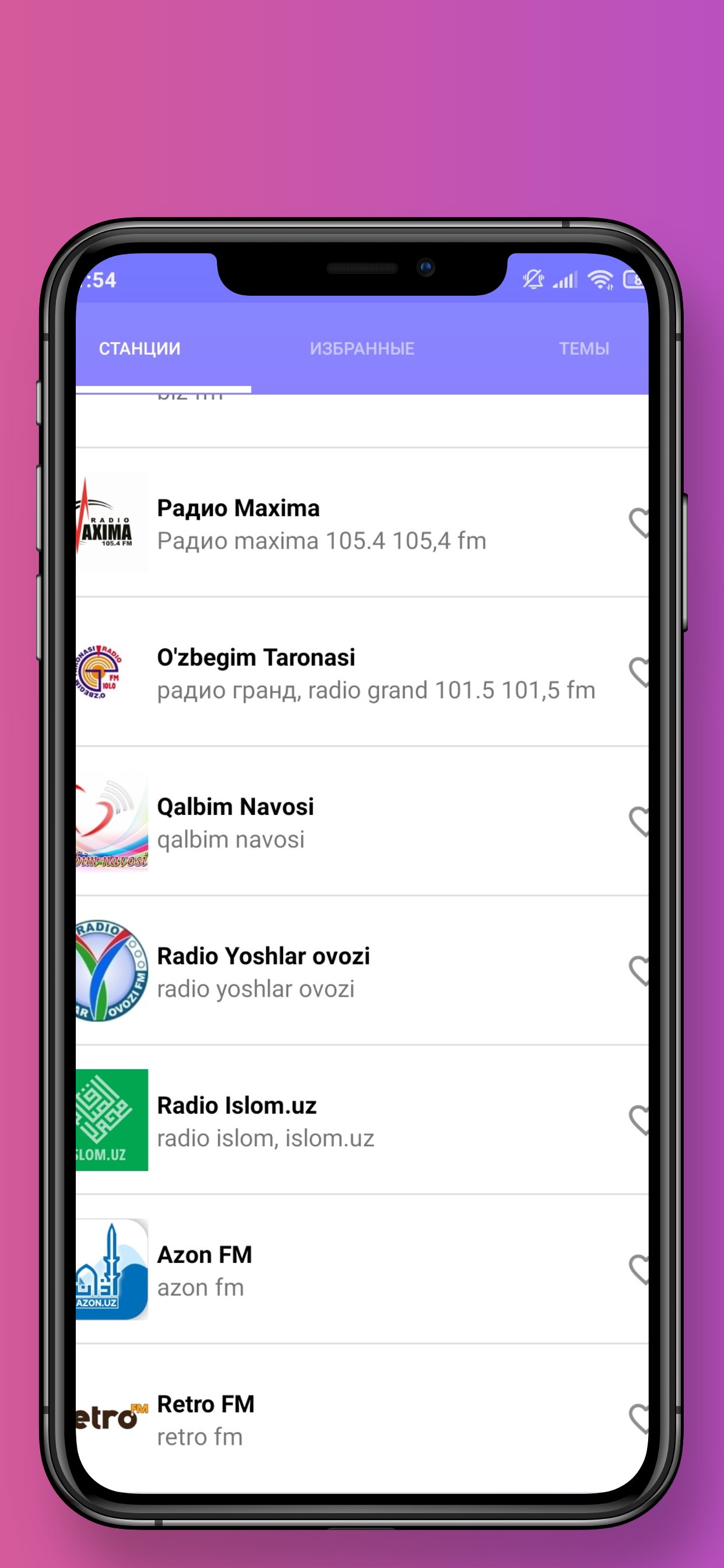
List of radio stations:
- Oriat Dono
- Oriat Fm
- A'lo Fm
- O'zbegim taronasi
- Radio Grand
- Radio Maxima
- Auto Radio
- Nostalgia Fm
- Classic Fm
- Voice of Radio Youth
- The Navoi of my heart
- Navo Online
- Life Fm
- Radio Islom.uz
- Navruz Fm
- Azon Fm
- Navruz Wise World
- Navruz Status
- Navruz Durdonalari
- Navruz Musofirim
- Navruz Smile
- Retro Fm
An Internet connection is required for the Radio Uzbekistan application to work.
Please let us know if you find a broken radio link, we will try to resolve it as soon as possible.
Preview
Tags
Music-&Information
Developer
Online radio player apps for android
Latest Version
6.5
Last Updated
2025-10-20
Category
Music-audio
Available on
Google Play
Show More
How to play Online radio Uzbekistan with GameLoop on PC
1. Download GameLoop from the official website, then run the exe file to install GameLoop
2. Open GameLoop and search for “Online radio Uzbekistan” , find Online radio Uzbekistan in the search results and click “Install”
3. Enjoy playing Online radio Uzbekistan on GameLoop
Minimum requirements
OS
Windows 8.1 64-bit or Windows 10 64-bit
GPU
GTX 1050
CPU
i3-8300
Memory
8GB RAM
Storage
1GB available space
Recommended requirements
OS
Windows 8.1 64-bit or Windows 10 64-bit
GPU
GTX 1050
CPU
i3-9320
Memory
16GB RAM
Storage
1GB available space