Music Volume Booster Pro PC
Sennikpro
Download Music Volume Booster Pro on PC With GameLoop Emulator
Music Volume Booster Pro on PC
Music Volume Booster Pro, coming from the developer Sennikpro, is running on Android systerm in the past.
Now, You can play Music Volume Booster Pro on PC with GameLoop smoothly.
Download it in the GameLoop library or search results. No more eyeing the battery or frustrating calls at the wrong time any more.
Just enjoy Music Volume Booster Pro PC on the large screen for free!
Music Volume Booster Pro Introduction
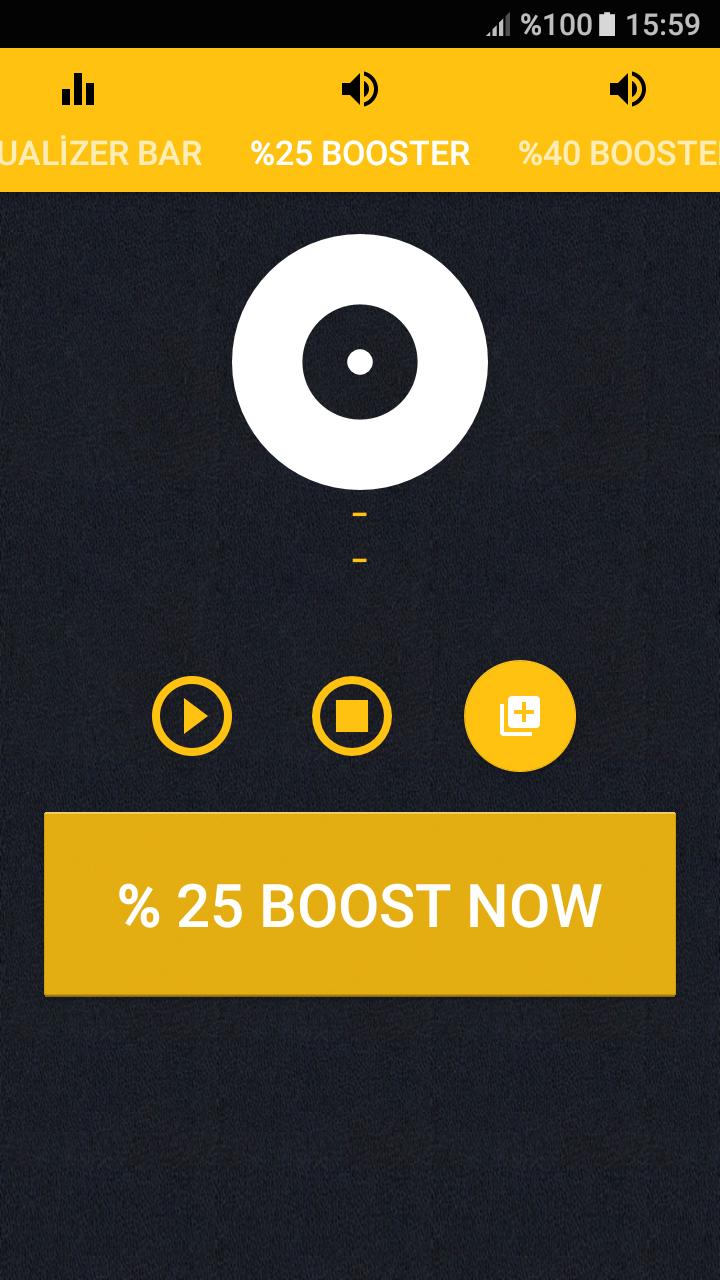
Music Volume Booster app boosts your speaker or headphone sound volume and also you can easily load Your Music Tracks and Boost its volume up to 30% and you can also adjust 7-bands Equalizer to enjoy more. it is a very useful app for movies, audio books and Music addicts. What's more, you can control all of the sounds in your phone! Volume Booster application uses audio algorithms in order to eliminate dump noise.
★★★You got bored from fake apps ? This is a real volume booster ★★★
What is new ?
✓ Load Your Music File and Boost its volume up to 30% and you can also adjust 7-bands Equalizer to enjoy more.
✓ Audio Quality Increased.
App Permissions:
✓ Storage Permission is needed by this app to load your music tracks in order to enhance them.
App features:
✓it is a perfect Audio Bass Booster.
✓You can Control all your volumes inside of the app by just one click.
✓it Boosts Music Volume to give more enhanced and quality music pleasure.
✓By this Volume Booster app, you can load favorite music tracks from your local storage and boost its volume with just one click.
✓it Boosts In Call Volume during the Conversation.
✓Volume Booster App increases audio strength up to 30% without distorting its audio quality.
✓ App gives HD Audio quality by removing noise from your music tracks.
Advertising Policy Disclosure:
We love creating apps, and want to keep them free forever.
In order to keep our development running, Music Volume Booster is ad-supported to generate some revenue.
Thank you for understanding.
Preview
Tags
Music-&Information
Developer
Sennikpro
Latest Version
32.1
Last Updated
2023-03-26
Category
Music-audio
Available on
Google Play
Show More
How to play Music Volume Booster Pro with GameLoop on PC
1. Download GameLoop from the official website, then run the exe file to install GameLoop
2. Open GameLoop and search for “Music Volume Booster Pro” , find Music Volume Booster Pro in the search results and click “Install”
3. Enjoy playing Music Volume Booster Pro on GameLoop
Minimum requirements
OS
Windows 8.1 64-bit or Windows 10 64-bit
GPU
GTX 1050
CPU
i3-8300
Memory
8GB RAM
Storage
1GB available space
Recommended requirements
OS
Windows 8.1 64-bit or Windows 10 64-bit
GPU
GTX 1050
CPU
i3-9320
Memory
16GB RAM
Storage
1GB available space