
MP3 Cutter and Merger – SOMIX PC
Clogica
Download MP3 Cutter and Merger – SOMIX on PC With GameLoop Emulator
MP3 Cutter and Merger – SOMIX on PC
MP3 Cutter and Merger – SOMIX, coming from the developer Clogica, is running on Android systerm in the past.
Now, You can play MP3 Cutter and Merger – SOMIX on PC with GameLoop smoothly.
Download it in the GameLoop library or search results. No more eyeing the battery or frustrating calls at the wrong time any more.
Just enjoy MP3 Cutter and Merger – SOMIX PC on the large screen for free!
MP3 Cutter and Merger – SOMIX Introduction
SOMIX is a powerful MP3 cutter and merger for fast, everyday offline editing. Whether you need to mix several audio files into one high-quality track, use the audio joiner to combine songs seamlessly with smooth fade effects, or extract sound from video, this app streamlines the process. Use it to design custom ringtones, convert formats on the go, or manage complex projects as your all-in-one audio editor.
🎛️ Advanced Multitrack Audio Editor
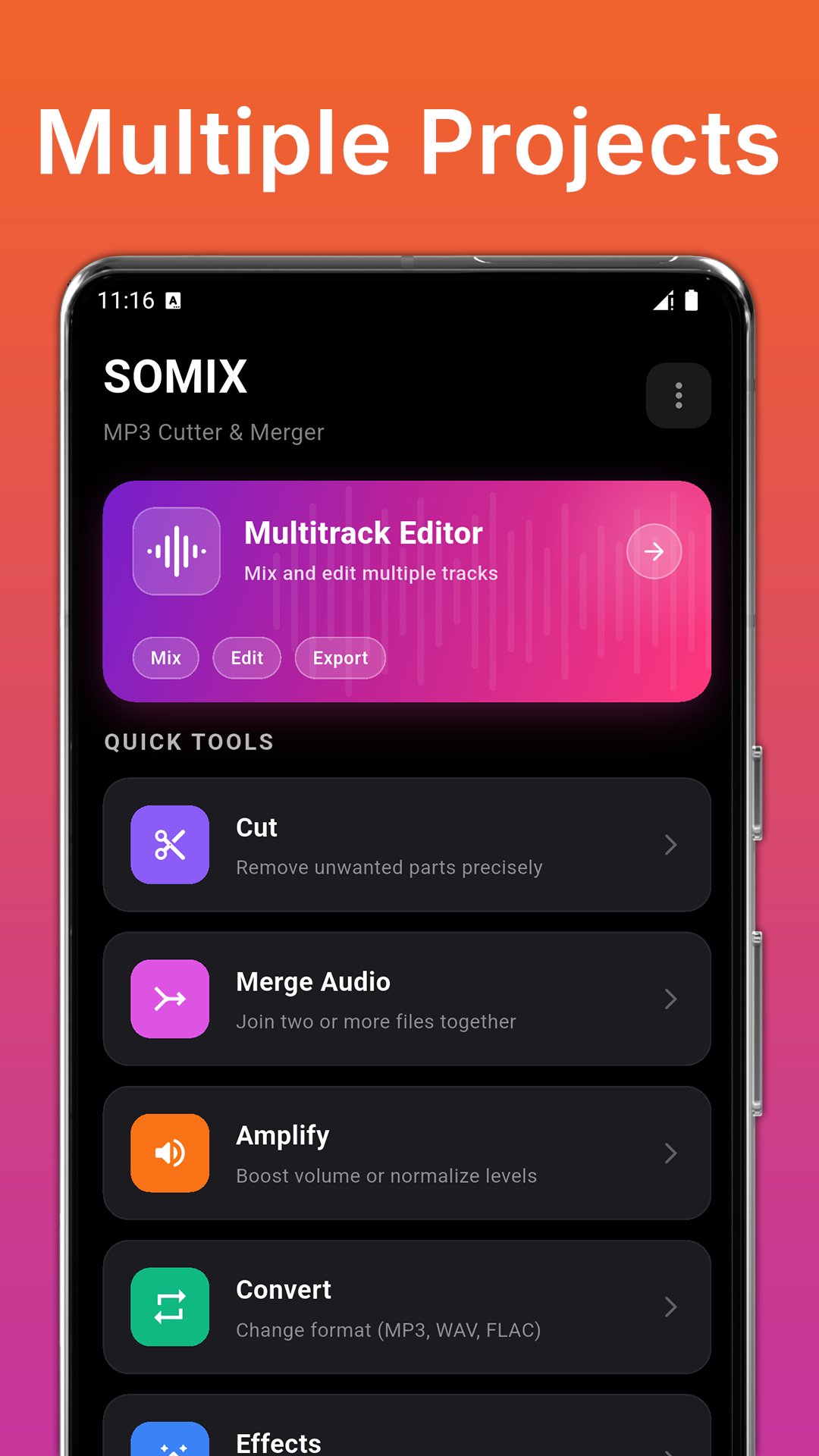
Work on multiple clips in one project with a clear timeline view. Add tracks, arrange clips in the right order, align them precisely, and preview the full mix before exporting. Use it to merge voice memos or recordings with music, build longer recordings from several parts, or create clean intros/outros for your sound files.
✂️ Waveform Audio Trimmer
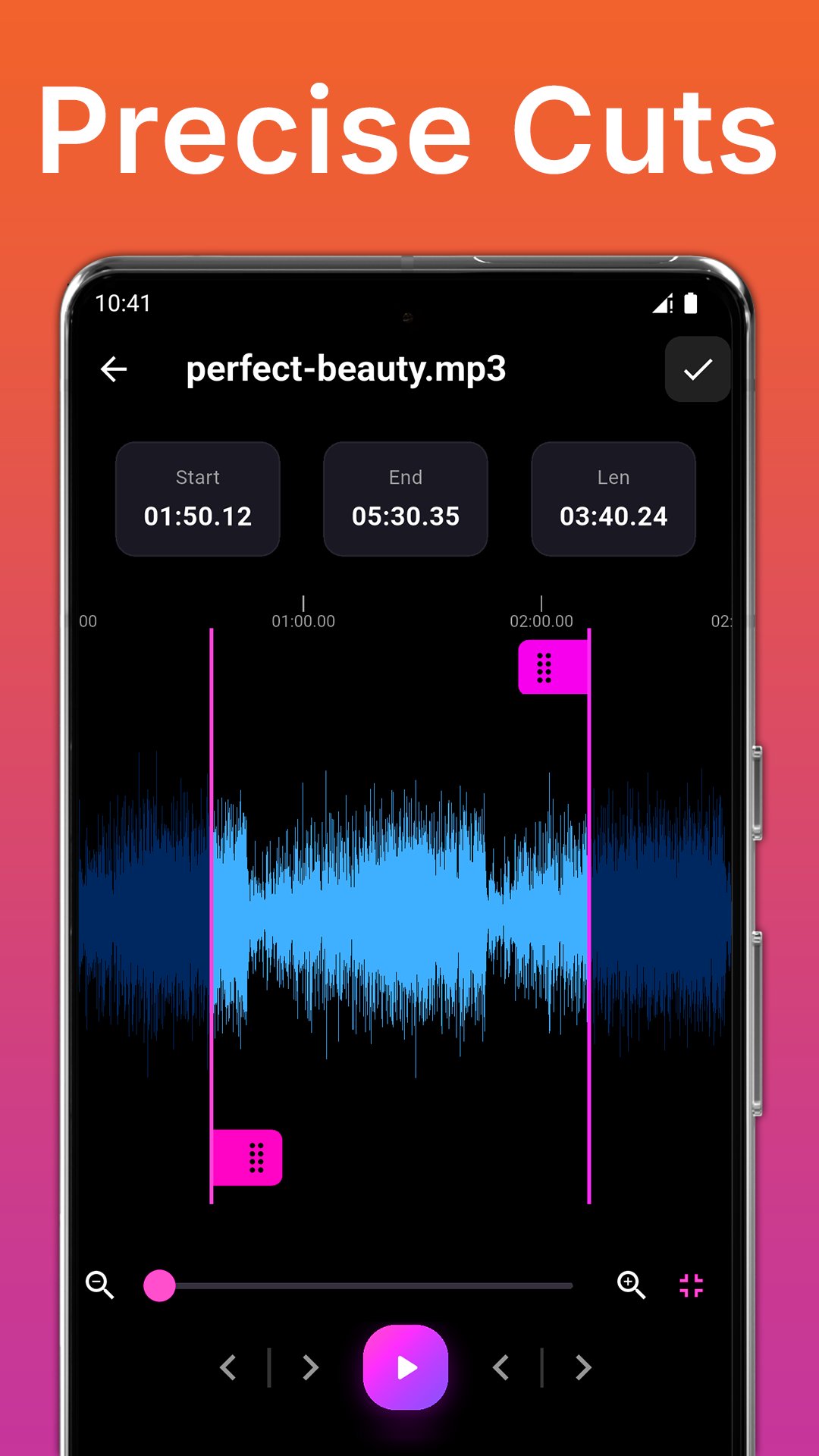
This smart MP3 cutter and merger app lets you precisely cut your favorite songs, recordings, and voice memos! Use the visual waveform and millisecond-precise tools to get the perfect trim. Preview your work, rename your outputs, and save your new file with your custom settings.
🌟 Main Features:
Discover the tools and features that make SOMIX your ultimate audio editor and ringtone maker:
• ✂️ MP3 cutter: Use the advanced waveform for millisecond-accurate cut points.
• 🔗 Audio merger: Join or mix multiple files seamlessly with optional fade in/out effects.
• 🔔 Ringtone maker: Instantly assign your saved files as a Ringtone, Alarm, or Notification Tone. The app automatically routes them to your system folders!
• 🎚️ Effects editor: Apply professional reverb, echo, pitch, speed, and noise reduction.
• ⚙️ Settings Manager: Take full control over your bitrate, sample rate, channels, and export quality.
• 🔄 Audio Converter: Easily convert songs and music between popular audio formats like MP3, WAV, AAC, and more.
• 🎞️ Video to MP3: Extract high-quality audio from your videos instantly.
• 🔊 Volume booster: Amplify your sound with volume boosts and custom equalizer presets.
• 🎙️ Built-in voice recorder: Capture clear voice and organize it with the recordings manager.
• 🎼 Multitrack editor: Manage your projects, tracks, and timeline editing all in one place. Go beyond simple ringtones and create complex audio mixes.
• ▶️ Preview player: Listen before you save, and quickly access your export history.
• 🗂️ File Manager: Easily browse and list all the MP3 songs directly from your SD card.
🛠️ How to Use SOMIX
• Select an audio file (or extract audio from a video)
• Choose your tool: Mp3 Audio trimmer or joiner, effects manager, converter, or multitrack editor
• Pick output format and quality
• Export and find your results instantly in the history page, where you can play them or assign your new ringtone
Supported formats include MP3, M4A (AAC/ALAC), WAV, FLAC, OGG, OPUS, WMA, AMR, and AIFF. You can adjust bitrate, sample rate, channels, and quality to match your needs.
Whether you need to quickly trim a song using MP3 trimmer, use the audio merger to blend multiple tracks, or create the perfect custom alert, SOMIX MP3 Cutter and Merger provides a complete offline studio to organize and export your audio effortlessly.
Preview
Tags
Music-&Information
Developer
Clogica
Latest Version
26.0.29
Last Updated
2026-04-17
Category
Music-audio
Available on
Google Play
Show More
How to play MP3 Cutter and Merger – SOMIX with GameLoop on PC
1. Download GameLoop from the official website, then run the exe file to install GameLoop
2. Open GameLoop and search for “MP3 Cutter and Merger – SOMIX” , find MP3 Cutter and Merger – SOMIX in the search results and click “Install”
3. Enjoy playing MP3 Cutter and Merger – SOMIX on GameLoop
Minimum requirements
OS
Windows 8.1 64-bit or Windows 10 64-bit
GPU
GTX 1050
CPU
i3-8300
Memory
8GB RAM
Storage
1GB available space
Recommended requirements
OS
Windows 8.1 64-bit or Windows 10 64-bit
GPU
GTX 1050
CPU
i3-9320
Memory
16GB RAM
Storage
1GB available space