MP Manage PC
QSC Audio, LLC
Download MP Manage on PC With GameLoop Emulator
MP Manage on PC
MP Manage, coming from the developer QSC Audio, LLC, is running on Android systerm in the past.
Now, You can play MP Manage on PC with GameLoop smoothly.
Download it in the GameLoop library or search results. No more eyeing the battery or frustrating calls at the wrong time any more.
Just enjoy MP Manage PC on the large screen for free!
MP Manage Introduction
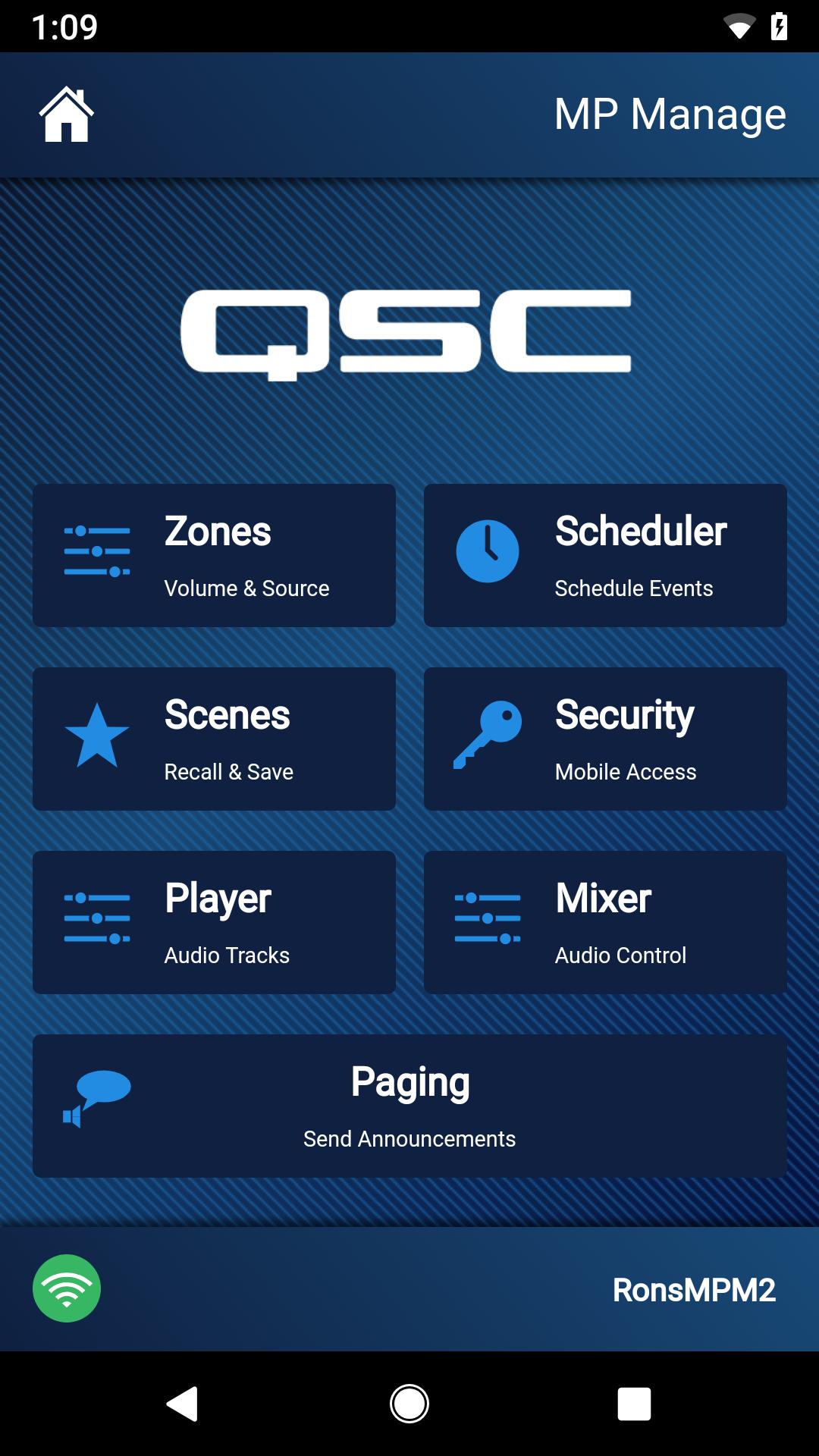
MP Manage is an app for use by the staff of facilities with QSC MP-M40 or MP-M80 music and paging mixers installed. These mixers, offering unprecedented capabilities combined with ease of configuration and operation are intended for retail and hospitality applications in which paging messages and high-quality audio from various sources is routed to multiple zones. Live mixing functions are also supported for applications requiring reinforcement of entertainment, presentations or conferences. The functions available to the MP Manage user are determined by the installer of the MP-M40 or MP-M80. These functions may include:
• Zones – Select an audio source and adjust volume for one or more audio zones.
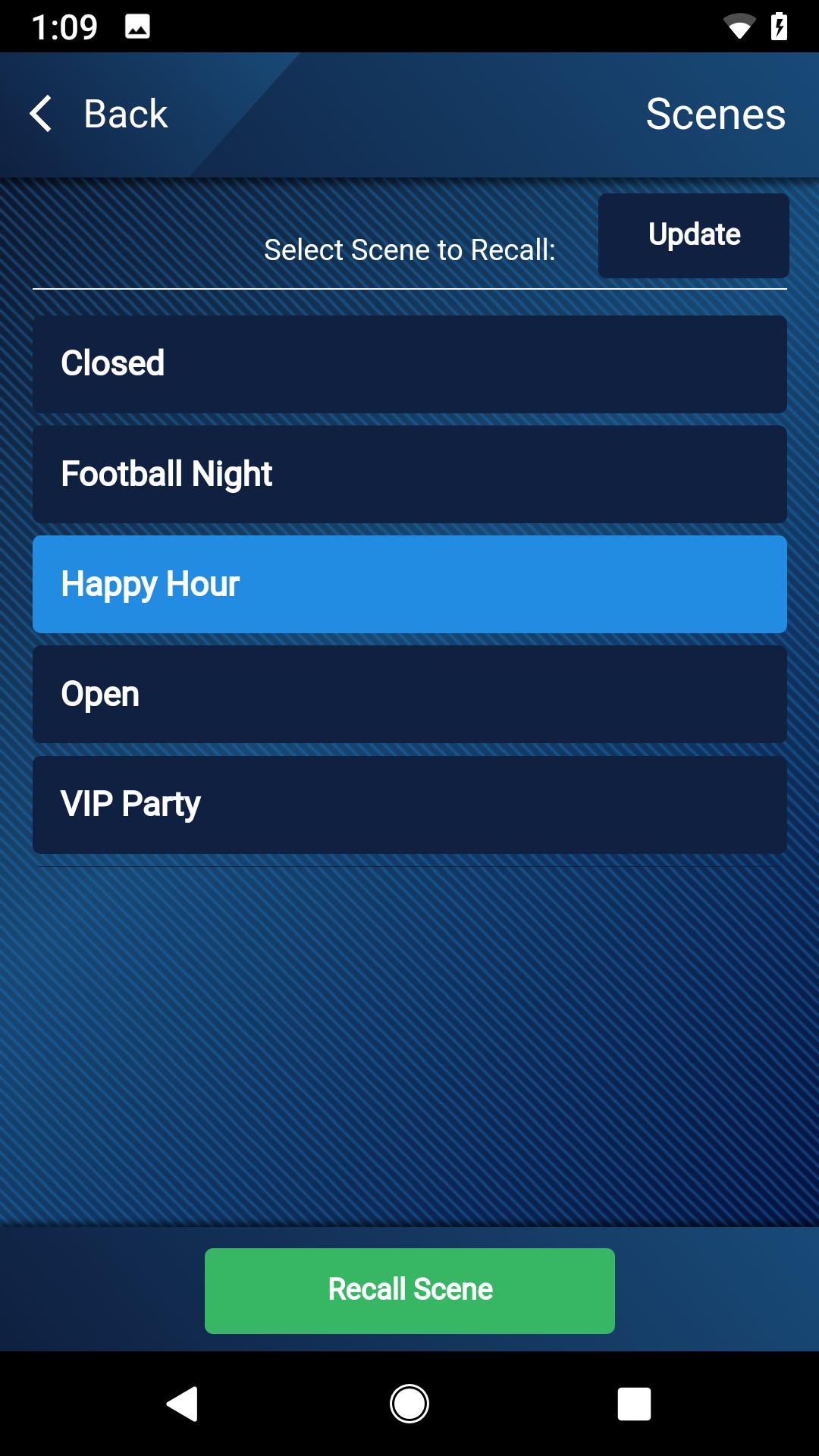
• Scenes – Recall and update scenes.
• Scheduler – Schedule the recall of some or all MP-M settings to support the activity schedule of a facility.
• Security – Allows the facility manager to grant or remove access to specific sets of functions to other staff members who are using MP Manage.
• Player – Operates the USB Player.
• Mixer – Provides control for the MP-M internal mixer.
• Paging – Supports wireless store and forward paging from smartphones.
Preview
Tags
Music-&Information
Developer
QSC Audio, LLC
Latest Version
1.2.12438
Last Updated
2023-06-21
Category
Music-audio
Available on
Google Play
Show More
How to play MP Manage with GameLoop on PC
1. Download GameLoop from the official website, then run the exe file to install GameLoop
2. Open GameLoop and search for “MP Manage” , find MP Manage in the search results and click “Install”
3. Enjoy playing MP Manage on GameLoop
Minimum requirements
OS
Windows 8.1 64-bit or Windows 10 64-bit
GPU
GTX 1050
CPU
i3-8300
Memory
8GB RAM
Storage
1GB available space
Recommended requirements
OS
Windows 8.1 64-bit or Windows 10 64-bit
GPU
GTX 1050
CPU
i3-9320
Memory
16GB RAM
Storage
1GB available space