Drum Tuner: Metronome Beats PC
NETIGEN
Download Drum Tuner: Metronome Beats on PC With GameLoop Emulator
Drum Tuner: Metronome Beats on PC
Drum Tuner: Metronome Beats, coming from the developer NETIGEN, is running on Android systerm in the past.
Now, You can play Drum Tuner: Metronome Beats on PC with GameLoop smoothly.
Download it in the GameLoop library or search results. No more eyeing the battery or frustrating calls at the wrong time any more.
Just enjoy Drum Tuner: Metronome Beats PC on the large screen for free!
Drum Tuner: Metronome Beats Introduction
Metronome Beats: Tempo Tuner – Your Handy Music Companion!
Are you seeking an appropriate tool to perfect your musical timing and tune up your instruments? Then, you must try the Metronome Beats: Tempo Tuner app, which will help you with precision and accuracy for all your needs, whether you need drums, guitar, piano, or any other instrument.From tapping just the right beats to tuning an instrument, this BPM Counter: Tap Tempo App was designed for musicians, beginners, and pros alike. Designed and tested by professional musicians, it's the ultimate Piano Tuner App for mastering tempo and tuning.
Whether you need a BPM Counter: Tap Tempo App to keep time or a Drum Tuner And Metronome App to fine-tune your percussion setup, this Tempo Metronome For Drums app does it all.
🎼Metronome Beats: Tempo Tuner Key Features:🎼
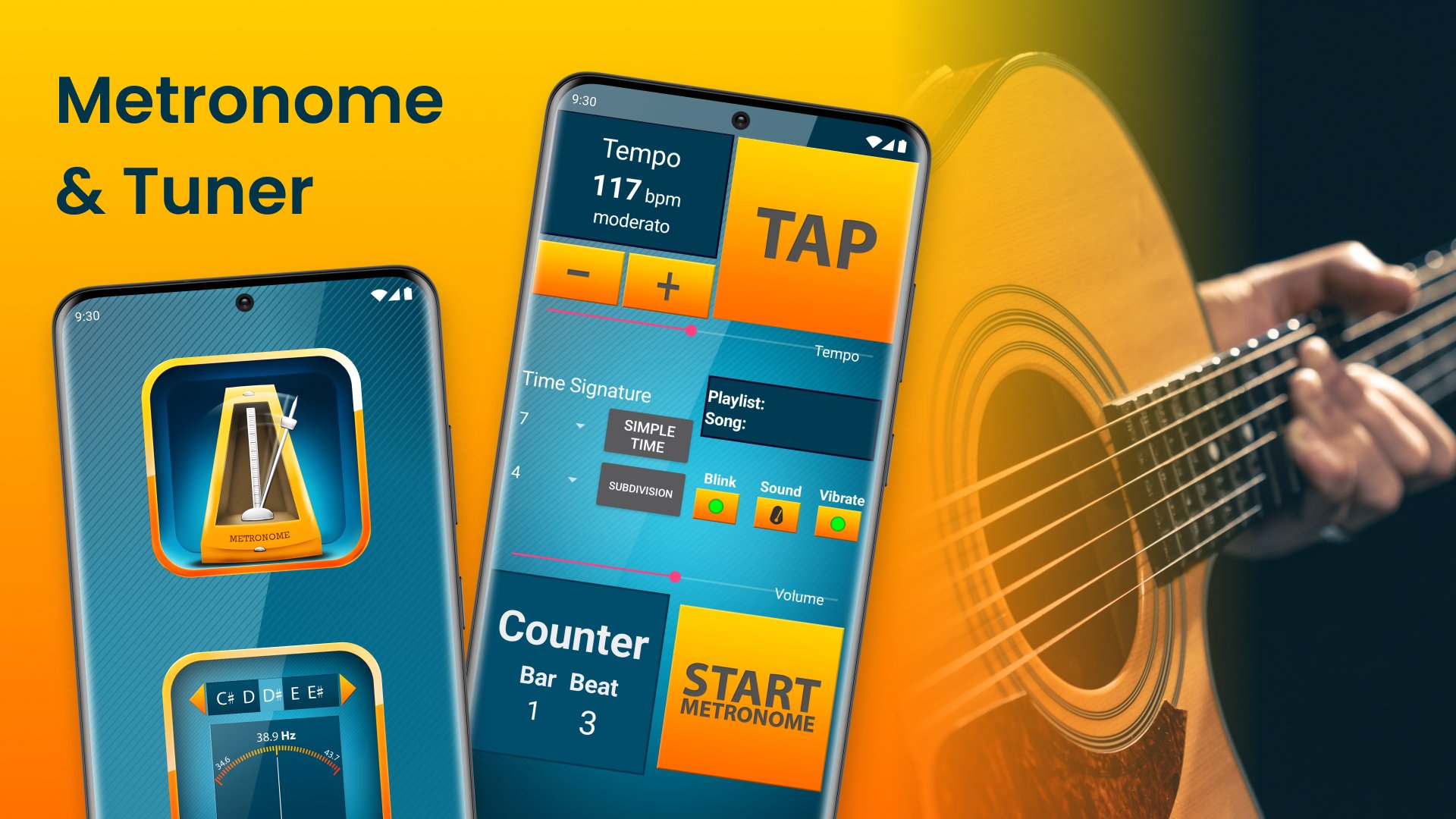
🎶Tempo tuning from 20 to 240 BPM for precision in any musical environment;
🎶Tap tempo violin tuner for easy beat matching;
🎶Adjustable time signature for both simple and complex rhythms;
🎶Many beat subdivision options, including quarter, eighth, triplet, etc.;
🎶LED/Screen flash mode to keep track of tempo visually;
🎶Keeps running in the background while you play;
🎶Save your favorite settings with custom presets;
🎶Vibration mode to feel the beats while playing in noisy environments;
🎶Italian tempo Violin Tuner markings for further convenience;
🎶Universal Tempo Metronome For Drums app works on both phones and tablets.
Improve Your Performance with the Best BPM Counter: Tap Tempo App!
The BPM Counter: Tap Tempo App makes finding the right tempo for a song painless. You can easily align beats per minute with a tap, so your timing is ideally on target. Whether solo practicing or with a band, Metronome Beats: Tempo Tuner is an indispensable violin tuner tool to keep you on the beat.Presentation of Professional-grade Tuning with the Piano and Guitar Tuner App:🎸
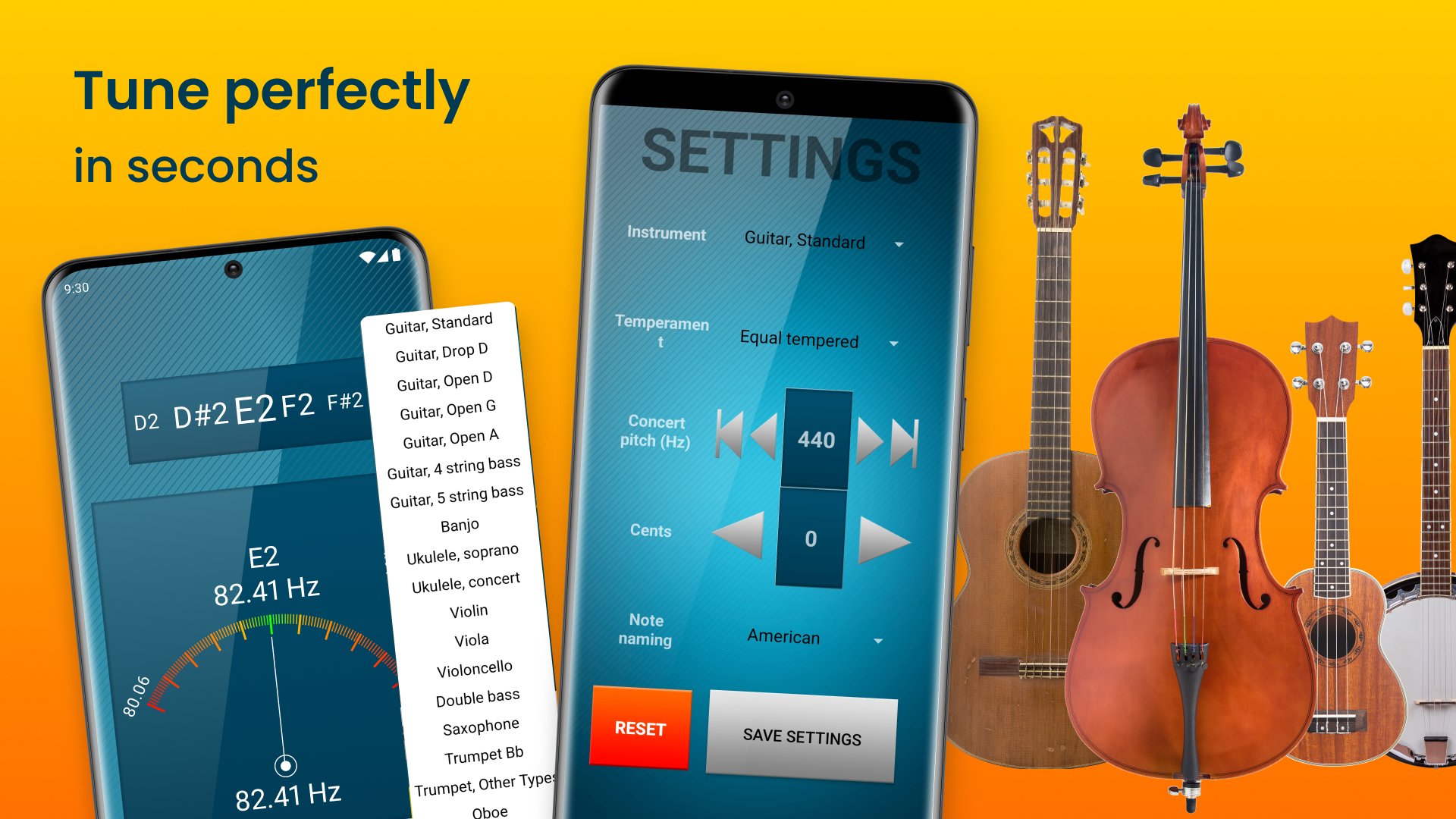
The Drum Tuner And Metronome App introduces an awesome Piano Tuner Application and a Precise Guitar Tuner to help you tune your instruments in an easier and time-saving way. Equipped with auto and manual tuning, one will be sure his instrument is perfectly tuned regardless of the situation.
Adjustable & Accurate Guitar Tuner:🎚️
Be it the Accurate Guitar Tuner or tuning a piano, this Drum Tuner And Metronome Application has everything one wants to maintain top-quality instruments. Its intuitive, straightforward design and professional-level accuracy make this Accurate Guitar Tuner tool indispensable for any serious musician. Equally, Metronome Beats: Tempo Tuner.
Get the Most Out of Your Practice Sessions!
Metronome Beats: Tempo Tuner takes your music practice to the next level with advanced features like the BPM Counter: Tap Tempo App and the Drum Tuner and Metronome App. Perfect your timing and tune your instruments perfectly- all in one place. Whether with the Tempo Metronome For Drums or Piano Tuner App, this is indeed what every musician needs.Preview
Tags
Music-&Information
Developer
NETIGEN
Latest Version
5.1.5
Last Updated
2026-02-24
Category
Music-audio
Available on
Google Play
Show More
How to play Drum Tuner: Metronome Beats with GameLoop on PC
1. Download GameLoop from the official website, then run the exe file to install GameLoop
2. Open GameLoop and search for “Drum Tuner: Metronome Beats” , find Drum Tuner: Metronome Beats in the search results and click “Install”
3. Enjoy playing Drum Tuner: Metronome Beats on GameLoop
Minimum requirements
OS
Windows 8.1 64-bit or Windows 10 64-bit
GPU
GTX 1050
CPU
i3-8300
Memory
8GB RAM
Storage
1GB available space
Recommended requirements
OS
Windows 8.1 64-bit or Windows 10 64-bit
GPU
GTX 1050
CPU
i3-9320
Memory
16GB RAM
Storage
1GB available space