
LOS40 Radio PC
Prisa Radio
Download LOS40 Radio on PC With GameLoop Emulator
LOS40 Radio on PC
LOS40 Radio, coming from the developer Prisa Radio, is running on Android systerm in the past.
Now, You can play LOS40 Radio on PC with GameLoop smoothly.
Download it in the GameLoop library or search results. No more eyeing the battery or frustrating calls at the wrong time any more.
Just enjoy LOS40 Radio PC on the large screen for free!
LOS40 Radio Introduction
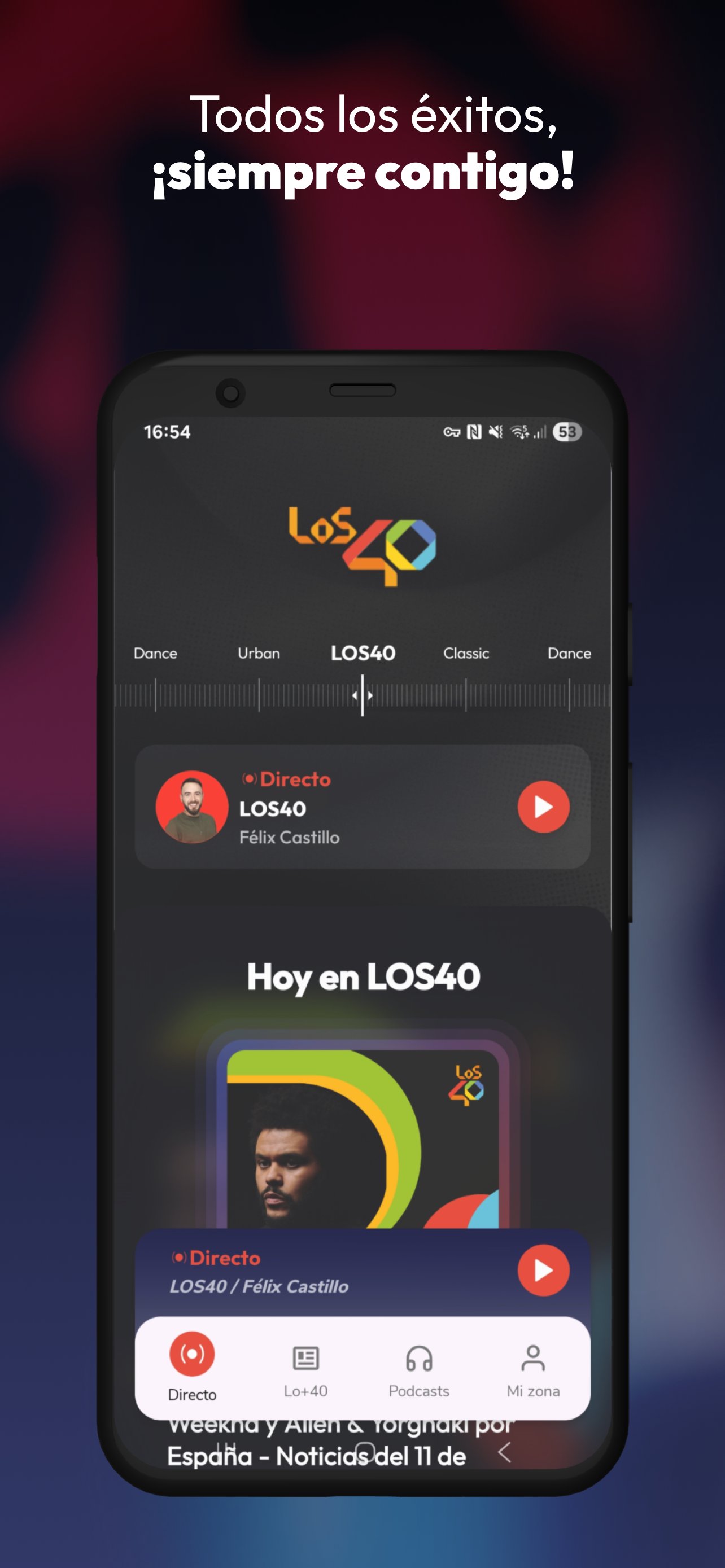
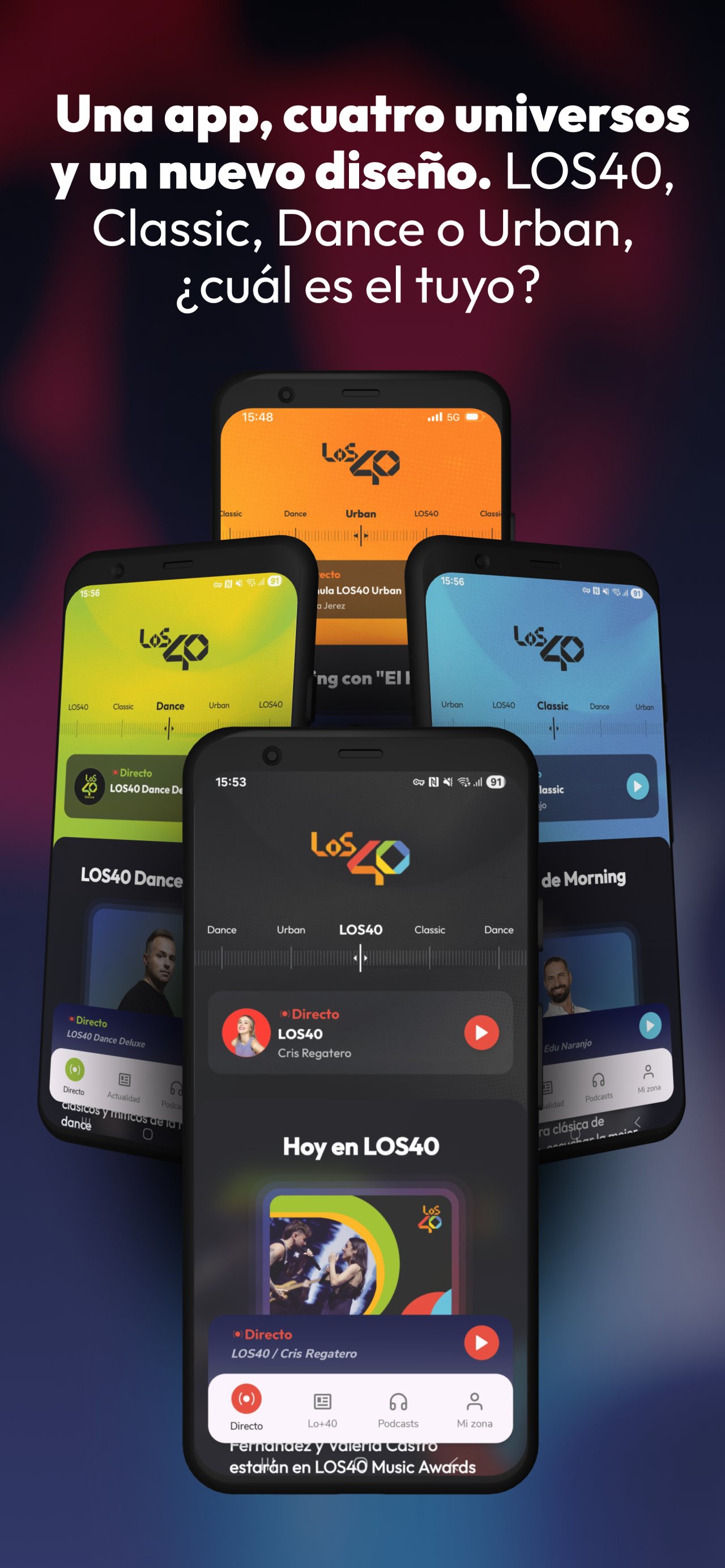
LOS40, the largest music community in Spain and Latin America, launches its new app.
All the information, all the styles, all the hits... it's all here.
Today's hits, tomorrow's artists, the best shows and podcasts that are now history.
The best music and hits from iconic artists like Rosalía, Bad Bunny, Aitana, Queen, and David Guetta, always at your fingertips.
Listen to the most relevant music news of the day on the Hoy en LOS40 podcast.
Enjoy the best of Anda Ya with Dani Moreno 'El Gallo' and Cristina Boscá, revisit the songs of the moment on Del 40 al 1 with Tony Aguilar, and DJ Nano at the helm of World Dance Music.
Relive the best moments of Morning Box with Javier Penedo and Andrea Sánchez on LOS40 Classic, and listen to Fernandisco live.
Get motivated by the rhythms of the street with LOS40 Urban with Ramsés López and let yourself be carried away by the best dance music thanks to José M. Duro in Clímax, Arturo Grao in Dance In Sessions, and Abel Ramos in charge of LOS40 Dance Reserva.
Save your favorite audios to listen to wherever and whenever you want. And for the best experience, sign up for the LOS40 app.
You can also listen to LOS40 from your city and from the countries where we operate: Mexico, Colombia, Chile, Argentina, Panama, the Dominican Republic, Costa Rica, Ecuador, Guatemala, and the USA.
Preview
Tags
Music-&Information
Developer
Prisa Radio
Latest Version
7.3.0
Last Updated
2025-12-17
Category
Music-audio
Available on
Google Play
Show More
How to play LOS40 Radio with GameLoop on PC
1. Download GameLoop from the official website, then run the exe file to install GameLoop
2. Open GameLoop and search for “LOS40 Radio” , find LOS40 Radio in the search results and click “Install”
3. Enjoy playing LOS40 Radio on GameLoop
Minimum requirements
OS
Windows 8.1 64-bit or Windows 10 64-bit
GPU
GTX 1050
CPU
i3-8300
Memory
8GB RAM
Storage
1GB available space
Recommended requirements
OS
Windows 8.1 64-bit or Windows 10 64-bit
GPU
GTX 1050
CPU
i3-9320
Memory
16GB RAM
Storage
1GB available space