
Japan Radio: FM & Podcasts PC
Online FM AM Radio Stations
Download Japan Radio: FM & Podcasts on PC With GameLoop Emulator
Japan Radio: FM & Podcasts on PC
Japan Radio: FM & Podcasts, coming from the developer Online FM AM Radio Stations, is running on Android systerm in the past.
Now, You can play Japan Radio: FM & Podcasts on PC with GameLoop smoothly.
Download it in the GameLoop library or search results. No more eyeing the battery or frustrating calls at the wrong time any more.
Just enjoy Japan Radio: FM & Podcasts PC on the large screen for free!
Japan Radio: FM & Podcasts Introduction
The Ultimate Japanese Audio Hub: Radio, Podcasts & Music
Experience the best of Japan's audio landscape with the completely redesigned Radio Japan app.
Whether you want to tune into live Japanese FM/AM stations, discover trending podcasts, or listen to your local music library, you can now do it all from a single, modern interface.
Stay connected to Japanese culture, news, talk shows, anime trends, and hit music from Tokyo, Osaka, Kyoto, and across all regions.
With our new advanced features, you have complete control over your audio experience—from high-quality live stream recording to waking up to your favorite broadcast using our built-in alarm.
✨ Fresh New Features:
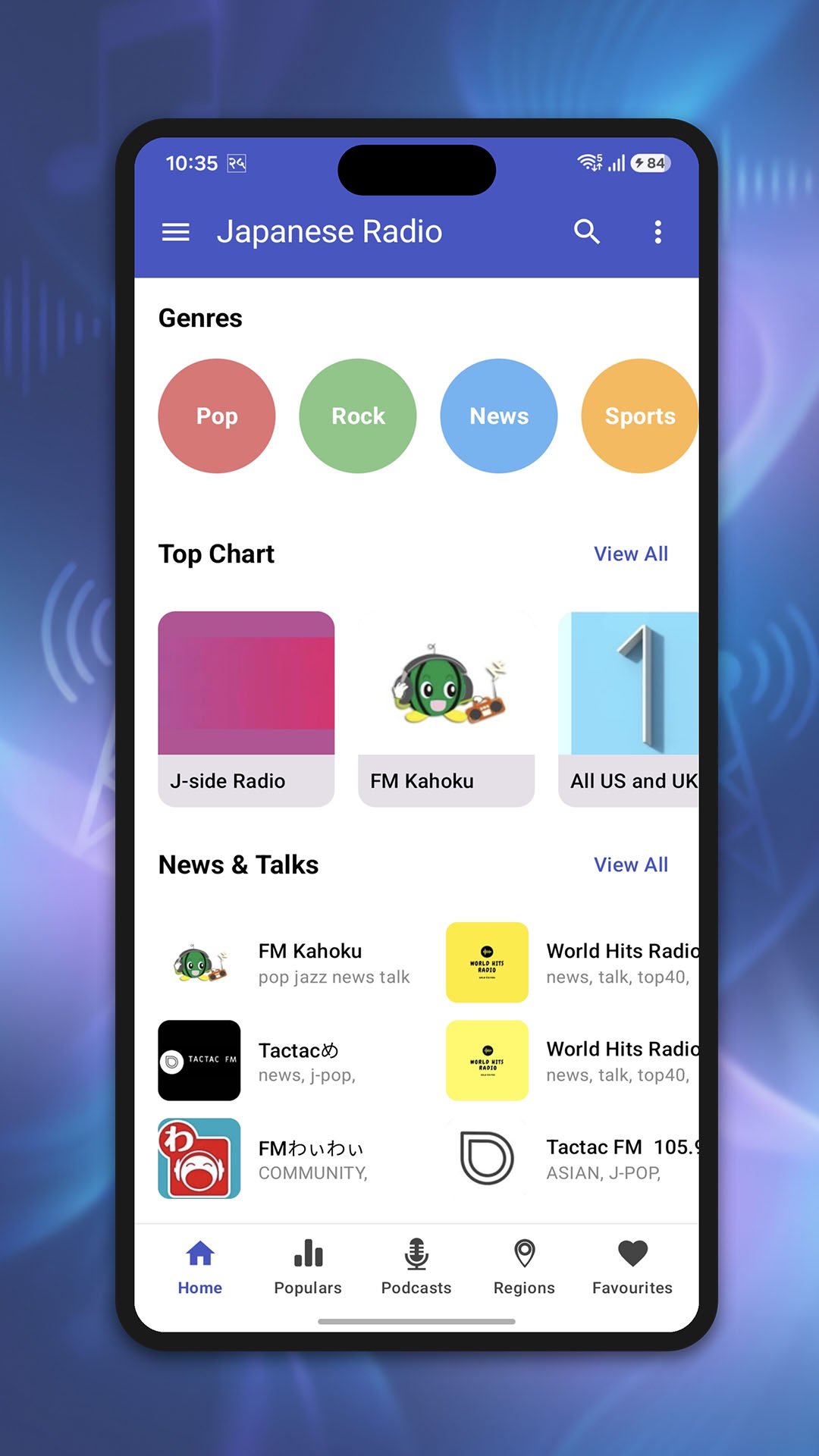
• Podcasts by Category: Easily browse, search, and discover popular podcasts across multiple genres.
• Radio & Music Alarms: Wake up to your favorite live stream or local music tracks.
• Advanced Audio Player: Effortlessly play your local music files and build custom playlists.
• Custom Stream URLs: Add and save your own custom radio stream links directly into the app.
• Dark Mode: A sleek, modern user interface designed for comfortable nighttime viewing.
• Volume Booster: Enhance audio output for a deeper, clearer, and louder sound.
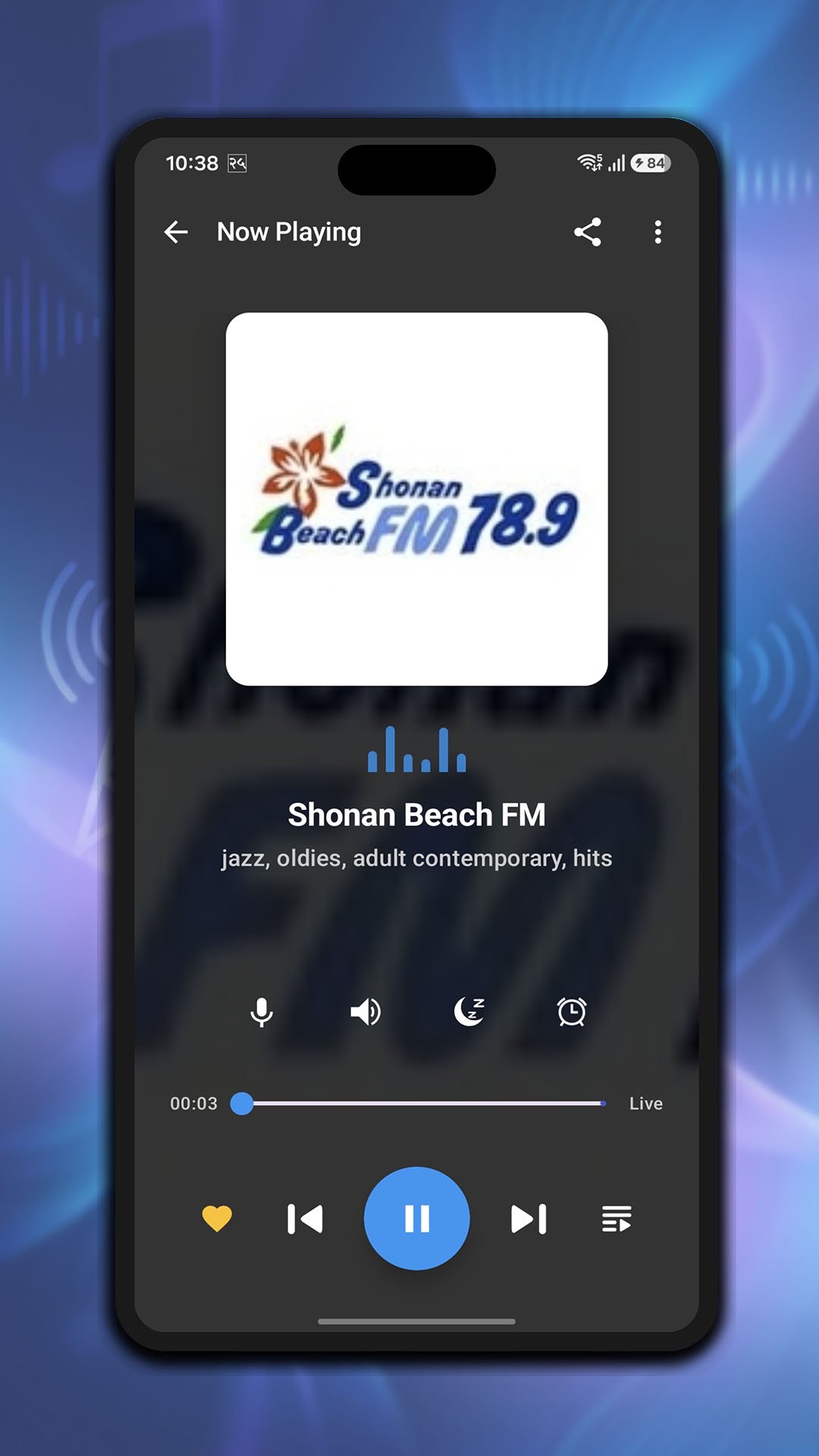
• Sleep Timer: Fall asleep to your favorite audio; the app shuts down automatically.
📻 Core Radio Features:
• Listen to over 150+ Japanese radio stations live over the internet.
• High-definition voice and radio recording—save and share audio clips instantly.
• Quick search functionality to find specific stations or podcasts in seconds.
• Browse top charts, popular stations, and discover broadcasts by region or genre.
• Seamless background playback with direct notification drawer controls (Play, Pause, Mute).
• Track your listening history with 'Recently Played' and 'Play History' logs.
• Easily share recorded voice notes, radio links, and custom music playlists.
🎶 Endless Genres & Content:
Discover audio tailored perfectly to your mood: J-Pop, J-Rock, Anime & Vocaloid streams, News & Talk, Top 40 Hits, Classical, Jazz, Hip-hop, Dance, Electronic, Retro PC Game Music, Sports, and much more.
🎙️ Popular Japanese Stations Included:
Tune into top local and regional broadcasts including J-Pop Sakura, Shonan Beach FM, J-Pop Powerplay, Umeda FM Be Happy!, FM Edogawa, Jazz Sakura, FM PiPi, Vocaloid Radio, J-Rock Powerplay, FM Haro!, FM Blue Shonan, Kamakura FM, Radio MOMO, Kazusa FM, I-wave FM, Yufuin Radio, FM Apple Wave, Shonan Napasa FM, FM Kashima, Radio Kishiwada, Manganime Radio, J1 Radio, FM 845, Banana FM, Moon Mission, Musashino FM, Radio Kanazawa, FM Hanako, FM Yamato, and many more.
Note: An active internet connection (Wi-Fi, 3G, 4G, or 5G) is required to stream live radio and podcasts. Some stations may not broadcast 24/7 due to regional time zone schedules or maintenance.
Preview
Tags
Music-&Information
Developer
Online FM AM Radio Stations
Latest Version
1.46
Last Updated
2026-08-15
Category
Music-audio
Available on
Google Play
Show More
How to play Japan Radio: FM & Podcasts with GameLoop on PC
1. Download GameLoop from the official website, then run the exe file to install GameLoop
2. Open GameLoop and search for “Japan Radio: FM & Podcasts” , find Japan Radio: FM & Podcasts in the search results and click “Install”
3. Enjoy playing Japan Radio: FM & Podcasts on GameLoop
Minimum requirements
OS
Windows 8.1 64-bit or Windows 10 64-bit
GPU
GTX 1050
CPU
i3-8300
Memory
8GB RAM
Storage
1GB available space
Recommended requirements
OS
Windows 8.1 64-bit or Windows 10 64-bit
GPU
GTX 1050
CPU
i3-9320
Memory
16GB RAM
Storage
1GB available space