
IMRO PC
IMRO
Download IMRO on PC With GameLoop Emulator
IMRO on PC
IMRO, coming from the developer IMRO, is running on Android systerm in the past.
Now, You can play IMRO on PC with GameLoop smoothly.
Download it in the GameLoop library or search results. No more eyeing the battery or frustrating calls at the wrong time any more.
Just enjoy IMRO PC on the large screen for free!
IMRO Introduction
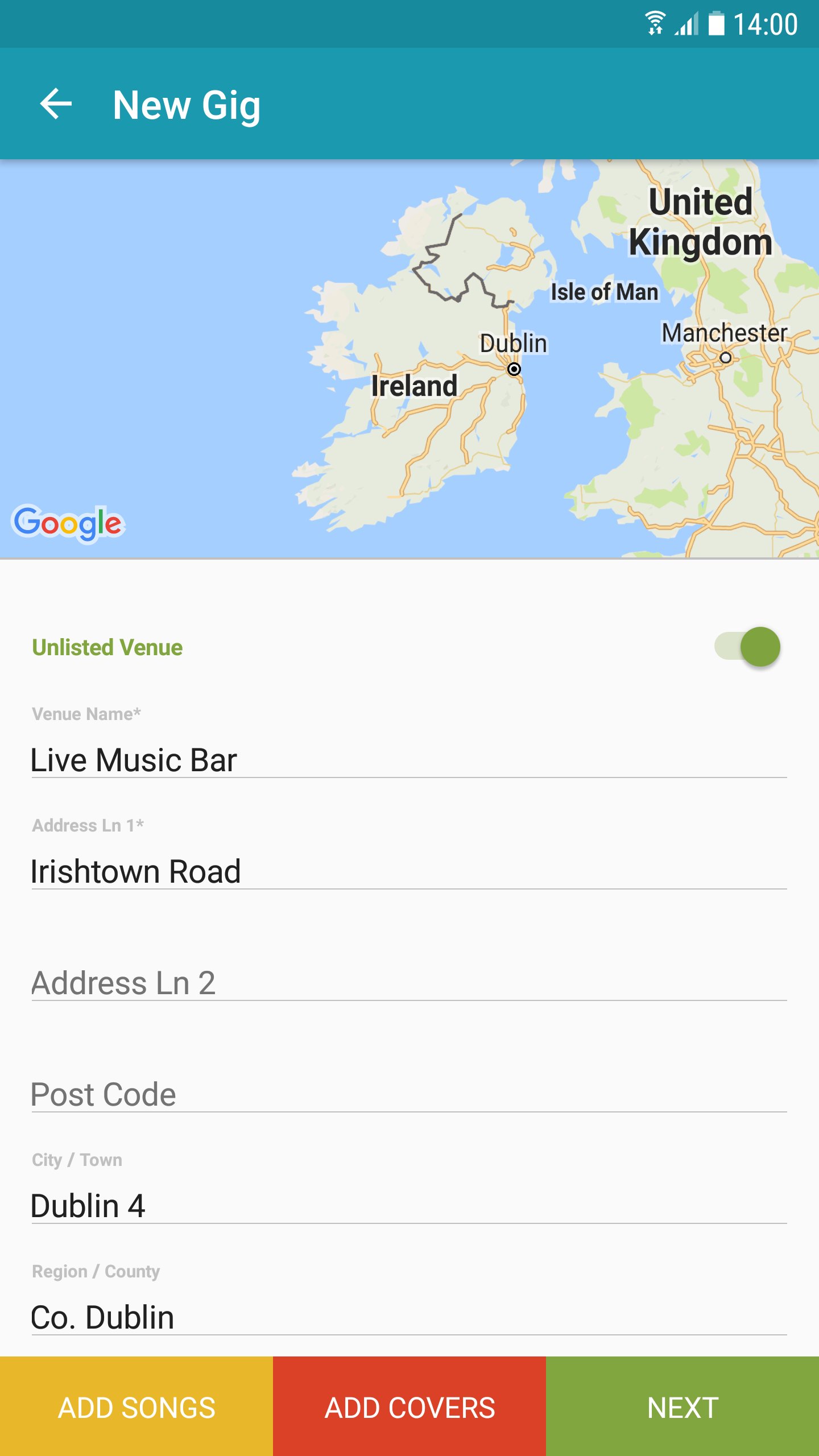
The IMRO App provides for improved on-the-go access to essential business tools for IMRO songwriters, composers and copyright owners. The new mobile app makes registering your gigs and set lists on-the-go, efficient and easy thereby speeding up the process of claiming royalties for your live performances.
Key Features:
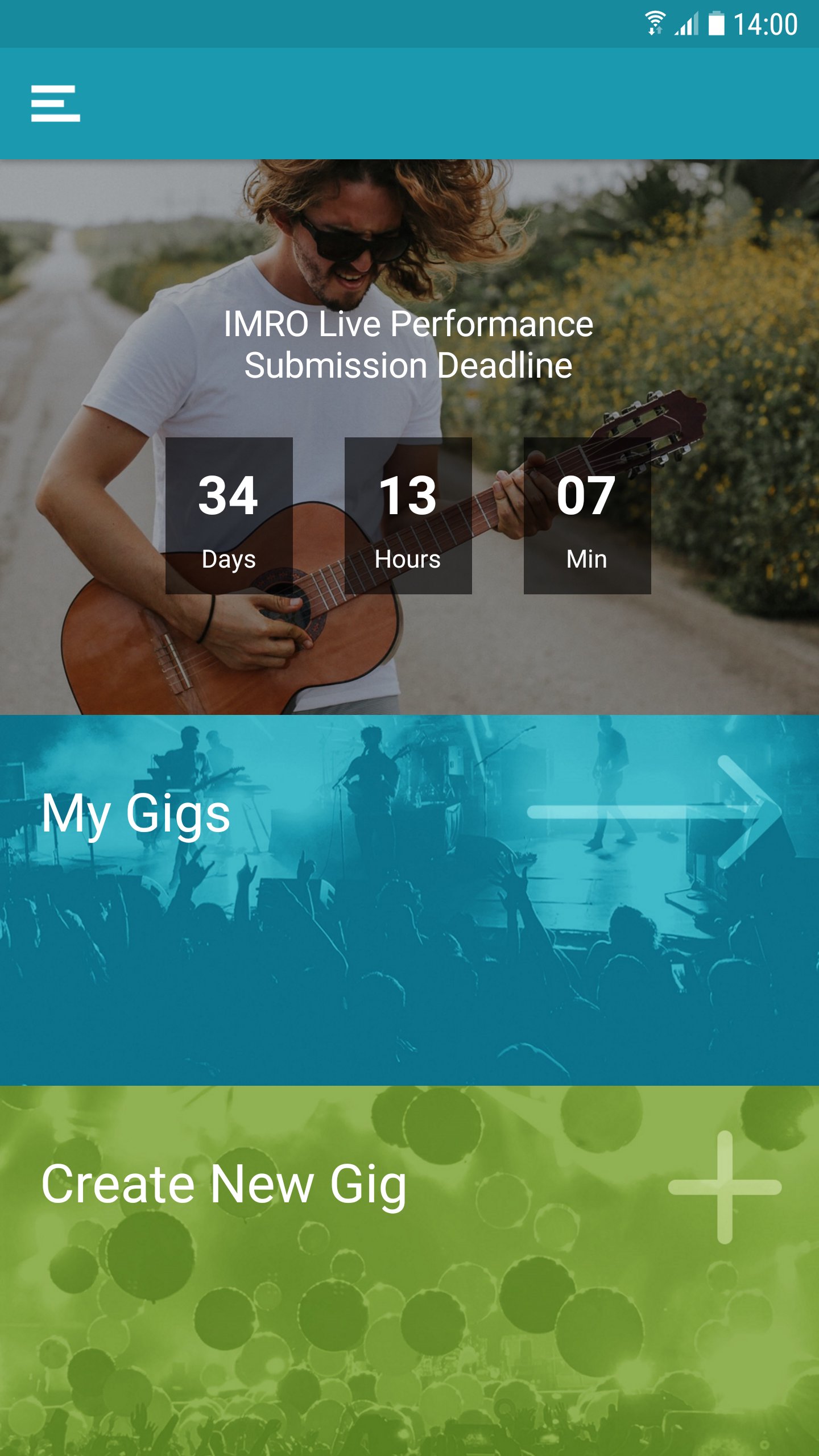
- Manage all your live performances notifications, including setlists and gig dates.
- Locate venue details using GPS functionality.
- Search your works catalog for information on songs you have registered with IMRO.
- Detailed FAQs on all functions.
- Gig submission date deadline notification.
The IMRO App is designed specifically for quick access using a mobile environment, drawing on content from IMRO’s multi award nominated website www.imro.ie
IMRO is dedicated to bringing the benefits of cutting-edge technology to its members, wherever they may be.
Support: distributions@imro.ie
Marketing: membership@imro.ie
© IMRO, 2019
Preview
Tags
Music-&Information
Developer
IMRO
Latest Version
6.0.17
Last Updated
2025-12-08
Category
Music-audio
Available on
Google Play
Show More
How to play IMRO with GameLoop on PC
1. Download GameLoop from the official website, then run the exe file to install GameLoop
2. Open GameLoop and search for “IMRO” , find IMRO in the search results and click “Install”
3. Enjoy playing IMRO on GameLoop
Minimum requirements
OS
Windows 8.1 64-bit or Windows 10 64-bit
GPU
GTX 1050
CPU
i3-8300
Memory
8GB RAM
Storage
1GB available space
Recommended requirements
OS
Windows 8.1 64-bit or Windows 10 64-bit
GPU
GTX 1050
CPU
i3-9320
Memory
16GB RAM
Storage
1GB available space