
iHeart Music Guide Listen PC
JCBH's pad
Download iHeart Music Guide Listen on PC With GameLoop Emulator
iHeart Music Guide Listen on PC
iHeart Music Guide Listen, coming from the developer JCBH's pad, is running on Android systerm in the past.
Now, You can play iHeart Music Guide Listen on PC with GameLoop smoothly.
Download it in the GameLoop library or search results. No more eyeing the battery or frustrating calls at the wrong time any more.
Just enjoy iHeart Music Guide Listen PC on the large screen for free!
iHeart Music Guide Listen Introduction
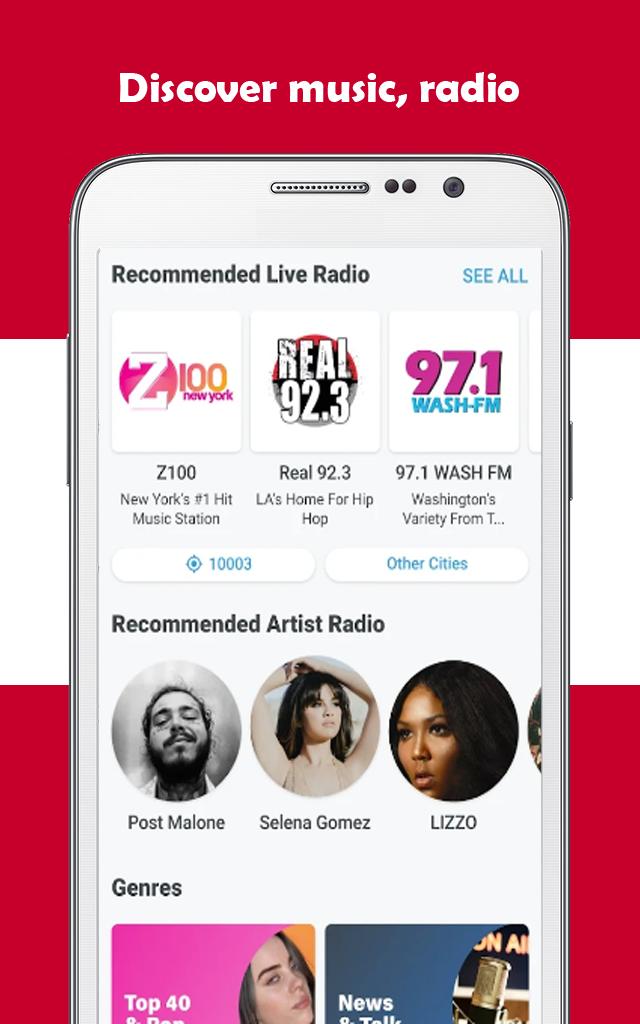
If you are a music lover,❤️ then this app is defilney for you. Iheart music app🎶 lets you listen to tons of different radio stations and music directly on your Android device📲. You can stream unlimited music, thousands of radio stations and podcasts all in one app. iHeartRadio is easy to use and best of all, it’s free.
iHeartRadio - Music and Radio gives you access to more than 800 thousand artists and 20 million songs. Apart from that, not only can you listen to all the music with your headphones, but also stream it through Chromecast.
There are following major features of the iheart free radio app:📻
1.Discover 🧐iheart radio stations from around the world.
2.Listen🎧 to popular and exclusive iheart podcasts.
3.Download📥 songs, podcast episodes to your phone to listen to iheart offline.
4.Save your favorite stations to Your Library for fast and easy access.
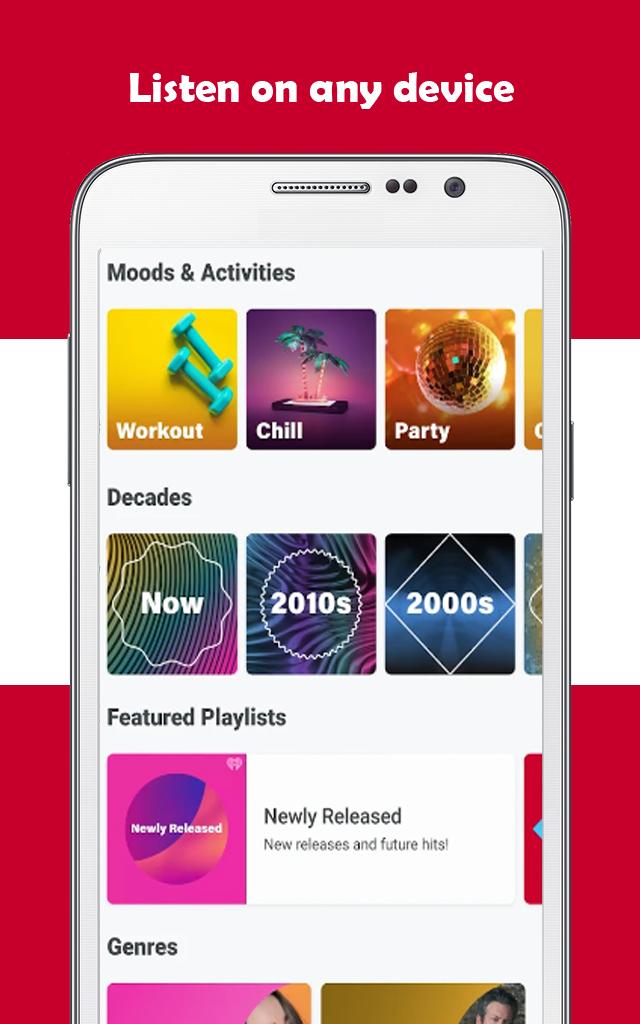
5.Create personalized iheart music stations based on your favorite artists using our library of millions of songs covering genres like Dance, Country, Top 40, Pop, Hip Hop, Rock, R&B, Alternative and more.
After downloading iheart radio station, enjoy millions of songs and discover thousands of new bands.
Note:❗
This is not an official app and not even affiliated with the original app. If you have any questions or suggestions, leave us a comment.
Preview
Tags
Music-&Information
Developer
JCBH's pad
Latest Version
1.0.0
Last Updated
2022-11-03
Category
Music-audio
Available on
Google Play
Show More
How to play iHeart Music Guide Listen with GameLoop on PC
1. Download GameLoop from the official website, then run the exe file to install GameLoop
2. Open GameLoop and search for “iHeart Music Guide Listen” , find iHeart Music Guide Listen in the search results and click “Install”
3. Enjoy playing iHeart Music Guide Listen on GameLoop
Minimum requirements
OS
Windows 8.1 64-bit or Windows 10 64-bit
GPU
GTX 1050
CPU
i3-8300
Memory
8GB RAM
Storage
1GB available space
Recommended requirements
OS
Windows 8.1 64-bit or Windows 10 64-bit
GPU
GTX 1050
CPU
i3-9320
Memory
16GB RAM
Storage
1GB available space