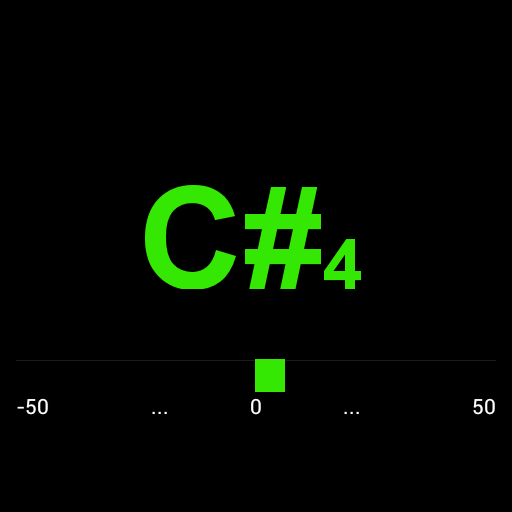
HL Tuner PC
Henry Lickorish
Download HL Tuner on PC With GameLoop Emulator
HL Tuner on PC
HL Tuner, coming from the developer Henry Lickorish, is running on Android systerm in the past.
Now, You can play HL Tuner on PC with GameLoop smoothly.
Download it in the GameLoop library or search results. No more eyeing the battery or frustrating calls at the wrong time any more.
Just enjoy HL Tuner PC on the large screen for free!
HL Tuner Introduction
Use your phone as an electronic tuner for your musical instrument.
Every string instrument player needs a tuner at some time or another. This is accurate enough to use as your primary tuner, or as a backup if the batteries in your favourite tuner die at the wrong time.
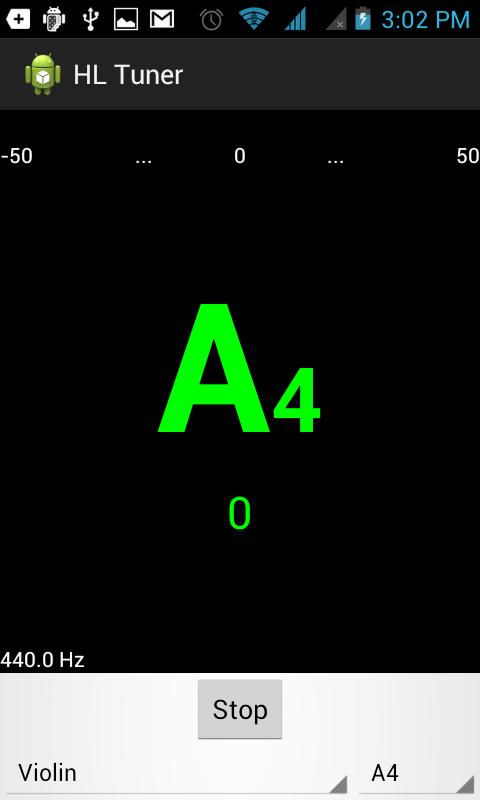
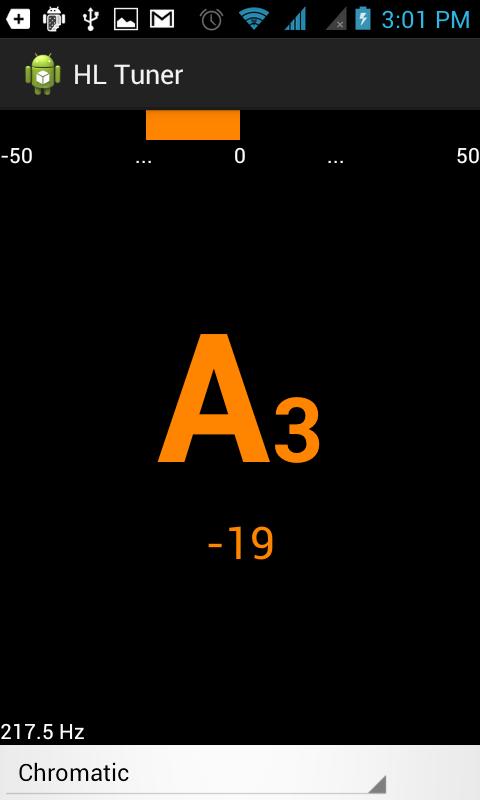
Performs as an accurate equal temperament tuner with a big bold display of the pitch of the note you are playing and a graphic bar showing how far out of tune the pitch is. Simple and easy to read while tuning your instrument.
Chromatic mode: displays the semitone pitch that is closest to the pitch being played.
Instrument mode: Select your stringed instrument from a list, Then select your string and tune to that pitch only.
Pitch Pipe: When operating in instrument mode press the "Play-Pitch" button to produce a tone at the pitch of the selected string. By selecting "Piano" as the instrument, any pitch can be produced. Note - base tones may be poorly generated on most phones.
Selectable tuning reference (A=440Hz default). Transposition available for transposing instruments.
Preview
Tags
Music-&Information
Developer
Henry Lickorish
Latest Version
1.0
Last Updated
2017-02-09
Category
Music-audio
Available on
Google Play
Show More
How to play HL Tuner with GameLoop on PC
1. Download GameLoop from the official website, then run the exe file to install GameLoop
2. Open GameLoop and search for “HL Tuner” , find HL Tuner in the search results and click “Install”
3. Enjoy playing HL Tuner on GameLoop
Minimum requirements
OS
Windows 8.1 64-bit or Windows 10 64-bit
GPU
GTX 1050
CPU
i3-8300
Memory
8GB RAM
Storage
1GB available space
Recommended requirements
OS
Windows 8.1 64-bit or Windows 10 64-bit
GPU
GTX 1050
CPU
i3-9320
Memory
16GB RAM
Storage
1GB available space