
GoSONIC Subsonic Music Player PC
Ready Steady Go Software
Download GoSONIC Subsonic Music Player on PC With GameLoop Emulator
GoSONIC Subsonic Music Player on PC
GoSONIC Subsonic Music Player, coming from the developer Ready Steady Go Software, is running on Android systerm in the past.
Now, You can play GoSONIC Subsonic Music Player on PC with GameLoop smoothly.
Download it in the GameLoop library or search results. No more eyeing the battery or frustrating calls at the wrong time any more.
Just enjoy GoSONIC Subsonic Music Player PC on the large screen for free!
GoSONIC Subsonic Music Player Introduction
A music streaming client that enhances your Subsonic server in a modern easy to use interface. GoSONIC requires you to use a Subsonic compatible server installed on your local Windows, Mac or Linux system. GoSONIC uses the ID3 tags found in your music files to determine song, album and artist names (via the Subsonic ID3 tag API).
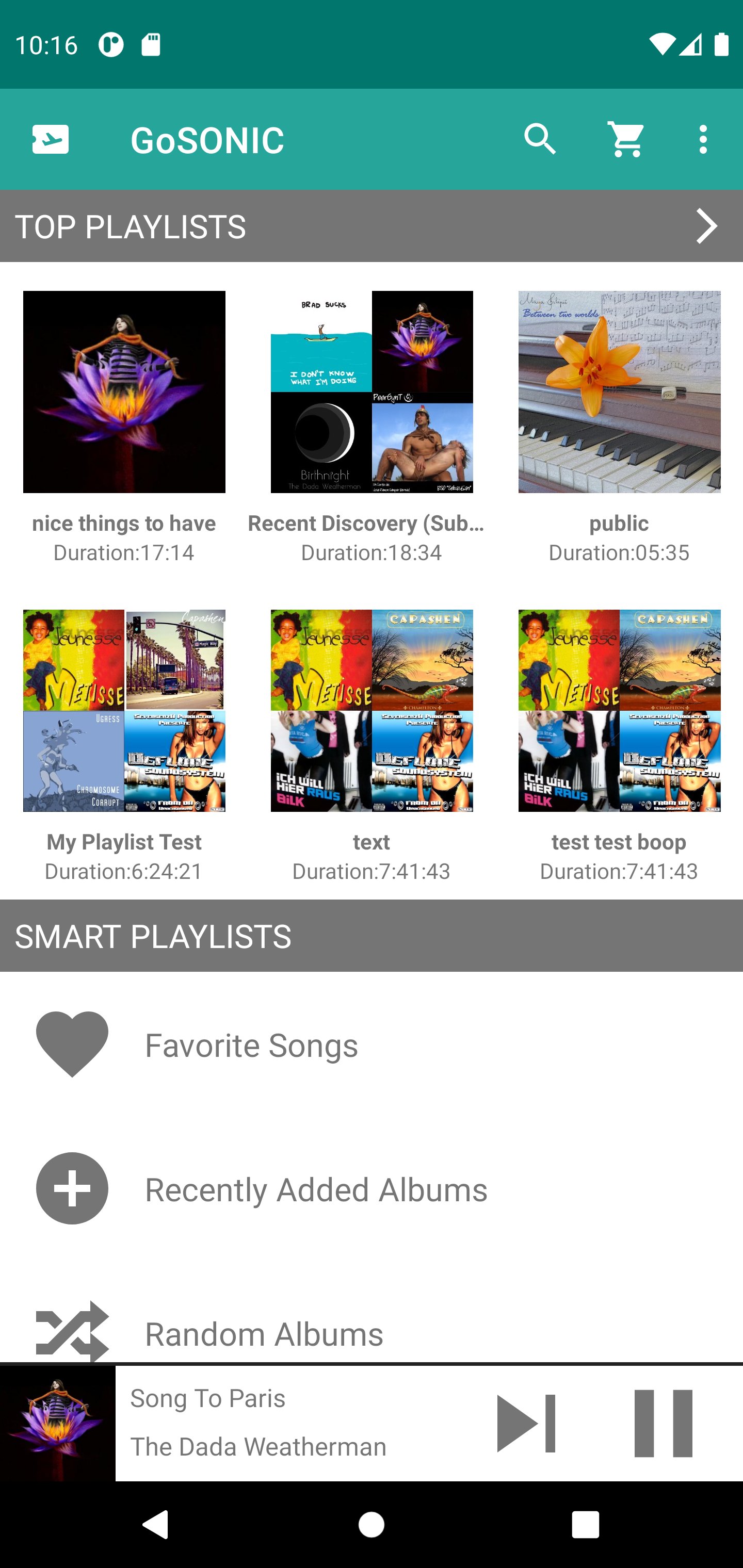
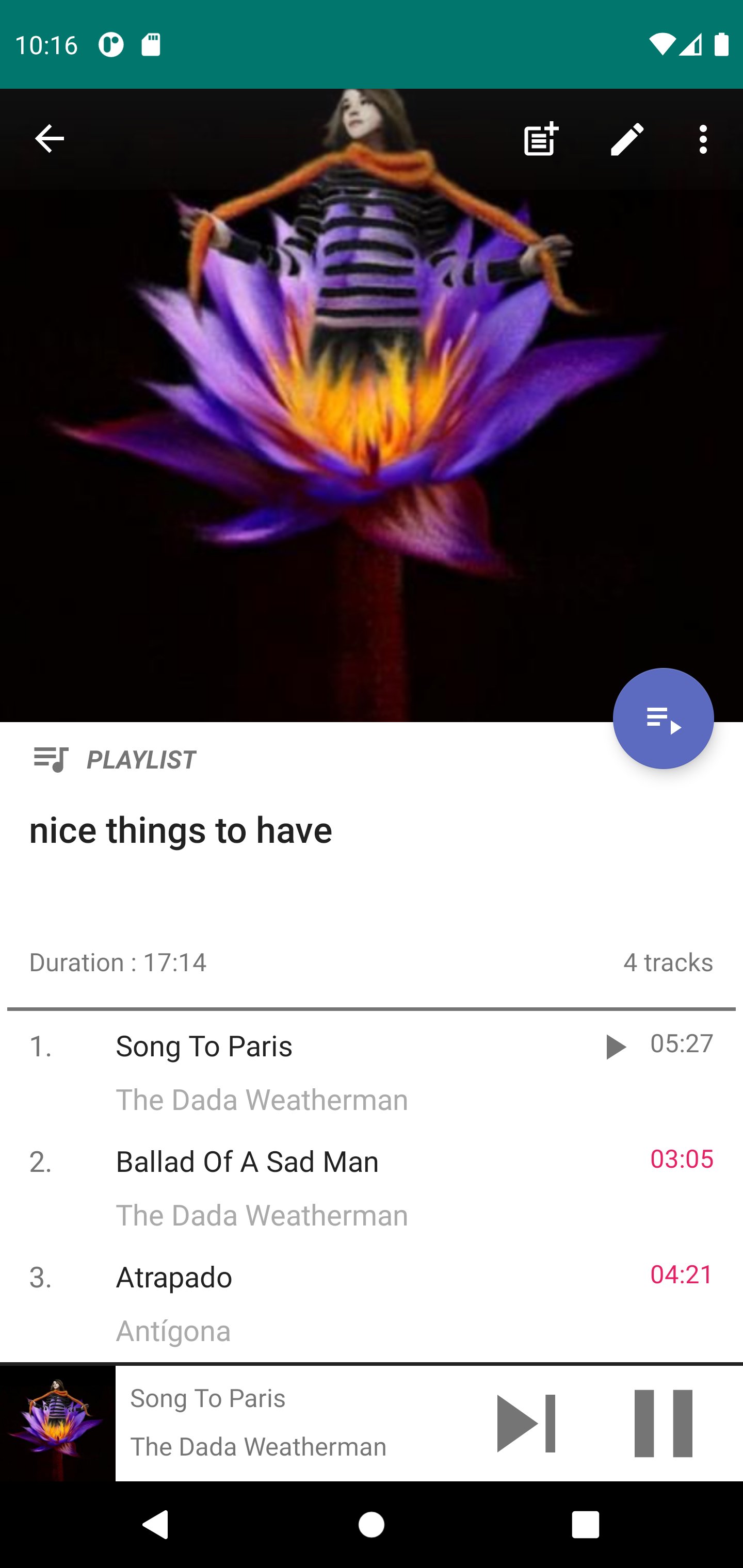
Built from the ground up, this app is all new and designed with common tasks in mind. Create and modify your playlists, find music and star your favorite songs and albums. An advanced Invite function allows you to get your friends and family quickly enjoying the music on your server.
Built in smart playlists allow you to quickly build new playlists or simply listen to what you want quickly. The artist page contains Top Songs and Artist Radio Playlists.
Building playlists has never been easier! A menu option allows you to add the entire contents of an existing playlist to a different one. Or you can long press individual songs and quickly add them to a playlist.
You will have control over your locally cached music by specifying how much local storage the cache uses and how many songs to cache ahead. The Cache Ahead function allows you to keep listening to music when you encounter dead spots in signal strength or simply have no internet connection.
Android Auto is supported so you can listen safely while in the car.
Chromecast built-in (formerly Google Cast) support allows you to send your music to play on Google enabled devices.
PLEASE NOTE: Some Subsonic compatible Music Servers may not support all features found in GoSONIC because they lack support for the necessary API's.
Preview
Tags
Music-&Information
Developer
Ready Steady Go Software
Latest Version
2.1.1
Last Updated
2024-11-17
Category
Music-audio
Available on
Google Play
Show More
How to play GoSONIC Subsonic Music Player with GameLoop on PC
1. Download GameLoop from the official website, then run the exe file to install GameLoop
2. Open GameLoop and search for “GoSONIC Subsonic Music Player” , find GoSONIC Subsonic Music Player in the search results and click “Install”
3. Enjoy playing GoSONIC Subsonic Music Player on GameLoop
Minimum requirements
OS
Windows 8.1 64-bit or Windows 10 64-bit
GPU
GTX 1050
CPU
i3-8300
Memory
8GB RAM
Storage
1GB available space
Recommended requirements
OS
Windows 8.1 64-bit or Windows 10 64-bit
GPU
GTX 1050
CPU
i3-9320
Memory
16GB RAM
Storage
1GB available space