
GoneMAD Music Player PC
GoneMAD Software LLC
Download GoneMAD Music Player on PC With GameLoop Emulator
GoneMAD Music Player on PC
GoneMAD Music Player, coming from the developer GoneMAD Software LLC, is running on Android systerm in the past.
Now, You can play GoneMAD Music Player on PC with GameLoop smoothly.
Download it in the GameLoop library or search results. No more eyeing the battery or frustrating calls at the wrong time any more.
Just enjoy GoneMAD Music Player PC on the large screen for free!
GoneMAD Music Player Introduction
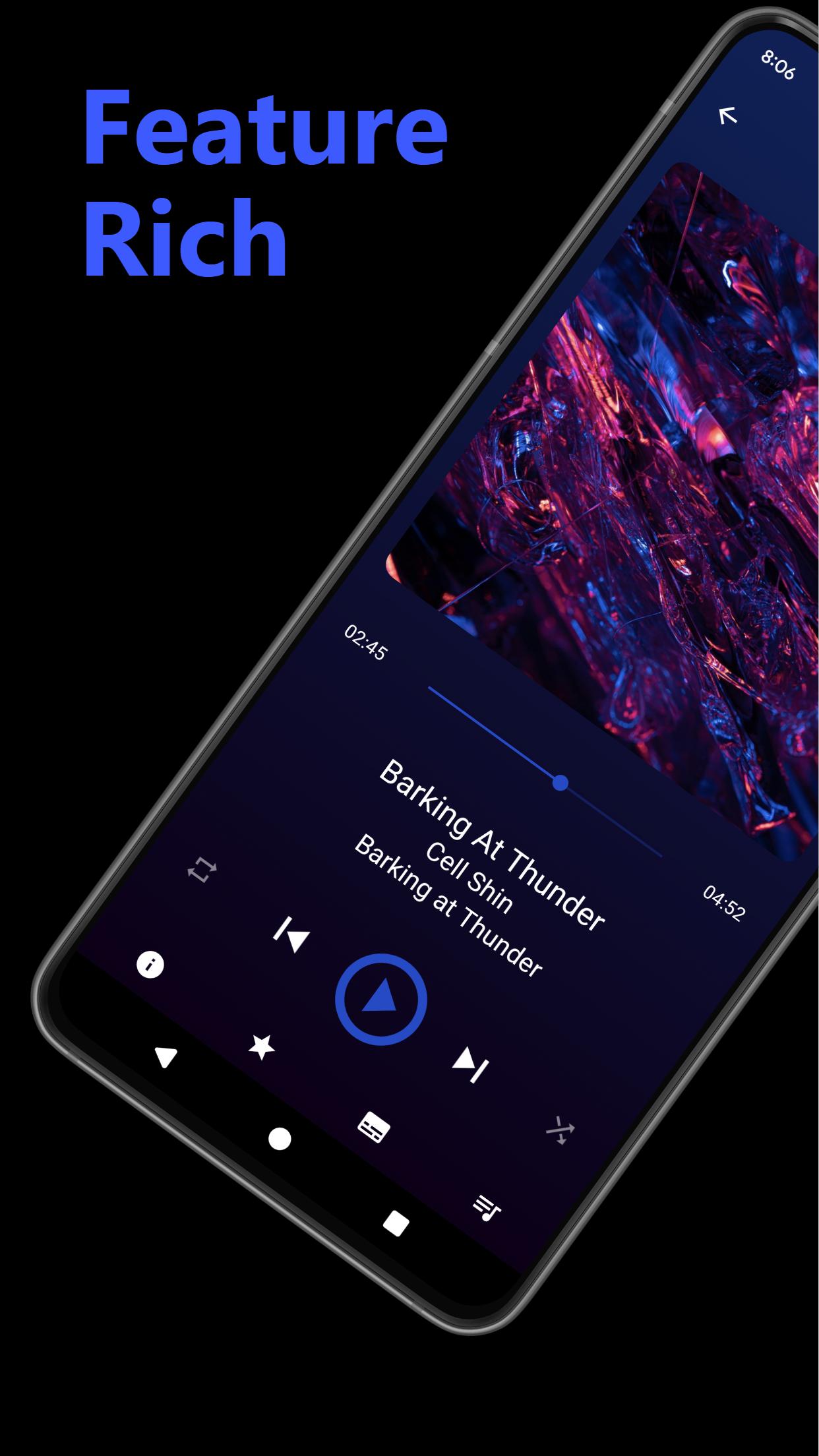
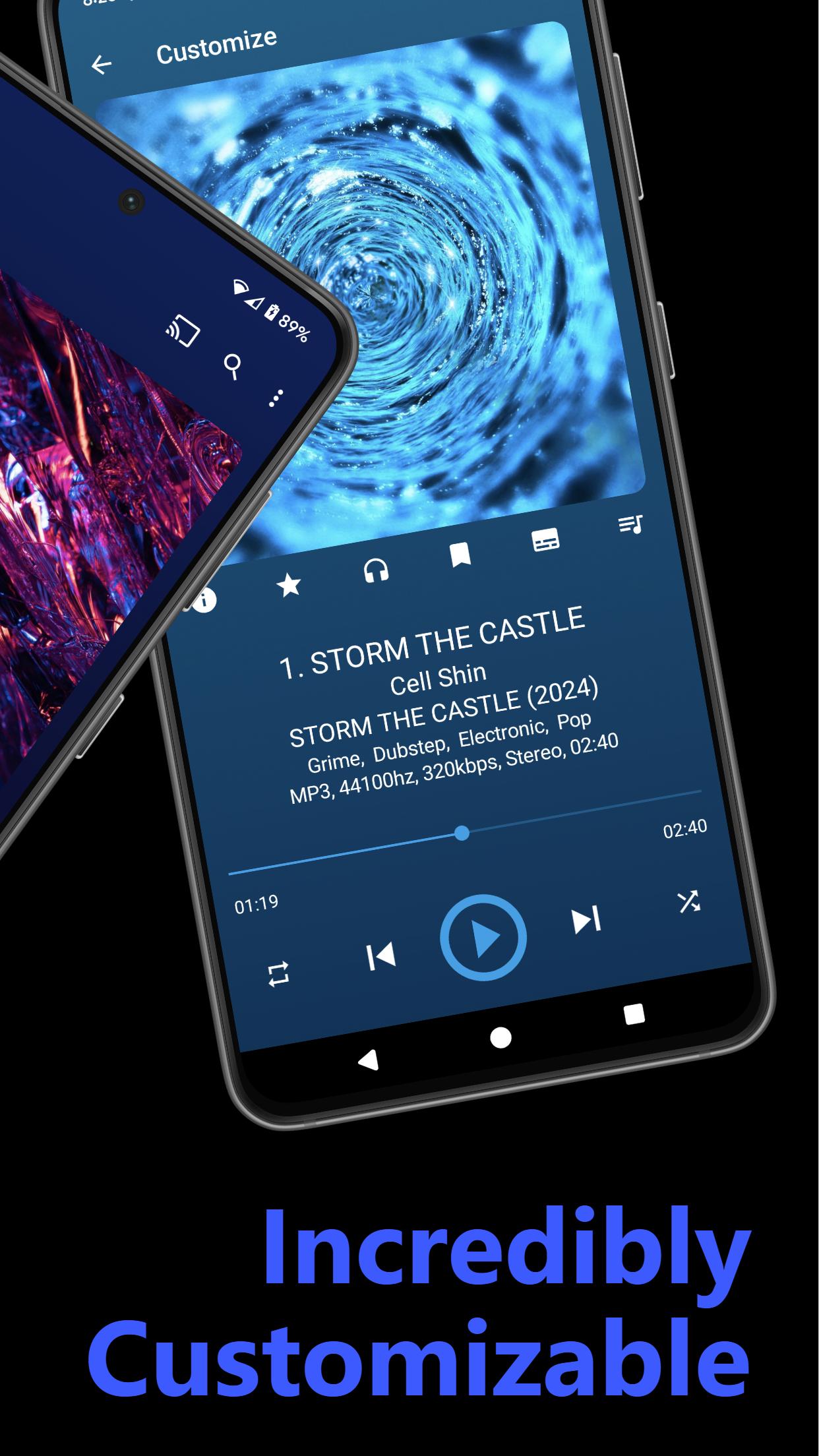
GoneMAD Music Player focuses on providing tons of features and options to allow for a personalized listening experience. Customize nearly everything so you can listen to music the way you want to. Enjoy this powerful offline music player for free now!
FEATURES:
-Custom audio engine
-Dynamic theming or choose from a nearly unlimited amount of custom color combinations.
-Supported audio formats: aac(mp4/m4a/m4b), mp3, ogg, flac, opus, tta, ape, wv, mpc, alac, wav, wma, adts, and 3gp
-Flawless gapless playback
-Smart Playlists
-Auto DJ Mode - Endless music playback
-Crossfade
-ReplayGain support
-Cuesheet support
-Lyric Support
-Album Shuffle Mode
-Android Auto Support
-Chromecast Support
-Bookmarking
-Song Ratings
-High powered 2 to 10 band graphic equalizer with 3 quality settings
-Preamp gain control
-Left/Right audio balance control
-Adjustable playback speed w/ auto pitch correction
-Bass Boost/Virtualizer
-16 built-in EQ presets and the ability to create your own
-DSP Limiter to prevent distortion
-Ability to force mono playback
-Multi-Window on supported devices
-Highly optimized media library, designed for large music libraries (50k+), that works with every supported format
-Browse your collection by artist, album artist, album, song, genre, composer, year, playlist, or folder
-Built in file browser
-Album artist, disc number, and sort tags supported
-Tag editor
-Supports m3u, pls and wpl playlist file formats
-Scrobble support
-Customizable metadata/tag display on nearly every view and list
-Customizable Gesture System
-Customizable Headset Controls
-Customizable Now Playing View with 3 different layouts
-Customizable library tab order
-Bluetooth headset controls
-Customizable widgets with varying sizes: 2x1, 2x2, 4x1, 4x2, and 4x4 widget
-Sleep timer
-Tons of UI customizations and much more
Email issues/suggestions to gonemadsoftware@gmail.com or send a report from the app. If you experiences issues with any of the updates, try doing a fresh install or clear data/cache (be sure to create a backup of settings / stats first!)
Full feature list, support forums, help and other information can be found here: https://gonemadmusicplayer.blogspot.com/p/help_28.html
Want to help translate GoneMAD Music Player? Visit here: https://localazy.com/p/gonemad-music-player
Note: All screenshots feature fictitious artists with public domain art
Preview
Tags
Music-&Information
Developer
GoneMAD Software LLC
Latest Version
4.0.4
Last Updated
2025-08-23
Category
Music-audio
Available on
Google Play
Show More
How to play GoneMAD Music Player with GameLoop on PC
1. Download GameLoop from the official website, then run the exe file to install GameLoop
2. Open GameLoop and search for “GoneMAD Music Player” , find GoneMAD Music Player in the search results and click “Install”
3. Enjoy playing GoneMAD Music Player on GameLoop
Minimum requirements
OS
Windows 8.1 64-bit or Windows 10 64-bit
GPU
GTX 1050
CPU
i3-8300
Memory
8GB RAM
Storage
1GB available space
Recommended requirements
OS
Windows 8.1 64-bit or Windows 10 64-bit
GPU
GTX 1050
CPU
i3-9320
Memory
16GB RAM
Storage
1GB available space