FocusPodcast and AudioBooks PC
allentown0406
Download FocusPodcast and AudioBooks on PC With GameLoop Emulator
FocusPodcast and AudioBooks on PC
FocusPodcast and AudioBooks, coming from the developer allentown0406, is running on Android systerm in the past.
Now, You can play FocusPodcast and AudioBooks on PC with GameLoop smoothly.
Download it in the GameLoop library or search results. No more eyeing the battery or frustrating calls at the wrong time any more.
Just enjoy FocusPodcast and AudioBooks PC on the large screen for free!
FocusPodcast and AudioBooks Introduction
Opensource: https://github.com/allentown521/FocusPodcast/
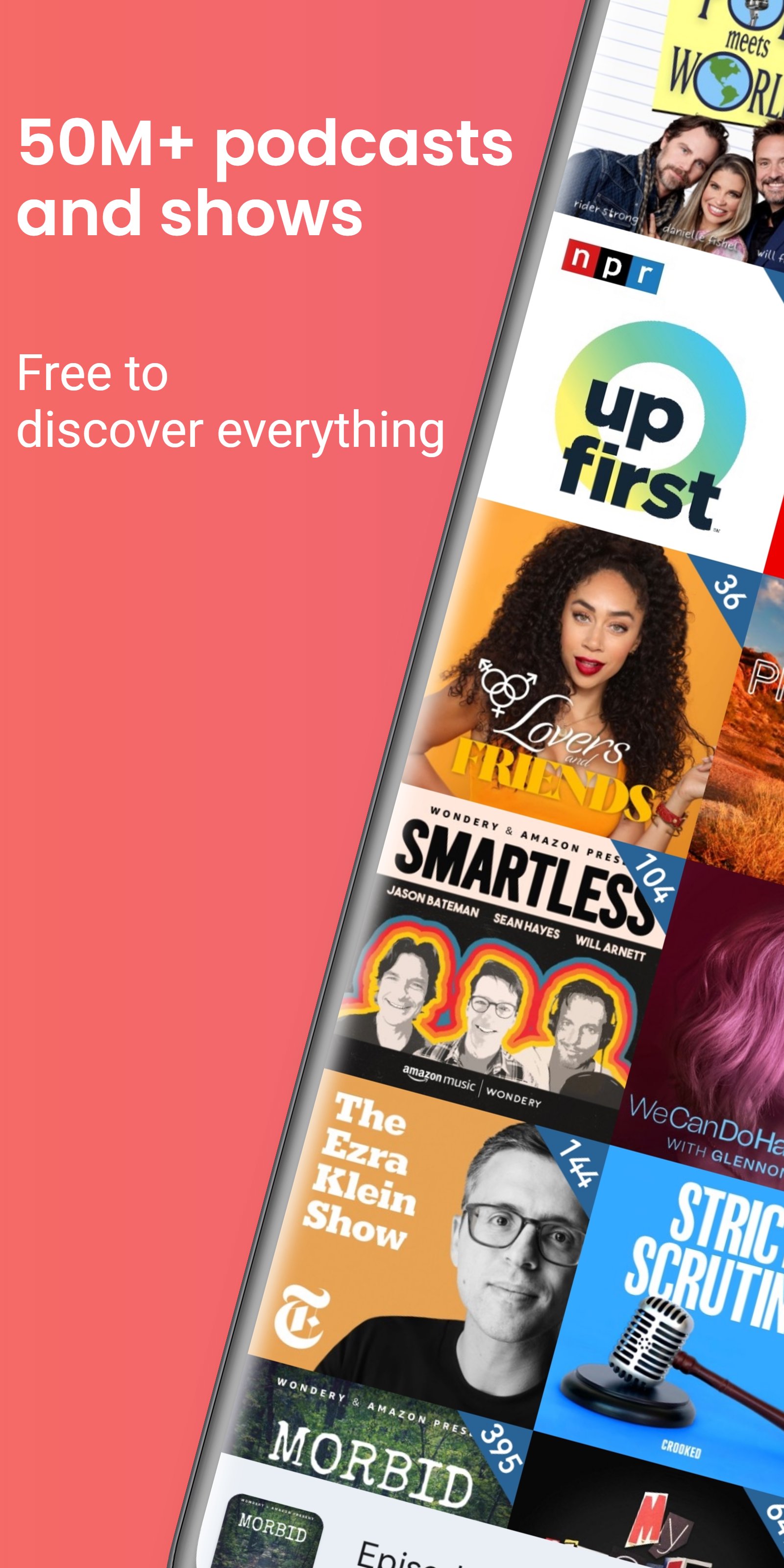
FocusPodcast is a top quality podcast management and playback application. Choose from over two million podcasts and 50 million episodes!
FocusPodcast helps you manage and play podcasts and virtual podcasts/audio books. This application is fully functional, allowing you to manage podcasts, audio books, YouTube and RSS news feeds with one application, and supports a high degree of customization to meet your different playback needs. Come and download it now!
You can easily import subscriptions (OPML files) from addict, castbox, pocketcasts, Player FM
The podcast app for your phone, tablet, car, watch or chromecast
★★★★★Main Features★★★★★
😍 Free ! ! !
🔒 Privacy protection, no server, will not and cannot track any of your privacy, will not upload any of your data
🌷 The latest Google MD3 material design
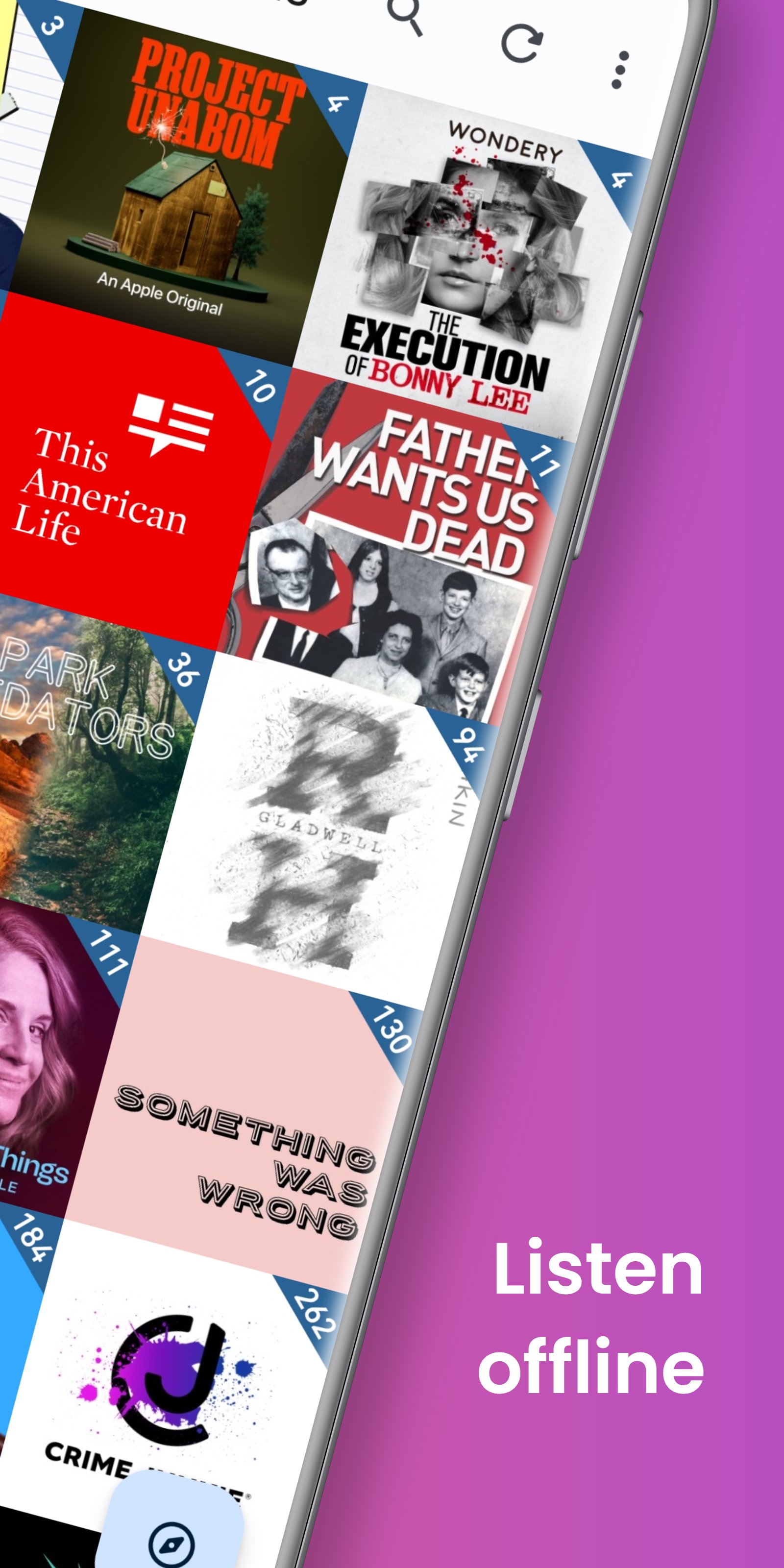
🚶 Podcast offline No WiFi? do not worry! Listen to episodes whenever and wherever you are commuting or relaxing.
💾 Compatible SD cards allow you to free up storage space on your device.
📦 Podcast groups, manage the genre and mood of the show.
⏲️ Sleep timer to put the podcast player to sleep.
🌍 Global selection of podcasts, all free to download
🔍 Powerful search engine to find various channels and episodes, always discover your favorite fresh audio content
🥇 Top trending total list highlights all the trending podcasts for you
🏠 Personalize the app to create your own unique podcast app
★★★★★Features★★★★★
Customization
• Customize fast forward and rewind playback
• Choose from a variety of beautiful desktop widgets
• Support custom theme color, pure black theme
• Support lock screen player
• Custom home page
• Customize the order and visibility of the navigation drawer
• Multiple Now Playing Themes
Subscribe/Discover
• Search by podcast name or keyword
• Browse latest/hot/popular podcasts by category
• Paste the podcast RSS/ATOM feed URL. Can also run Apple Podcasts, YouTube channel URL
• Support opml file import
• Supports access to password-protected feeds and audio
Play/Audio Effects
• Supports both audio and video podcasts. You can subscribe, browse and play any podcast
• Support online or offline playback
• Support for Bluetooth devices
• Sleep settings
• Drive mode for your convenience
• Built-in audio effects such as playback speed, volume boost and skip mute, down mix (mono)
• Variable playback speed for video podcasts
• Skip the beginning and end
• Chapter support, memory playback position
automation
• Auto-update podcasts with customizable update frequency, set specific times, download your favorite podcasts before waking up
• Automatically download the latest podcast episodes
• Automatically delete downloaded podcast files after playback
• Automatically download old episodes when storage space is low
• Control applications with third-party applications via Intent
other
• Multi-language support
• Support tablet mode
• Complete application backup/restore with multiple options
• Find an episode by playback history or by searching for titles and shownotes
• support android 13 monochrome icon
🏘 Join the community
Bugs and Advice: https://focuspodcast.canny.io/
Follow us on Twitter - https://twitter.com/allentown521
Any feedback or ideas? Contact us: product.allentown@outlook.com
Preview
Tags
Music-&Information
Developer
allentown0406
Latest Version
2.8.5.20250928
Last Updated
2025-09-28
Category
Music-audio
Available on
Google Play
Show More
How to play FocusPodcast and AudioBooks with GameLoop on PC
1. Download GameLoop from the official website, then run the exe file to install GameLoop
2. Open GameLoop and search for “FocusPodcast and AudioBooks” , find FocusPodcast and AudioBooks in the search results and click “Install”
3. Enjoy playing FocusPodcast and AudioBooks on GameLoop
Minimum requirements
OS
Windows 8.1 64-bit or Windows 10 64-bit
GPU
GTX 1050
CPU
i3-8300
Memory
8GB RAM
Storage
1GB available space
Recommended requirements
OS
Windows 8.1 64-bit or Windows 10 64-bit
GPU
GTX 1050
CPU
i3-9320
Memory
16GB RAM
Storage
1GB available space