
fizy: Music & Audiobook PC
Lifecell Music
Download fizy: Music & Audiobook on PC With GameLoop Emulator
fizy: Music & Audiobook on PC
fizy: Music & Audiobook, coming from the developer Lifecell Music, is running on Android systerm in the past.
Now, You can play fizy: Music & Audiobook on PC with GameLoop smoothly.
Download it in the GameLoop library or search results. No more eyeing the battery or frustrating calls at the wrong time any more.
Just enjoy fizy: Music & Audiobook PC on the large screen for free!
fizy: Music & Audiobook Introduction
Türkiye’s most accessible digital content platform!
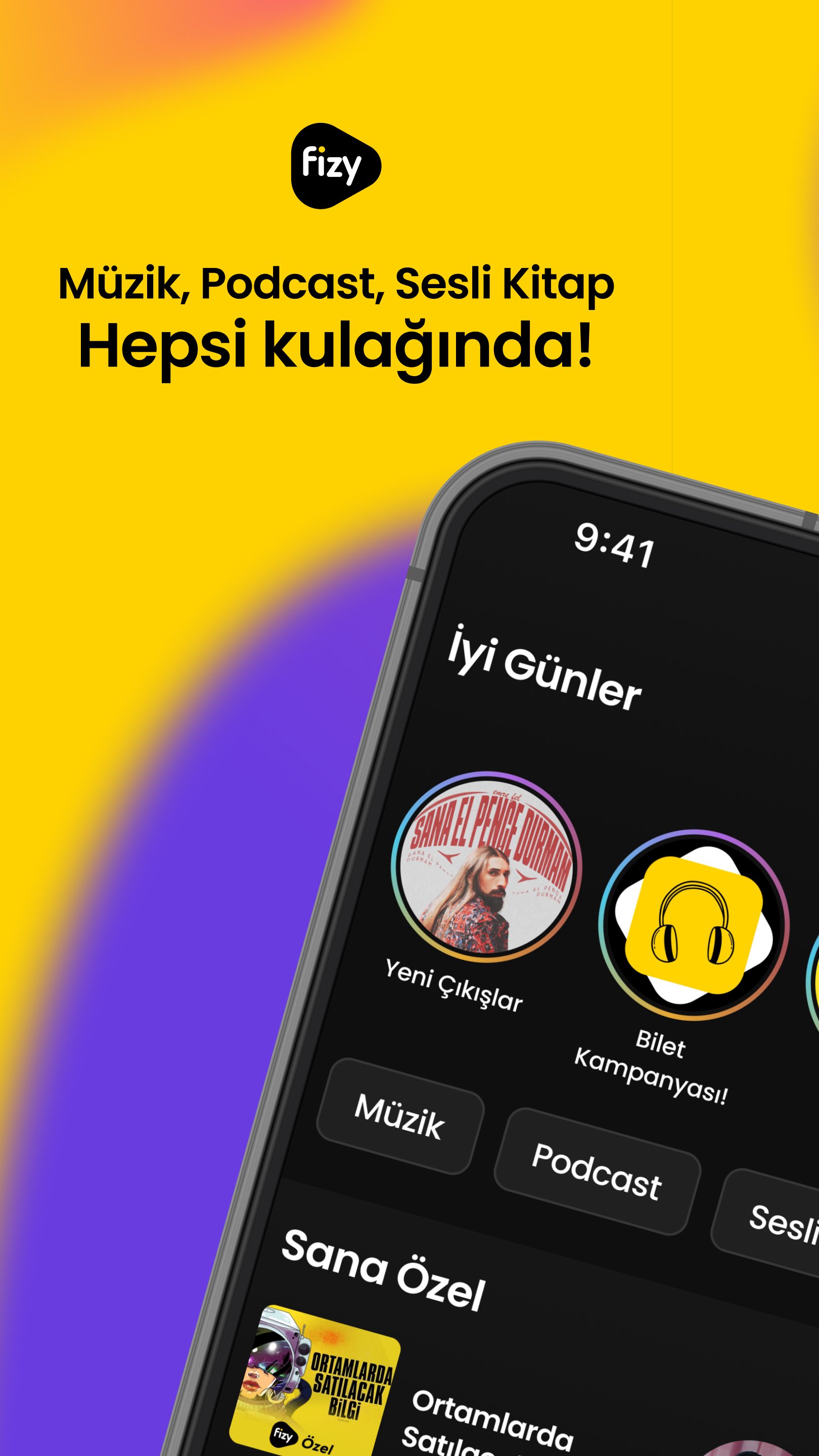
With fizy, songs, podcasts, videocast series, audiobooks, and exclusive video content are just a tap away. A multi-layered content universe that accompanies you through every moment—from entertainment to inspiration, from knowledge to emotion.
Discover with free fizy:
• Millions of local and international songs, the latest albums, and popular playlists
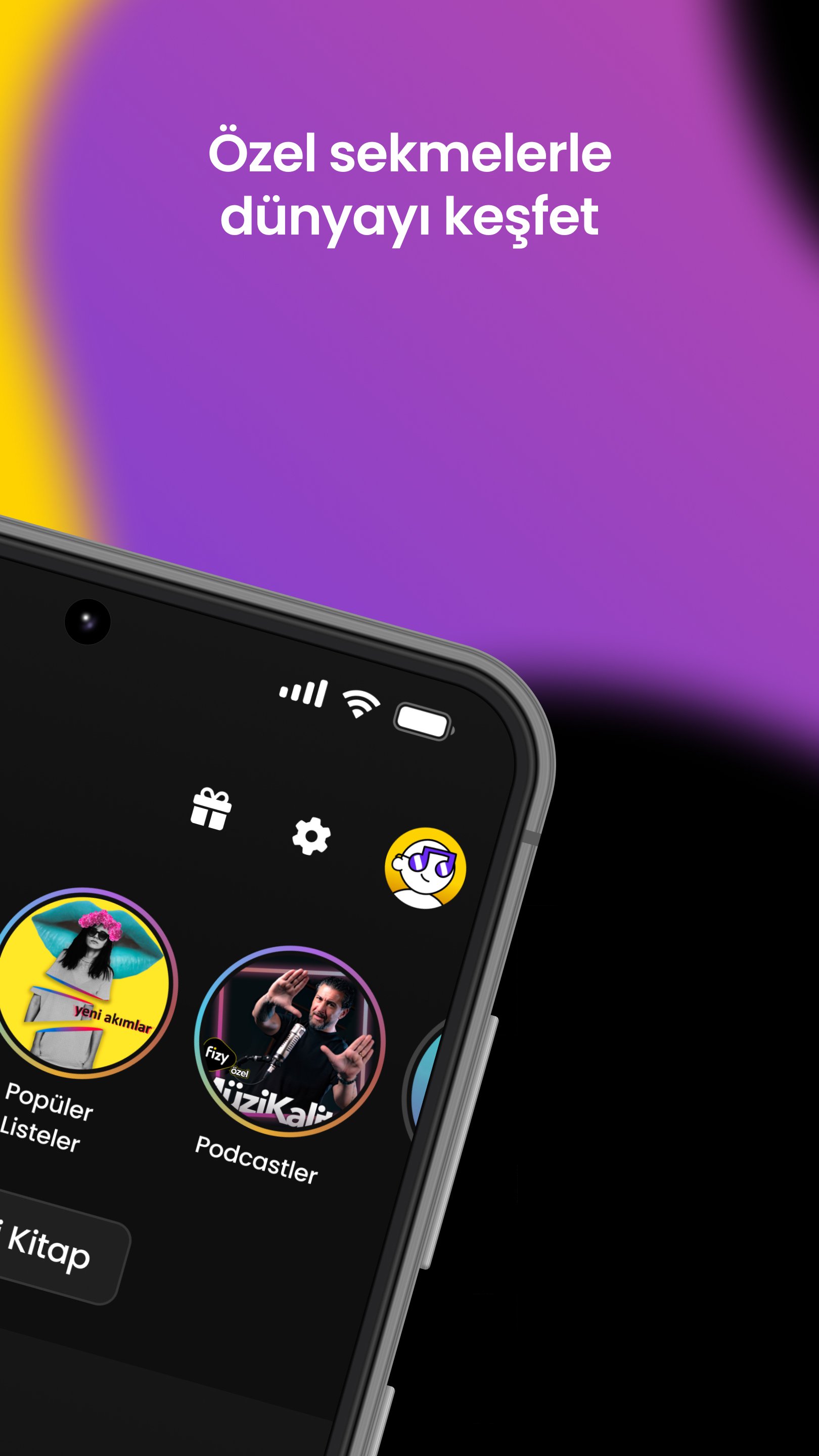
• Thousands of podcasts and videocast series across dozens of categories
• Music videos, live concert streams, and exclusive content available only on fizy
• Mood-based playlists and personalized recommendations
• Identify any song playing around you instantly with the NeBuÇalan feature
• 24/7 uninterrupted music with fizy radios
• Free concert tickets and meet & greet experiences with artists
With fizy Premium, enjoy even more:
• Ad-free listening experience
• Audiobooks and inspiring stories
• Offline mode: download songs, podcasts, and audiobooks to enjoy without internet
• High-quality sound
• Unlimited music and video streaming
fizy supports Android, web, Android TV, Android Auto, smartwatches, and many other platforms—always by your side. Continue right where you left off, at home, on the road, or on the go!
Download fizy now and explore the exclusive world of music, podcasts, audiobooks, and more! 💛
Follow us:
Facebook: facebook.com/fizy
Instagram: instagram.com/fizyofficial
X: x.com/fizy
YouTube: youtube.com/officialfizy
Preview
Tags
Music-&Information
Developer
Lifecell Music
Latest Version
9.4.3
Last Updated
2026-10-15
Category
Music-audio
Available on
Google Play
Show More
How to play fizy: Music & Audiobook with GameLoop on PC
1. Download GameLoop from the official website, then run the exe file to install GameLoop
2. Open GameLoop and search for “fizy: Music & Audiobook” , find fizy: Music & Audiobook in the search results and click “Install”
3. Enjoy playing fizy: Music & Audiobook on GameLoop
Minimum requirements
OS
Windows 8.1 64-bit or Windows 10 64-bit
GPU
GTX 1050
CPU
i3-8300
Memory
8GB RAM
Storage
1GB available space
Recommended requirements
OS
Windows 8.1 64-bit or Windows 10 64-bit
GPU
GTX 1050
CPU
i3-9320
Memory
16GB RAM
Storage
1GB available space