Easy Music Equalizer PC
100.5 Appworks
Download Easy Music Equalizer on PC With GameLoop Emulator
Easy Music Equalizer on PC
Easy Music Equalizer, coming from the developer 100.5 Appworks, is running on Android systerm in the past.
Now, You can play Easy Music Equalizer on PC with GameLoop smoothly.
Download it in the GameLoop library or search results. No more eyeing the battery or frustrating calls at the wrong time any more.
Just enjoy Easy Music Equalizer PC on the large screen for free!
Easy Music Equalizer Introduction
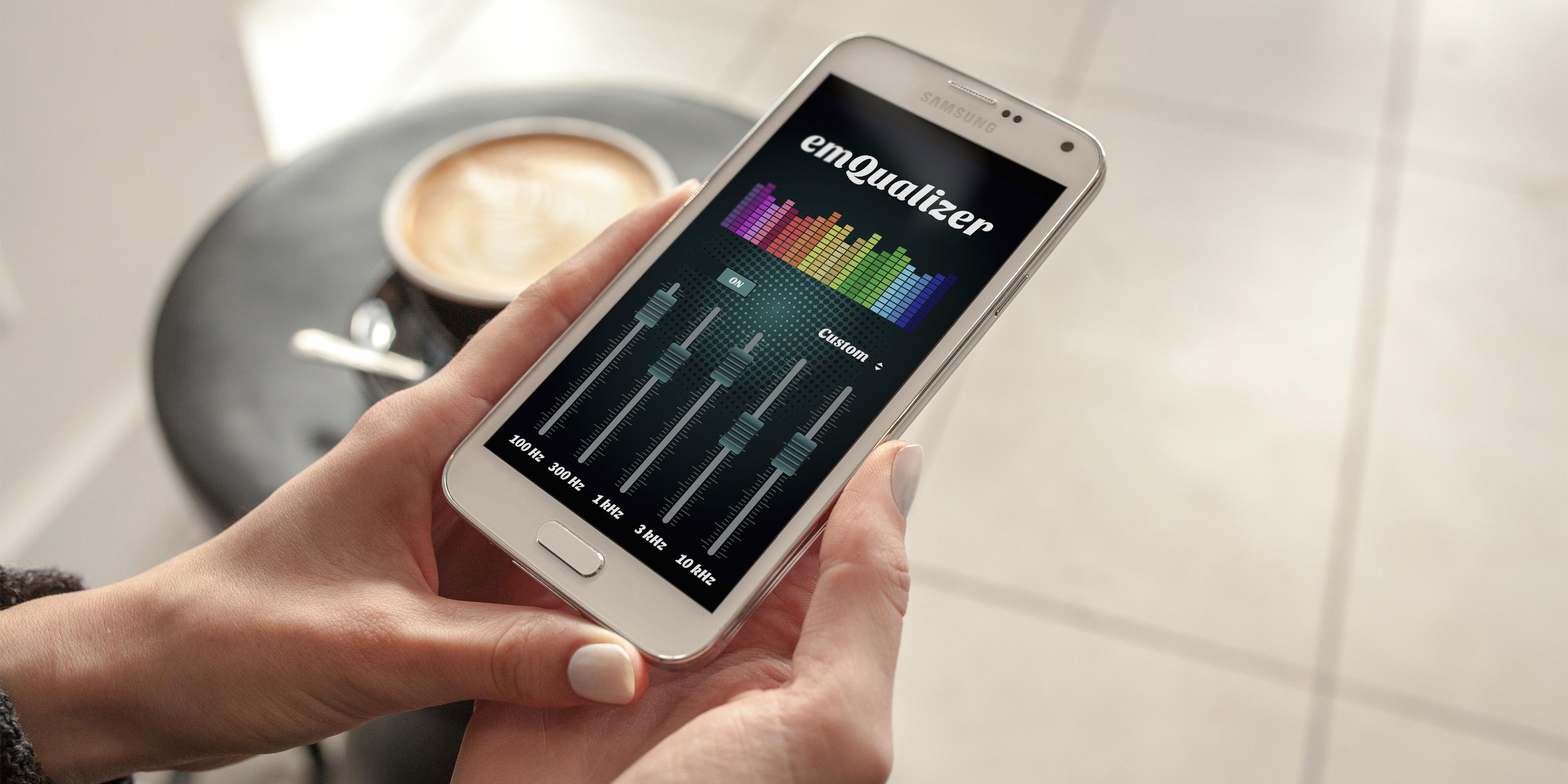
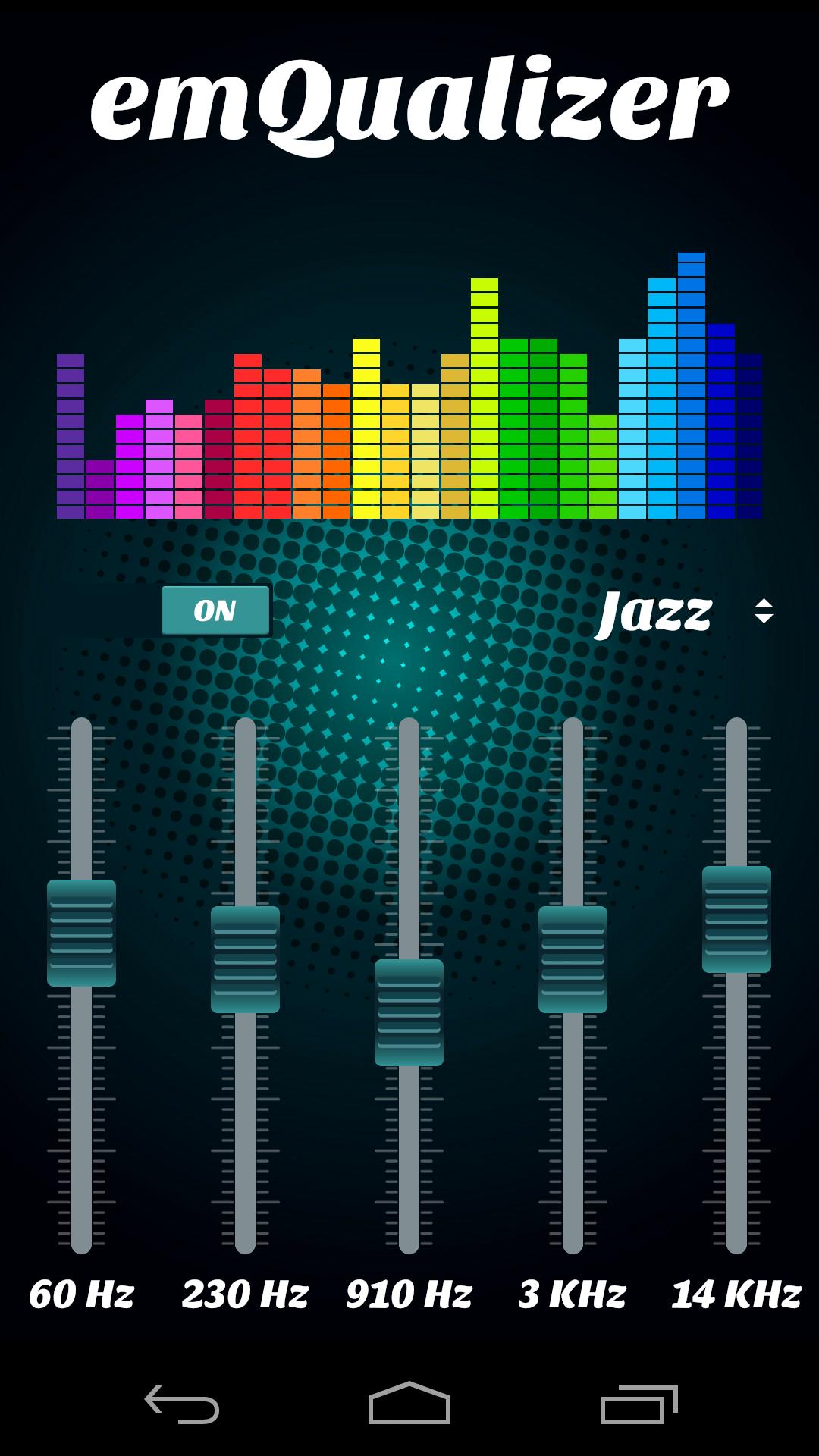
Boost your device's sound quality with this easy to use 5 band Equalizer and make it sounds like a HiFi system.
Easy Music Equalizer lets you adjust sound effect levels so that you get the best out of your Music or Audio player.
Just create your own custom preset and enjoy.
In order to have the maximum sound quality, use headphones or external speakers.
Advertising Policy:
We inform you that this app is free of charge, but in order to be able to continue our development, we use revenue-generating ads. When you click on ads displayed by Easy Music Equalizer, you will be redirected to a third-party web page. We may provide certain information to third parties hosting these pages, such as an email address, a phone number, and a list of other applications on your device.
If you like our equalizer, please reward us with a 5 star rating and click the +1 button, thus supporting the future development of this app.
DISCLAIMER: This sound booster in no way can damage your phone! This app may not work on some devices!
Preview
Tags
Music-&Information
Developer
100.5 Appworks
Latest Version
1.7.13
Last Updated
2018-09-25
Category
Music-audio
Available on
Google Play
Show More
How to play Easy Music Equalizer with GameLoop on PC
1. Download GameLoop from the official website, then run the exe file to install GameLoop
2. Open GameLoop and search for “Easy Music Equalizer” , find Easy Music Equalizer in the search results and click “Install”
3. Enjoy playing Easy Music Equalizer on GameLoop
Minimum requirements
OS
Windows 8.1 64-bit or Windows 10 64-bit
GPU
GTX 1050
CPU
i3-8300
Memory
8GB RAM
Storage
1GB available space
Recommended requirements
OS
Windows 8.1 64-bit or Windows 10 64-bit
GPU
GTX 1050
CPU
i3-9320
Memory
16GB RAM
Storage
1GB available space