drumbox PC
Little Robots
Download drumbox on PC With GameLoop Emulator
drumbox on PC
drumbox, coming from the developer Little Robots, is running on Android systerm in the past.
Now, You can play drumbox on PC with GameLoop smoothly.
Download it in the GameLoop library or search results. No more eyeing the battery or frustrating calls at the wrong time any more.
Just enjoy drumbox PC on the large screen for free!
drumbox Introduction
Drumbox is a unique music making app for finger drumming and making beats. It's like having a drum machine in your pocket.
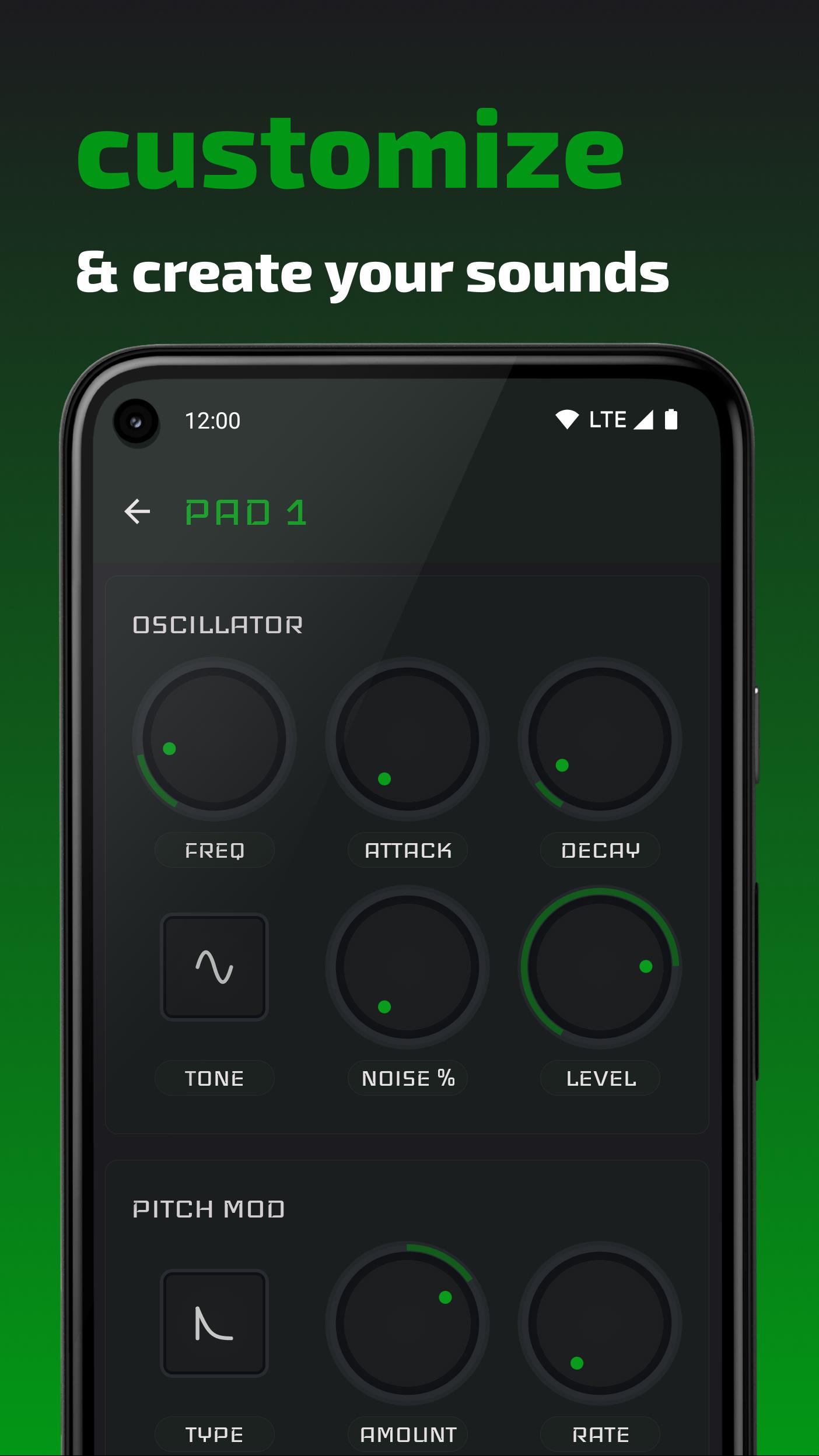
Drumbox is a drum synthesizer; it does not use any samples! This allows you to create or modify drum box sounds and make them your own. Create analogue sounding beats or glitchy digital sounds.
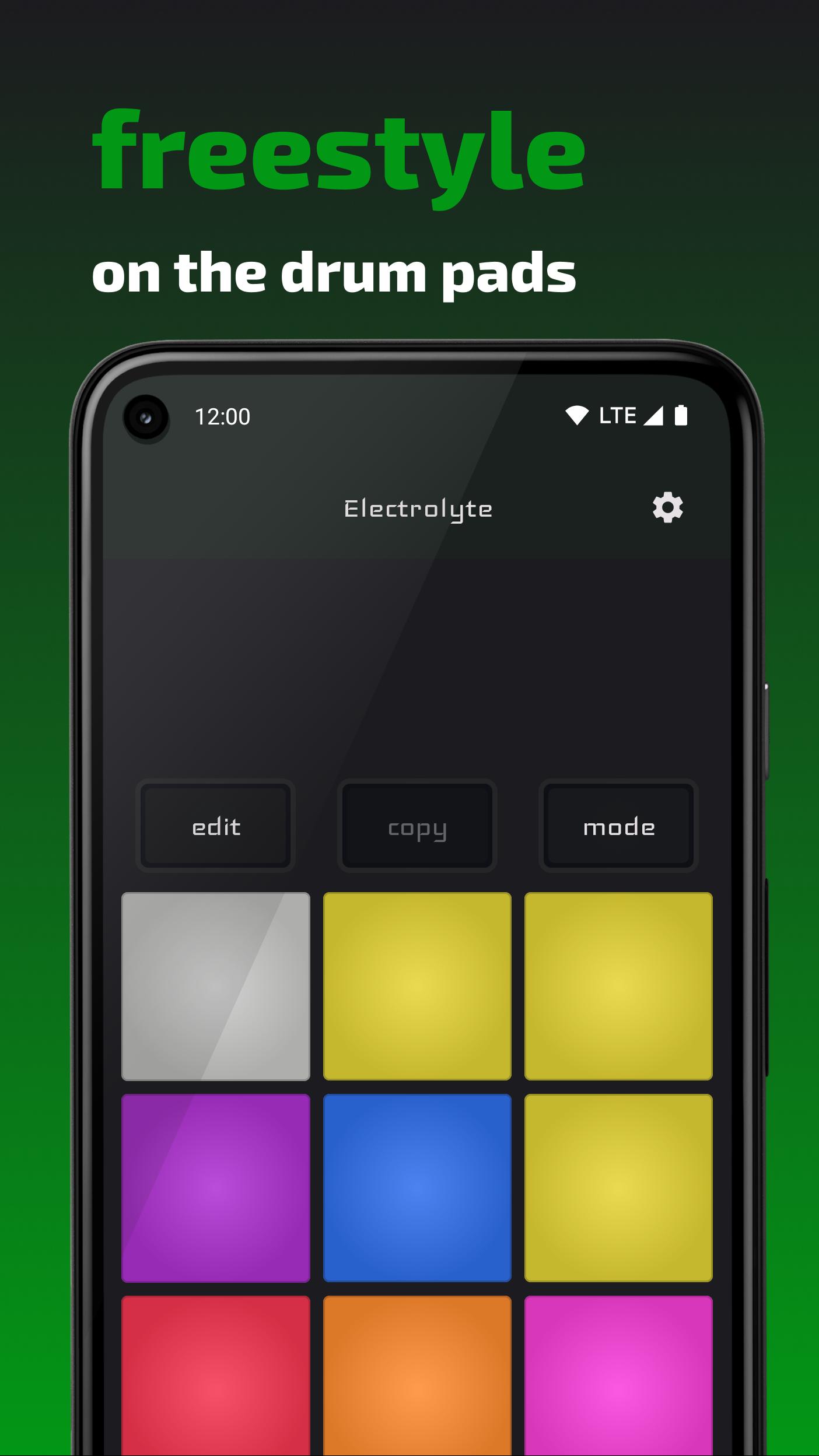
Freestyle live on the 9 drum pads or use the sequencer to program loops...or both!
Make drumbox your favorite drum box!
FEATURES
* 9 drumpads, with an oscillator each, fully adjustable to create unique sounds.
* Sequencer for creating loops
* Metronome and groove settings
* Library with presets
DEVICE SUPPORT
A device that supports low latency audio is recommended, though not required. You can check in settings whether your device supports this feature.
When using headphones, make sure you use wired headphones as wireless (bluetooth) will introduce additional lag which is unfortunately beyond the control of the app.
DRUMBOX PRO
Get drumbox pro for these additional features:
* Sequences up to 64 steps
* Save, share and manage your kits
* Use midi for input from devices or other apps as an external drum machine or groove box
Preview
Tags
Music-&Information
Developer
Little Robots
Latest Version
1.2.0
Last Updated
2022-04-18
Category
Music-audio
Available on
Google Play
Show More
How to play drumbox with GameLoop on PC
1. Download GameLoop from the official website, then run the exe file to install GameLoop
2. Open GameLoop and search for “drumbox” , find drumbox in the search results and click “Install”
3. Enjoy playing drumbox on GameLoop
Minimum requirements
OS
Windows 8.1 64-bit or Windows 10 64-bit
GPU
GTX 1050
CPU
i3-8300
Memory
8GB RAM
Storage
1GB available space
Recommended requirements
OS
Windows 8.1 64-bit or Windows 10 64-bit
GPU
GTX 1050
CPU
i3-9320
Memory
16GB RAM
Storage
1GB available space