
DDB2 Music Player PC
Alexey Yakovenko
Download DDB2 Music Player on PC With GameLoop Emulator
DDB2 Music Player on PC
DDB2 Music Player, coming from the developer Alexey Yakovenko, is running on Android systerm in the past.
Now, You can play DDB2 Music Player on PC with GameLoop smoothly.
Download it in the GameLoop library or search results. No more eyeing the battery or frustrating calls at the wrong time any more.
Just enjoy DDB2 Music Player PC on the large screen for free!
DDB2 Music Player Introduction
DDB2 is a simple, yet powerful, music player for Android OS. It can play your local music collection, as well as stream online radio.
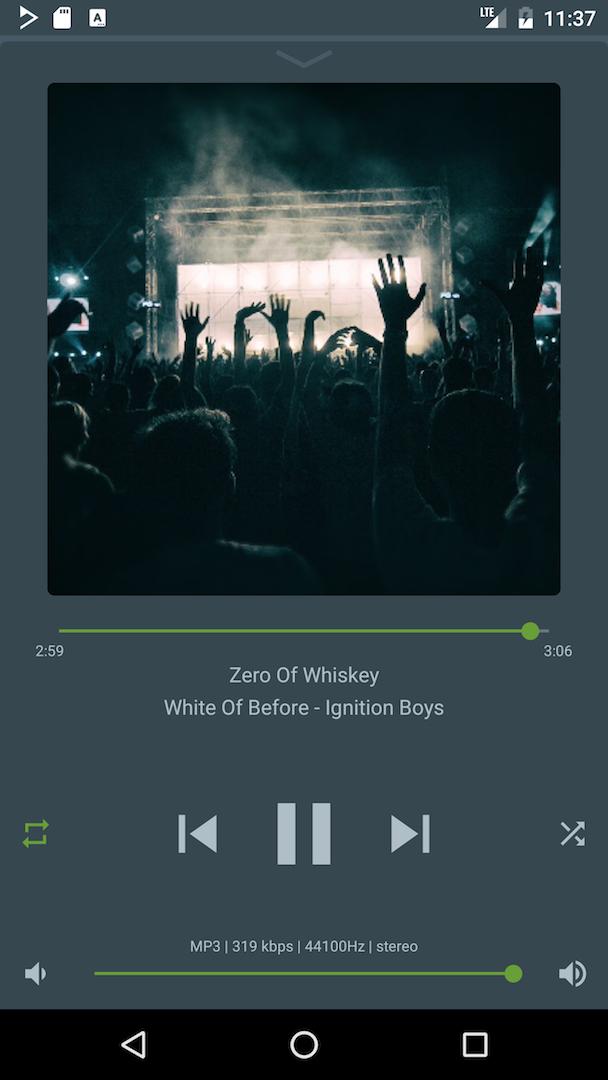
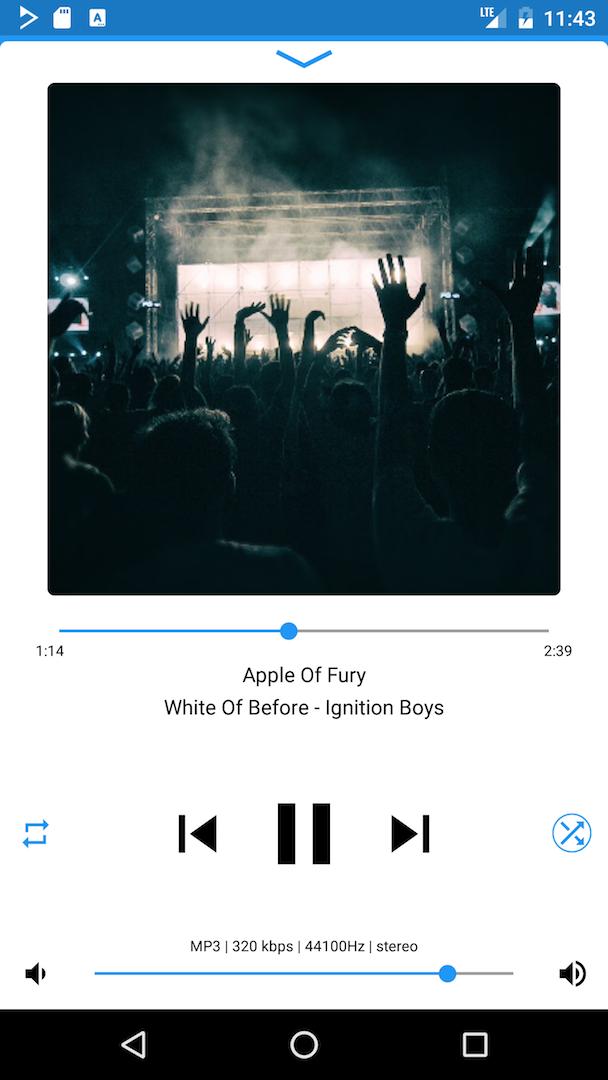
Please check the screenshot gallery and our website http://ddb2.me for more complete overview.
The features include, but are not limited to:
Playback of the most common formats, such as MP3, FLAC, WV, ISO.WV, WAV, AIFF, OGG, MPC, TTA, WMA,
as well as less common ones, like MOD, S3M and related.
Repeat/RepeatSingle, Linear/Shuffle/ShuffleAlbums modes.
Search, sorting, a lot of customizability options, light and dark color schemes.
In-app volume bar.
Compact mode for smaller screens.
Built-in last.fm scrobbler.
Wireless and wired headset buttons support, as well as sending current track information to compliant bluetooth devices.
10-band equalizer with built-in and custom presets.
ReplayGain, Gapless playback, Cuesheets and Audiobook chapters, M3U/PLS loading and saving, Streaming radio over Icy/Shoutcast as well as MMS, Automatic character encoding detection and conversion, Limiting network usage to Wi-Fi only.
Remember to install DDB2 Codec Pack from sidebar for additional file format support.
Preview
Tags
Music-&Information
Developer
Alexey Yakovenko
Latest Version
2.1.14
Last Updated
2017-12-09
Category
Music-audio
Available on
Google Play
Show More
How to play DDB2 Music Player with GameLoop on PC
1. Download GameLoop from the official website, then run the exe file to install GameLoop
2. Open GameLoop and search for “DDB2 Music Player” , find DDB2 Music Player in the search results and click “Install”
3. Enjoy playing DDB2 Music Player on GameLoop
Minimum requirements
OS
Windows 8.1 64-bit or Windows 10 64-bit
GPU
GTX 1050
CPU
i3-8300
Memory
8GB RAM
Storage
1GB available space
Recommended requirements
OS
Windows 8.1 64-bit or Windows 10 64-bit
GPU
GTX 1050
CPU
i3-9320
Memory
16GB RAM
Storage
1GB available space