
Sound Booster PC
Wolfie Apps
Download Sound Booster on PC With GameLoop Emulator
Sound Booster on PC
Sound Booster, coming from the developer Wolfie Apps, is running on Android systerm in the past.
Now, You can play Sound Booster on PC with GameLoop smoothly.
Download it in the GameLoop library or search results. No more eyeing the battery or frustrating calls at the wrong time any more.
Just enjoy Sound Booster PC on the large screen for free!
Sound Booster Introduction
Enhance your audio experience with Sound Booster - the professional volume amplifier and sound enhancer for Android devices. Perfect for music, multimedia, gaming, and all your audio needs.
🎵 **KEY FEATURES:**
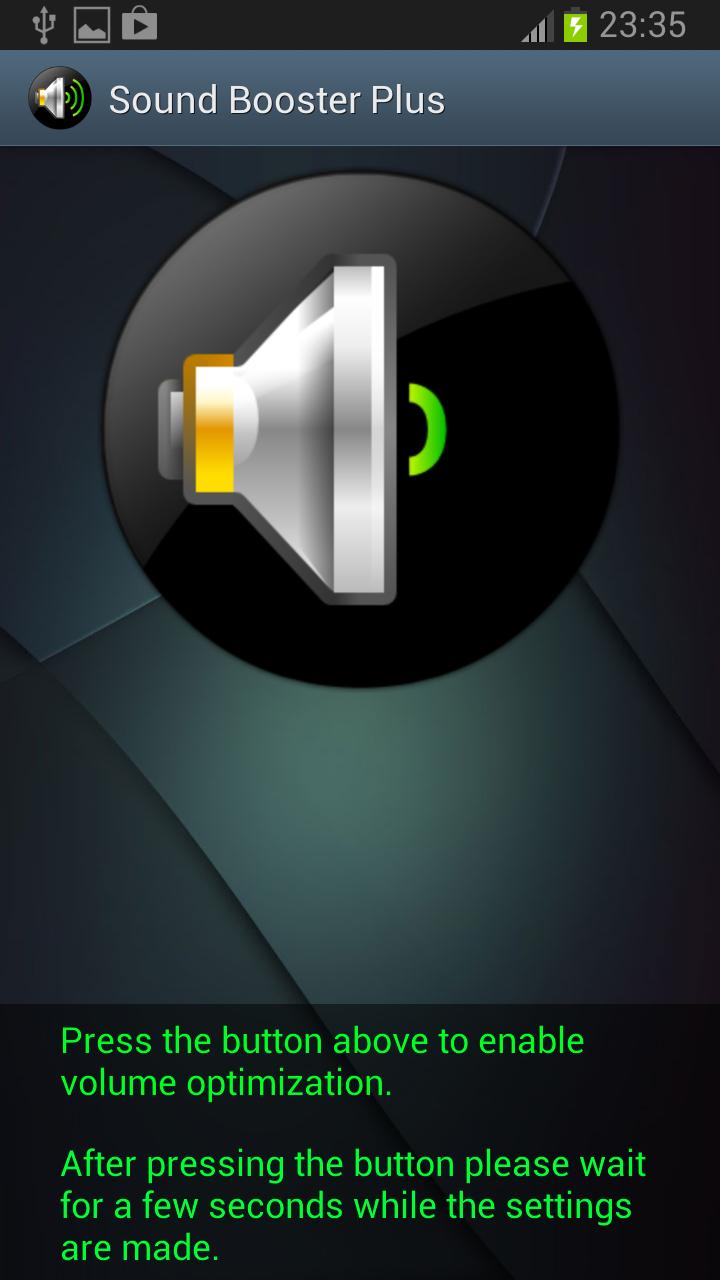
• One-tap volume boost with homescreen widget
• Advanced audio effects (Equalizer & Bass Boost)
• Professional sound enhancement for music, videos, and games
• Multimedia audio amplifier for all content types
• Clean, intuitive interface
• Graceful fallback for unsupported devices
🔊 **HOW IT WORKS:**
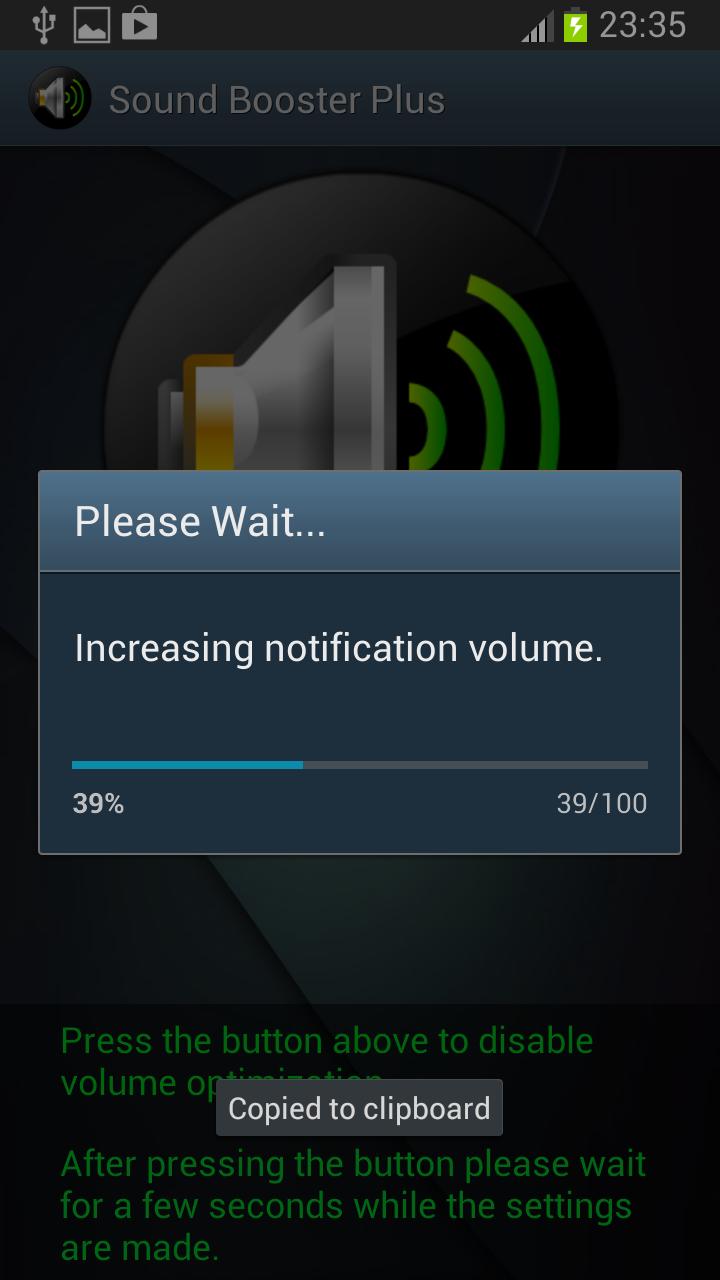
Sound Booster uses Android's built-in audio effects to enhance your device's sound output. This volume amplifier boosts audio for music, multimedia content, and gaming. Simply tap the boost button to activate enhanced audio, or use the convenient homescreen widget for instant access.
📱 **PERFECT FOR:**
• Music lovers who want richer, deeper sound
• Video enthusiasts seeking enhanced multimedia audio
• Gamers who need better audio clarity and volume boost
• Anyone who wants to maximize their device's audio potential
• Users who need a reliable sound booster for all audio content
⚡ **QUICK START:**
1. Open Sound Booster
2. Tap the boost button to enhance audio
3. Use the homescreen widget for instant control
4. Tap again to restore normal audio levels
🛡️ **SAFETY & COMPATIBILITY:**
• Works with all Android devices
• Automatically detects audio capabilities
• Graceful fallback for devices without audio effects
• No root access required
• Safe and secure volume amplifier
⚠️ **IMPORTANT NOTICE:**
Please use this app responsibly. Listening to audio at high volumes for extended periods may cause hearing damage. We recommend using appropriate volume levels and taking regular breaks.
📧 **SUPPORT:**
For questions, feedback, or support, please contact us through the app or email. We value your input and are committed to providing the best audio enhancement experience.
**Privacy Policy:** This sound booster app does not collect, store, or transmit any personal information. All audio processing is done locally on your device.
**Copyright:** © 2024 Wolfie Apps. All rights reserved.
Thank you for choosing Sound Booster - your trusted volume amplifier for music, multimedia, and gaming!
Preview
Tags
Music-&Information
Developer
Wolfie Apps
Latest Version
2.1.0
Last Updated
2025-10-05
Category
Music-audio
Available on
Google Play
Show More
How to play Sound Booster with GameLoop on PC
1. Download GameLoop from the official website, then run the exe file to install GameLoop
2. Open GameLoop and search for “Sound Booster” , find Sound Booster in the search results and click “Install”
3. Enjoy playing Sound Booster on GameLoop
Minimum requirements
OS
Windows 8.1 64-bit or Windows 10 64-bit
GPU
GTX 1050
CPU
i3-8300
Memory
8GB RAM
Storage
1GB available space
Recommended requirements
OS
Windows 8.1 64-bit or Windows 10 64-bit
GPU
GTX 1050
CPU
i3-9320
Memory
16GB RAM
Storage
1GB available space