Voice Recorder, Audio Recorder PC
TrustedApp
Download Voice Recorder, Audio Recorder on PC With GameLoop Emulator
Voice Recorder, Audio Recorder on PC
Voice Recorder, Audio Recorder, coming from the developer TrustedApp, is running on Android systerm in the past.
Now, You can play Voice Recorder, Audio Recorder on PC with GameLoop smoothly.
Download it in the GameLoop library or search results. No more eyeing the battery or frustrating calls at the wrong time any more.
Just enjoy Voice Recorder, Audio Recorder PC on the large screen for free!
Voice Recorder, Audio Recorder Introduction
Do you wanna:
★ Record voice, record MP3 simply?
★ Record lecture, record audio and save on your phone?
★ Quickly keep your voice recording from meetings or interviews?
★ Share audio recorder file easily through other apps.
So, our audio recording app is your perfect choice. This phone recorder app is so simple and easy to record conversation. It is a fast way of sound recorder files on your device.
With this MP3 recorder app, you can record speaker very quickly anywhere or anytime without time limits:
✅ Speech recorder & lectures recorder
✅ Record interview
✅ Record meetings as audio notes
✅ Quality song recording, MP3 recorder and editor
.. and so much more. Your voice recorder audio editor app for everything!
All key features of app voice record:
🎤 High quality voice recorder:
+ Audio recorder, podcast recorder with high quality, voice recorder hd
+ Supported many formats: MP3, AAC (M4A), Wave, AMR
+ Music recorder, smart recorder
+ Conversation recorder, meeting recorder
+ Voice recorder offline
+ Support multiple sound bit rate: 48 kb/s, 64 kb/s, 96 kb/s, 128 kb/s
+ Support multiple sound sources: Mobile phone recording, Microphone recording...
+ Control save / pause / resume / cancel recording
🎤 Audio record in background:
+ Record voice when screen is off
+ Tape recorder. This feature can be turned on or off in the settings
🎤 Audio cutter and MP3 editor:
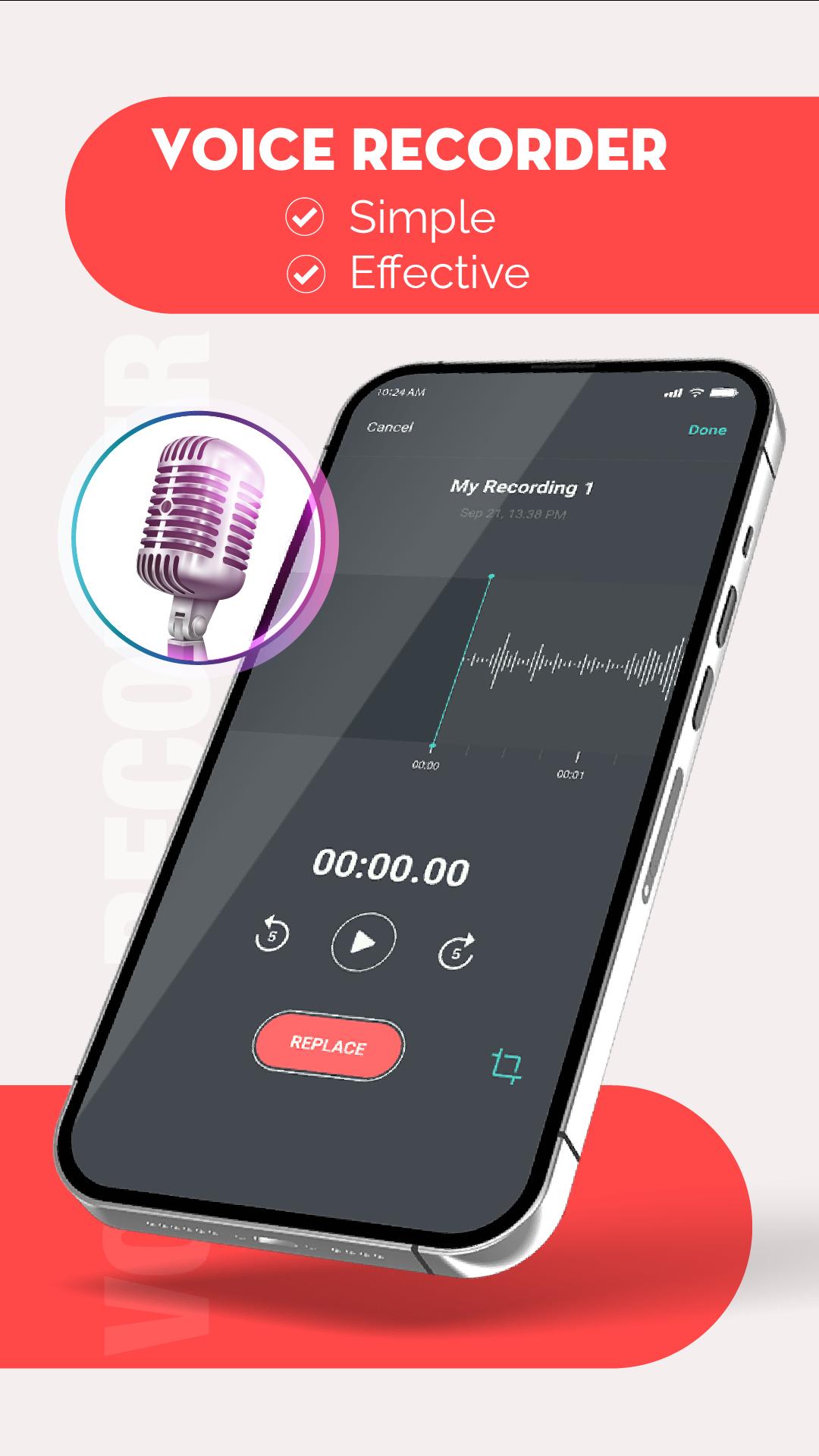
+ Edit your record file, high quality audio editor
+ MP3 cutter: easy to cut recording file, MP3 recording cutter
+ Rename file
🎤 Simple & smart recorder:
+ Simple and good-looking interface, easy to use
+ Audio manager: clear audio recording list page, which can be sorted
+ Delete your recordings right from the app
+ Send / share file recordings via Email, and social apps
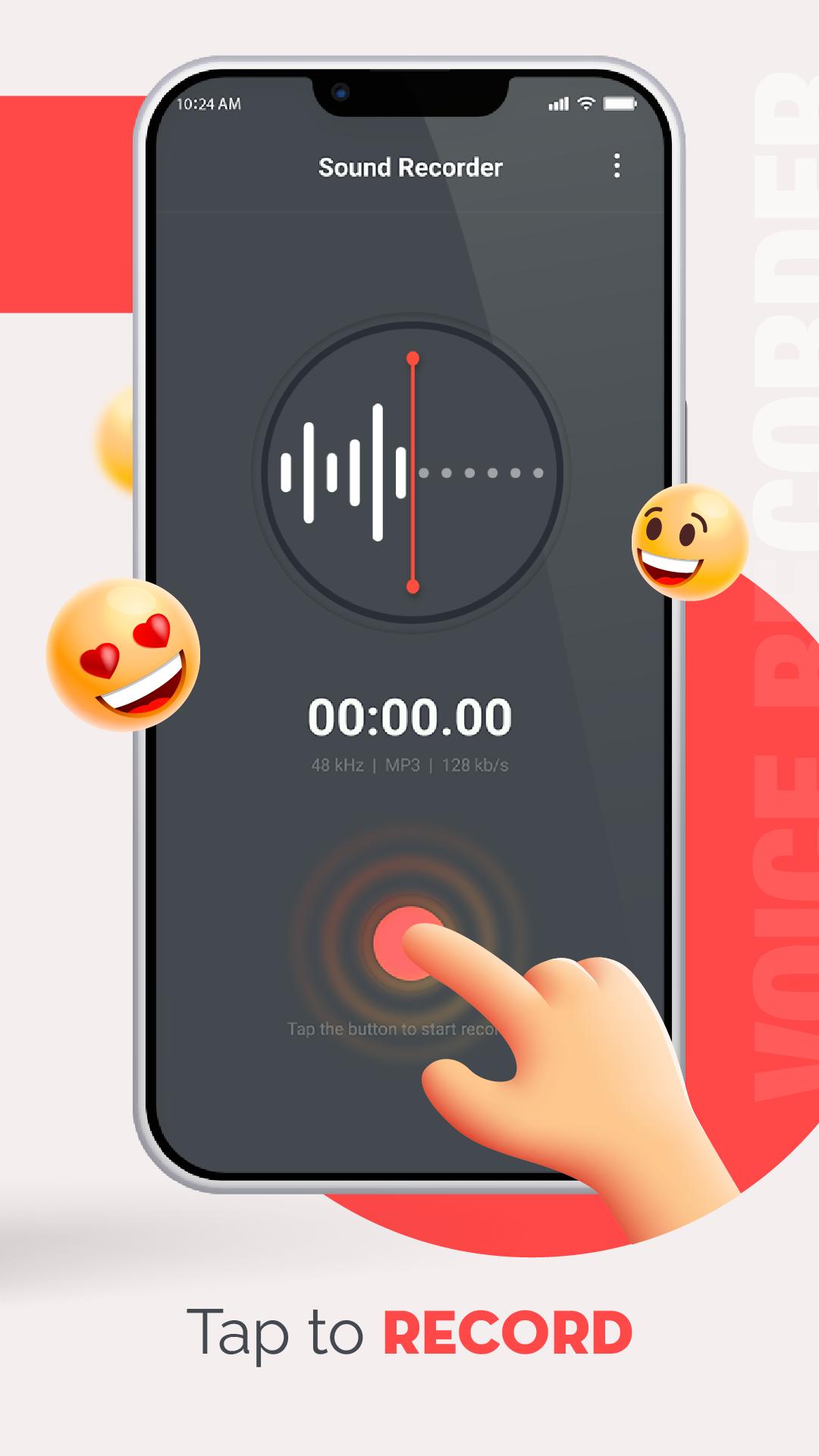
Voice recorder and cutter - simple and reliable. Start the professional sounds recording app and you are good to go! Press the striking Red button, you'll immediately start recording. Hope the voice editor for recording app is helpful for you. If you have any question about smart voice recorder app, leave a comment below or contact us.
Thanks for choosing the sound recorder and editor app! 💕
Preview
Tags
Music-&Information
Developer
TrustedApp
Latest Version
1.5.15
Last Updated
2024-04-05
Category
Music-audio
Available on
Google Play
Show More
How to play Voice Recorder, Audio Recorder with GameLoop on PC
1. Download GameLoop from the official website, then run the exe file to install GameLoop
2. Open GameLoop and search for “Voice Recorder, Audio Recorder” , find Voice Recorder, Audio Recorder in the search results and click “Install”
3. Enjoy playing Voice Recorder, Audio Recorder on GameLoop
Minimum requirements
OS
Windows 8.1 64-bit or Windows 10 64-bit
GPU
GTX 1050
CPU
i3-8300
Memory
8GB RAM
Storage
1GB available space
Recommended requirements
OS
Windows 8.1 64-bit or Windows 10 64-bit
GPU
GTX 1050
CPU
i3-9320
Memory
16GB RAM
Storage
1GB available space