
Panorama Music, Radio Stations PC
Vision.llc
Download Panorama Music, Radio Stations on PC With GameLoop Emulator
Panorama Music, Radio Stations on PC
Panorama Music, Radio Stations, coming from the developer Vision.llc, is running on Android systerm in the past.
Now, You can play Panorama Music, Radio Stations on PC with GameLoop smoothly.
Download it in the GameLoop library or search results. No more eyeing the battery or frustrating calls at the wrong time any more.
Just enjoy Panorama Music, Radio Stations PC on the large screen for free!
Panorama Music, Radio Stations Introduction
Pandra radio app free is available for everyone. Pandra radio app download is fast, secure. Pandra radio stations has high quality. Using this app you will be really satisfied.
The main features of this app are following:
Find all genres of music you wish.
Listen to your favourite songs.
Use anytime you wish, wherever you are.
Use both Pandra music online and Pandra music offline.
Make also favourite.
Change the theme.
Create list of your favourite music, etc.
This app include all american top radios and has some features Here you can find the list of categories of all american states radio stations. Each category is different from each other. They are unique and interesting. This app will be your best choice. Just download radio on your android and enjoy. This app allows you to search anything you want within a minute. One of the advantage of this app is sleep mode which means you put a minute and the radio turns off the selected time. Free Pandora app : radio stations are great. Due to it’s simple usage it can use people of all age.
Our Logo is coming from the first letter not from Pandora Radio or Pandora Music.
If you have any suggestions of this app, just let us know.
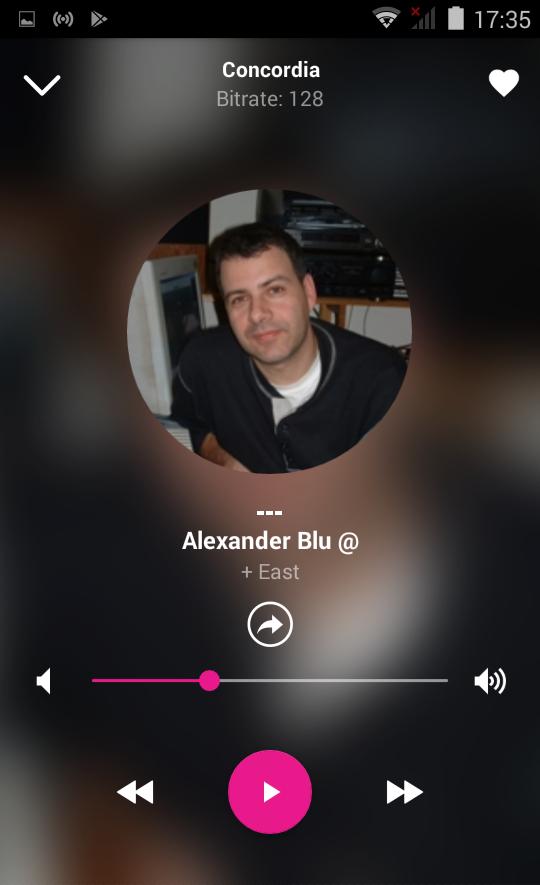
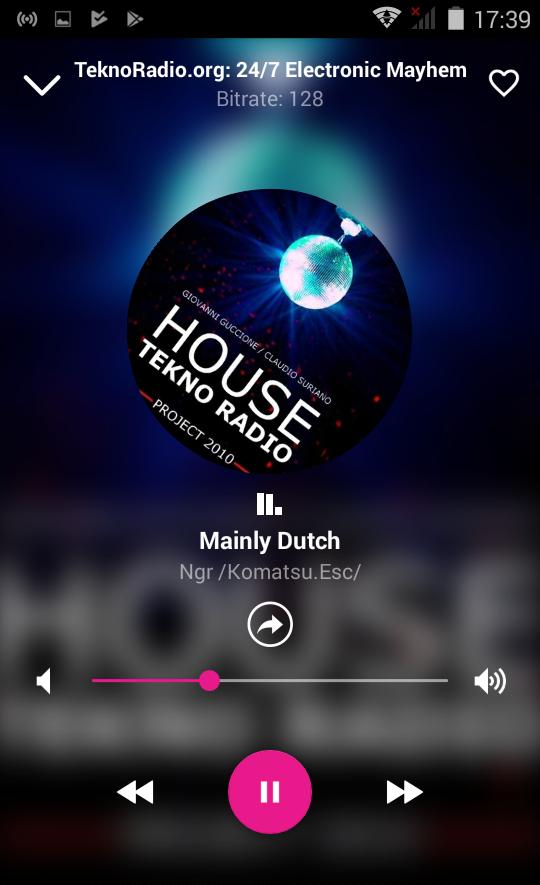
Preview
Tags
Music-&Information
Developer
Vision.llc
Latest Version
1.1.1
Last Updated
2022-06-10
Category
Music-audio
Available on
Google Play
Show More
How to play Panorama Music, Radio Stations with GameLoop on PC
1. Download GameLoop from the official website, then run the exe file to install GameLoop
2. Open GameLoop and search for “Panorama Music, Radio Stations” , find Panorama Music, Radio Stations in the search results and click “Install”
3. Enjoy playing Panorama Music, Radio Stations on GameLoop
Minimum requirements
OS
Windows 8.1 64-bit or Windows 10 64-bit
GPU
GTX 1050
CPU
i3-8300
Memory
8GB RAM
Storage
1GB available space
Recommended requirements
OS
Windows 8.1 64-bit or Windows 10 64-bit
GPU
GTX 1050
CPU
i3-9320
Memory
16GB RAM
Storage
1GB available space