Voice Changer App - Auto Tuner PC
Ponica.Media
Download Voice Changer App - Auto Tuner on PC With GameLoop Emulator
Voice Changer App - Auto Tuner on PC
Voice Changer App - Auto Tuner, coming from the developer Ponica.Media, is running on Android systerm in the past.
Now, You can play Voice Changer App - Auto Tuner on PC with GameLoop smoothly.
Download it in the GameLoop library or search results. No more eyeing the battery or frustrating calls at the wrong time any more.
Just enjoy Voice Changer App - Auto Tuner PC on the large screen for free!
Voice Changer App - Auto Tuner Introduction
🎙️ Record and transform vocals with clarity — ideal for audio recording and content creation.
Create clean voice recordings, enhance your sound in seconds, and tune your voice — perfect for voiceovers, narration, and creative audio projects.
Whether you are working on a song, a podcast episode, or a fun audio clip, this voice changer & voice editor gives you powerful tools to sound professional or delightfully creative! 😄
✨ Transform Your Voice in Seconds
Customize your voice with easy controls and instant effects:
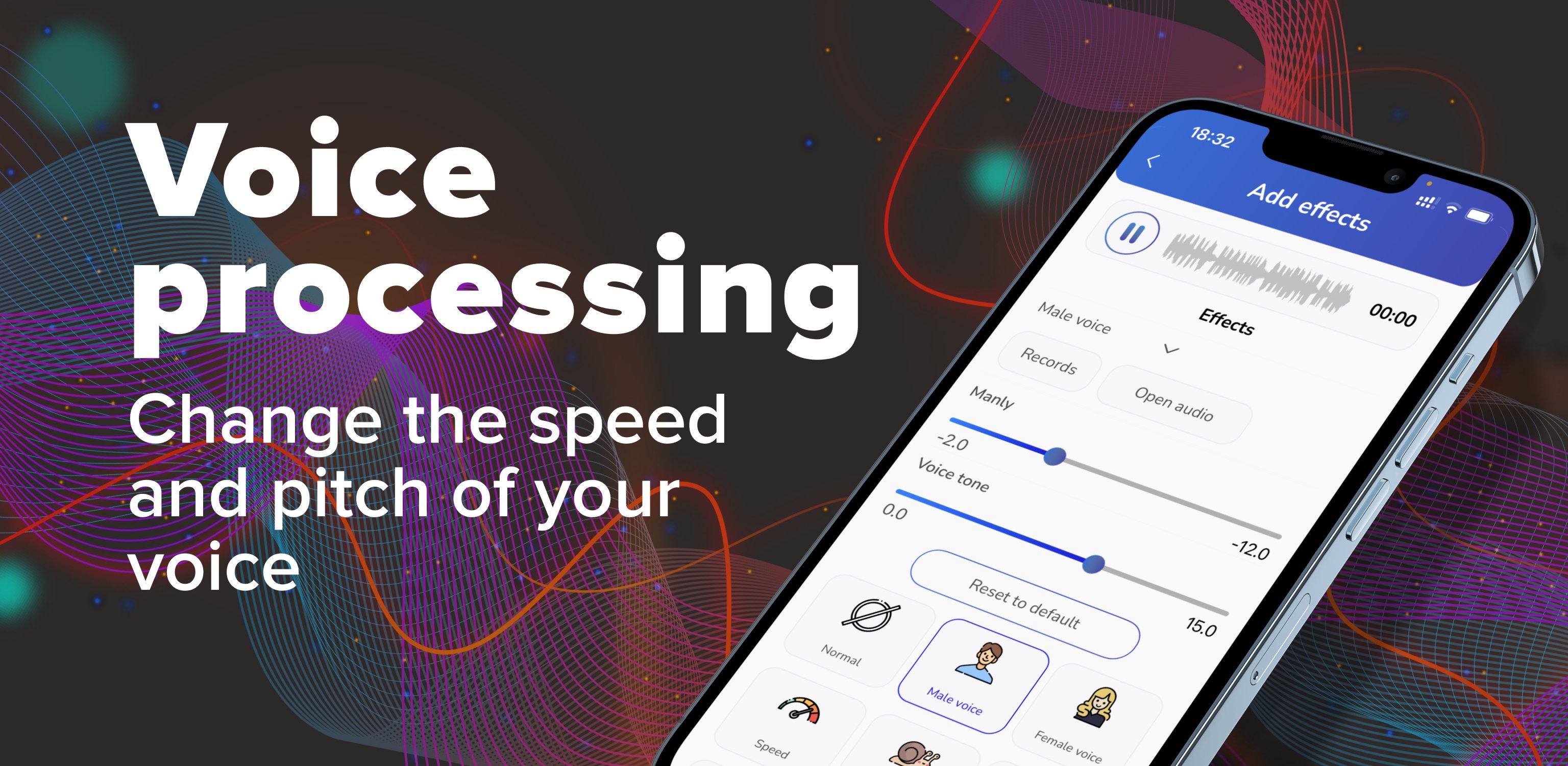
🎚️ Adjust pitch, tone & speed
🔊 Boost volume & clarity
🎶 Vocal tuning & autotune effects
🌊 Reverb & echo for a bigger, richer sound
🎧 Bass boost for a deeper voice
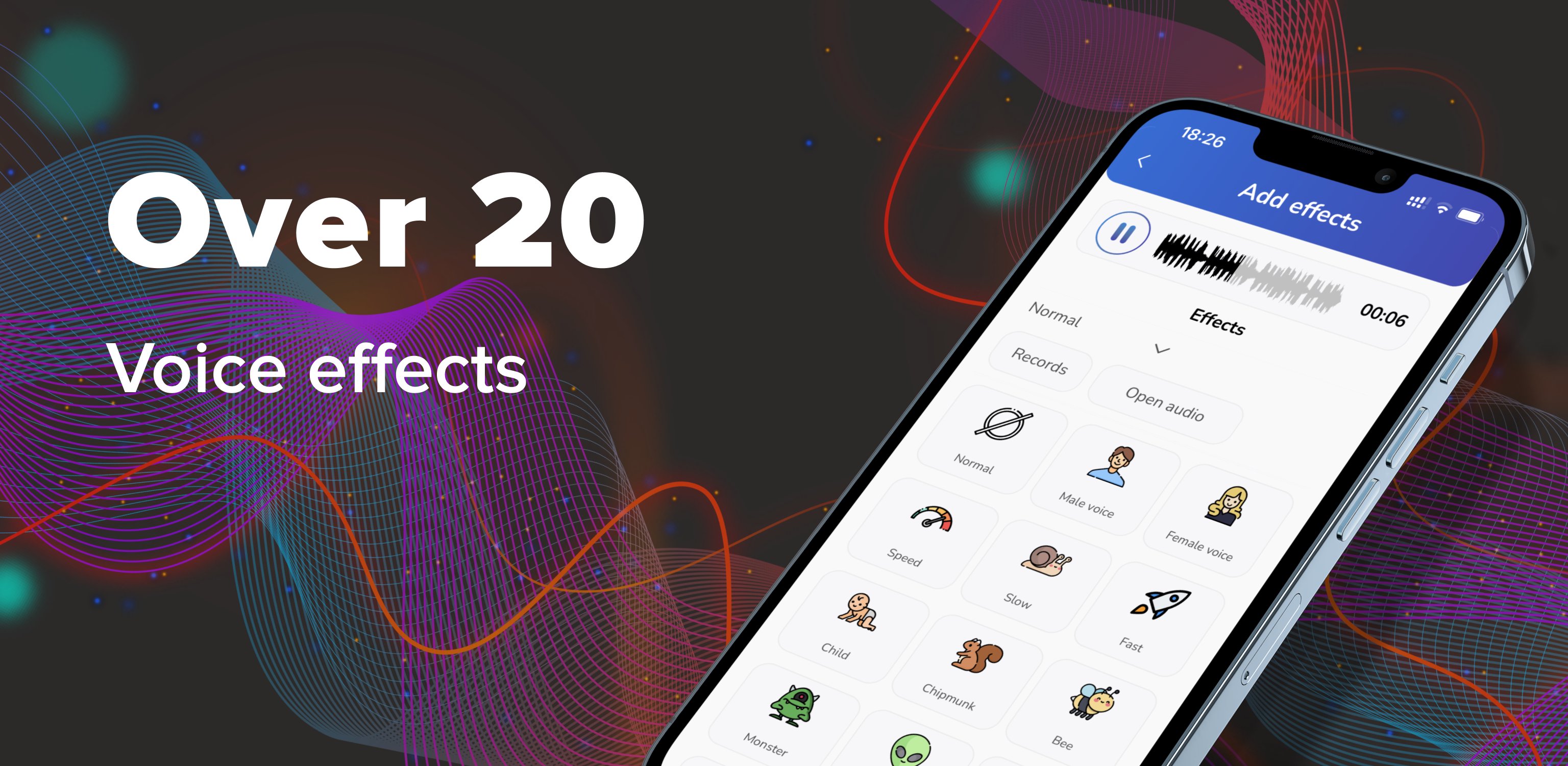
🎭 Fun Voice Effects You'll Love
Make your voice sound like:
👶 Child voice
🐿️ Chipmunk
🎈 Helium
🧓 Old voice
🐾 Animal-style voices
🌧️ Rain, wind & background sound effects
🎤 Perfect For:
🎵 Singing & vocal practice
🎙️ Podcasts & voiceovers
📹 Social media video clips
😂 Funny messages & voice notes
🎭 Skits, roleplay & creative audio
📲 Custom ringtones, alarms & notification sounds
📲 Record or Import Audio
Use the app your way:
🎙️ Record directly inside the app
🎧 Import any audio file and edit it
💾 Save in high quality and share anywhere
🚀 Download now and start creating clean, powerful, and fun voice edits today! 🎤✨
Preview
Tags
Music-&Information
Developer
Ponica.Media
Latest Version
1.48.7
Last Updated
2026-09-04
Category
Music-audio
Available on
Google Play
Show More
How to play Voice Changer App - Auto Tuner with GameLoop on PC
1. Download GameLoop from the official website, then run the exe file to install GameLoop
2. Open GameLoop and search for “Voice Changer App - Auto Tuner” , find Voice Changer App - Auto Tuner in the search results and click “Install”
3. Enjoy playing Voice Changer App - Auto Tuner on GameLoop
Minimum requirements
OS
Windows 8.1 64-bit or Windows 10 64-bit
GPU
GTX 1050
CPU
i3-8300
Memory
8GB RAM
Storage
1GB available space
Recommended requirements
OS
Windows 8.1 64-bit or Windows 10 64-bit
GPU
GTX 1050
CPU
i3-9320
Memory
16GB RAM
Storage
1GB available space