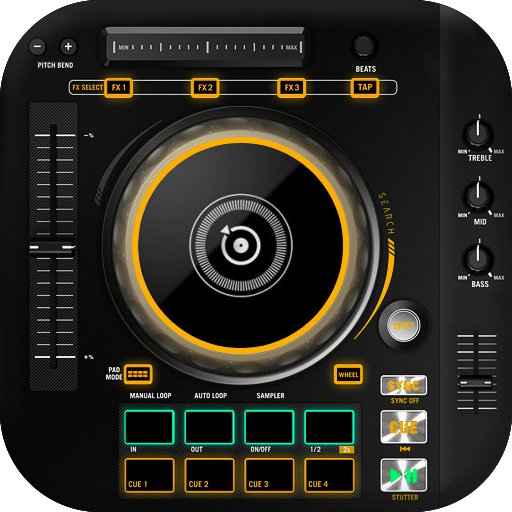
DJ Music Mixer : DJ Song Mixer PC
Photo Tools Maker
Download DJ Music Mixer : DJ Song Mixer on PC With GameLoop Emulator
DJ Music Mixer : DJ Song Mixer on PC
DJ Music Mixer : DJ Song Mixer, coming from the developer Photo Tools Maker, is running on Android systerm in the past.
Now, You can play DJ Music Mixer : DJ Song Mixer on PC with GameLoop smoothly.
Download it in the GameLoop library or search results. No more eyeing the battery or frustrating calls at the wrong time any more.
Just enjoy DJ Music Mixer : DJ Song Mixer PC on the large screen for free!
DJ Music Mixer : DJ Song Mixer Introduction
DJ Music Mixer : DJ Song Mixer
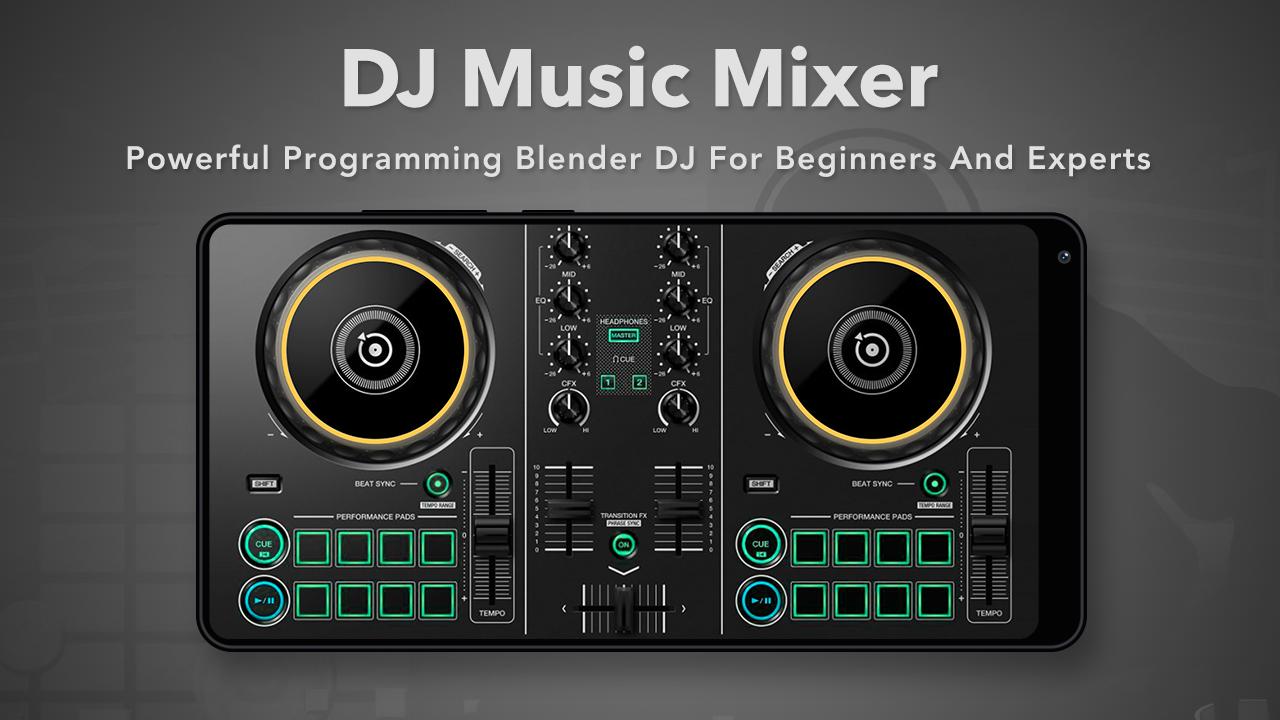
DJ Music Mixer is a virtual mixing software DJ and easy to use. Dj Remix is the party making dj free app for late night party lovers!
Music Mixer with DJ Music Player any song can be remake Music mixing software, on the other hand, allows for open-ended non-linear composition.
Special Features DJ Music:
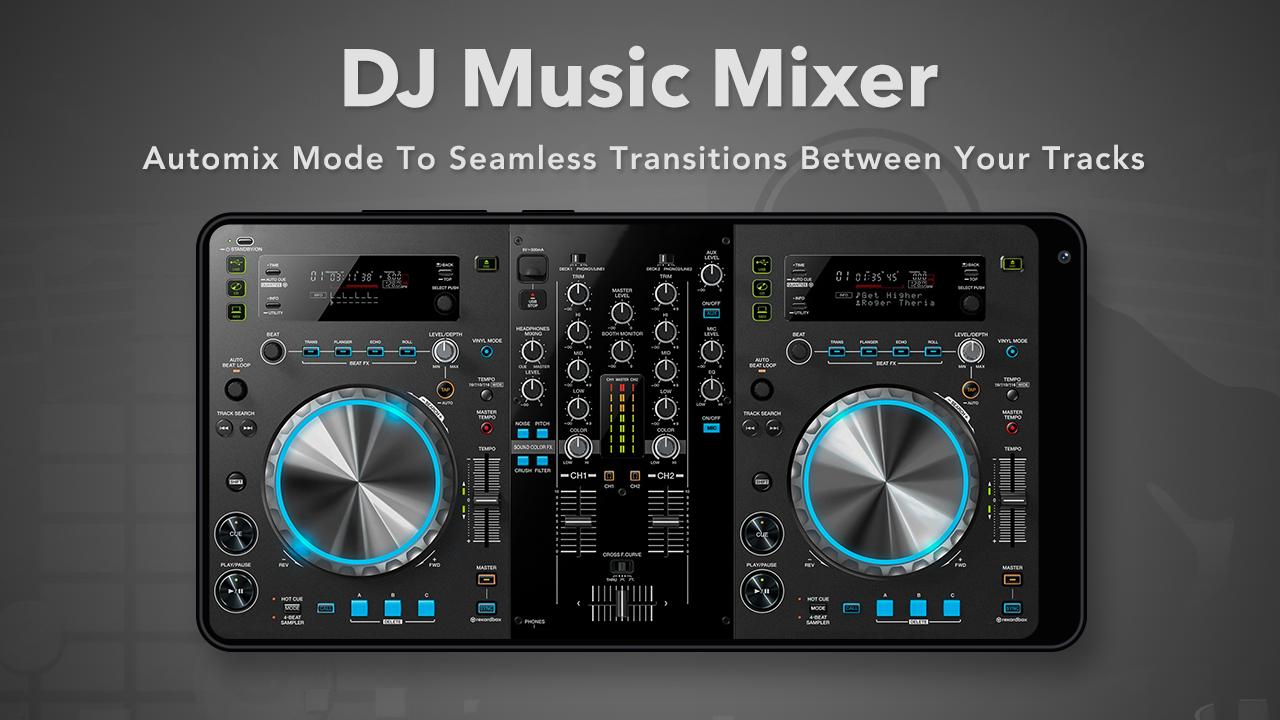
- With the equalizer function you can equate the best music mix with advanced quality.
- Two dj scratching sounds.
- Displays the waveform of each mixture.
- Changes in tempo / pitch / BPM dj sound.
- Create / open / edit a playlist.
- Optimized For all mobile devices and tablets.
- Good quality fully adjustable tracks.
- UI is simple, easy to use.
- Best dj apps for mixing music.
Thanks for using this app, leave us your feedback and we will consider them for future updates.
THANK YOU SO MUCH.
Preview
Tags
Music-&Information
Developer
Photo Tools Maker
Latest Version
1.6
Last Updated
2025-09-12
Category
Music-audio
Available on
Google Play
Show More
How to play DJ Music Mixer : DJ Song Mixer with GameLoop on PC
1. Download GameLoop from the official website, then run the exe file to install GameLoop
2. Open GameLoop and search for “DJ Music Mixer : DJ Song Mixer” , find DJ Music Mixer : DJ Song Mixer in the search results and click “Install”
3. Enjoy playing DJ Music Mixer : DJ Song Mixer on GameLoop
Minimum requirements
OS
Windows 8.1 64-bit or Windows 10 64-bit
GPU
GTX 1050
CPU
i3-8300
Memory
8GB RAM
Storage
1GB available space
Recommended requirements
OS
Windows 8.1 64-bit or Windows 10 64-bit
GPU
GTX 1050
CPU
i3-9320
Memory
16GB RAM
Storage
1GB available space